How do I include members while commenting on a thread?
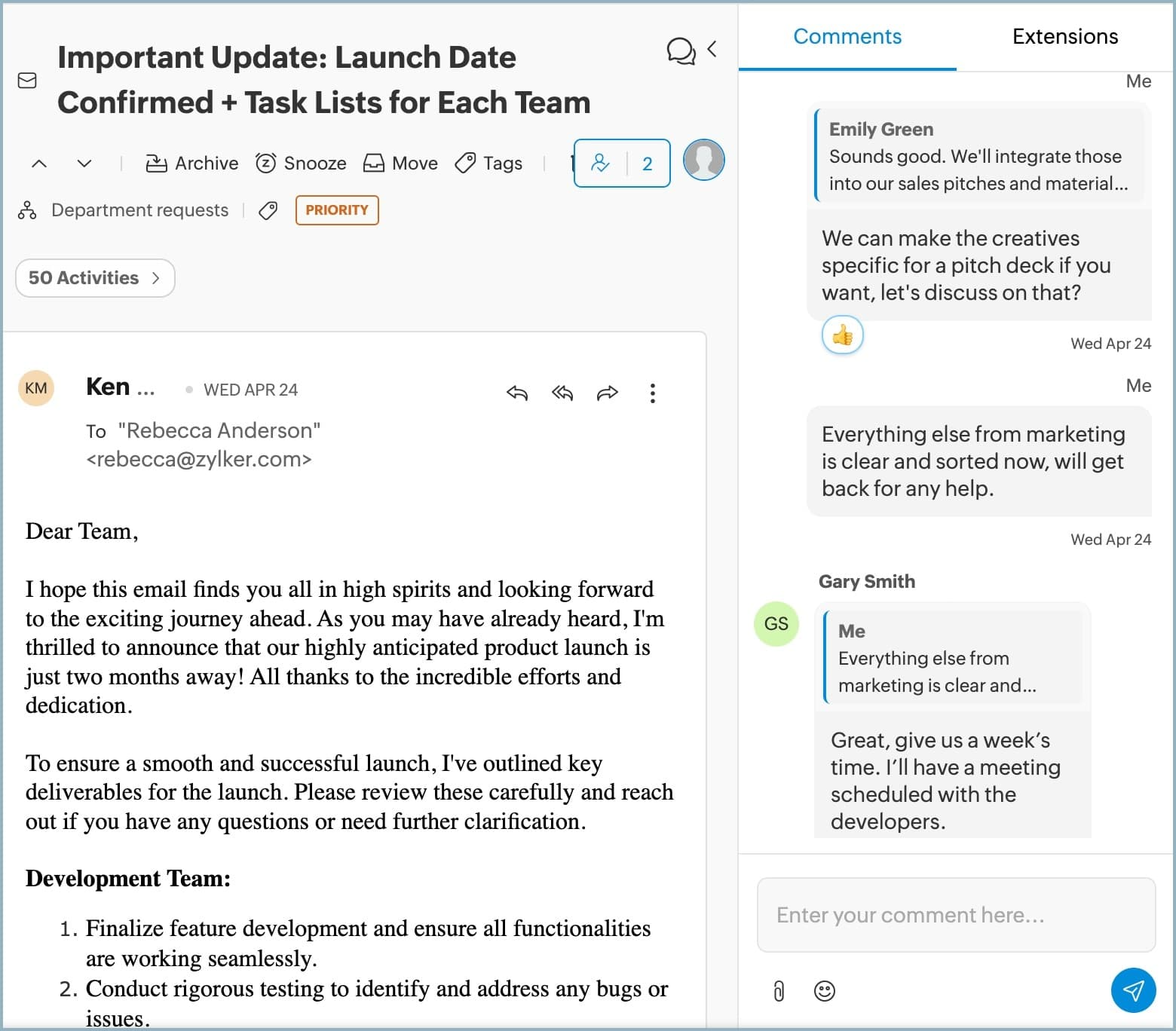
Comments are used for internal discussions on the messages without forwarding them to your teammates.
To include members while commenting on a thread
1. Login to Zoho TeamInbox.
2. From the left pane, select the team and the inbox.,
3. Navigate to the thread and click the Comment icon from the top-right corner.
4. @mention any member of your workspace, even if they are not a member of the inbox
or its team to include them in the ongoing conversation.
To include members while commenting on a thread
1. Login to Zoho TeamInbox.
2. From the left pane, select the team and the inbox.,
3. Navigate to the thread and click the Comment icon from the top-right corner.
4. @mention any member of your workspace, even if they are not a member of the inbox
or its team to include them in the ongoing conversation.