How do I remove members from a shared inbox in Zoho TeamInbox?
Only inbox admins can remove members from a shared inbox.
To remove a member
1. Login to Zoho TeamInbox.
2. From the left pane, select the team and click the More icon
3. Click Manage team.
4. Click Inboxes and select the inbox from the list.
5. Click Members
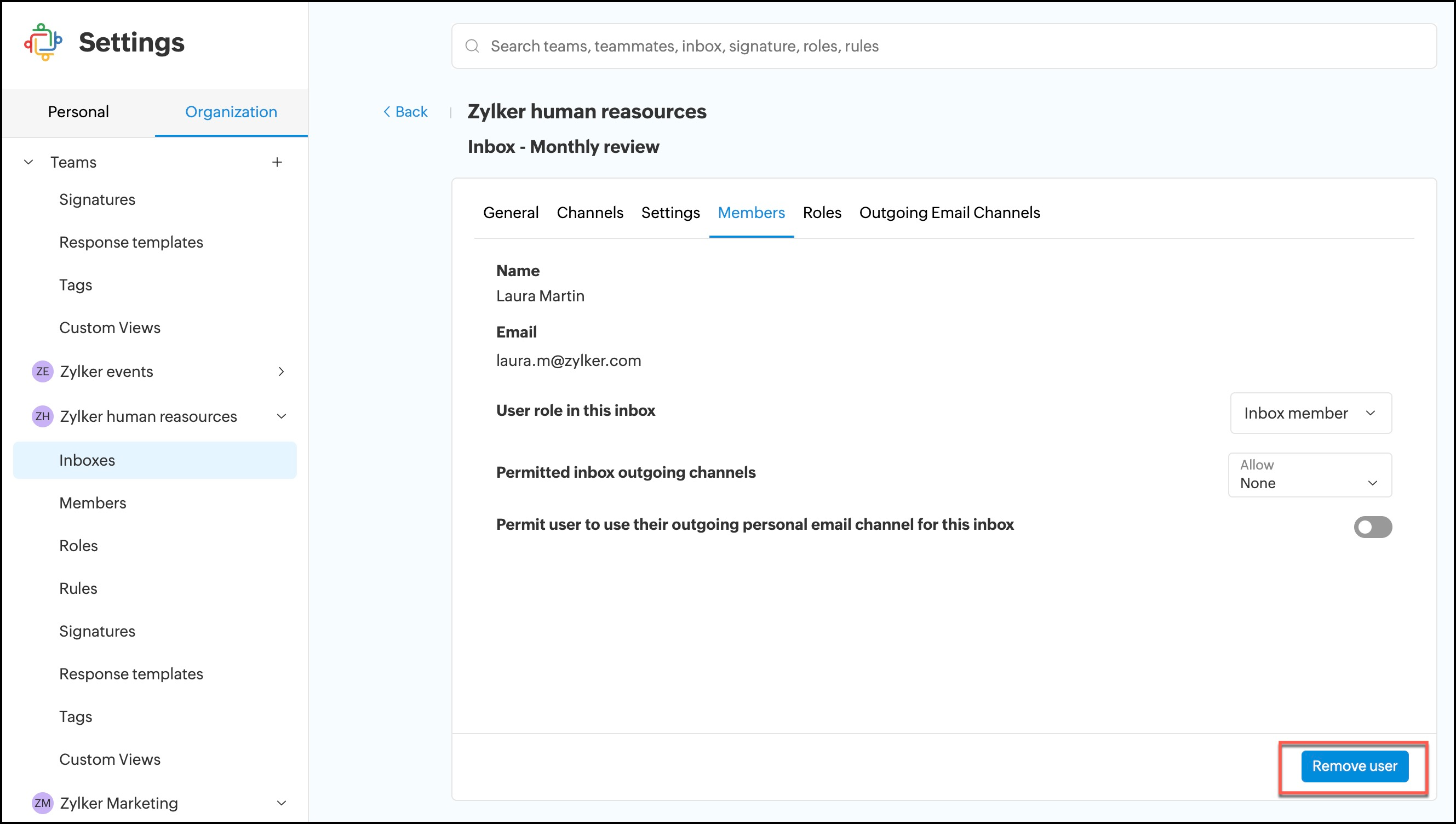
6. Click on a member's name and click Remove user.
To remove a member
1. Login to Zoho TeamInbox.
2. From the left pane, select the team and click the More icon
3. Click Manage team.
4. Click Inboxes and select the inbox from the list.
5. Click Members
6. Click on a member's name and click Remove user.