How do I create custom views in Zoho TeamInbox?
- Log in to Zoho TeamInbox and click the Search icon in the top pane.
- In the search bar, enter your filter criteria and click Search.
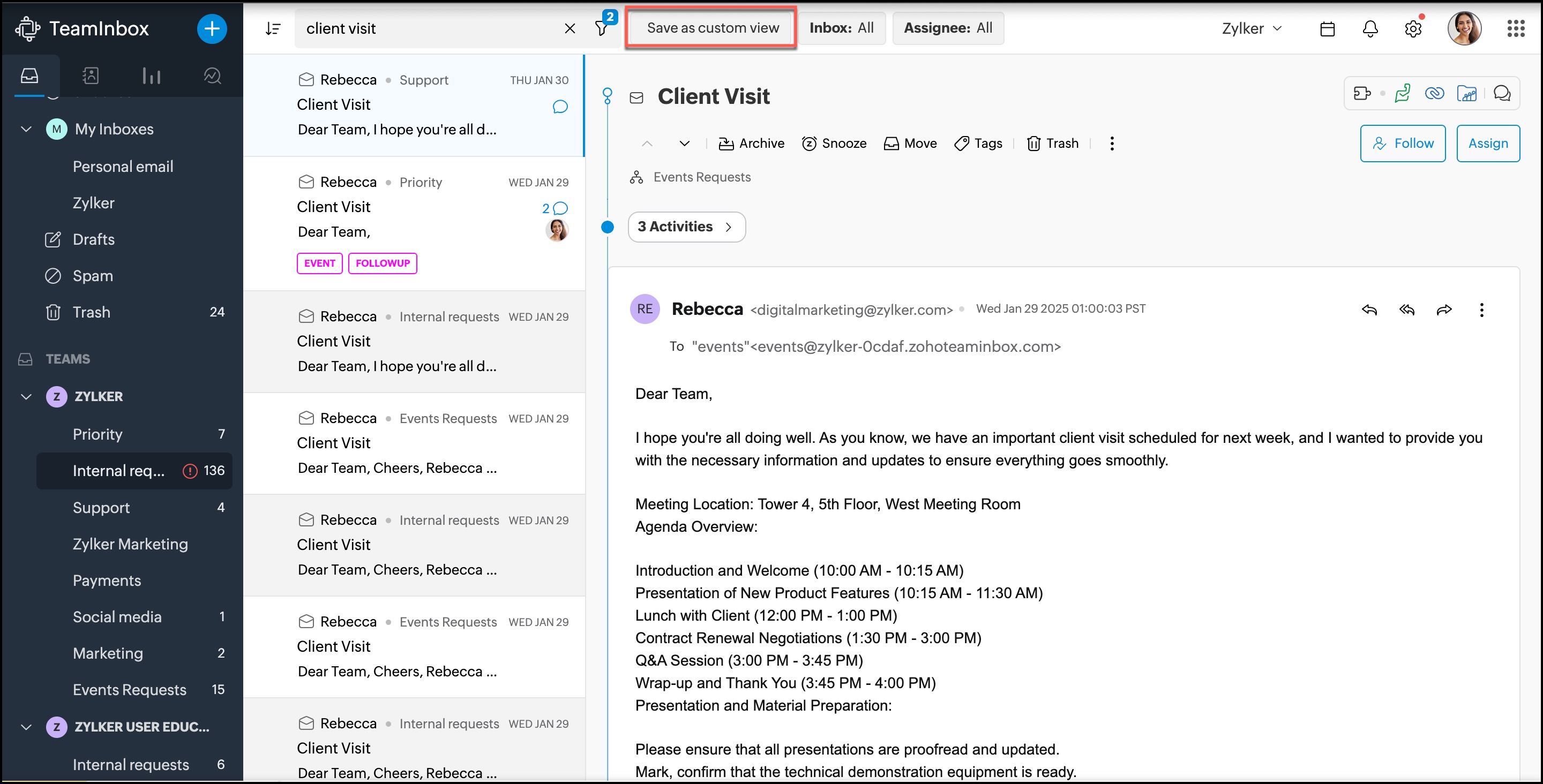
- Once the search results are displayed, click Save as custom view in the top pane to save this combination of conditions as your custom view.
- Enter a name for your custom view.
- Select if the custom view should be personal or shared, then click Save.
- Your custom views will now appear in the left pane under the title Custom Views.
 Zoho TeamInbox lets you create both shared and personal custom views.