Trash Bin
You can declutter your account by soft-deleting your passwords to the Trash bin. Passwords remain in the Trash bin until restored or permanently deleted by the password owners.
Move passwords to the Trash bin
To move one or more passwords to the Trash bin:
- Select the corresponding passwords, then click More.
- Select Move to trash.
Restore passwords from the Trash bin
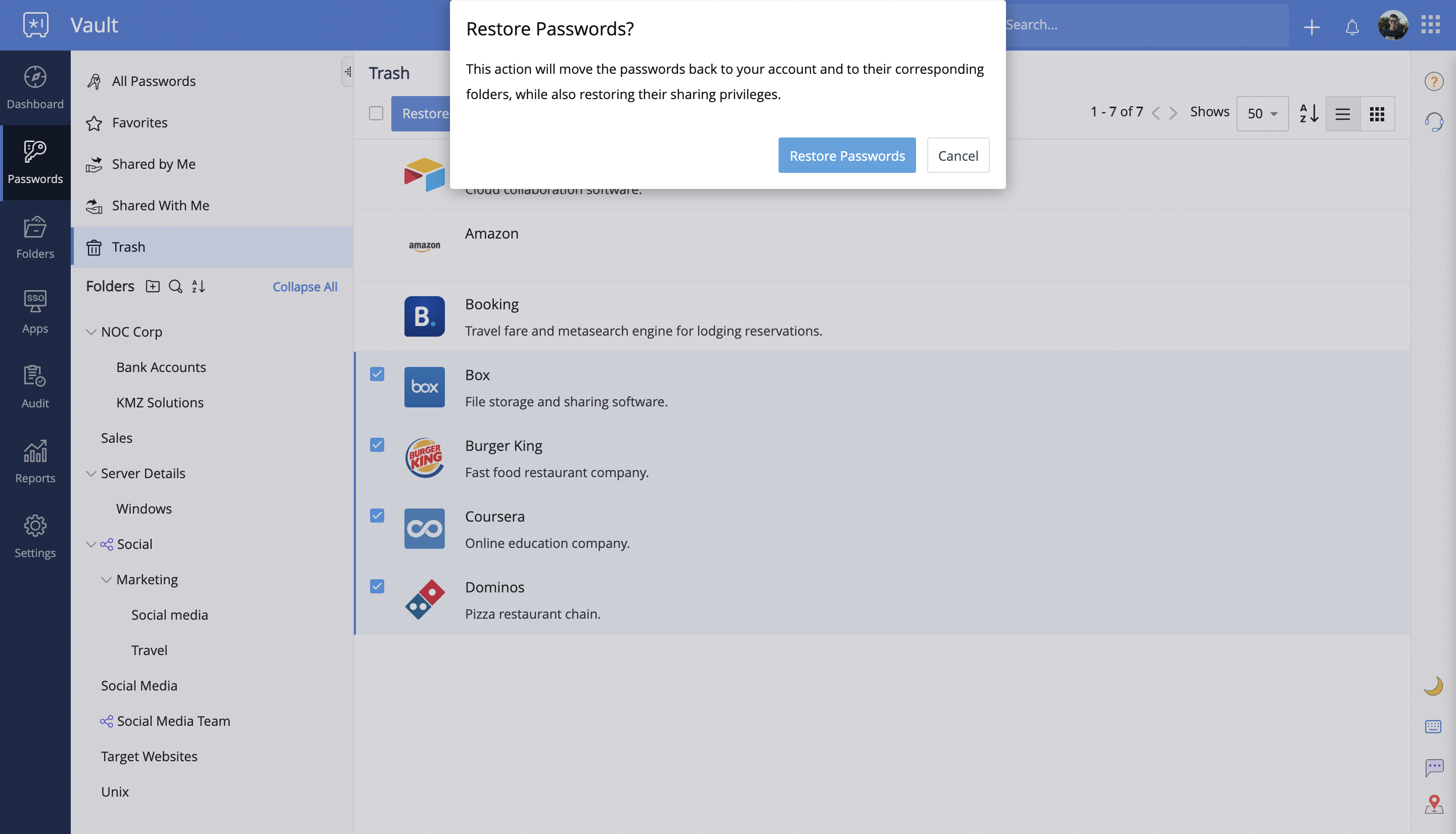
To restore passwords from the Trash bin to your account, select the corresponding passwords, then click Restore. Your passwords will be restored to their respective folders with their sharing privileges intact.
Delete passwords permanently
To delete passwords permanently from your account:
- Open the Trash bin, then select the corresponding passwords.
- Click Delete
 Note: When you delete passwords from the Trash bin, they will be permanently removed from your account, and cannot be recovered.