How to change a department lead?
The department leads in Zoho Cliq are the heads of a department. You can assign only one lead for every department.
To change a department lead, follow the below steps:
- In the Admin Panel, under Users & Profiles menu, click and open Department.
- Hover over the department for which you want to change the lead, click on Actions icon (3 dots) and select Edit.
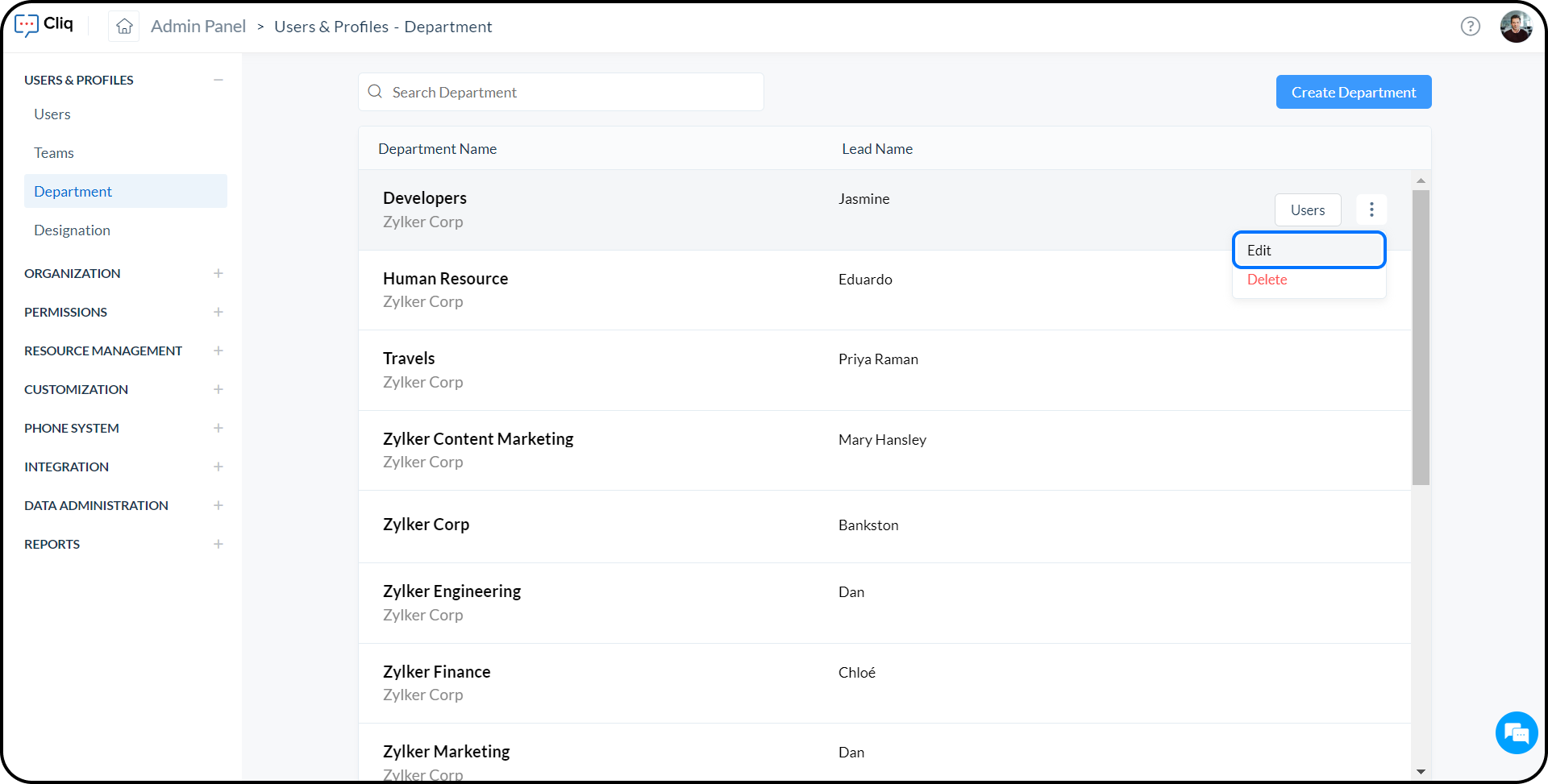
- In the Lead Name dropdown, select the user whom you want to appoint as the new lead and click Save.
- The new lead will be updated for the department.