How to view Active, Inactive, Paid and Invited users?
Users in an organization are segregated under four categories and they are:
- Active users - All the current users in an organization are defined as active users.
- Inactive users - All users who the admin has marked as Inactive and has blocked them from accessing Cliq.
- Paid users - The users who fall under the paid plan of Cliq.
- Free users - The users who fall under the free plan of Cliq.
- Invited users - The users to whom the admin has sent out invites to join the organization (who're yet to accept the invite).
To view all users under different categories, follow the below steps:
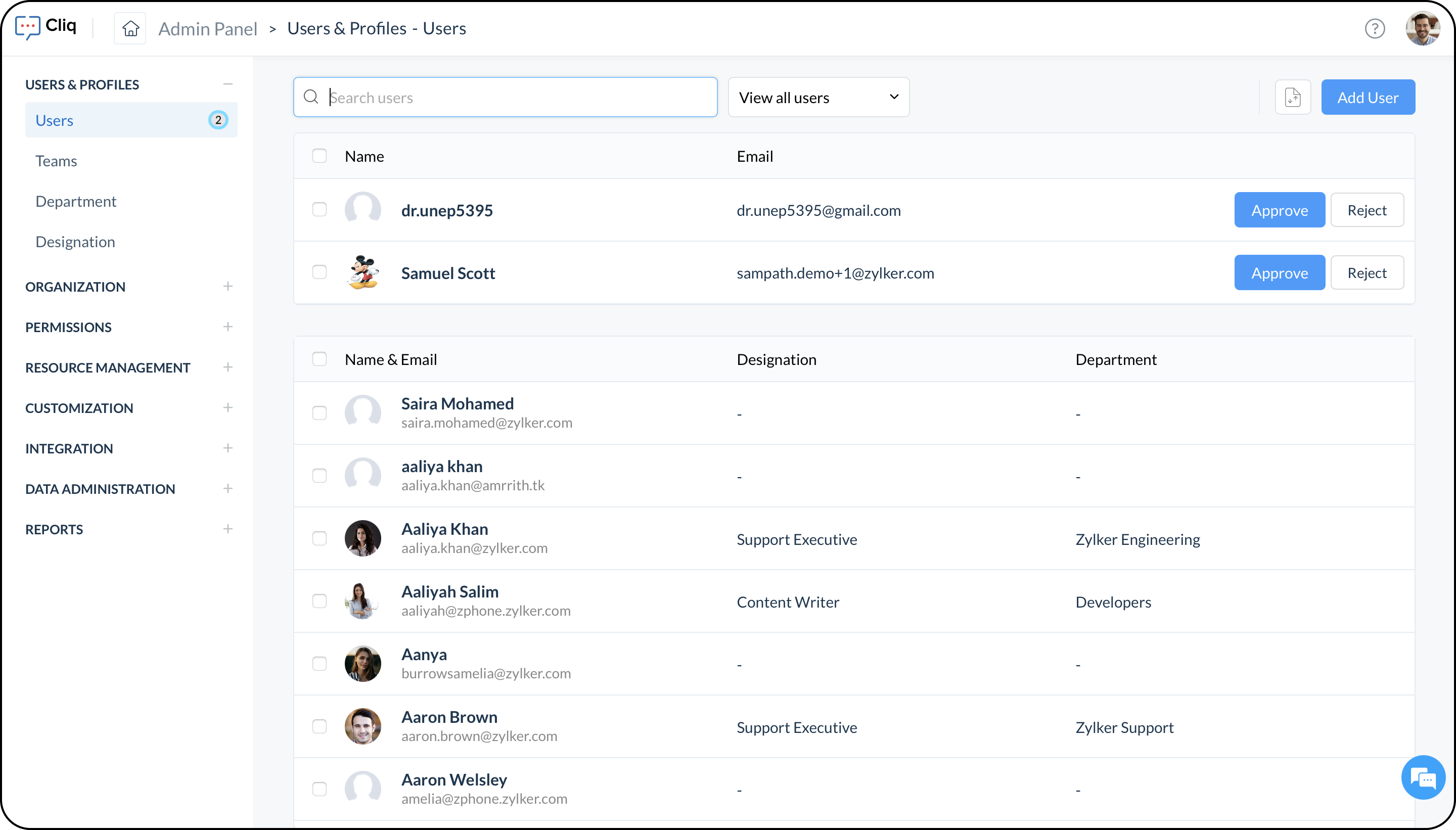
- In the Admin Panel, under Users & Profiles, select Users.
- In the users info page, next to the search bar, a dropdown will be visible with the default selection as Active Users.
- Choose any category from the dropdown to view the corresponding list of users.

Note:
Using the option 'View all users' will list all the users irrespective of their category under a single view.
If there is a count next to Users, it means you have received a user request to join your organization. You can select 'View all users' and choose to accept or reject the user request.