Where will I receive the notifications of the threads that I am following?
There are 2 navigation sidebar layouts available in Cliq : Consolidated View and Categorized View.
Here's how you can access the layout options:
Navigate to Profile and Settings
Select General
You will find layout options for threads under Select your LHS layout
Choose a view
Click on the Threads dropdown and choose a preferable option
Notifications in Consolidated View for Threads
In Consolidated View, you have options to receive your notifications under:
- Section under Chats
- Separate Menu
- Combined with Conversations
- Inline within Parent Chats
Notifications in Categorized View for Threads
In Categorized View, you have options to receive your notifications under:
- Section under Chats
- Separate Menu
Thread notification inside a channel
When you receive a thread notification in a channel, here's how you will be notified: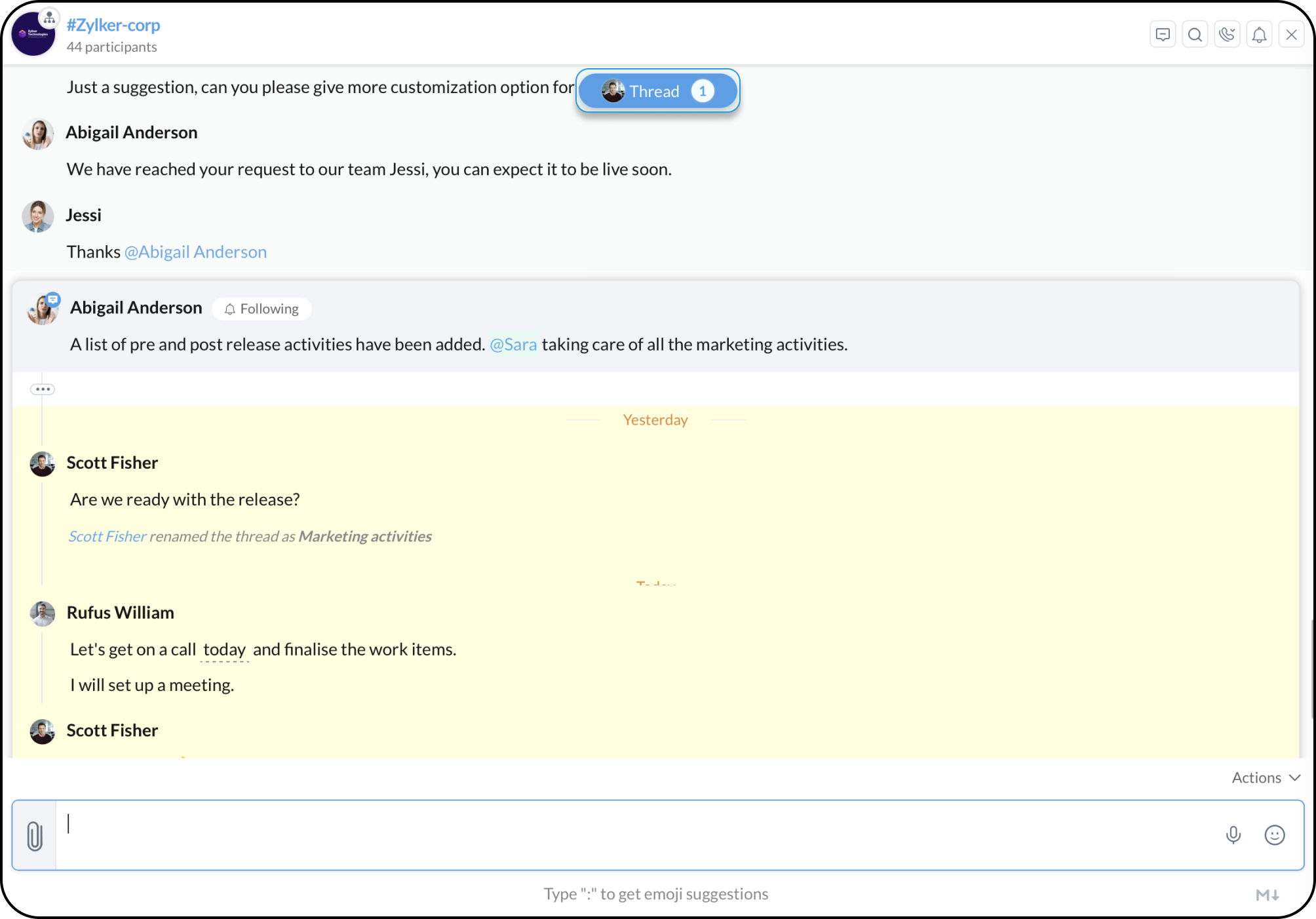
Clicking on the thread notification, will take you to the concerned thread in which you have received the message.