How to join a Cliq Network via a user invite link?

Note: To join a Cliq network, you need to have a Zoho account.
An admin of the Cliq organization can send you two types of invites to join a Cliq organization:
- Request to join
- Join directly
Follow the below steps to join a Cliq network.
Request to join network:
- Click on the user invite link you received
- Click on the "Request To Join" button in the user invite link
Your request to join the Cliq network will be sent to the network admin for approval. Once your request is accepted, you will be notified via mail with an invite link such as the below.
- Click on "Go To Network" to become a part of their network.
If your request has been rejected, you will receive a rejection mail stating the reason for your user invite rejection.
Join the network directly
- Copy the user invite link you received
- Paste it your browser
- You will directly be navigated to the network as below
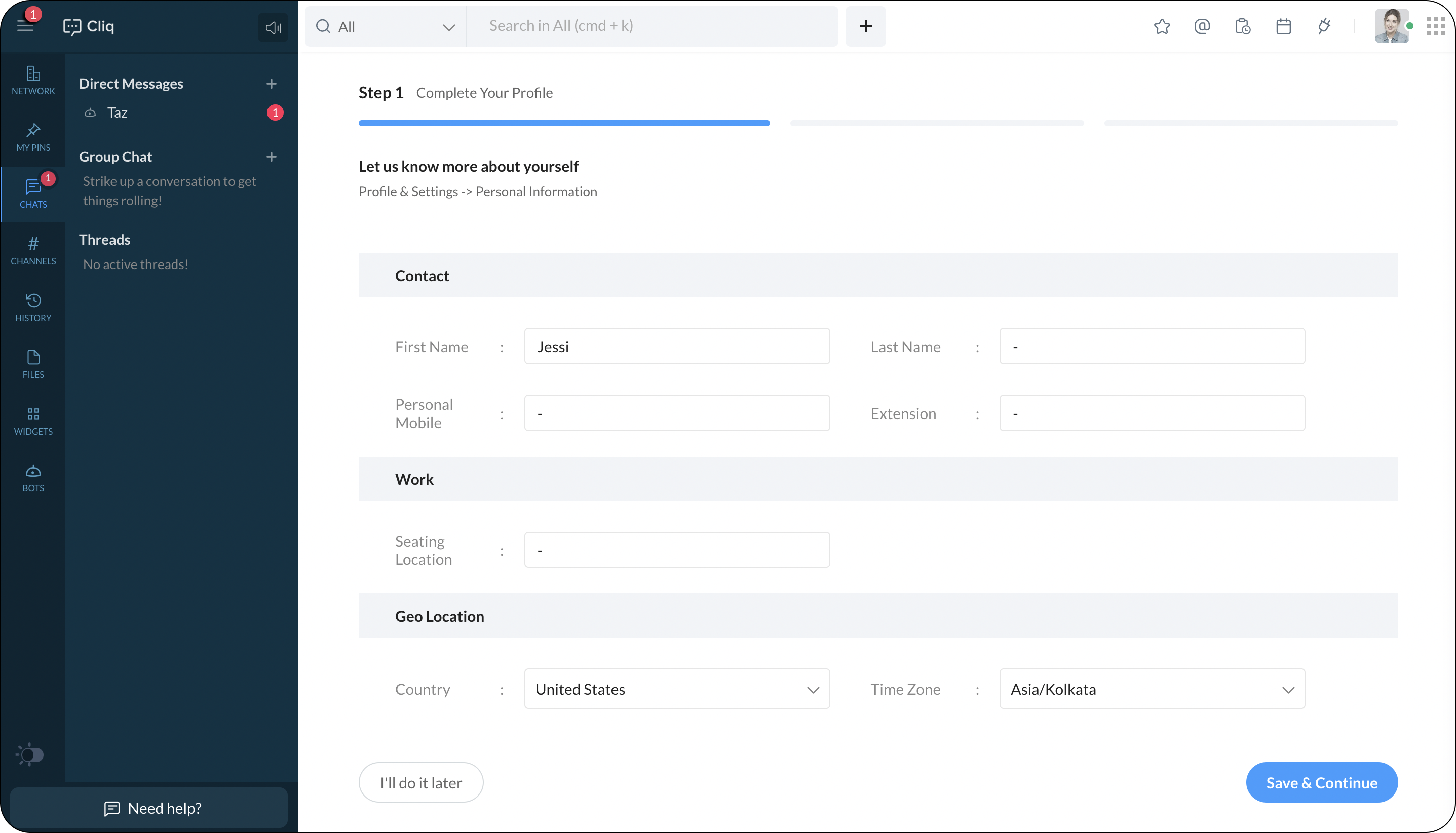
Alternatively, when a network admin adds a user via the users & profiles section in the network admin panel. The user will receive a mail. Clicking on "Join network" will make them a part of the network.