How can a user receive reaction notifications from messages?
Users will receive reaction notifications for messages they have sent. To enable this configuration, follow these steps:
- Navigate to your user panel and click on 'Profiles & Settings'.
- Under Notifications, enable the toggle button for message reactions.
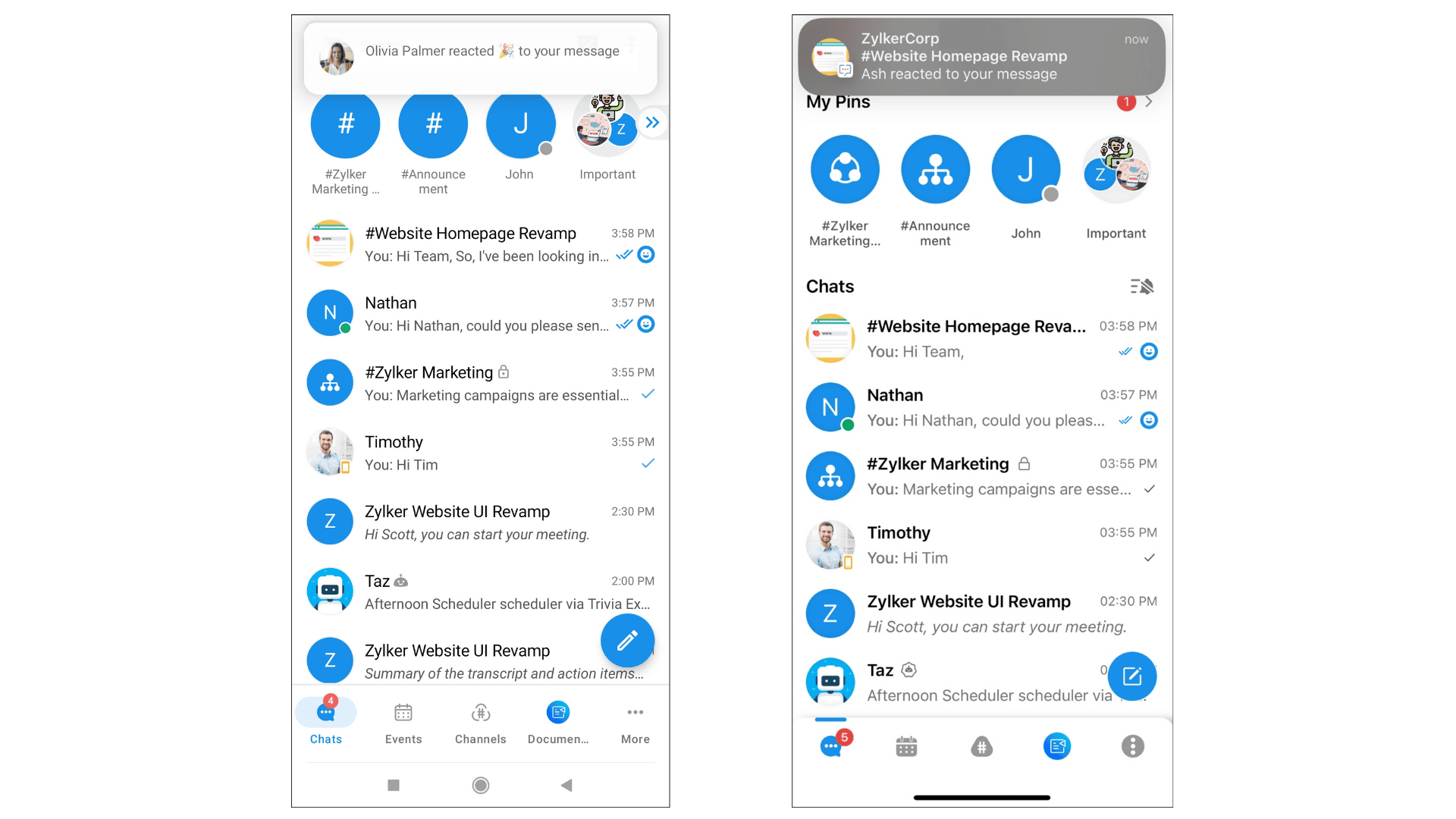
Once you enable message reactions, you will receive the following notifications for reactions to messages:
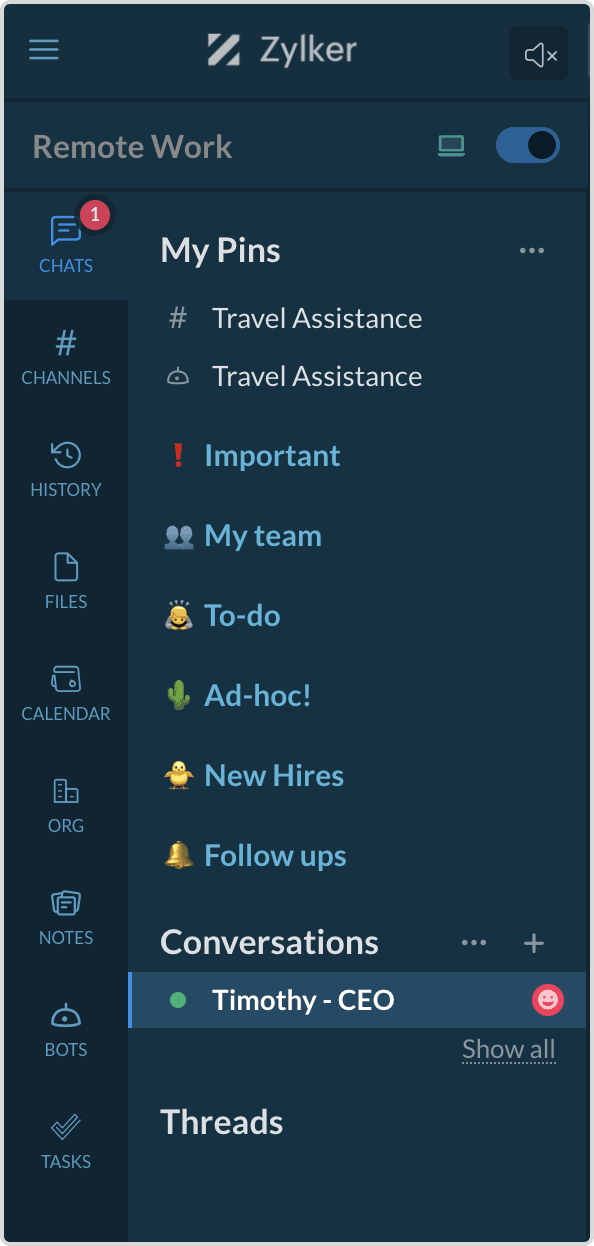
Navigation sidebar notification
A reaction icon will appear on the left-hand side (LHS) next to the chat name.
Desktop notification
- The chat will display the count of messages that have received reactions. Clicking this notification icon will take you directly to the message where other users have reacted.
Mobile notification

Note:
- When a user receives a reaction, clicking on the notification will take them directly to the chat.
- If a user marks the conversation as read after receiving a reaction notification, the indication of a new reaction gets cleared.
- Additionally, if a user receives a reaction notification in a conversation where there are also unread messages in other conversations, the chat will prioritize the conversations with unread messages and display them first in order.
- The user will receive the reactions immediately for direct messages, whereas for group chats/channels, the reaction count will be accumulated for 5 seconds and be displayed.