How can you configure link unfurling in Zoho Cliq?
When you send a link in chat, it will be posted with a small preview as long as the website supports link unfurling. You can also configure a link unfurling extension in Cliq through the following ways:
- Configure while posting a link as a message.
- Add the app link in settings.
Configure while posting a link as a message
Let's say you have an extension in Cliq. When you enter the link in the message composer or send a link as a message, you will find an impromptu suggestion message, "Do you want to unfurl this link and see preview using an extension?" with a Configure option.
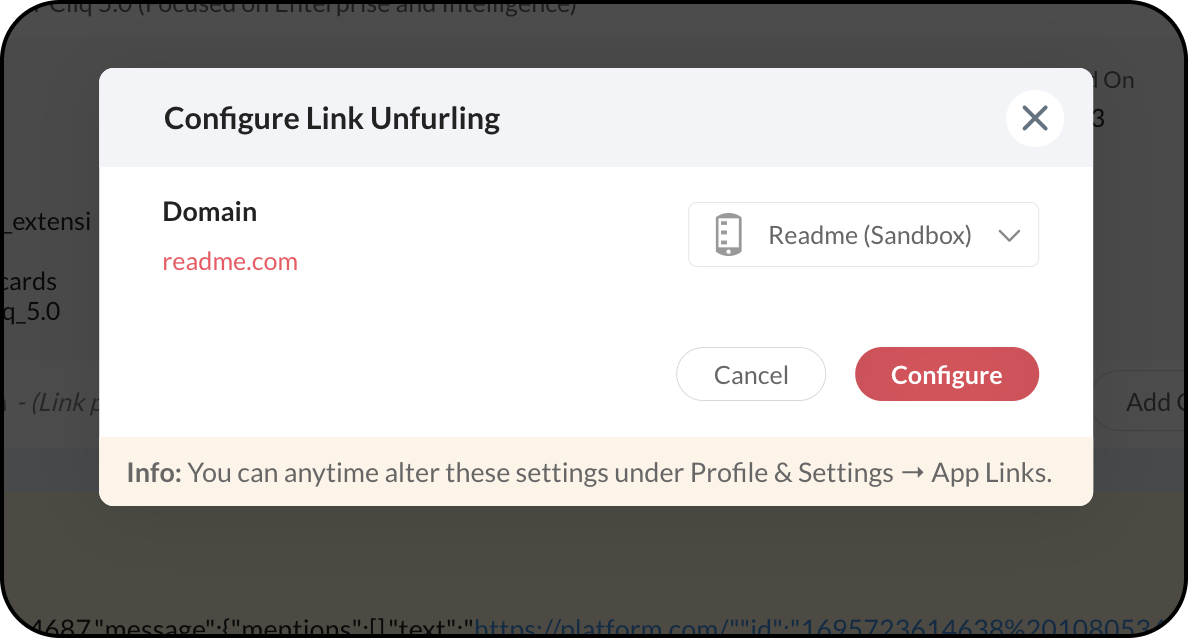
On selecting Configure, a pop-up will appear. You can select an extension from the drop-down options and select Configure.

Note:
- The suggestion to configure will disappear when you close the conversation after posting the message or typing the message in the composer.
Add the app link in settings
Navigate to Profiles & Settings, and select Privacy and then App links.
Here you can search for a domain, change the extension, and also add sub-domains to generate the link preview.