Setting event calendar preferences
Overview
This let you customize how dates and time are displayed in your calendar. These settings help you view events in a format that matches your regional or personal preferences and apply only to your calendar view.
Available preferences
You can configure the following options.
Date format
Select how dates appear, such as day-month-year or month-day-year, based on your regional preference.
Time format
Choose between:
- 12-hour format
- 24-hour format
This setting controls how event times are displayed throughout the calendar.
Start of the week
Choose the day your calendar week begins. This helps align the calendar view with your work schedule or local conventions.
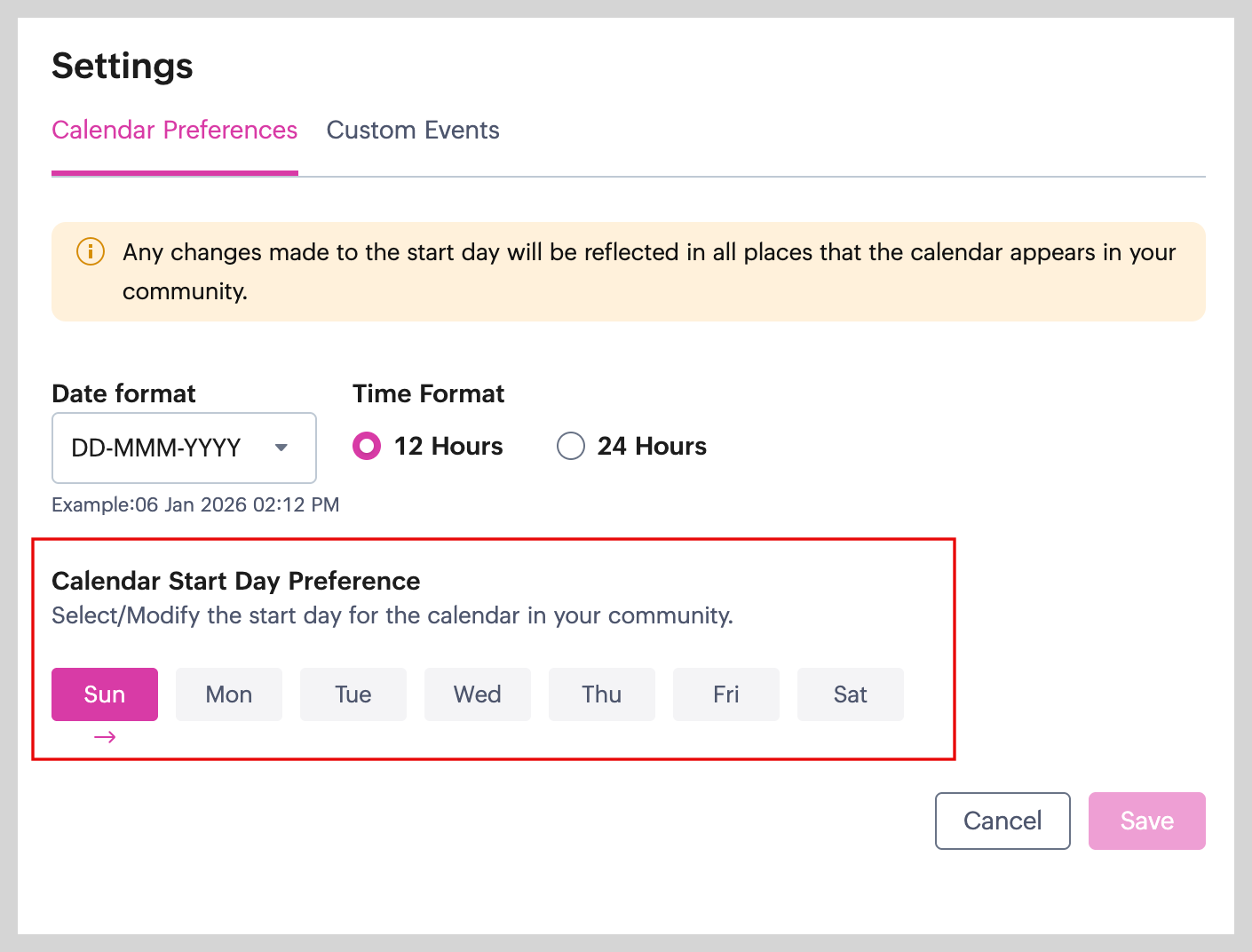
 Changes will not take effect unless you click Save.
 These preferences do not change the event itself. They only affect how events are displayed to you. Other members will continue to see events based on their own calendar settings.
We hope you find this guide useful! For any queries or doubts, reach out to us at support@zohocommunityspaces.com. We're happy to help!