Using host tools in Gamification
Use export options
If you are a host, you will see Export in the Gamification module.
Use Export to export:
- Badges - Export all the badges awarded in the community. Filter the badges based on the Recipient, Badge name and Date range. Use Export Badge Details to export the badge details as CSV.
- Points - Export all the points awarded in the community. The cumulative points earned by the users are used to determine their level.

You can export this data with the appropriate user profile information and with or without a password.
Create a badge widget
If you are a host, you will also see Manage Widgets.
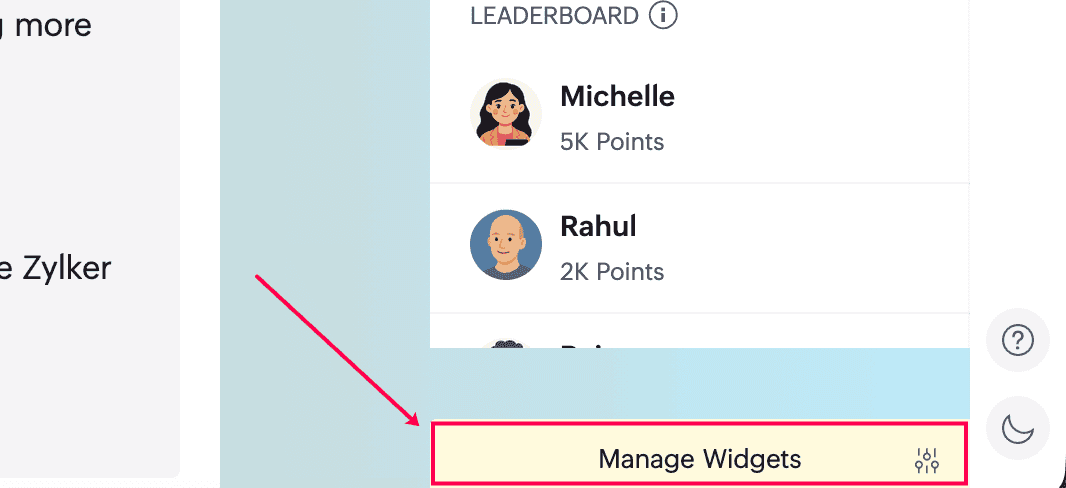
Use Manage Widgets to create a badge widget:
- Enter a title.
- Choose a badge.
- Select a time period.
- Click Create to display the widget.
Configure points, levels, and badges
To configure gamification settings such as points, levels, and badges, refer to the Community Settings help guidance.
Need more help?
If you need further assistance, contact us at support@zohocommunityspaces.com