Managing additional space actions and personal notification preferences
Additional space actions
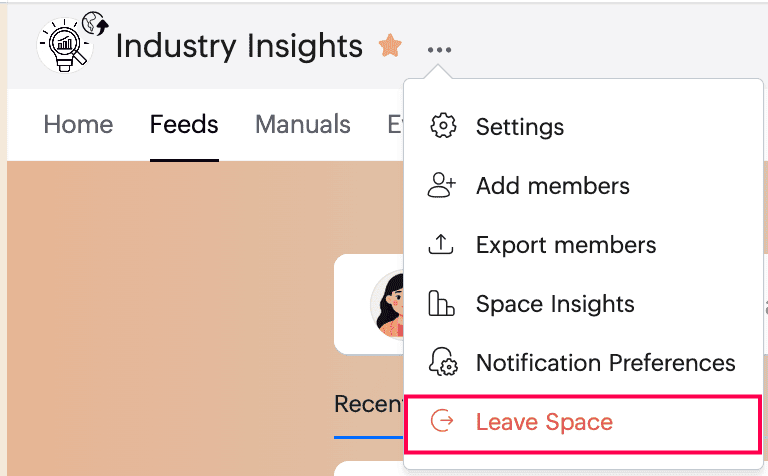
Beyond Settings, there are several actions you can take to manage membership and analyze engagement.
- Add members to quickly bring new members into the space. If you need more detailed member controls, you can use Settings > Members.
- Export members to download the list of members in the space, when available.
- Space insights helps you track activity and engagement within a specific space. It shows space-level statistics, similar to the insights available for the Community Wall, but focused only on that space. Space admins can use it to understand participation trends, measure engagement, and evaluate how actively the space is being used.
Manage personal notification preferences
In Notification Preferences, you can control how you personally receive updates from the space.
You can Mute the space, choose whether to show posts from the space in your personal feed, enable push and email notifications for all posts and comments, and enable notifications when someone @mentions the space.
Leave a space
If you no longer want to be part of a space, click Leave Space to exit it. You will no longer be a member of that space.
Need more help?
If you need any assistance, contact us at support@zohocommunityspaces.com