What are hostnames and how to manage them for your domain?
Hostnames are created when you want to host your own nameserver on your domain. Hostnames are always mapped to an IP address. Learn more.
You can follow the given steps to add hostnames for your domain:
1.Log in to your Zoho Domains account.
2. Navigate to My Domains -> Manage next to the domain you wish to configure.
3. Click Manage DNS and then navigate to the Hostnames tab.
4. On the Hostnames tab, click the Add Hostname button.
5. Enter the hostname, typically a subdomain name and map it to the corresponding IP address
6. To add additional hostnames, click Add Hostname again and repeat the process. Once done, click Save to apply the changes.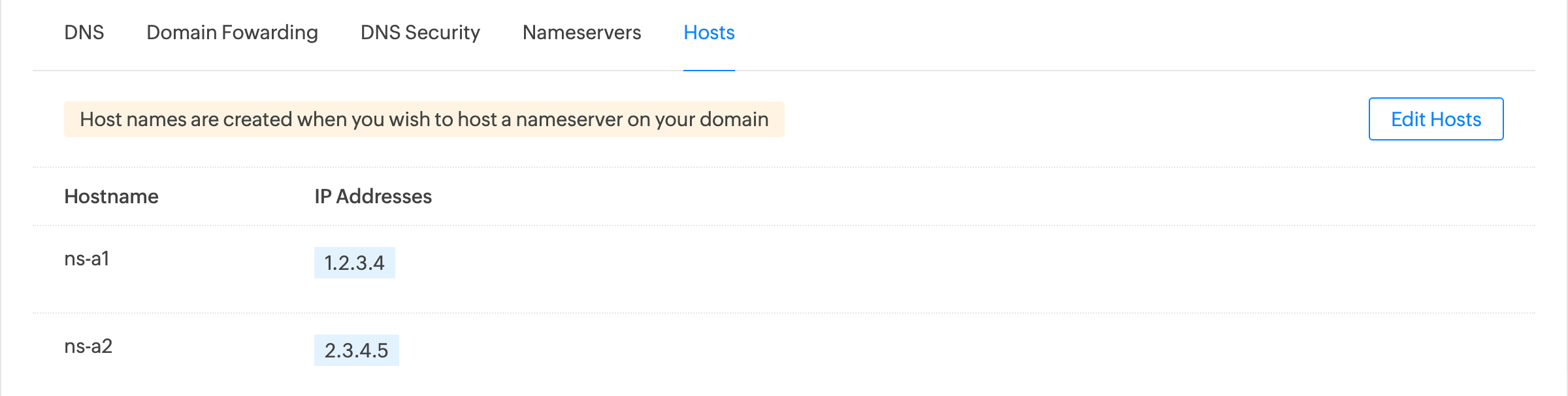
6. To add additional hostnames, click Add Hostname again and repeat the process. Once done, click Save to apply the changes.