How can I monitor all user activities in my organization?
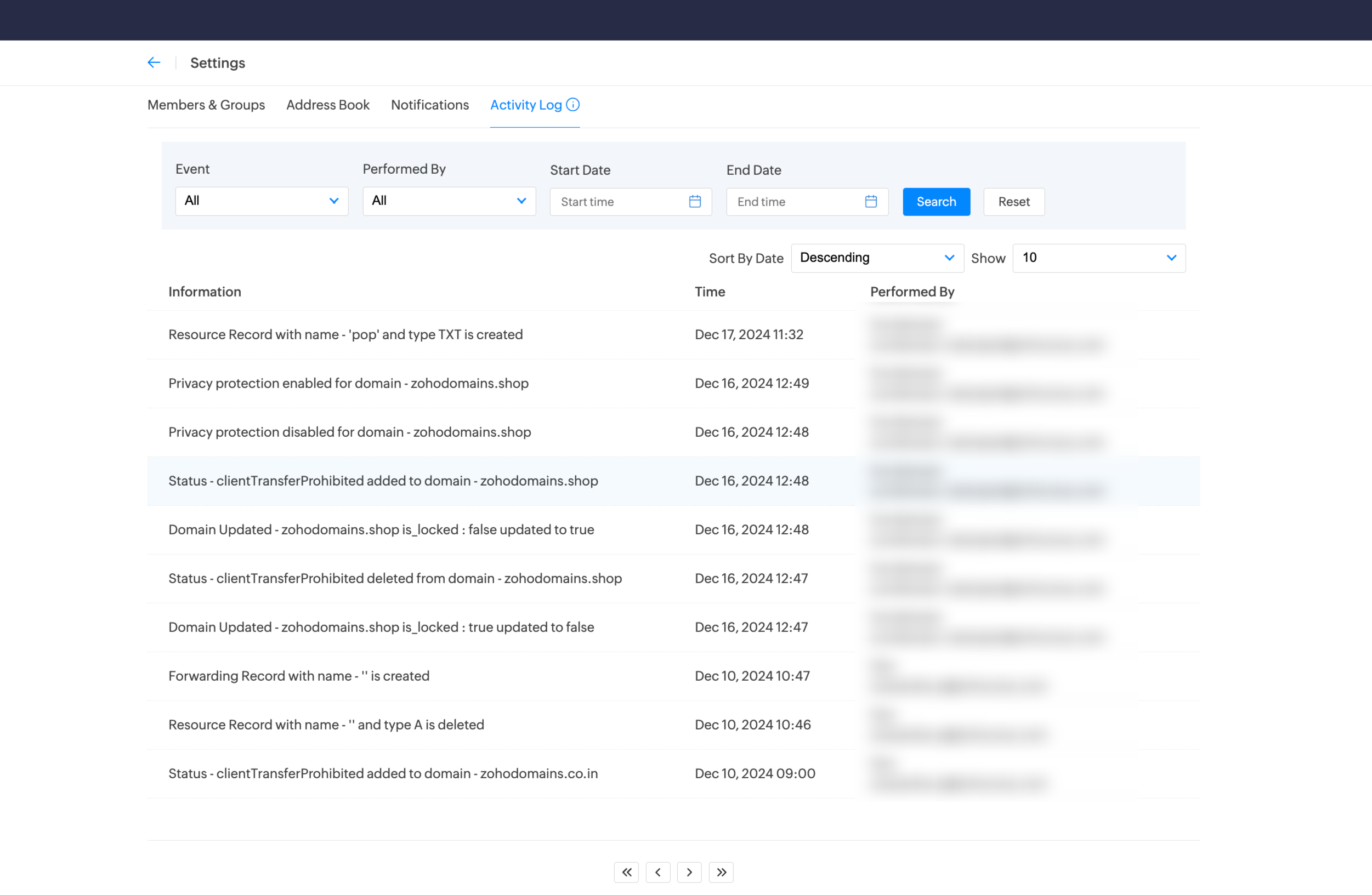
To view all activities performed within your organization, you can use the Activity Log feature in Zoho Domains. It provides a detailed record of all actions and changes made by users across the organization. You can also filter and sort records, customize the display, and audit user activities efficiently. Learn more.
2. Navigate to the Settings page.
3. Click Activity Log.