View and print patient visit summary
Doctors and admins can access and view complete patient visit details. They can view the patient's details, vital signs, general information, and the treatment given.
View patient visit summary
1. Open the application and click the Patient tab in the top bar.
2. Click the Patient ID. You will now be able to view the patient details.
3. Click the Patient Visit ID.
4. Navigate to Visit Summary.
You will now be able to view the patient visit summary.
Print patient visit summary
1. Click Print Summary.
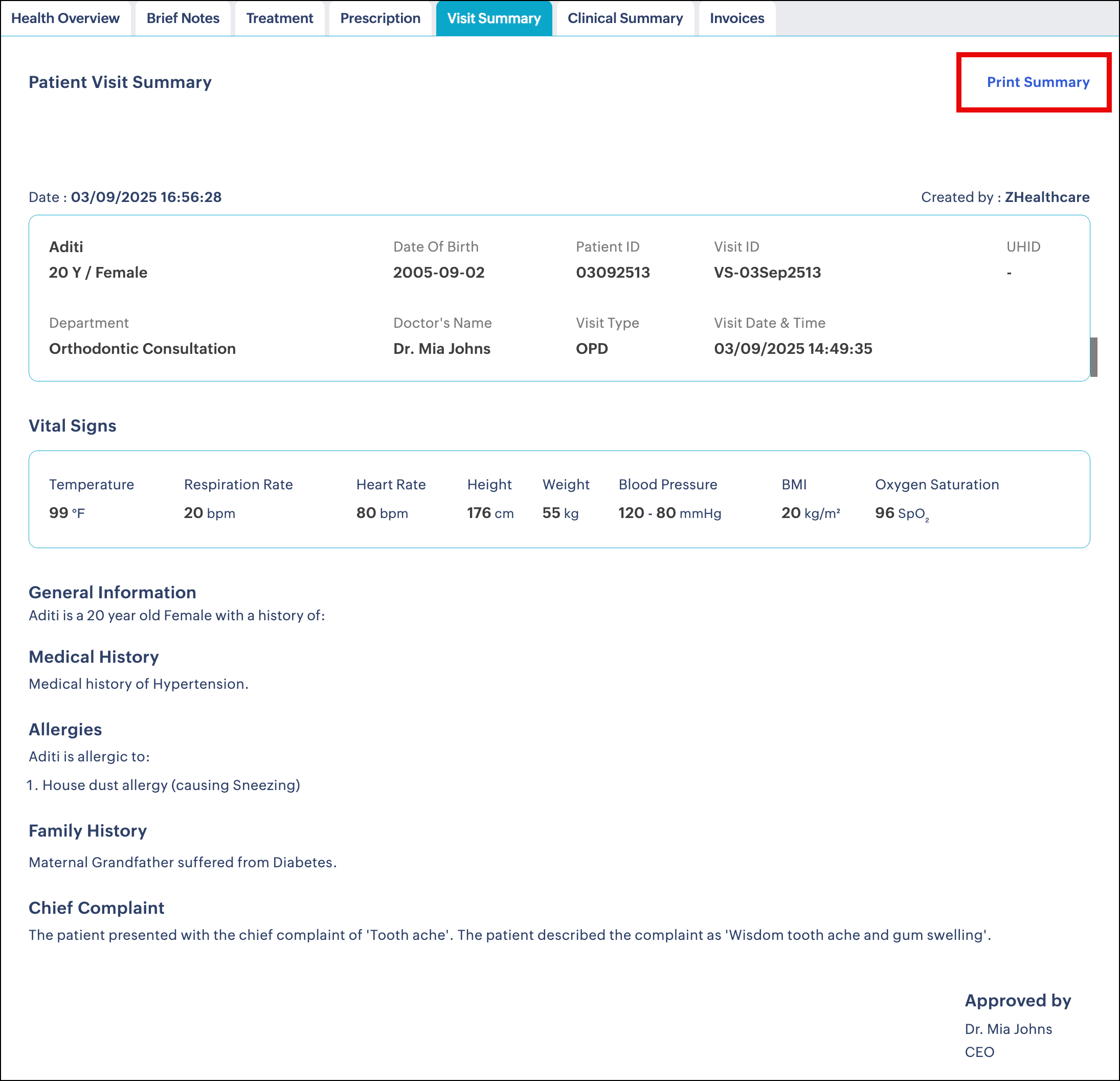
2. You will now be able to preview the summary.
3. Review the print settings and click Print.