Create or import a new patient record
Admins can create and register new patient records by entering essential information about them. They can also import existing patient records from other CRM applications.
Create a new patient form
1. Open the application and click the Patient tab in the top bar.
2. Click Create a Patient.
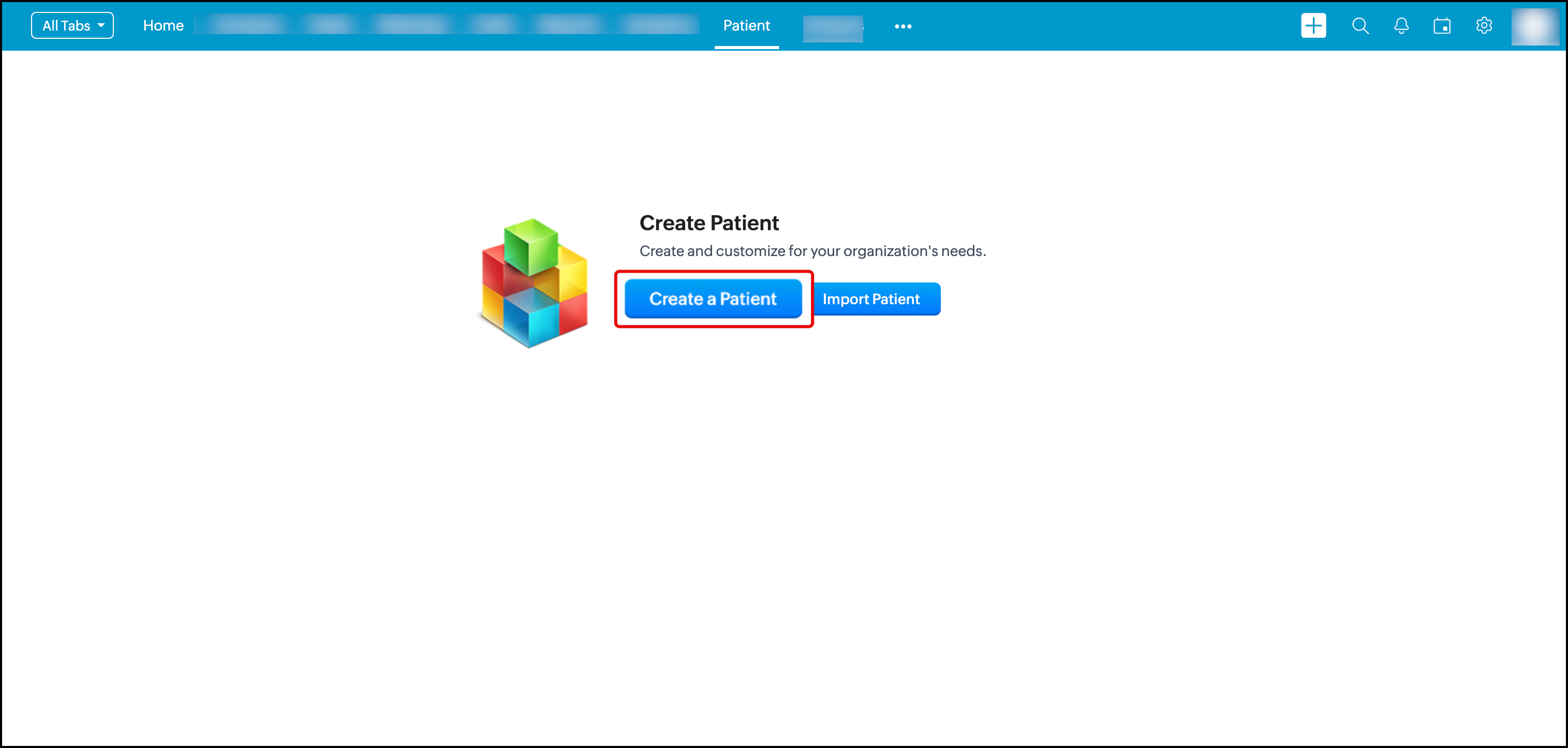
3. Enter the following details:
- Patient First Name
- Date of Birth
- Gender
- Blood Group
- Mobile No
- Address
- Postal Code
Emergency contact details - Name
- Relationship
- Contact Number
4. Click Save. A new patient record is now created.
Import patient records
1. Open the application and click on the Patient tab in the top bar.
2. Click Import Patient.

You can also import from other CRMs by clicking on the drop down button and choosing your CRM software.
More resources: