How to move a business to another business group
Use groups to manage businesses from different entities separately. If a business was added to the wrong group, you can easily move it in just a few steps.
- From Home, select the Business Group where the business is currently located.
- Click the
icon on the business you want to move.
- Click Move.
- In the top-right corner, open the drop-down menu and select the target Business Group. Use the search box to find a group if needed.
 Note: You can move one business at a time, multiple businesses, or even all businesses from a group.
 - Click Proceed to move.
- A pop-up will show what happens next based on your group setup. Click Proceed to move again to confirm.
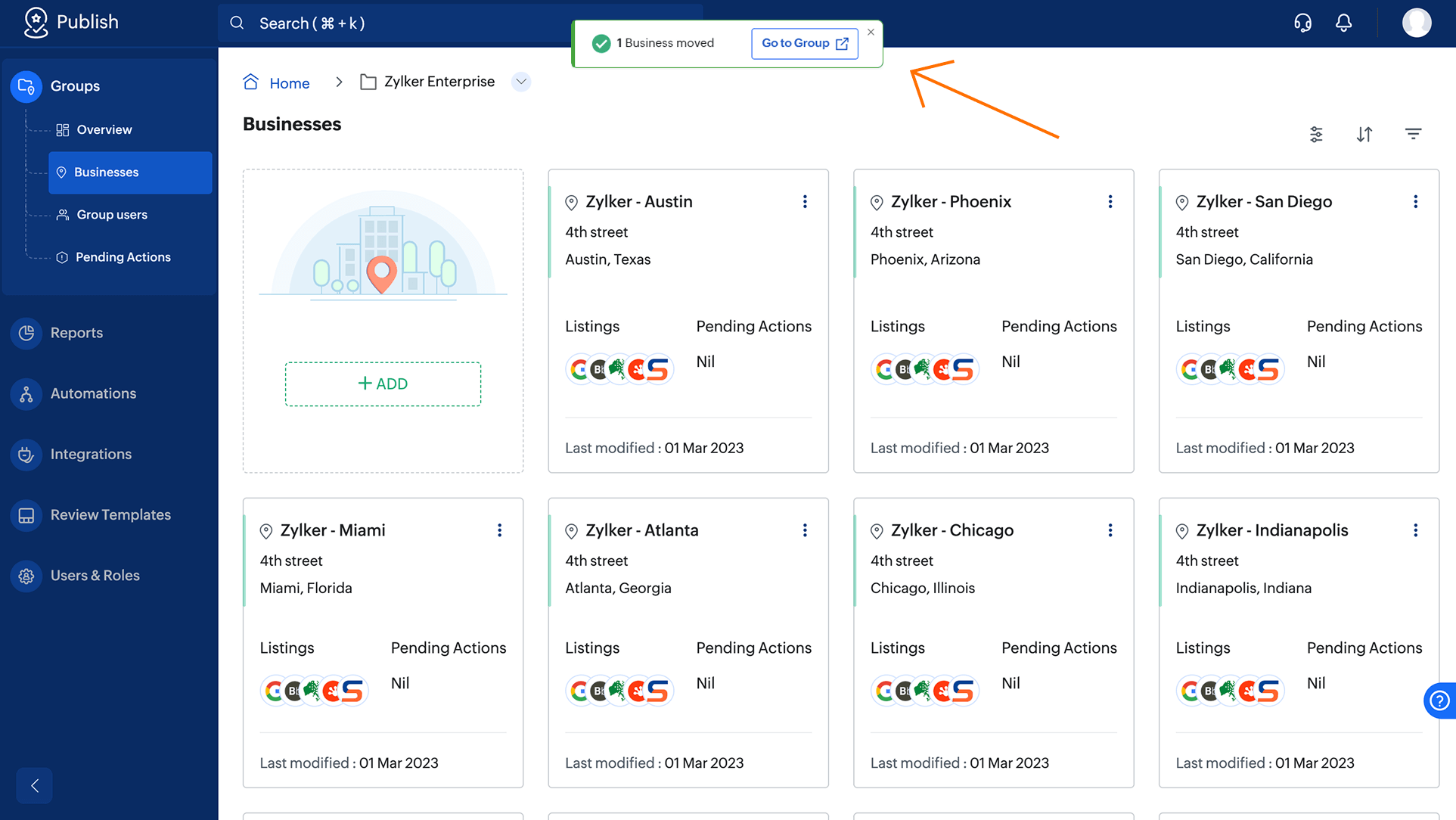
Note: After the Business is moved, click Go to Group in the disappearing message to view it.