How to download a report
Reports provide insights into your business performance, including review trends, customer sentiment, response metrics, and other key analytics. You can download reports for offline access, sharing, or future reference.
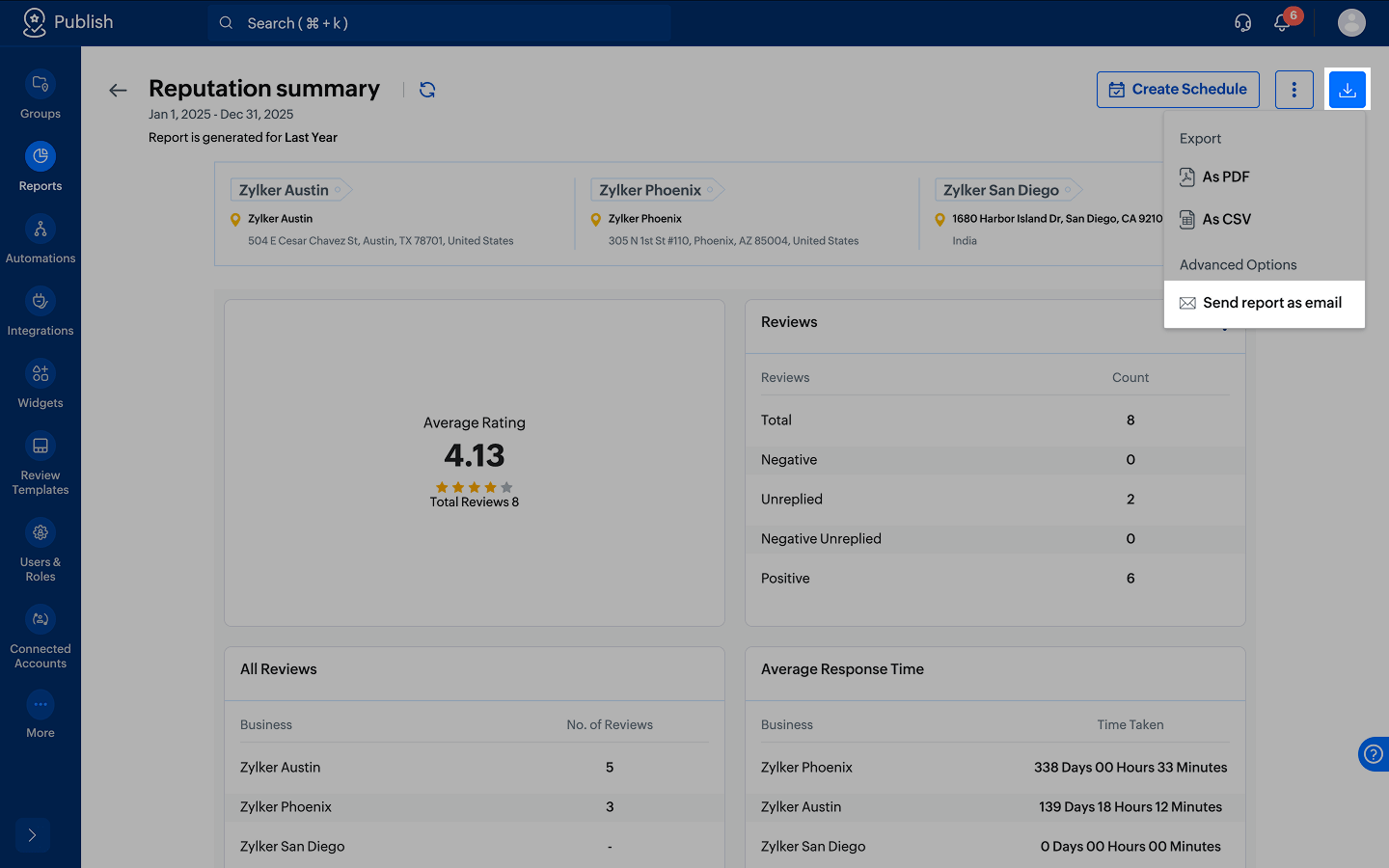
- Click Reports from the left menu.
- Open the report you want to download.
- Click the
icon and choose the preferred format: PDF or CSV.
- The report will be downloaded and saved to your device automatically.

Note: You can also click Send report as email to share the report as a PDF or CSV with one or more email recipients.