Zoho Sign for Android devices
Zoho Sign provides a native Android app that gives you access to sign documents yourself and send your documents out for signature from anywhere at any time. The app keeps your data just as secure as the web version of Zoho Sign, with:
- AES 256 encryption at rest
- TLS, SSL encryption while in transit
- Multi-factor authentication
App details
Supported devices | Android devices |
Required OS | Android version 5.0 and up |
Languages supported | Chinese, Dutch, English, French, German, Italian, Japanese, Polish, Portuguese, Russian, Spanish, Swedish |
Getting started
- Find and install Zoho Sign from the playstore.
- If you already have a Zoho account, sign in to your account to access Zoho Sign.
- If you do not have an account with Zoho, click Sign Up and create an account to access Zoho Sign.
Home
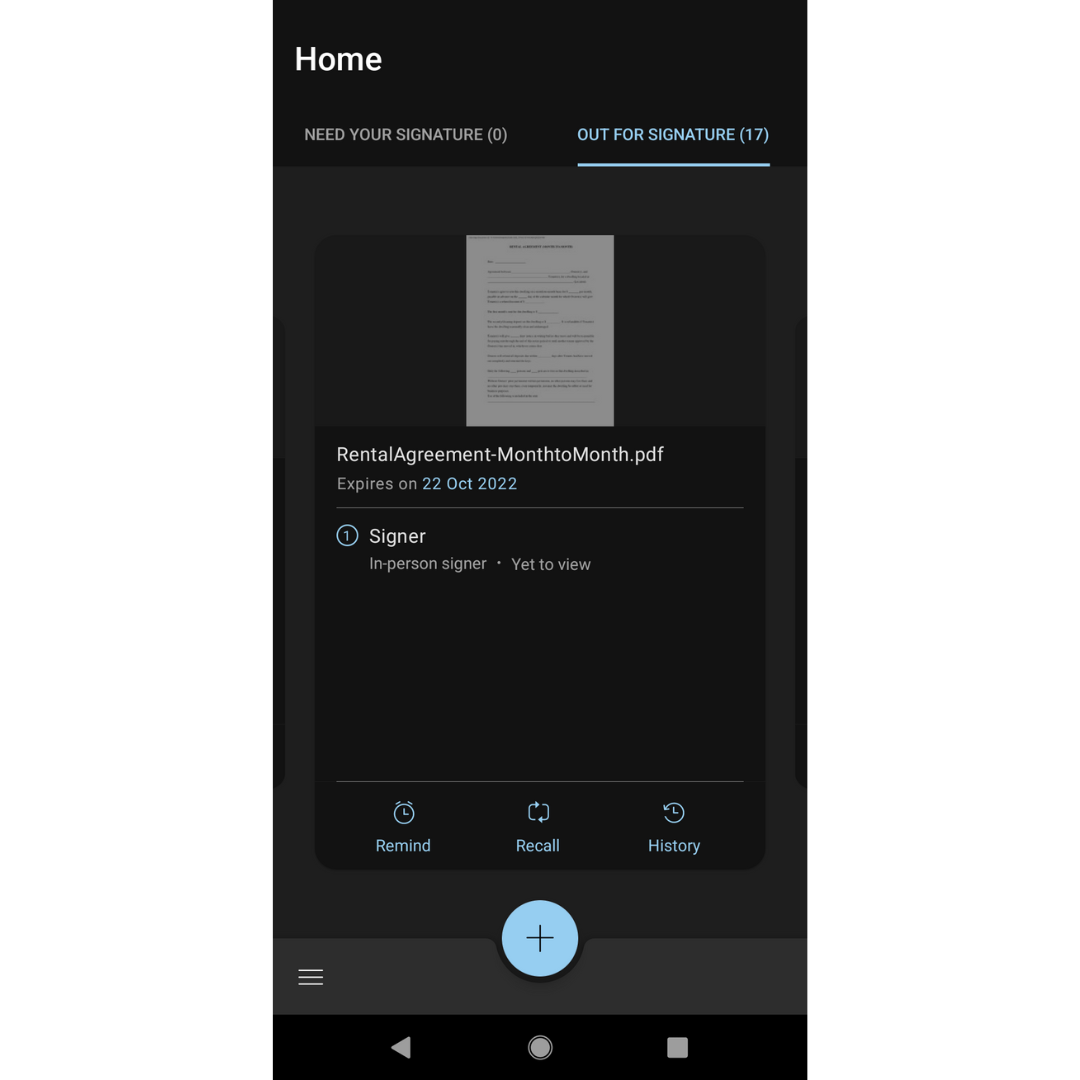
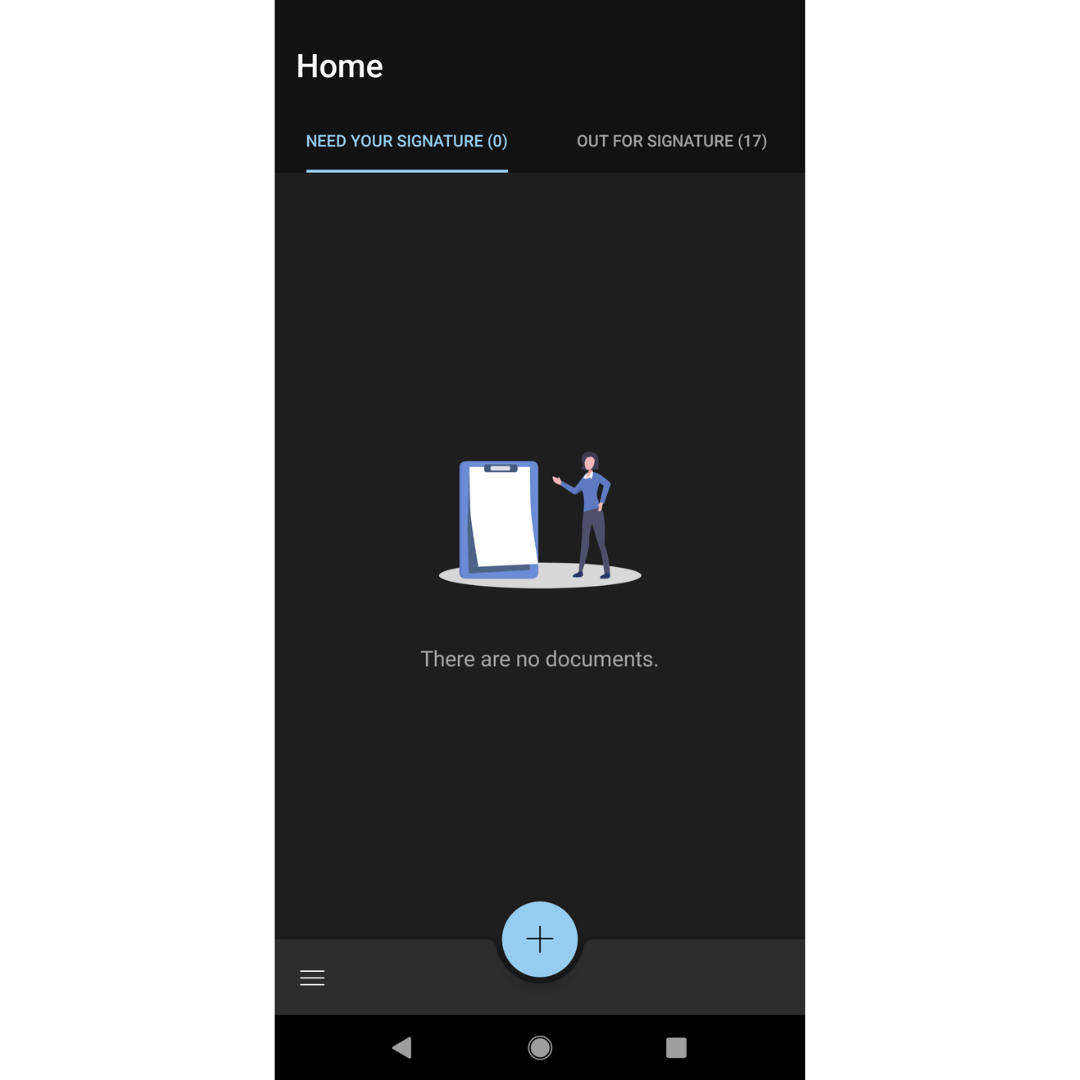
On the home page of the Zoho Sign app, you can find the Need Your Signature and Out for Signature options.
Need Your Signature
Selecting this option lets you access all the documents that require your signature. After selecting the Need Your Signature option, open the document you want to sign, fill in all the required fields, and tap on finish to complete signing.
Out for Signature
Selecting this option lets you access all the documents that were sent out for signature by you. You can track the recipient status of the documents by tapping on them. You can also download the document, send it as an email attachment, edit it as new, send a reminder, recall the document, extend the document validity, and track the activity history of the selected document here.