Managing your Zoho Sign account in iPadOS
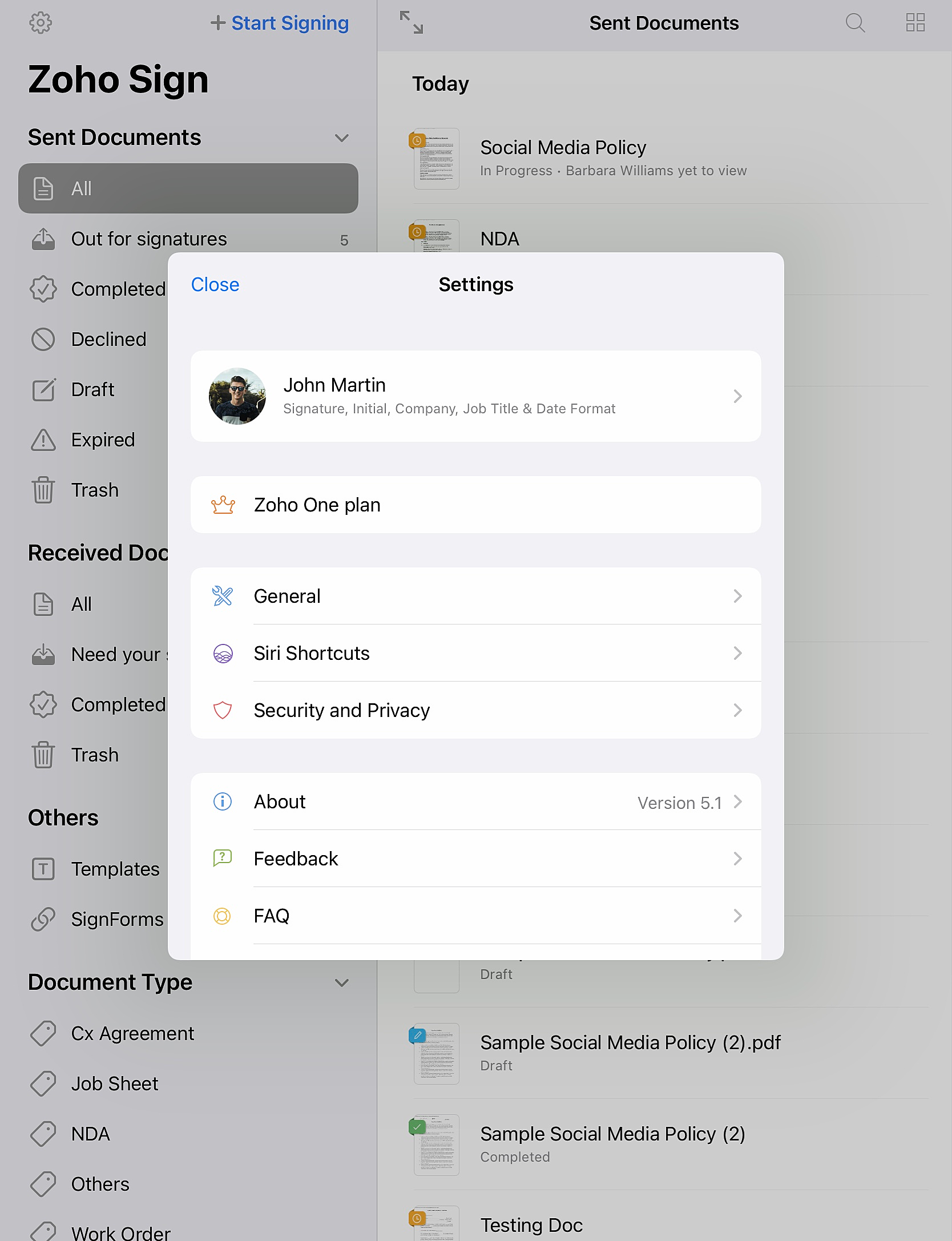
Tap the settings icon at the top of the menu to open the Settings window.
Setting up your Zoho Sign Profile
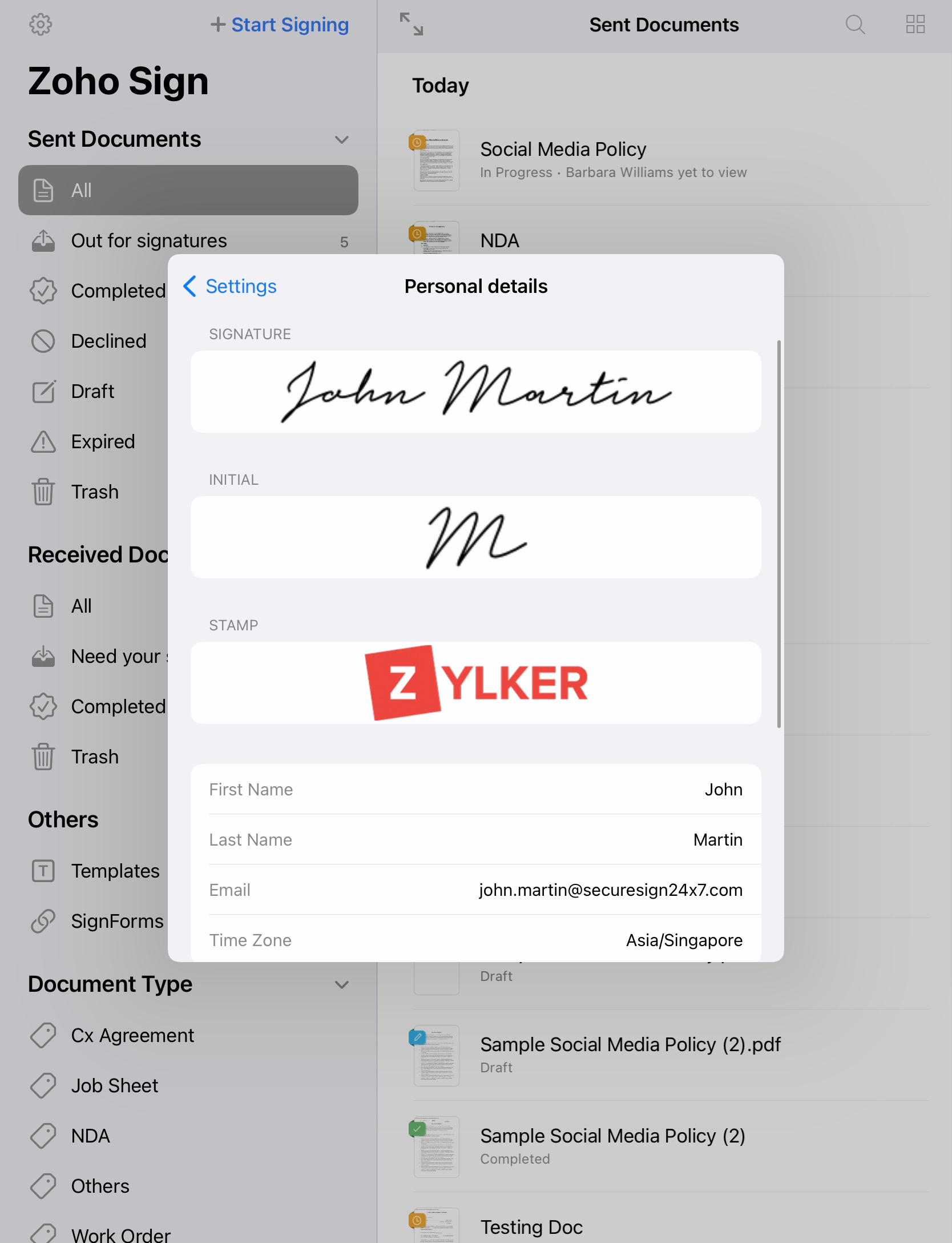
Tap the Account tab to set up your profile. You can set your signature, initial, stamp, name, email address, time zone, company, job title, and preferred date format here.
Signing Out
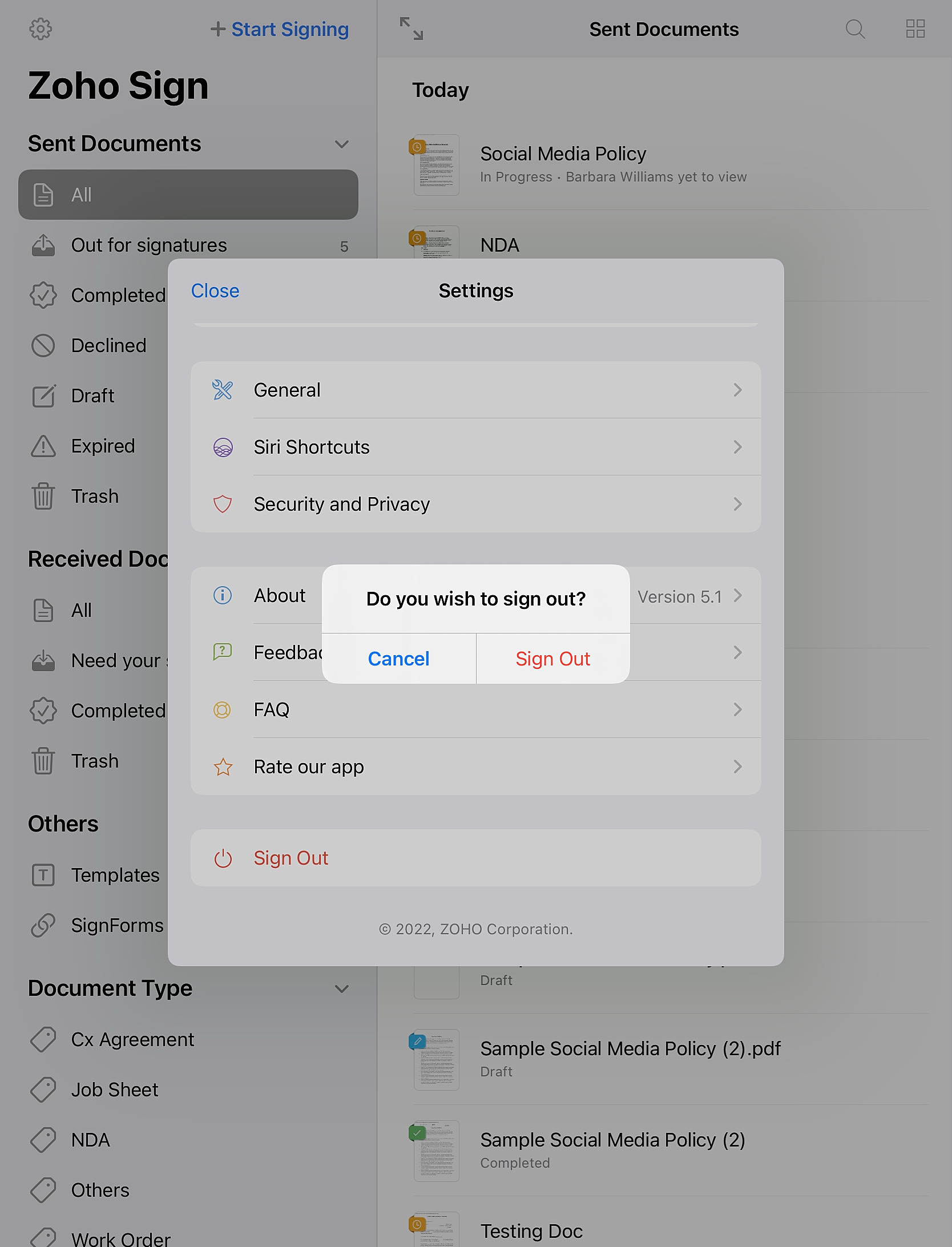
You can find the Sign Out option in the Settings screen, using which you can sign out of your Zoho Sign account on your device.