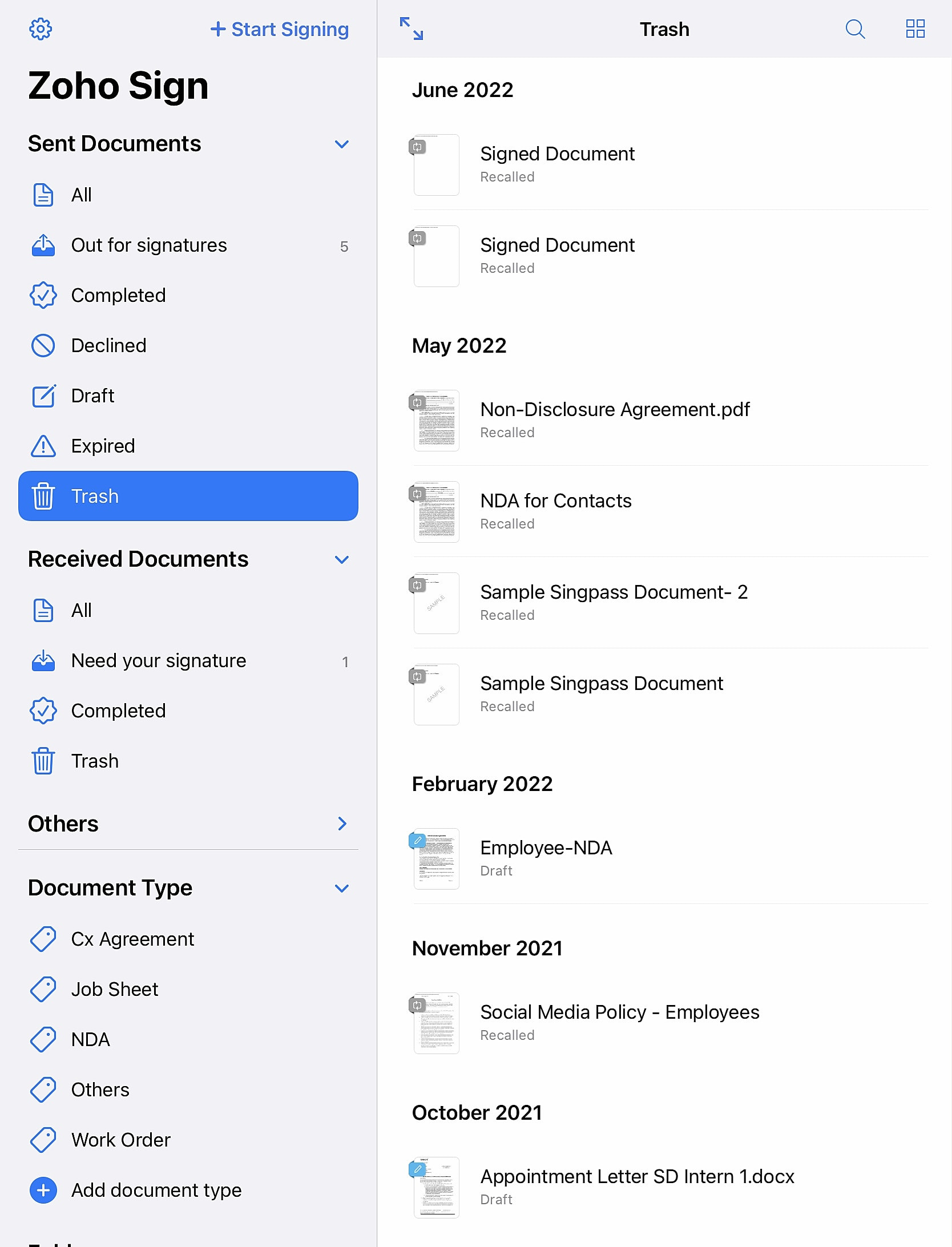
Tracking sent documents on iPadOS
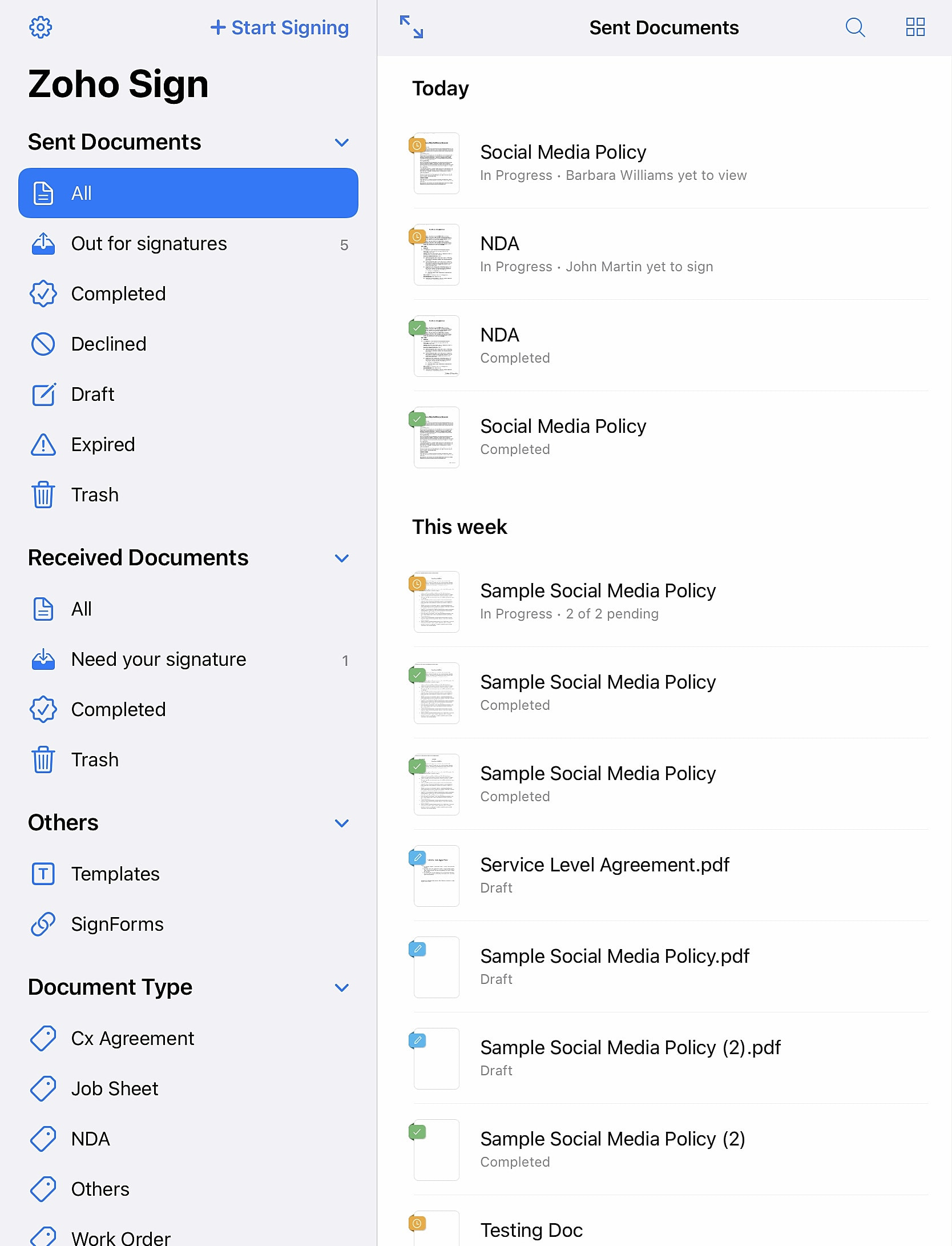
All the documents you have sent out for signatures can be accessed from the Sent Documents menu. In the Sent Documents menu, documents are categorized as All, Out for signatures, Completed, Declined, Draft, Expired, and Trash.
All - Displays all the documents that were sent out for signatures in a chronological order by the date they were created.
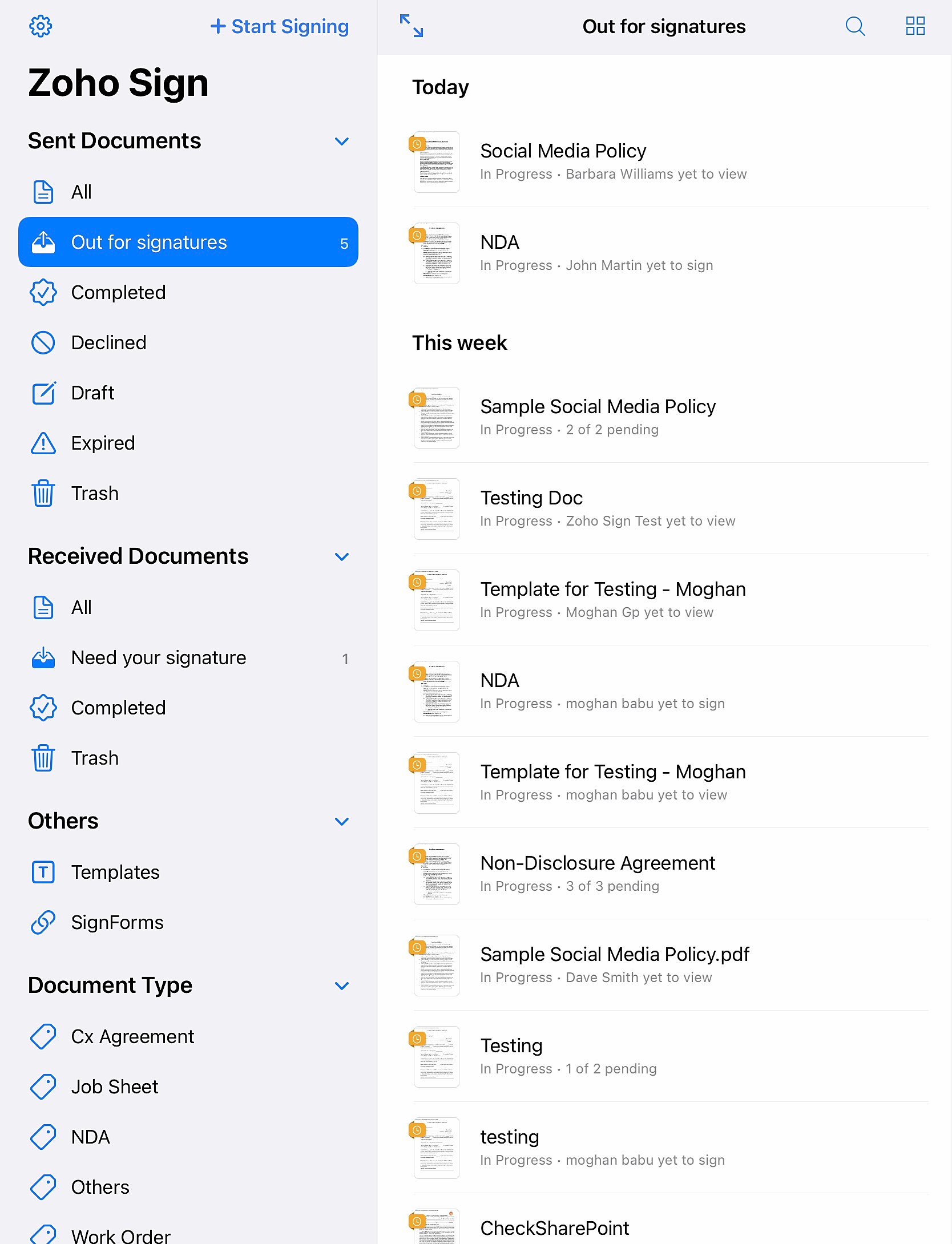
Out for signatures - Displays all documents that are yet to be signed by the signers.
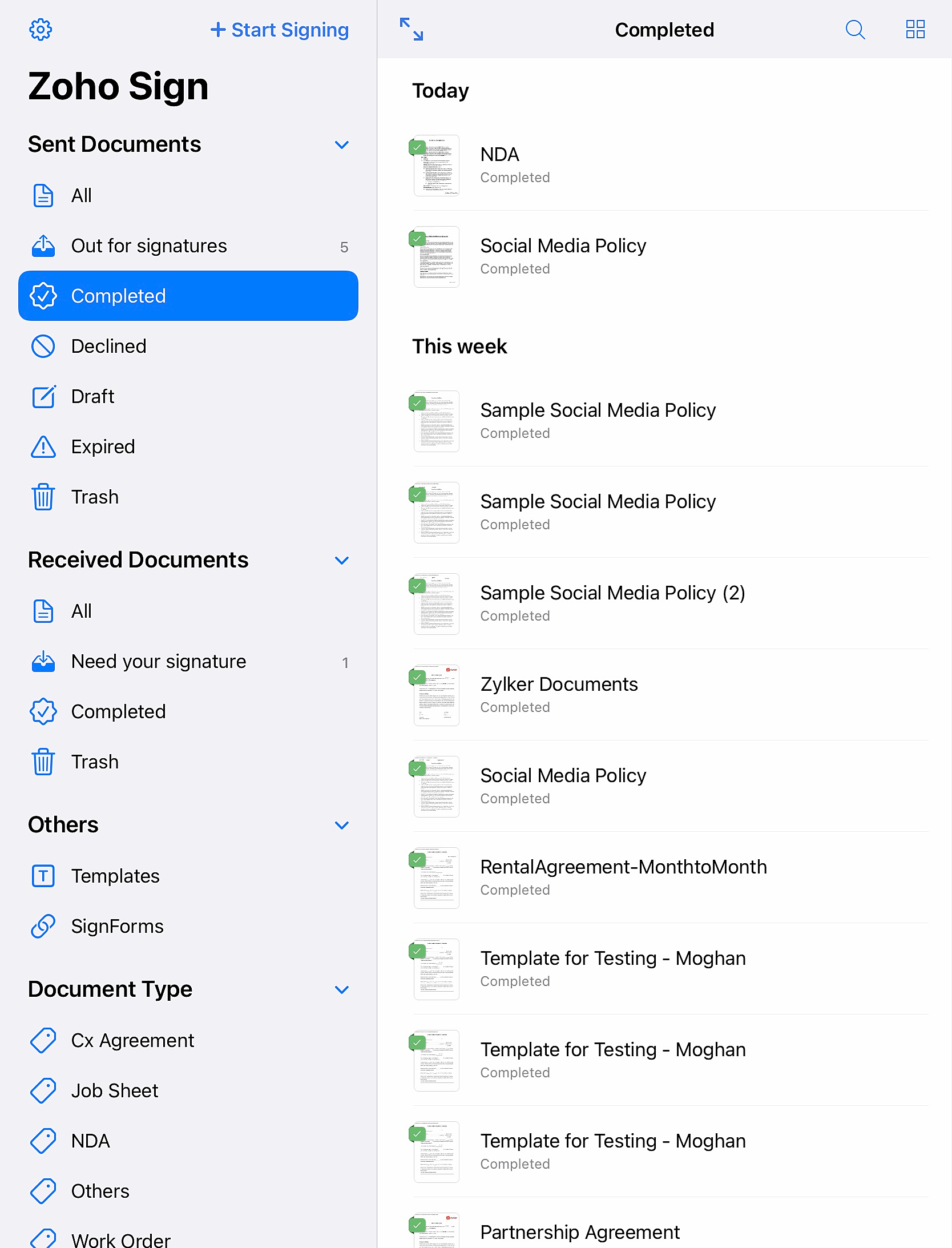
Completed - Displays documents that have been signed by the signers.
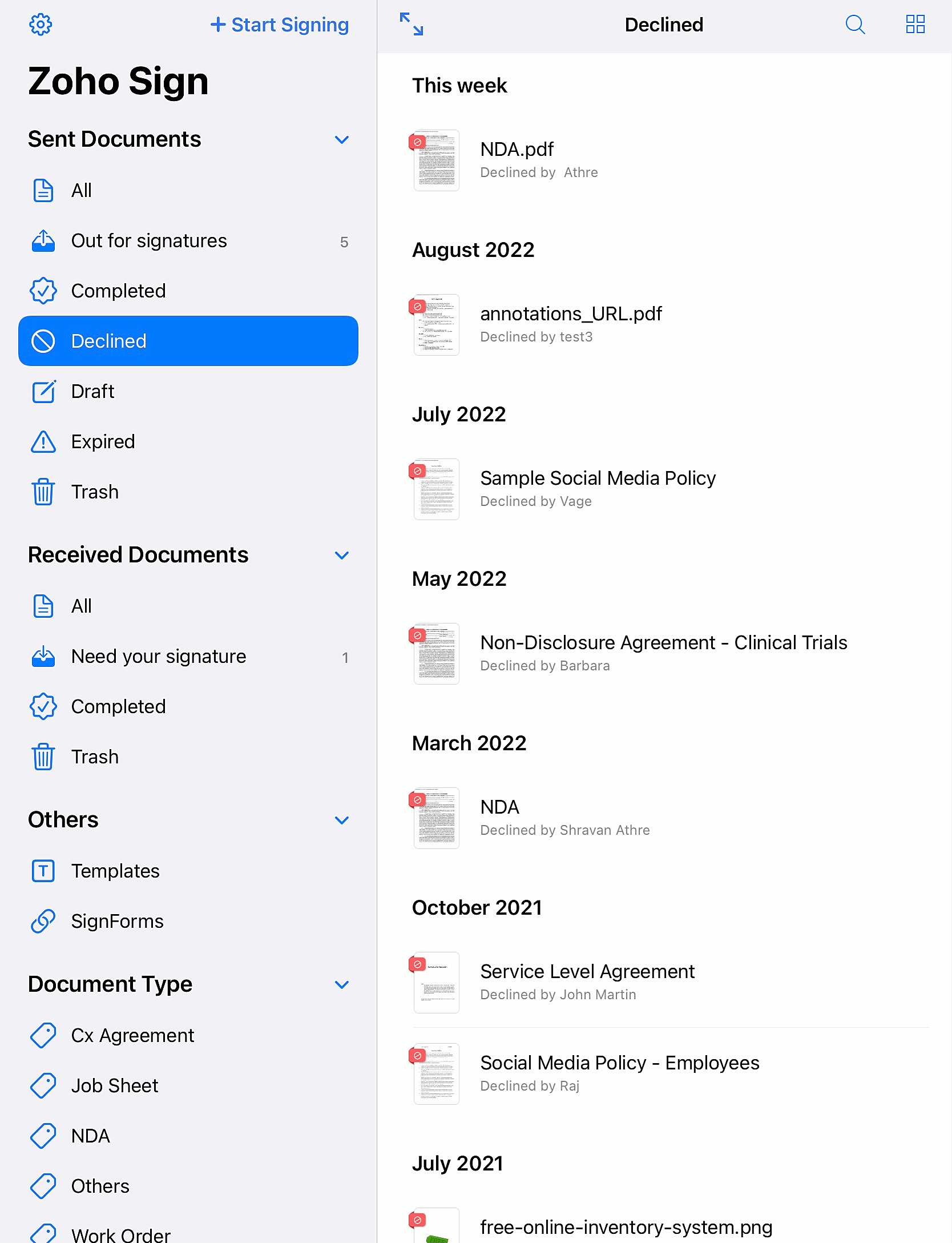
Declined - Displays documents that were declined for signing by the signers.
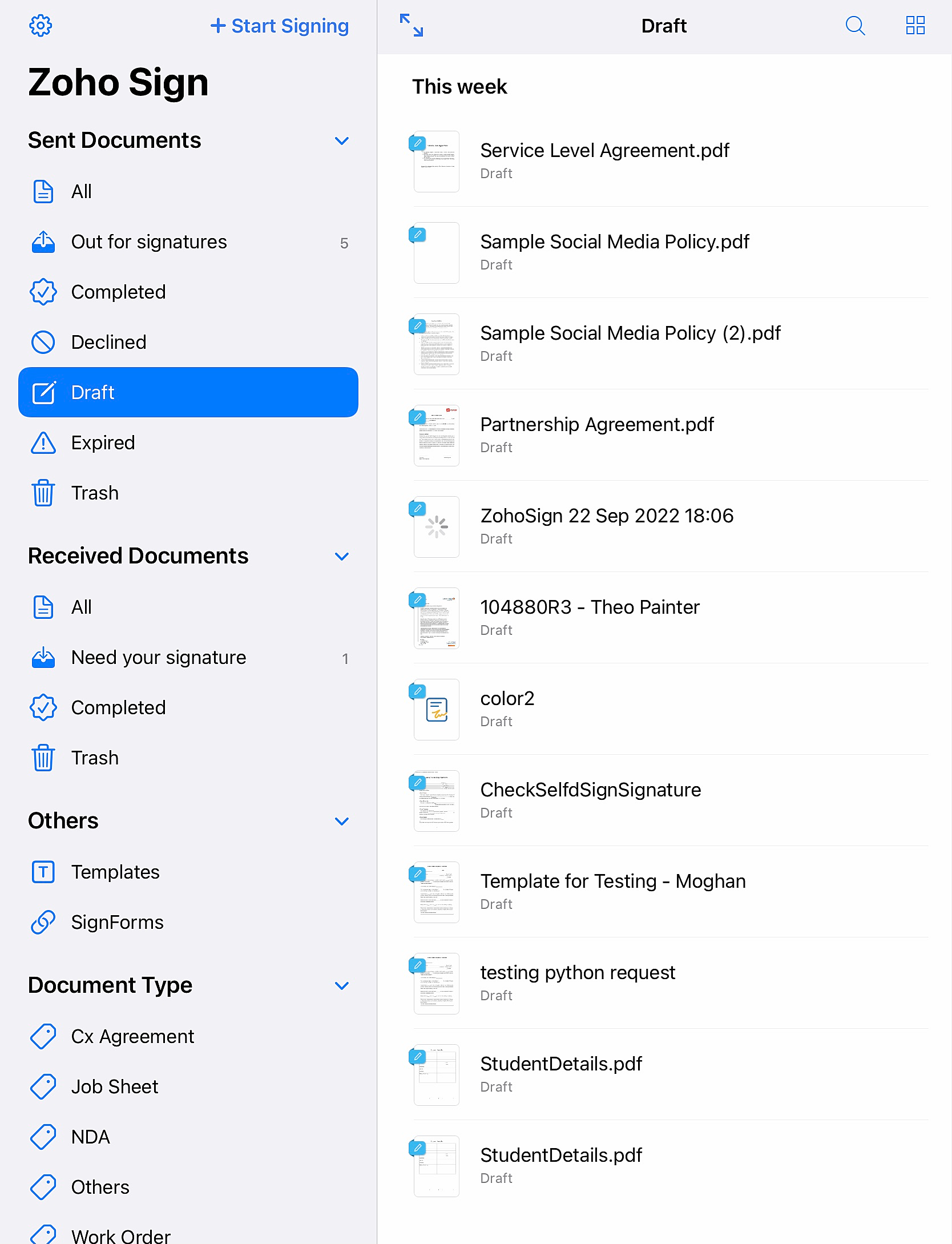
Draft - Displays documents that you saved as draft.
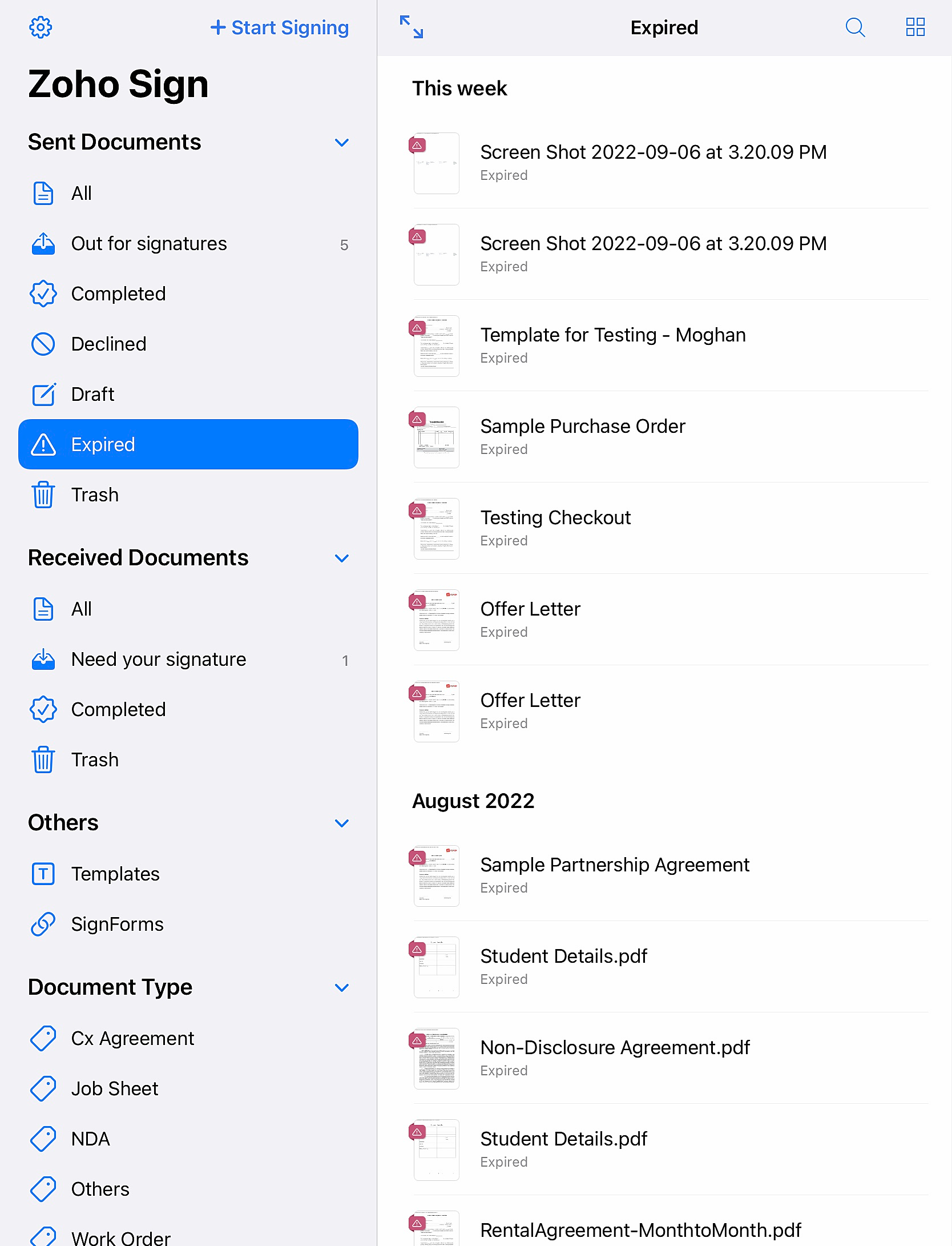
Expired - Displays unsigned documents whose validity period had expired.
Trash - Displays the documents that you moved to the trash.