Verifying identity verification via European Union eID (EU eID)
Available only in Enterprise Edition
Before the recipient starts signing the document, they will find a similar screen where they will be needed to select an eID procedure and click proceed.
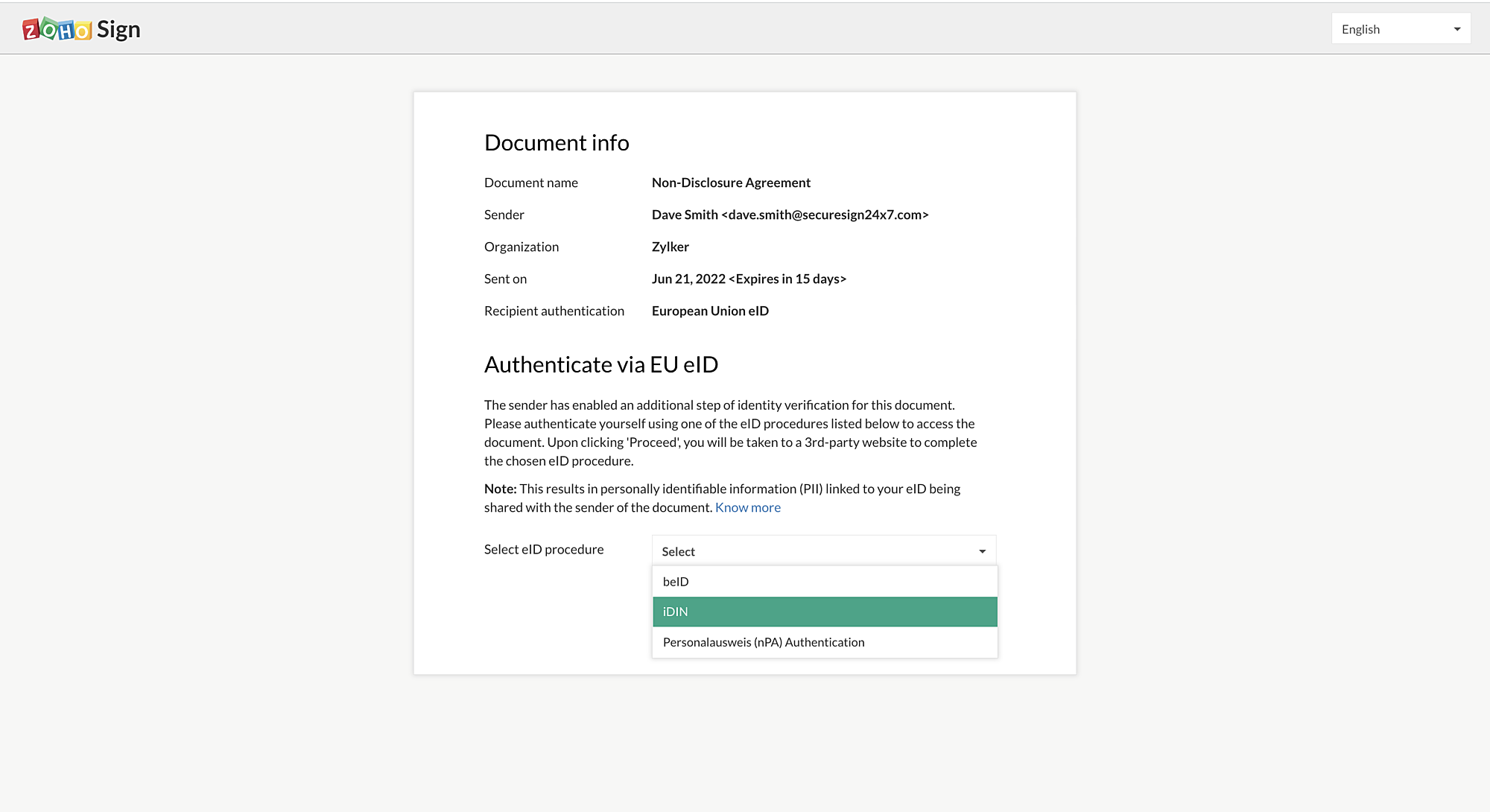
Before the recipient starts signing the document, they will find a similar screen where they will be needed to select an eID procedure and click proceed.
- The recipient will be redirected to a new window where they will be asked to enter the credentials based on the selected procedure.
- Once the authentication has been done successfully, you will be redirected to the signing page.
Note
- Once authentication is done successfully, based on the chosen procedure, some personal information of the signer associated with the selected procedure/method will be shared with the document owner.
- When you undergo this authentication procedure, the personally identifiable information (PII) linked to your eID and stored in the third-party's records will be shared with Zoho Sign.
- Zoho Sign will preserve some necessary PII data in encrypted storage (currently, we store only the signer's name) in accordance with our Privacy Policy.
Click Finish to complete the signature workflow.
Checking recipient authentication via EU eID in signed documents
- From the navigation pane, click Documents > Completed and select the document.
- Download the completion certificate and you can find the signer's info, authentication type, authentication method.