Upload Files
Upload files from your computer to the Files section.
To upload files:
1. Open the required website from the My Sites page.
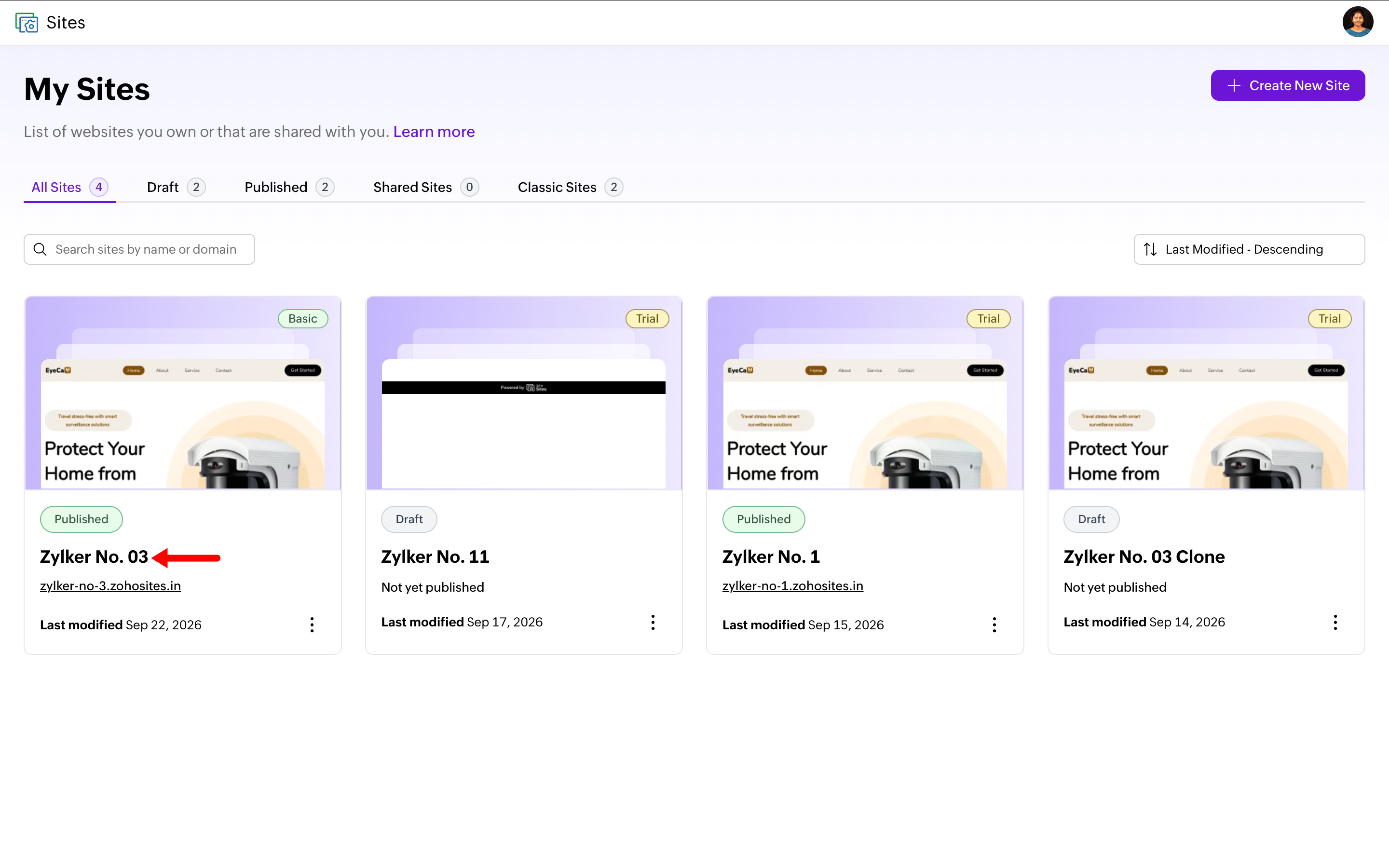 2. Click Files in the left sidebar.
3. Click Upload.
4. Select and open the required files from your computer.
5. Wait for the files to finish uploading.
6. The uploaded files are added to the Files section.