Representational Tools
Dashboard
Follow the steps below to create a dashboard:
- Select the Dashboards module and click the Create Dashboard [
] icon in the top-left corner.
- Enter a Dashboard Name, and select the intended audience from the nearby dropdown.
- Select a Component from the list displayed in the left.
- Click Save to create the dashboard.
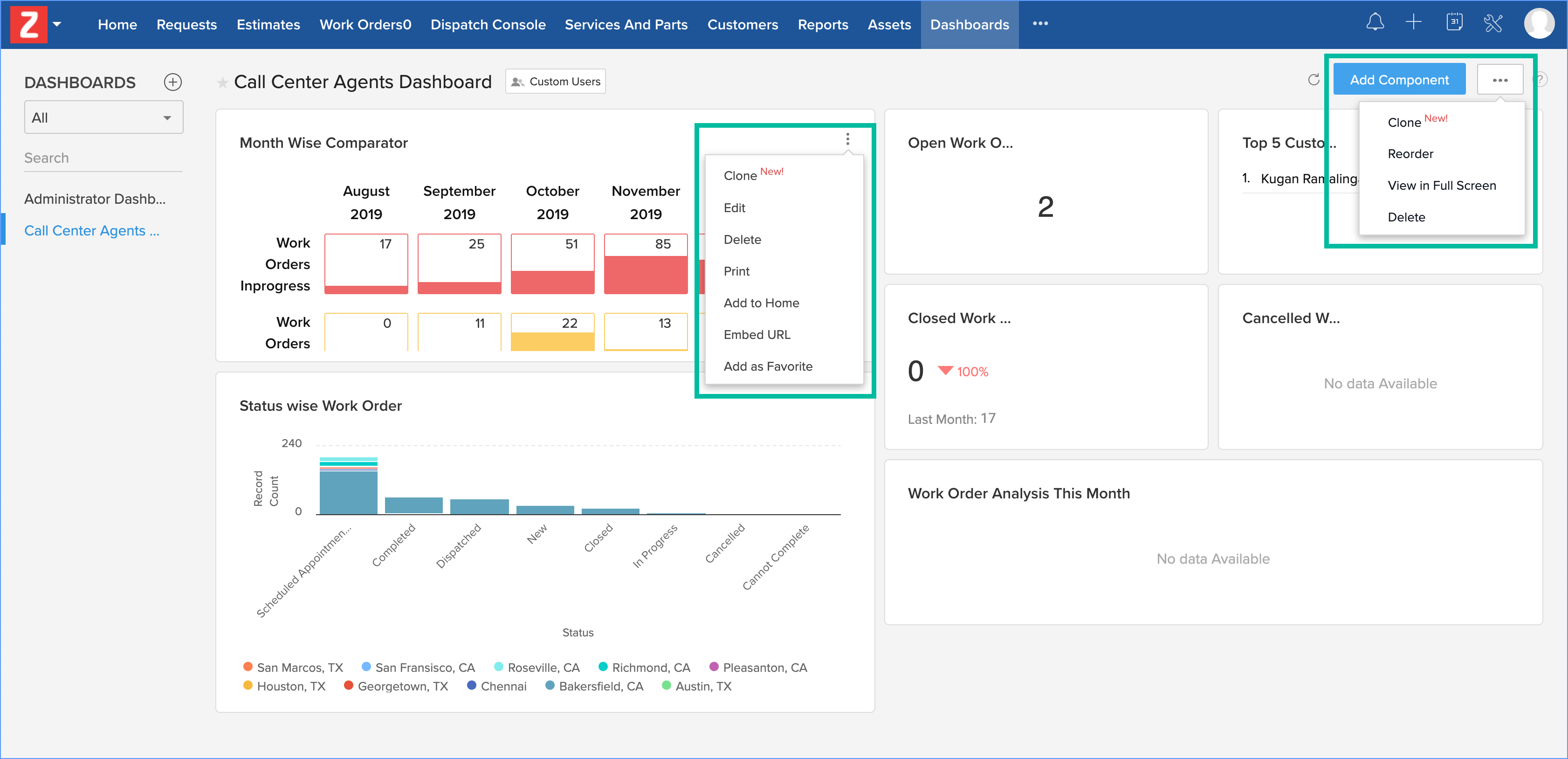
Once created, you can add new components to the dashboard. You also have the option to make changes to the components added to a dashboard.
Home Page
Personalize your home page by adding components in the form of dashboards, custom views, or widgets. To add components to your home page:
- Navigate to Setup > Customization > Home Page and click New Home Page.
- Enter a name for the homepage, add components from Dashboard or Custom View and click Save & Share.
- In the Edit Properties pop-up, enter the following and click Save:
- A Name for the homepage
- The roles for whom the dashboard should be visible.
- A Description of the dashboard.