Custom AI solutions with QuickML for Zoho CRM
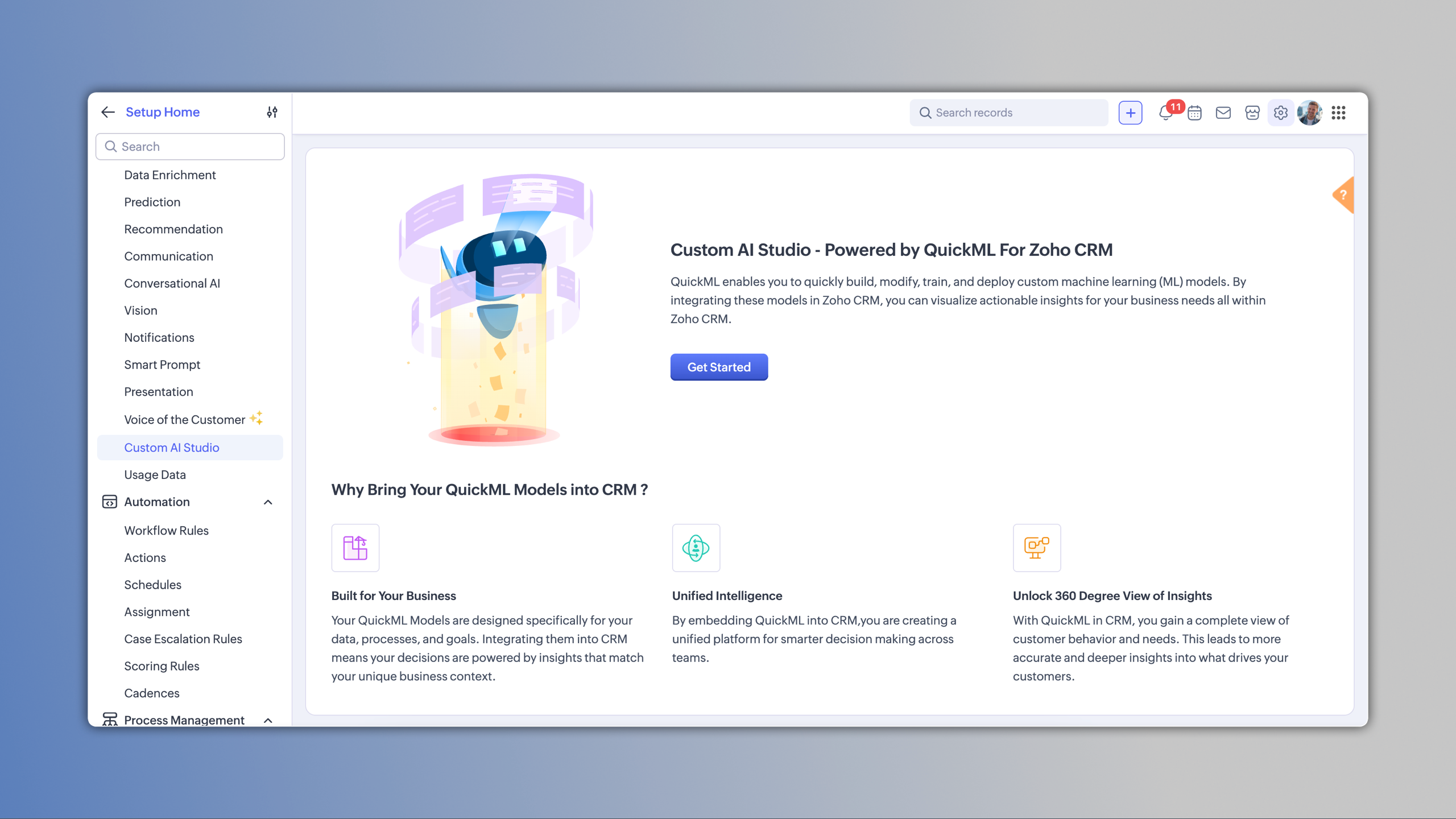
Why the QuickML integration?
While Zia’s built-in predictions are great for everyday CRM intelligence for most businesses, some teams work with data patterns and workflows that are far more specific to their domain. Custom AI solutions have thus become essential, as they allow organizations to personalize AI to their needs and ensure the outputs truly match how they operate.
This is where the QuickML integration inside Custom AI Studio steps in.
QuickML lets businesses build their own data pipelines and deploy custom AI solutions without writing code and can have complete flexibility to create AI that fits their unique business processes.
Once these models are deployed, they can be brought straight into Zoho CRM where the team works.
What does this integration let you do?
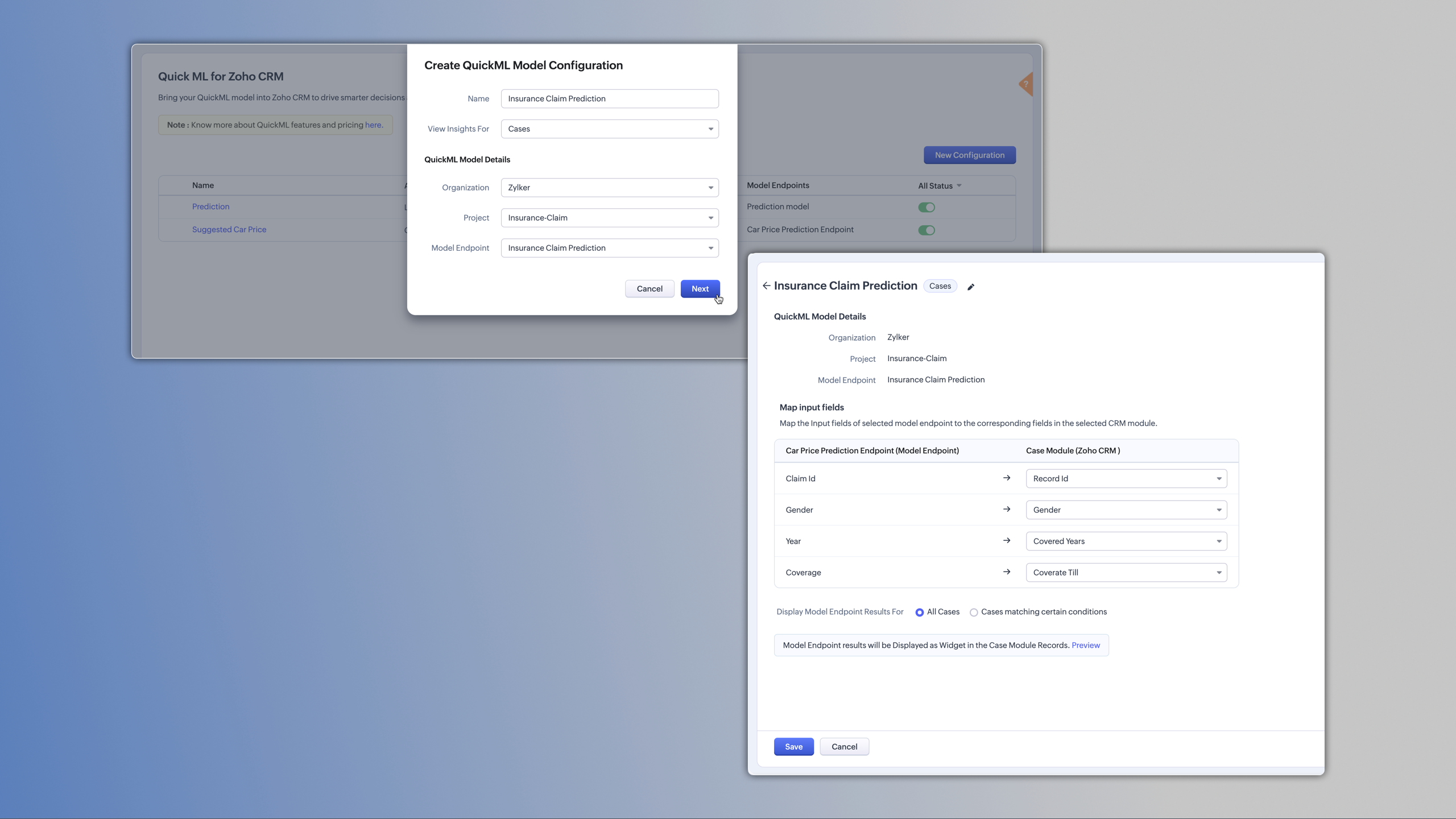
Once your models are built and deployed in QuickML, you can connect them to any CRM module through Custom AI Studio. CRM fields can be mapped to the model’s input parameters, ensuring your model receives the exact data it needs to generate accurate outputs.
2. See all model outputs right where your teams work
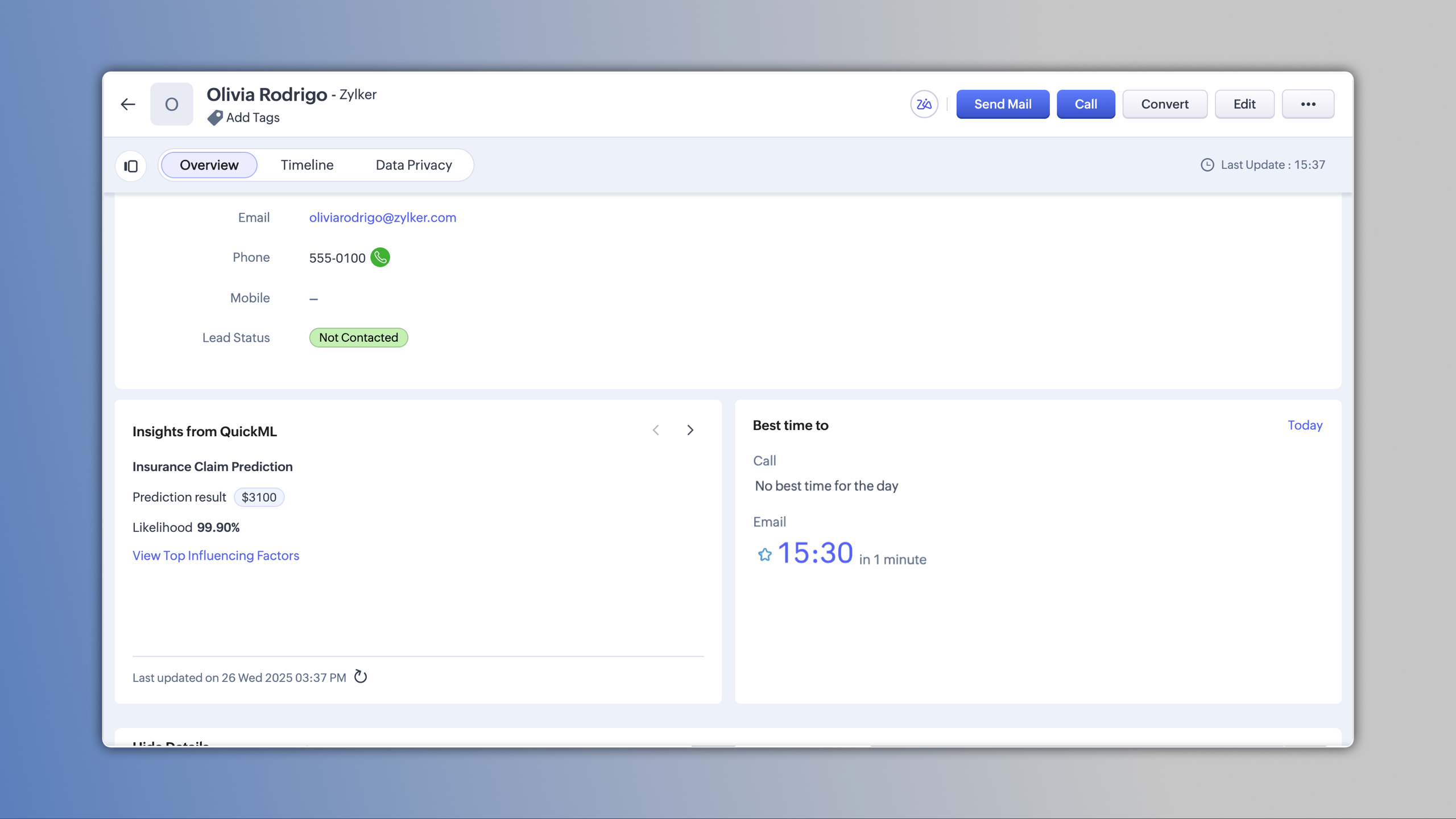
The results appear as an Insights from QuickML widget inside record details, whether it’s a prediction, forecast, recommendation, or text analysis. Each module supports up to four model configurations, and users can switch between them to view different insights without leaving the CRM.
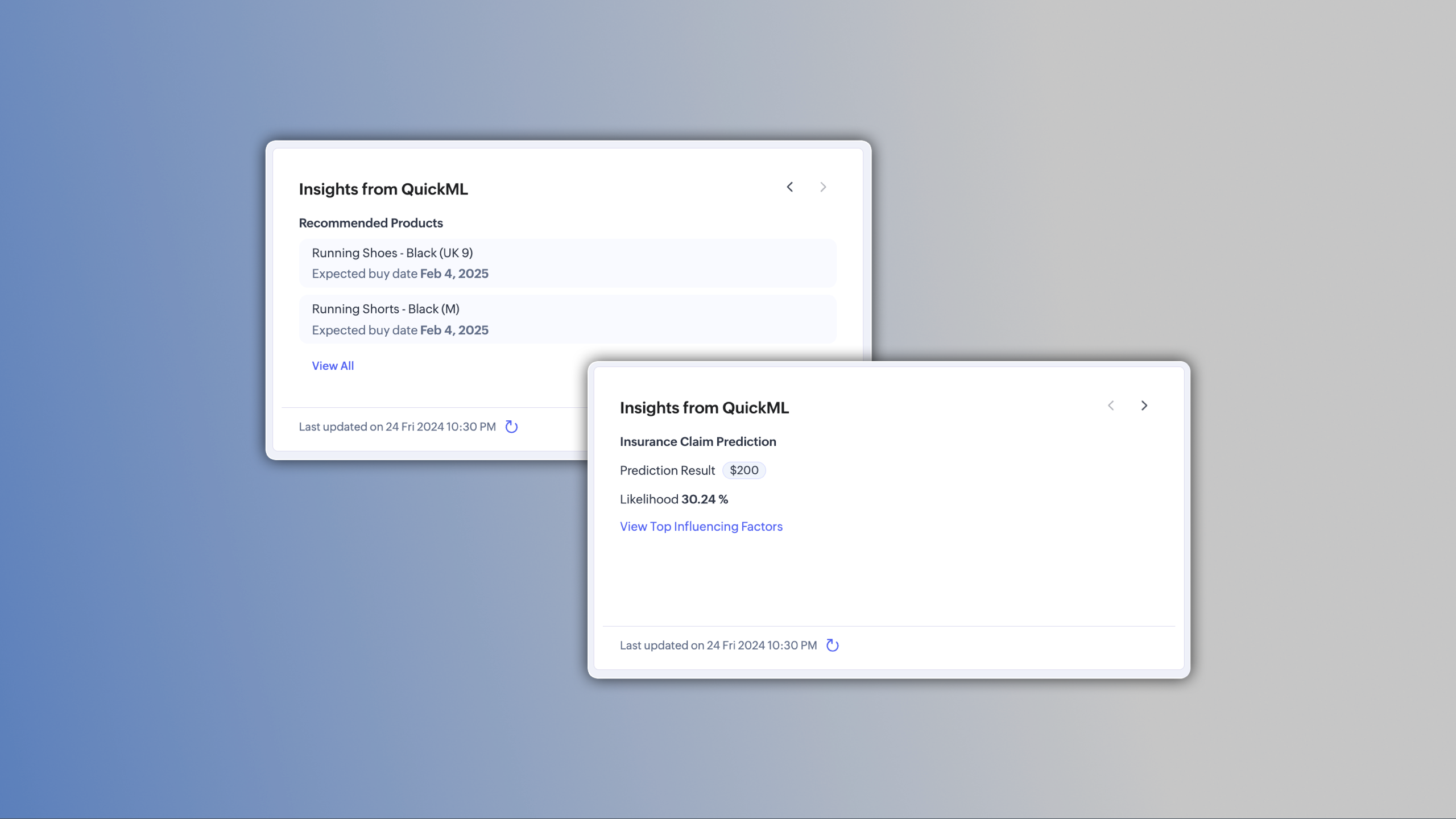
These outputs appear in the Insights from QuickML widget and can be customized in Canvas.

- Editions supported: All paid editions
- Limit: Up to four configurations per module
- Admins with manage configurations and view results permissions can view and manage custom AI solutions.
- Standard users can have permissions to view results.
That’s all for this update! Please share your feedback in the comments below.
Nizamuddin
 P.S. This enhancement is currently available for users across the US, EU, AU, SA, JP, IN data centers.