Experience Zoho Show on Mac now!
Work today isn’t tied to a single place, time, or routine. It happens in cafes between meetings, on flights, or late at night when ideas strike. And when ins, your tools need to be ready, wherever you are.
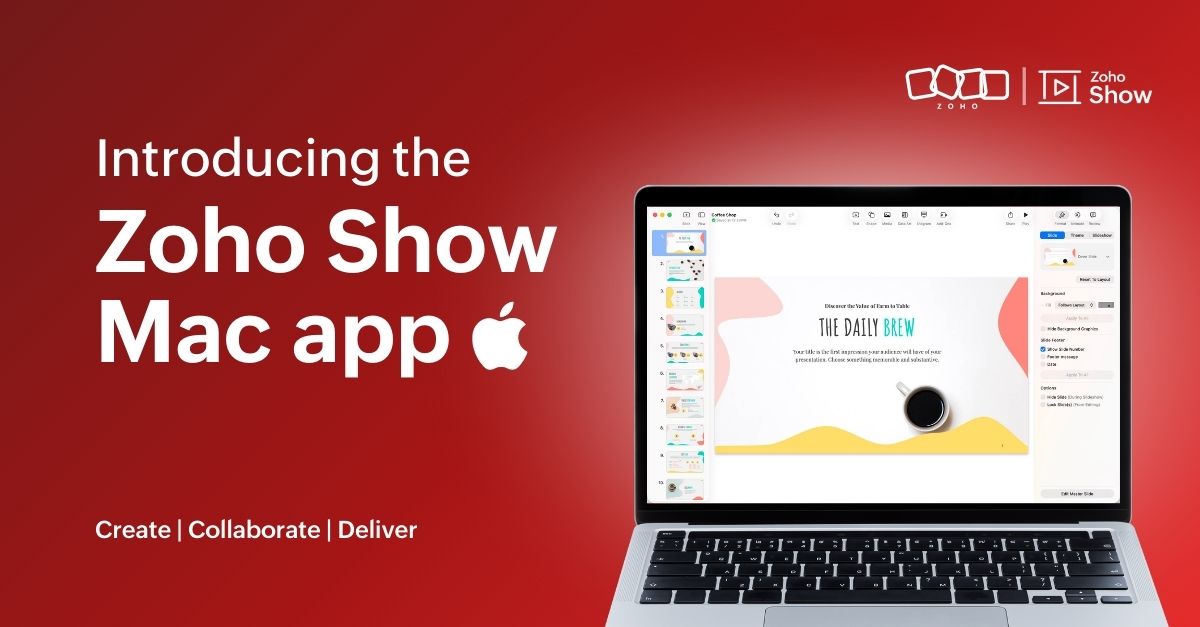
That’s why we built the Zoho Show app for Mac. It gives you the freedom to create and edit presentations offline, open local files, and work in an interface that feels familiar on your desktop.
Here's what you can look forward to:
Access presentations offline
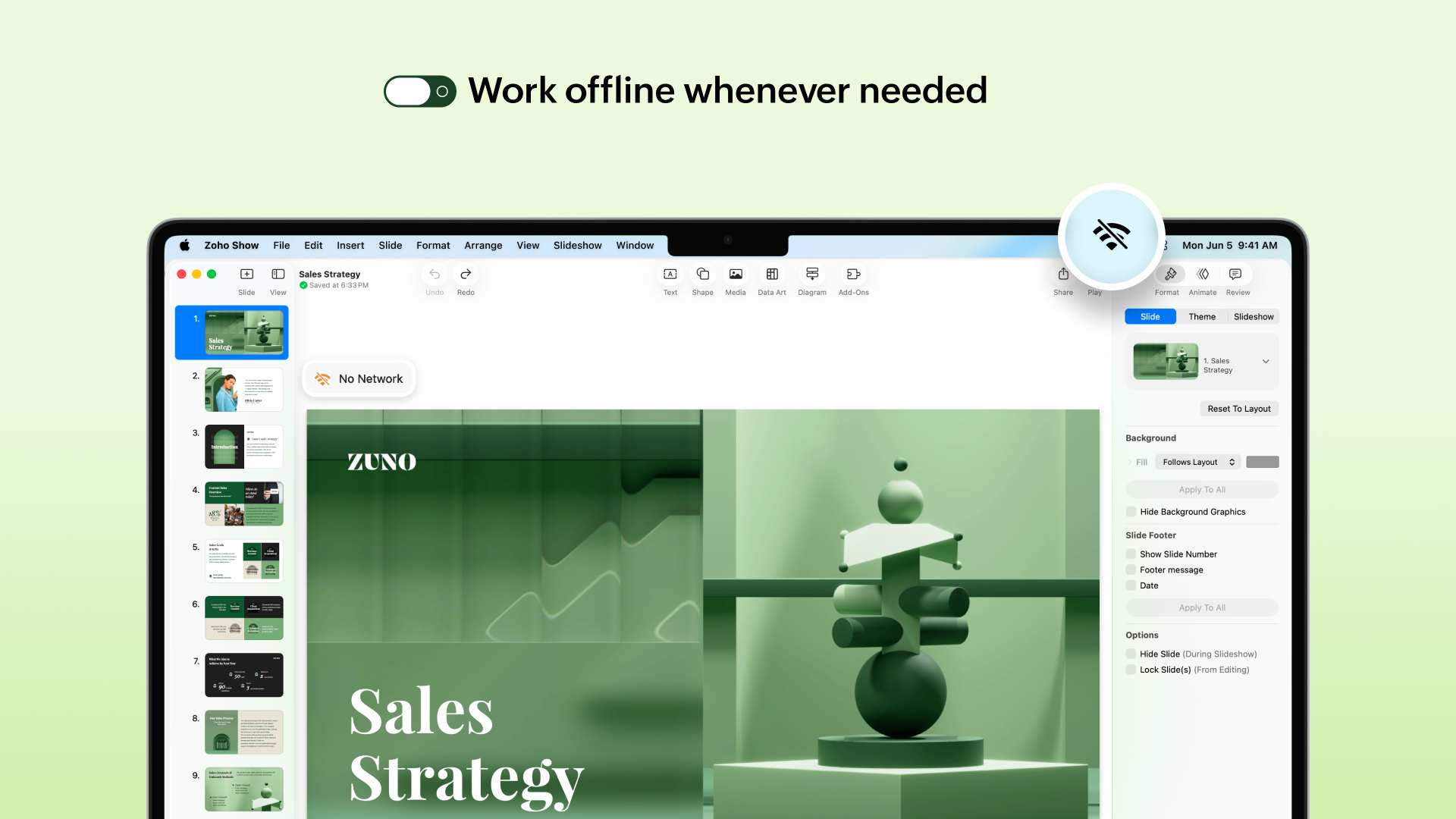
No more worrying about unstable internet! The Mac app lets you create new presentations or work on the existing ones even when you are offline. Any edits you make will automatically sync the next time you’re online.
No more worrying about unstable internet! The Mac app lets you create new presentations or work on the existing ones even when you are offline. Any edits you make will automatically sync the next time you’re online.
Work on local files
Got a presentation saved on your desktop? You can open it in the Zoho Show Mac app, edit it, collaborate with your team, and present, all in one place. These files sync to your cloud account too (if you are signed in), so you can switch between devices easily.
Continue without signing up
You can now work on presentations without having to sign up. However, if you want to save it to your account or access existing presentations you have created in Zoho Show, you will have to log in or sign up.
Work with the added power of Apple Intelligence
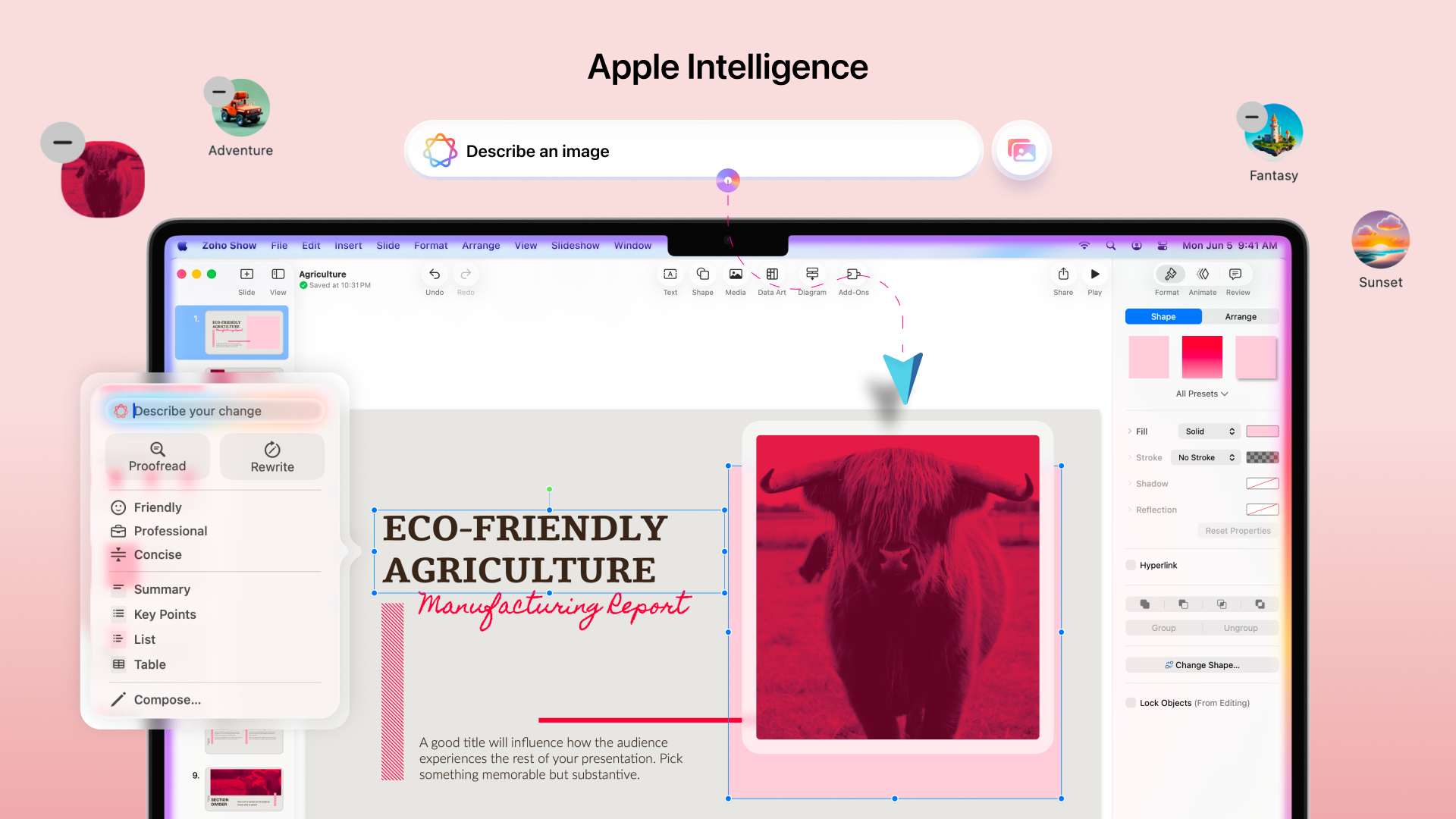
Apple Intelligence in the Mac app brings smart writing and visual creation tools right into your workspace. It helps you refine text, adjust tone, and generate images that match your ideas.
The Mac app comes packed with all the features you already love in Zoho Show, from built-in templates, animations, and transitions to collaboration tools. Even more features like Library and Zia AI are on the way.
If you're not just a Mac user but someone who’s all in on Apple, you're covered. Zoho Show also works well on iPhone, iPad, Apple TV, and even supports SharePlay.
We're also working on Handoff support, so you can switch between your Apple devices without missing a beat.
You can now download the Zoho Show Mac app from the App Store.
We are excited for you to try it out! Let us know about your experience in the comments section below. If you have any suggestions or queries write to us at support@zohoshow.com.