Introducing the Zoho Show Windows app
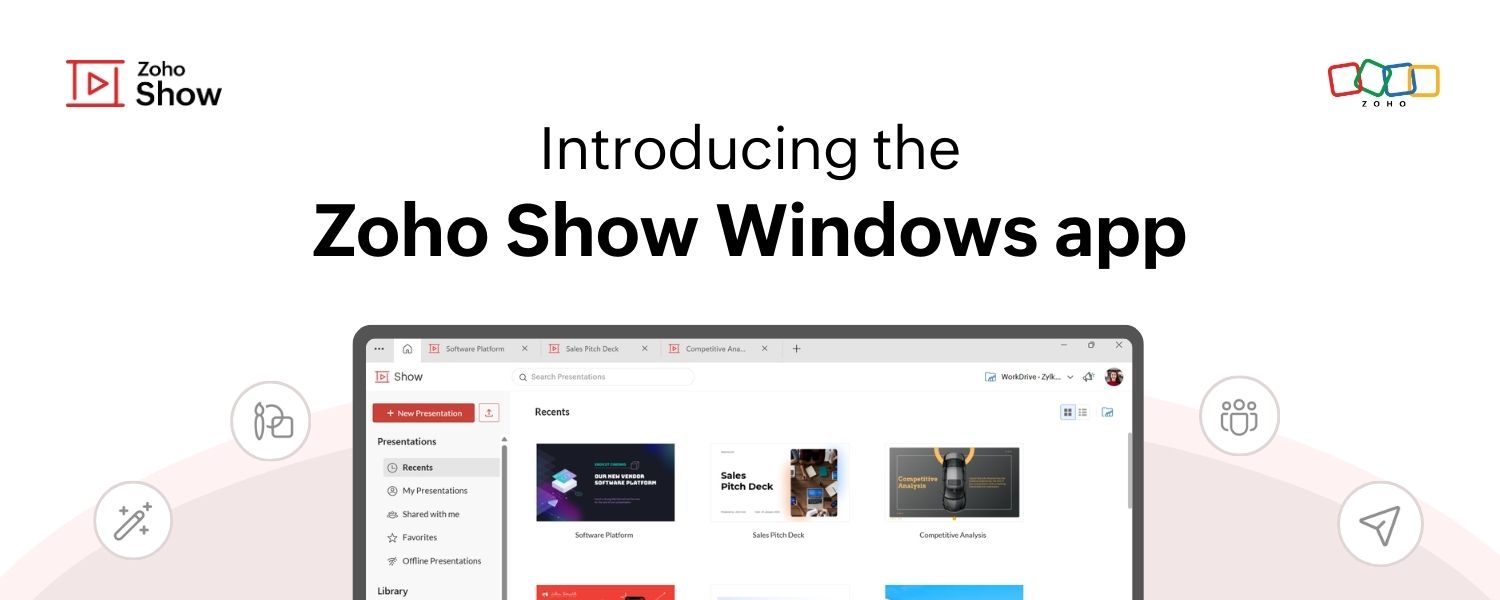
Introducing the Zoho Show Windows app

Zoho Show Windows app banner image


Hello everyone!

We’re excited to announce the launch of the Zoho Show app for Windows! You can now create, access, collaborate on, and deliver presentations right from your desktop.

The Windows app brings you all the powerful features you’re familiar with on the web version of Zoho Show, along with a few added advantages! This post will explore some of the unique capabilities of the Windows app.

Use without signing up
You no longer have to wait till you can create a new account or log in to your existing account to work on presentations. With Show's Windows app, you can get started right after launching it and sign in anytime later to save your presentations to your account.


Create and access presentations offline

The web app currently allows you to access the last five presentations you were working on while offline by setting up offline mode.

With the new Windows app, there are no restrictions; you can create and access unlimited presentations, even when offline. Any changes you make will be synced when you are back online.
Notes
Note: To work on the presentations you have created in the web app, you need to sign in to your account in the Windows app.

Work on multiple presentations simultaneously
With the new tabbed view, you can open and switch between multiple presentations within a single window, making multitasking easier than ever.

Collaborate in real time

Collaborate with your team in real time, just like on the web version. Log in to your account on the Windows app to share, co-edit, publish, or even broadcast your presentations directly from your desktop.

If you are a Windows user, you can download the show app from the Microsoft Store.
Give it a try and let us know what you think in the comments section below or write to us at support@zohoshow.com.
    • Sticky Posts

    • Introducing Zoho Show extension in Your Chrome Browser

      Hi everyone, Over the years, Chrome's feature-rich support extensions have grown to offer additional ways to easily access your favorite tools from anywhere. Today, Zoho Show is excited to announce our integration with Google Chrome as an extension app to help build and access presentations directly from your browser.   Zoho Show for Google Chrome is a free extension that allows you to dive straight into drafting your presentation material. Simply install the Show extension from the Chrome Web Store
    • Take your presentations anywhere with the Zoho Show app for iOS

      We're excited to announce the launch of the Show app for iOS. Our new presentation app gives you the power to view and present slideshows on your iPhone and iPad devices wherever and whenever you want.   The Show iOS app has a host of features that will make your presentations engaging and dynamic: Access all your presentations with a single tap Sign in to your Zoho Show account to view your slides and deliver presentations on-the-go. The app stores all the presentations you've created in the My
    • Introducing All New Zoho Show - Create and Design Stunning Presentations.

      Hello,   Whether you're a first-time presenter or an expert looking to make a lasting impression, Zoho Show is the tool for you. Whatever your expertise, the All New Zoho Show's contextual user interface lets you create all kinds of slides, from plain text on a simple background to complex presentations with animations, tweets, charts, media files, and lots more.   The UI doesn't leave you to figure everything out yourself, but presents something you can easily use. It's clear, obvious, and intuitive.
    • Three smart ways to share your presentation with Zoho Show.

      "What is the best way to share a presentation?", a lingering question that is asked after every live session or a meeting. Sharing presentations can be time consuming. It can be done, either by attaching the file to an email or by saving it in a pen drive. But what happens when your file size is large or your team is spread across the globe? Zoho Show lets you share your presentations both internally and externally without worrying about the file size. You can share your slides as a link and decide
    • Convey Your Ideas and Convince Your Audience with Zoho Show

      Visual presentations are highly impactful and it is a no-brainer that your audience gets attracted to them. The use of images and videos help you reach your objectives by emphasizing your ideas more effectively.  According to the psychologist Jerome Bruner of New York University, "people only remember 10% of what they hear and 20% of what they read, but about 80% of what they see and do." For example, if the above data on its own, was presented visually, there is an 80% chance that the information
      • Recent Topics

      • sync views to sheet

        Im looking to sync my views aka reports in analytics to zoho sheets, when data is updated in analytics it also should be updated in sheets, till now zoho sheets only offer raw data connection and it is not enough as these reports are difficult to re-do
      • How to update the Status in a custom module?

        Hi, I have a custom module "cm_payment_registry" in Billing, I am trying to change the status which is "Draft" with: array = {"custom_status":"Approved"}; zoho.billing.update("cm_payment_registry",organization.get("organization_id"), XXXXXXXXXXXXXX, array,"connectionname");
      • how to add email to existing organization i w

        I am already registered my organization and i have an email id. I need one more email id but i can't find anywhere .i want the cheapest email id . how to add ?
      • is it possible to add more than one Whatsapp Phone Number to be integrated to Zoho CRM?

        so I have successfully added one Whatsapp number like this from this User Interface it seems I can't add a new Whatsapp Number. I need to add a new Whatsapp Number so I can control the lead assignment if a chat sent to Whatsapp Phone Number 1 then assign
      • Replace Zoho Invoice with QuickBooks

        We are implementing Zoho FSM for a cleaning business in the US with 50+ field workers. This business has been using Quickbooks for accounting for decades and will not migrate to Zoho Books. A major issue in the integration is the US sales tax calculation.
      • Reply and react to comments

        Hi everyone! We're excited to bring to you a couple of new features that'll make your sprint process simpler. A cloud application brings with it an array of social media features that can be efficiently used in your organizational setup. As an agile scrum
      • Possible to connect Zoho CRM's Sandbox with Zoho Creator's Sandbox?

        We are making some big changes on our CRM so we are testing it out in CRM's Sandbox. We also have a Zoho Creator app that we need to test. Is it possible to connect Zoho CRM's Sandbox to Zoho Creator's Sandbox so that I can perform those tests?
      • 2025 Highlights: A Year of Steady Progress and Significant Developments

        As we come to the end of 2025, let's take a moment to reflect on the significant progress and developments we've made to improve your travel and expense management. In the Spotlight Introducing Online Booking (US edition only - Early access) Enable online
      • Hide/Show Subform Fields On User Input

        Hello, Are there any future updates in Hide/Show Subform Fields "On User Input"?
      • Zoho Sheet for Desktop

        Does Zoho plans to develop a Desktop version of Sheet that installs on the computer like was done with Writer?
      • e-mail bloqueado

        Estou com meu e-mail lucas@peplus.me bloqueado, preciso desbloquear para retorno de usos em minhas atividades.
      • ¿Cómo puedo configurar las contraseñas creadas bajo una directiva para que nunca caduquen y no aparezcan como caducadas en los informes?

        ¿Cómo puedo configurar las contraseñas creadas bajo una directiva para que nunca caduquen y no aparezcan como caducadas en los informes? La razón por la cual contraseña estas no deben caducar es porque su actualización depende de mi cliente y no de mí.
      • Function #42: Show the actual rate of items on invoices

        Hello everyone, and welcome back to our series! In Zoho Books, you have the ability to create Price Lists, wherein you can mark up and mark down the item rates by a specific percentage or set custom rates. Generally, when you apply a price list to an
      • Ability to Set Text Direction for Individual Cells in Zoho Sheet

        Dear Zoho Sheet Team, We hope you are doing well. We would like to request an enhancement in Zoho Sheet that allows users to set the text direction (right-to-left or left-to-right) for individual cells, similar to what is available in Google Sheets. Use
      • New in CRM: Dynamic filters for lookup fields

        Last modified on Oct 28, 2024: This feature was initially available only through Early Access upon request. It is now available to all users across all data centers, except for the IN DC. Users in the IN DC can temporarily request access using this form
      • Warehouse fast processing

        Hey guys, would anyone be interested in something like the attached image ? If there's any interest I'd be willing to develop it further for others to use, it's much faster than using Zohos native solutions, it can part pack, pack in full, part ship,
      • Can't change form's original name in URL

        Hi all, I have been duplicating + editing forms for jobs regarding the same department to maintain formatting + styling. The issue I've not run into is because I've duplicated it from an existing form, the URL doesn't seem to want to update with the new
      • Start/Stop Timmer in Chrome Extension

        The chrome extension is great and allows you to do allot however one of the most common things employees working on projects need to do is track their time. Having an easy start/stop timer to track time would be great.
      • Invalid collection string

        I haven't changed anything in one of my functions. I'm trying to run it manually and suddenly "Invalid collection string" appears. My code has 6 lines and the error says that the error is on 7th line. Why? What does this error mean? Nothing has been changed
      • Zoho Directory 2025: New Features | Security Enhancements | Enriched UI

        Hello everyone, Greetings from the Zoho Directory team! 2025 has been a highly successful year for Zoho Directory. We are delighted to introduce a fresh set of features, an enriched UI, and major product enhancements. These updates aim to deliver a smoother
      • Bulk Schedule for Posting TikTok

        Hallo, We have a client whose business is a social media agency specifically TikTok. Currently they are handling 30 TikTok accounts from. I think zoho Social can handle it with Agency License + with Add on 10 Brands. Their concern is related to posting
      • zoho people 5 report

        How do I customize my report in Zoho People Report? I understand that I can get the results of multi-table queries through SQL join statements, but I don't know the relationship between each table. I tried to create a report using Attendance User Report
      • Leave Report Emailed Weekly

        I am wondering if someone knows how to have a report generated either weekly or monthly or both for department heads and ownership of upcoming employee leave. For instance, it would be nice to get an emailed report on Friday for the upcoming week of who
      • Ability to Edit YouTube Video Title, Description & Thumbnail After Publishing

        Hi Zoho Social Team, How are you? We would like to request an enhancement to Zoho Social that enables users to edit YouTube video details after the video has already been published. Your team confirmed that while Zoho Social currently allows editing the
      • Zoho Flow Decision Continuing Despite Not Meeting Conditions

        I have a picklist field called Lead Status in the leads module, with the following lead Statuses: New Lead Attempted Contact - 1 Attempted Contact - 2 Attempted Contact - 3 Attempted Contact - 4 Attempted Contact - 5 Attempted Contact - 6 Attempted Contact
      • Add RTL and Hebrew Support for Candidate Portal (and Other Zoho Recruit Portals)

        Dear Zoho Recruit Team, I hope you're doing well. We would like to request the ability to set the Candidate Portal to be Right-to-Left (RTL) and in Hebrew, similar to the existing functionality for the Career Site. Currently, when we set the Career Site
      • zoho labels api not working

        We're using n8n to automte email reply using zoho api. I'm facing issue with label api. I added the required scopes but its not working. i followed zoho api documentation but didn't work. also, where do i find/how do i create zoho oauth token mentioneeed
      • Zoho Books Sandbox environment

        Hello. Is there a free sandbox environment for the developers using Zoho Books API? I am working on the Zoho Books add-on and currently not ready to buy a premium service - maybe later when my add-on will start to bring money. Right now I just need a
      • Tip #55- Accessibility Controls in Zoho Assist: Exploring Vision Settings- 'Insider Insights'

        As we approach the end of the year, it’s a good moment to reflect on how we can make our tools more inclusive and easier to use for everyone. Remote support often involves long hours in front of screens, varied lighting conditions, and users with different
      • Zoho Recruit Slow and Freezing on all screens

        We have had an issue with Zoho Recruit for weeks being extremely slow and at times freezing.  We have 100 mega internet, and I went into each computer and updated the virtual memory so there is more available.  Also restarted all computers daily.  Still having the issues.  Almost unable to work.
      • Credit Management: #2 Configuring Right Payment Terms for Credit Control

        Think about the last time you ordered something online and saw that little note at the checkout, "Pay on Delivery" or "Pay later". It's simple, but it actually sets the tone. As a business owner, you know exactly when payment is expected. Now, imagine
      • Dependent (Conditional) Fields in Zoho Bookings Forms

        Hello Zoho Bookings Team, Greetings, We would like to request the ability to create dependent (conditional) fields in Zoho Bookings registration forms. Current Limitation: There is currently no way to make one field’s available options depend on the value
      • Bug Report: Search fails to find existing notes after Evernote import

        Hello, I recently migrated from Evernote (~2600 notes across 23 notebooks), but the search functionality is currently broken. The Issue: I can manually browse to a specific note and see it exists. However, when I type the exact or partial title of that
      • Marketing Tip #13: Win repeat customers with post-purchase emails

        The relationship with your customer doesn’t end after the sale; that’s when it begins. A thoughtful post-purchase message shows customers you appreciate them, keeps your brand top of mind, and can even lead to another sale. You can thank them, ask for
      • Zoho Form

        I have problem with Zoho Form. One of form i don't received the PDF version. Others okay except this one. W904533
      • Introducing the Zoho Projects Learning Space

        Every product has its learning curve, and sometimes having a guided path makes the learning experience smoother. With that goal, we introduce a dedicated learning space for Zoho Projects, a platform where you can explore lessons, learn at your own pace,
      • Create & Update Zoho Vault Passwords via Zoho Flow

        Hi Zoho Flow / Zoho Vault Team, We’d like to request an enhancement to the Zoho Vault integration in Zoho Flow. Current Limitation: At the moment, Zoho Flow supports only the following selected Zoho Vault actions, such as: Fetch passwords, Share passwords
      • Is Zoho Communityspaces now part of Zoho One?

        Is Zoho Communityspaces now part of Zoho One?
      • Streams/Shared email doesn't show up in windows trident app. It works fine on MAC. Is there any difference between 2 install ?

        I can see streams/share email boxs on my MAC version of trident app but i can't see them in windows version of trident app. Is there any difference between 2 install? I try to find setting but not able to see any setting to add stream/share email boxes.
      • Credit Note for Shipped and Fatoora pushed invoices

        We have shipped a Sales Order and created an Invoice. The Invoice is also pushed to Fatoora Now we need to create a credit note for the invoice When we try it, it says we need to create a Sales Return in the Zoho Books, we have already created a Sales
      • Next Page