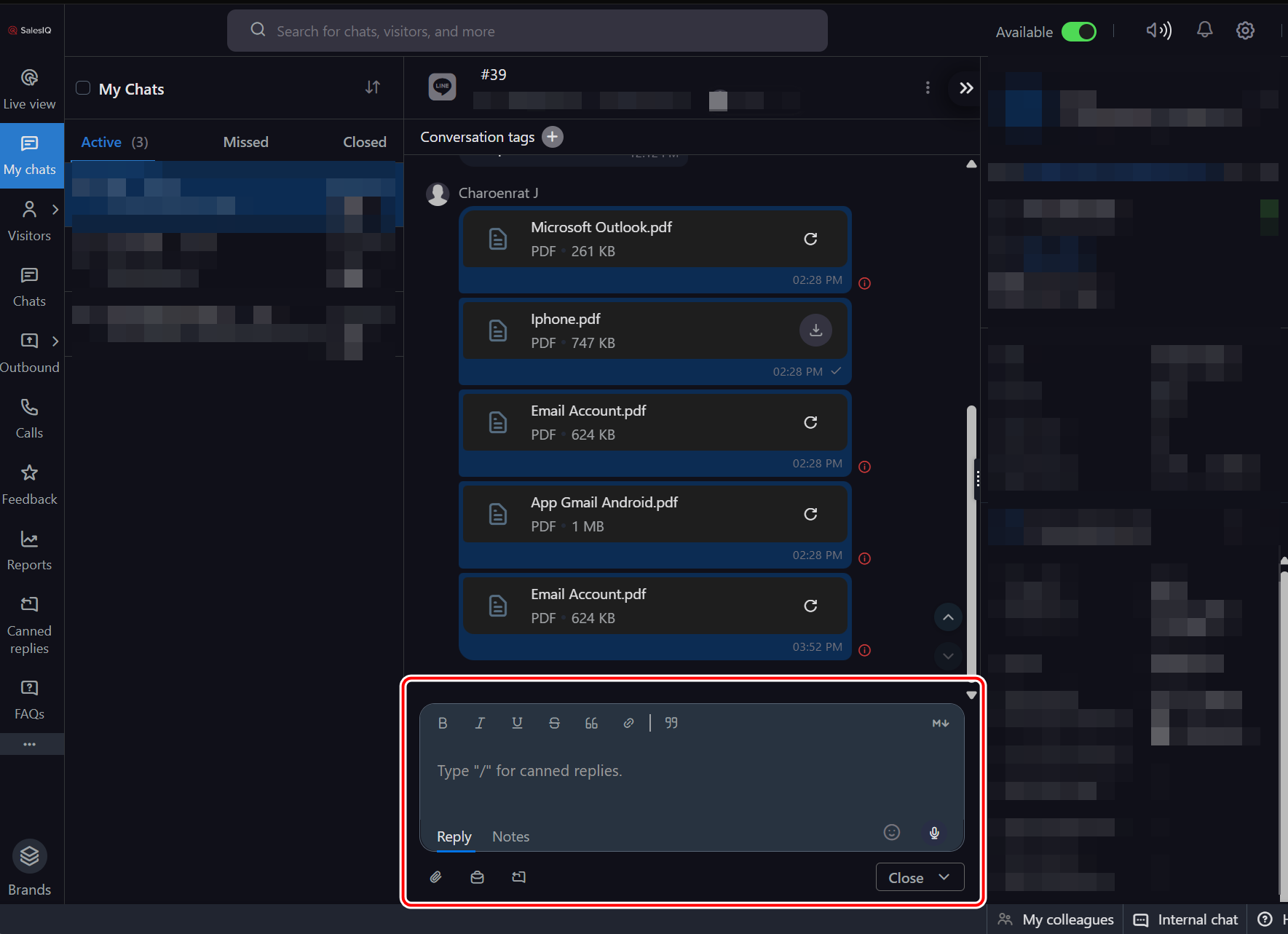
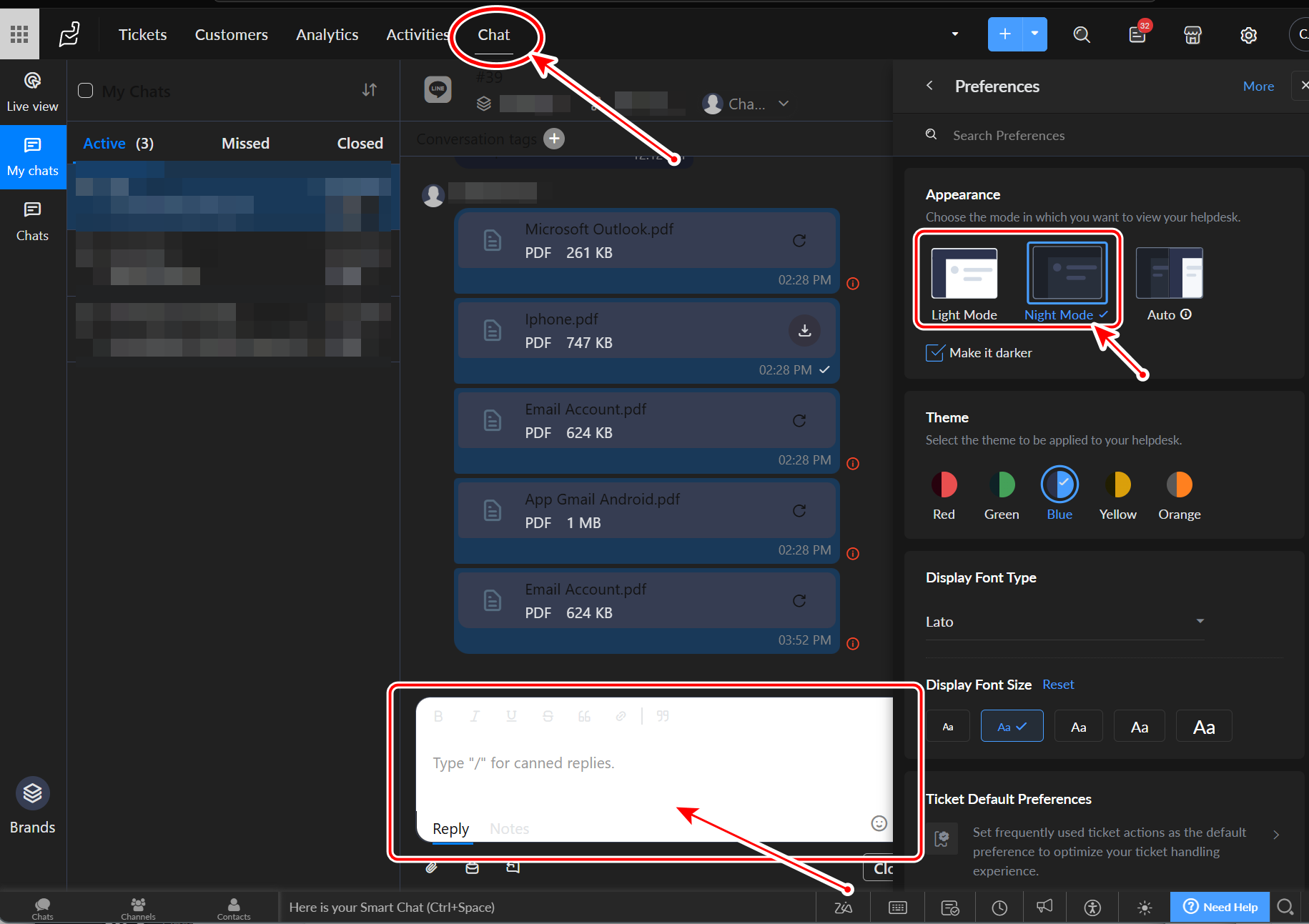
Reply dialog is not in dark mode when embedded in the "Chat Tab" on Zoho Desk.
Reply dialog is not in dark mode when embedded in the Chat tab on Zoho Desk.
When using SalesIQ from the “Chat” tab in Zoho Desk, the reply box shows up in white instead of dark mode.
But when I open SalesIQ from salesiq.zoho.com, it works fine and the reply box appears in dark mode as expected.
The same issue occurs in Chrome and Edge, in Normal/Private/Incognito mode.
“Chat” tab in Zoho Desk
On salesiq.zoho.com normally.