Tip of the week 91: Managing your signup forms using iFrame code
 Cover image
Signup forms are a great way to organically grow your mailing lists. You select one from your email marketing platform, customize it based on your needs, get the code, and embed on a single or multiple pages of your website.
However, when you update them from within your software, you're likely reflecting the changes on the website manually. This is where an iFrame code comes in.
What's the difference?
First things first. Whether it's raw website or iFrame code, the implementation remains the same—you copy the code and embed them on your website.
However, the iFrame code is different in a way that it incorporates the signup form as a page within your webpage. This paves the way for automatic updates to your forms on the website when they're updated in the software.
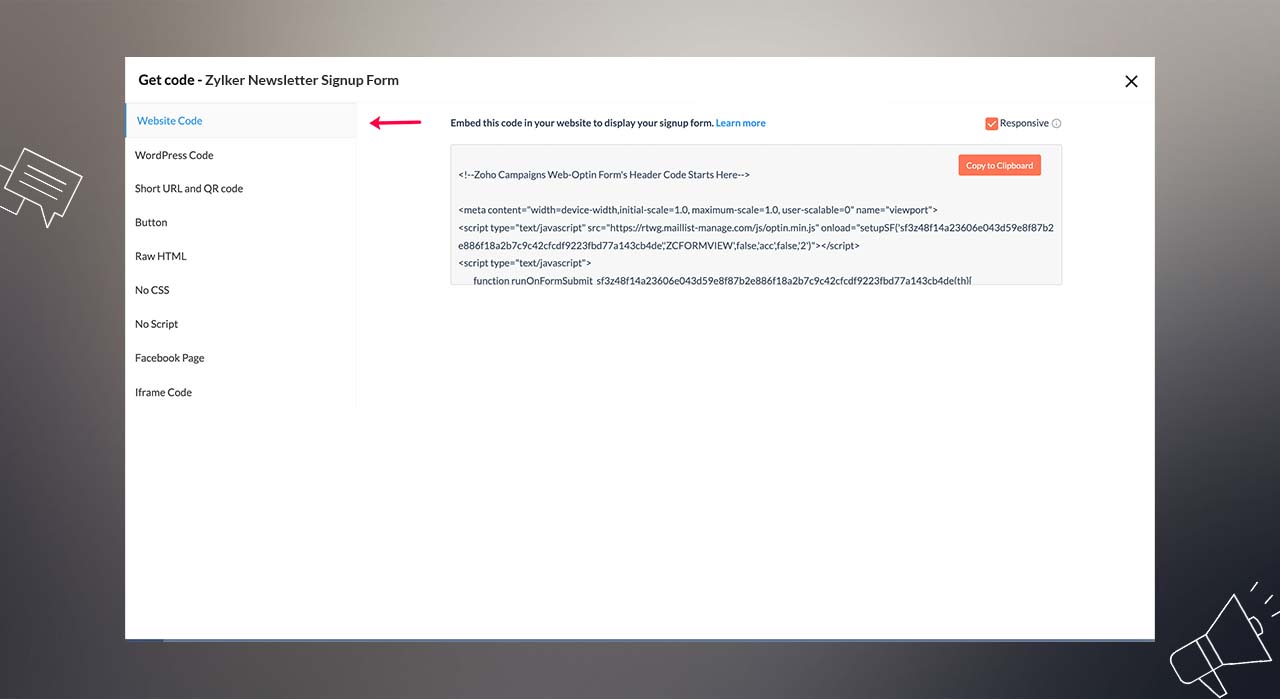 Signup form website code
 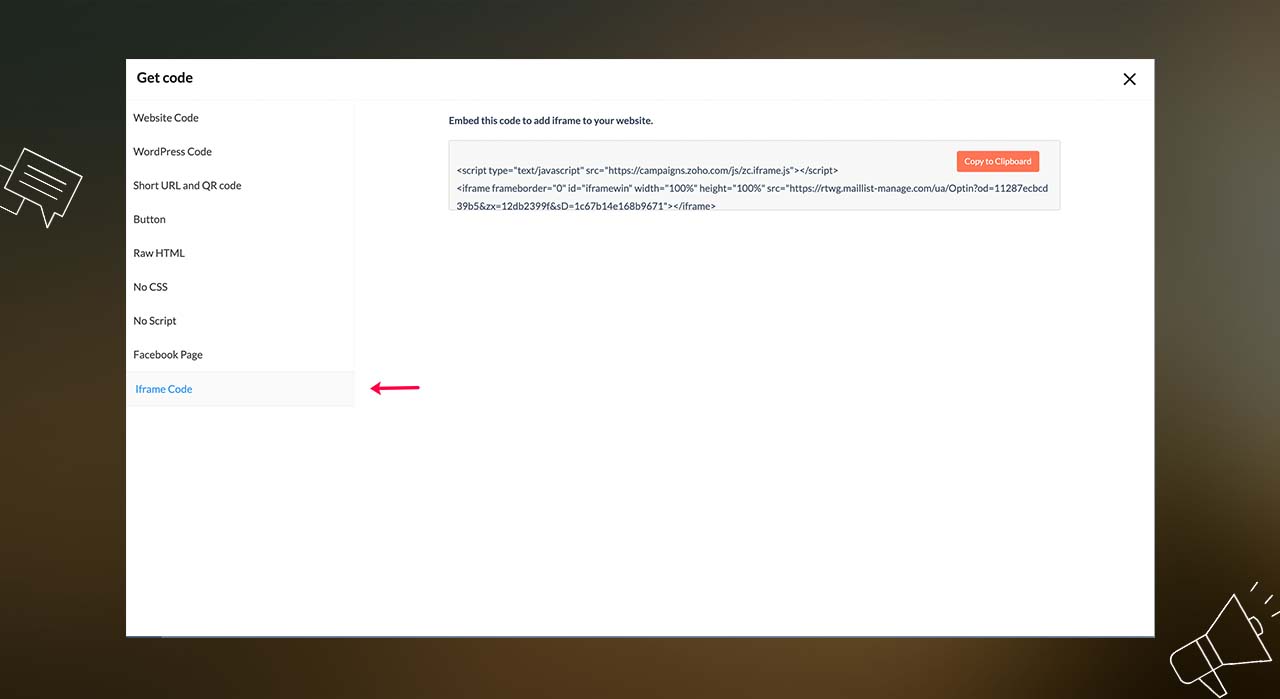 Signup form website code
We hope this helps! If you wish to further understand the Iframe code's suitability for your web development needs, please write to us at support[at]zohocampaigns[dot]com.
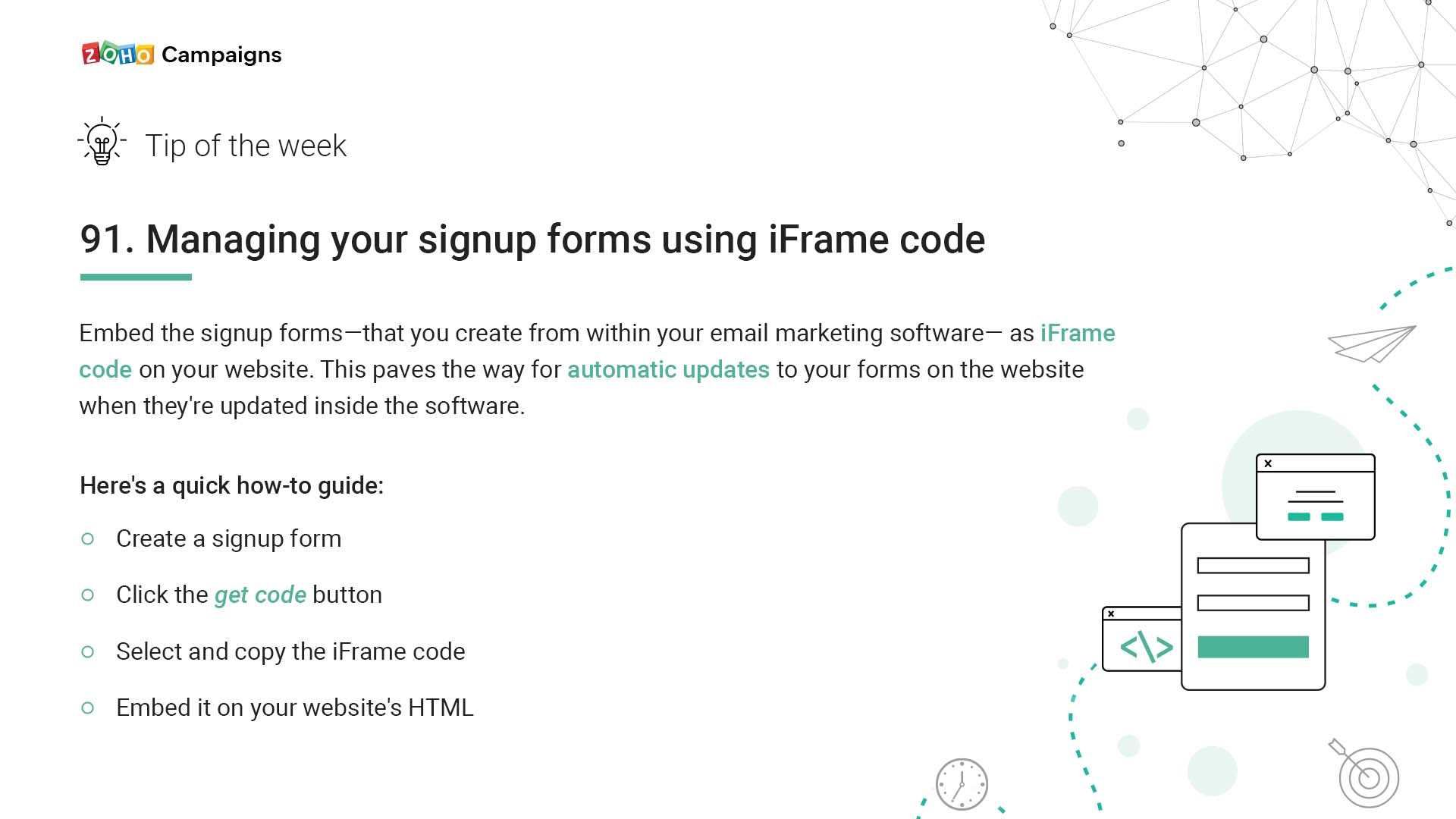 Tip summary