Users can now select the template while signing up for Bigin from within the mobile app
Hello All,
In the latest version of the Bigin Android mobile app (v1.4.8) and Bigin iOS mobile app (v.1.4.9), we have brought in support for Template selection and basic information filling feature from within the app.
Choose Template:
Now users can choose a template that matches their business requirement right from the app after signing up.

Preview Template:
Users can also view the selected template using the 'Preview Selected Template' option.

Basic Details to set up organization:
Once the user chooses the template, then the basic details will be collected from the user to set up a new organization.
1. Company Name
2. Phone number
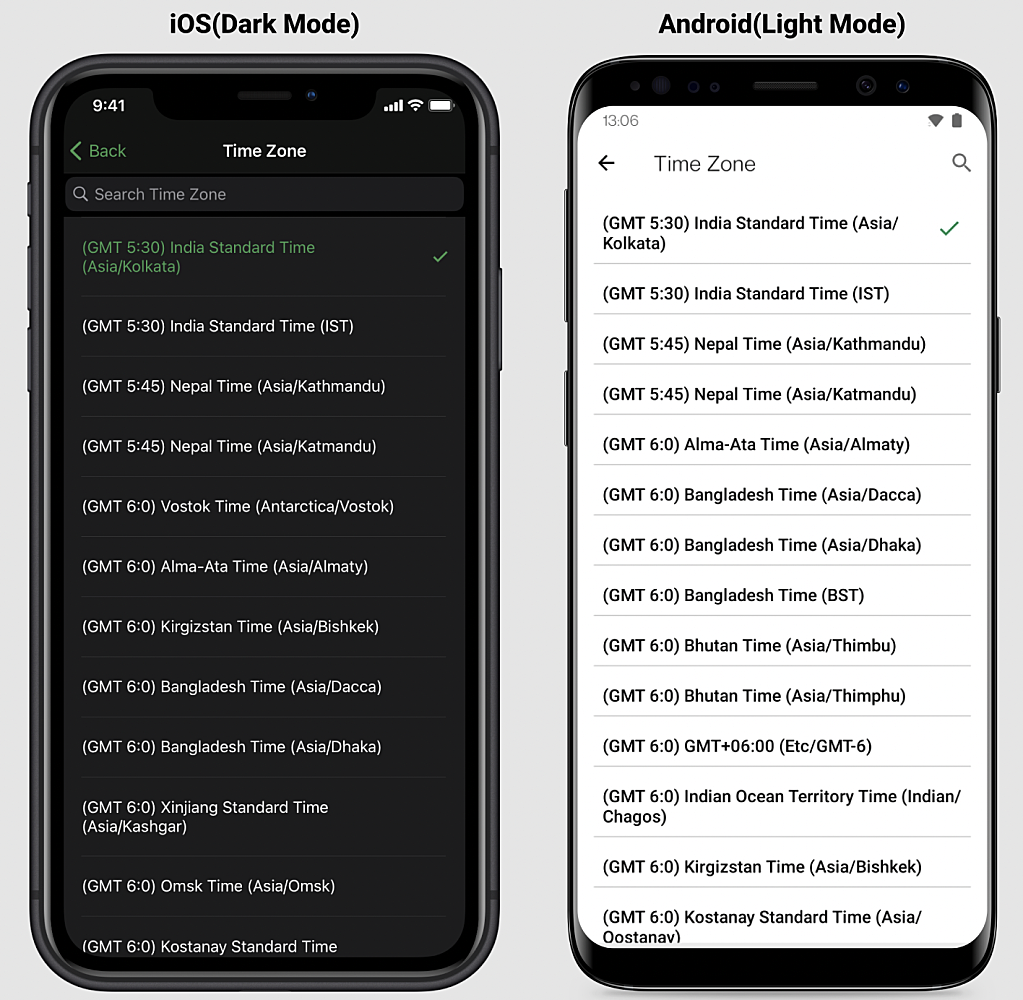
3. Time Zone
3. Time Zone
4. Language
5. Currency

Time Zone:
By default the time zone will be prefilled with accounts time zone (Users who already have Zoho account) else will be prefilled with device time zone.
User can also change the time zone according to their convenience.
Currency:
By default currency will be prefilled based on user's region. User can also change the currency according to their convenience.

Language:
User can also change the language according to their convenience.
