When moments in customer support get "spooky"

When moments in customer support get "spooky"

It’s Halloween again!
Halloween is celebrated with spooky symbols and meanings based on history and traditions, with each region adding its own special touch. While we were kids, we would dress up in costumes along with friends, attend parties, and enjoy the thrills of the season. Growing older, our perspectives and the way we celebrate might may have changed. Now, we might find ourselves watching children enjoy their spooky fun or simply relaxing.
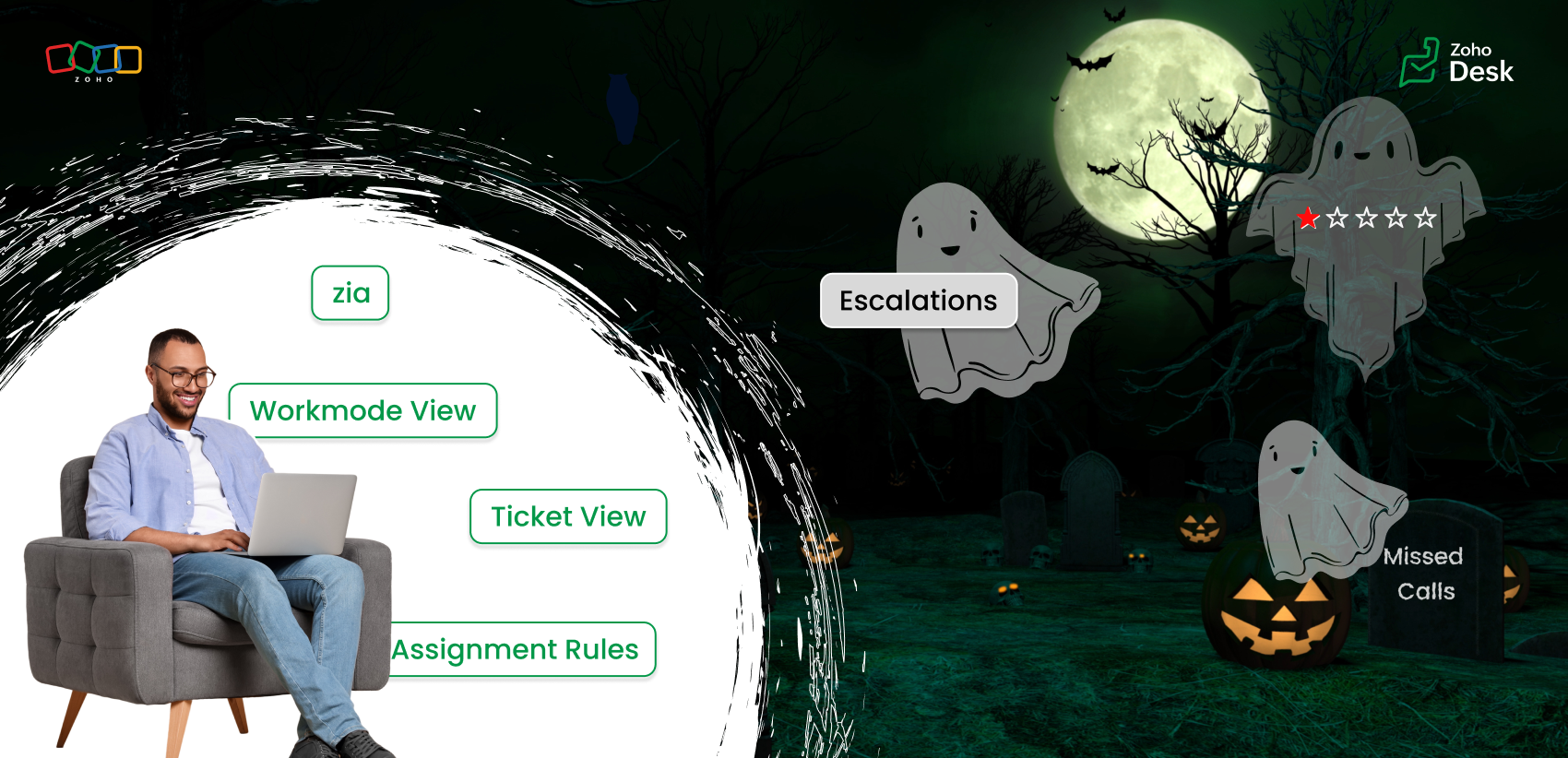
But for those working in customer support, Halloween can reveal different kinds of “spooky” moments. Some moments at work can feel just as haunting as the Halloween characters that test patience, empathy, and presence of mind. This Halloween, let’s talk about how we can turn moments of horror in customer support into delightful experiences.

The “spooks” of customer support  

Overflowing tickets

When you sign in to your Zoho Desk account, you might immediately have more tickets than you can handle. Too many tickets can make you miss your first-response time, drop your metrics, and soon you’re buried under an endless stream of unresolved tickets.

Falling resolution rates

As the workload piles up, your average resolution time can slip. Despite your best efforts, the gap between customer expectations and your responses continues to widen.

Tone gone wrong

With an overwhelming number of tickets, we might rush to reply quickly, which can make the emails sound curt or emotionless. We end up sounding rude or robotic without intending to. The lack of warmth can turn a neutral interaction into a negative experience.

Disappointing feedback

After all this, you work hard to respond to your customers and close all the tickets, aiming to solve their problems, yet the customer leaves a negative rating or an unhappy emoji. These negative rating can affect our CSAT scores leading to a more chilling experience than a Halloween scare.

Endless escalations

You’ve given your best, but tickets keep escalating one after another. Encountering one frustration after another while juggling deadlines is enough to make any support agent feel haunted by unfinished work.

Self-service pages

Imagine the customer's frustration when they're trying to find an answer, but the outdated knowledge base goes unpublished because it is outdated. What could have been resolved turns into a frustrated ticket.

Let's see how we can turn those spooky moments into spectacular ones.
Every “horror moment” in support can be transformed into an opportunity for excellence with the right tools, automation, and teamwork.

Organize your tickets

The prediction tools in Zoho Desk help you identify the high-priority tickets and learn from ticket history in less time. Zia can also detect anomalies and notify your team of tickets that require attention. The summary tools help you understand tickets and conversations quickly.
Use the default views and create custom views to categorize your tickets based on their assigned priority levels and due dates. Use various views under Workmodes to resolve tickets based on status, priority, and SLAs. The ticket notifications also help you view details where your name is tagged (@ mentions), unread, and flagged messages. These will help you resolve tickets quicker, leading to happy customers.

Assignment rules

Assignment rules help you distribute tickets evenly among agents so that one or two agents do not feel overwhelmed. Sharing the workload with fellow agents helps your team respond faster and serve customers more efficiently. The agent collision feature alerts you if two agents are working on the same ticket, thus avoiding duplicate efforts.

Workflow rules

Automate notifications for customer tickets or complaints. A simple response and acknowledgment can reassure customers that their issue is abeing ddressed to offer resolution.

Define service level agreements (SLAs)

Establish clear response and resolution times based on your business hours and ticket priorities. SLAs help you address the most urgent cases while maintaining service quality and consistency.

Update your availability status

Under profile, set your status for each support channel in Zoho Desk. When you’re online, you’ll be notified of new chats or emails to ensure nothing goes unnoticed.

Keep knowledge base (KB) articles updated

Set expiration dates for your help articles so you’re notified when it’s time to review or update them. Updating your knowledge base with the current information helps customers find the right answers faster, reducing ticket load.

Use Zia

Zia can help you sense the tone of the customers' emails. If you miss noticing the customer's emotions, Zia Insights and Zia Reply Assistance are at your service with emoticons and quick references to respond effectively. Zia insights give you an analysis of the customer's tone as well as the topics they discussed. You can also view the customer's CSAT ratings under their contact info.

Every one of these small steps can turn potential “frights” into smooth, positive experiences, both for you and your customers. The spooky moment in customer support can fade away with Zoho Desk's automation tools, AI-powered sentiment analysis, and unified knowledge base. This Halloween, while we celebrate with costumes and candy, let’s also celebrate the courage, creativity, and care of every customer support professional who turns the fright of a long queue into customer delights.
Wish you a happy Halloween! 🎃
Wishes from the Zoho Desk team 

    • Sticky Posts

    • Register for Zoho Desk Beta Community

      With the start of the year, we have decided to take a small step in making the life of our customers a little easier. We now have easy access to all our upcoming features and a faster way to request for beta access. We open betas for some of our features
    • Share your Zoho Desk story with us!

      Tell us how you use Zoho Desk for your business and inspire others with your story. Be it a simple workflow rule that helps you navigate complex processes or a macro that saves your team a lot of time; share it here and help the community learn and grow with shared knowledge. 
    • Tip #1: Learn to pick the right channels

      Mail, live chat, telephony, social media, web forms—there are so many support channels out there. Trying to pick the right channels to offer your customers can get pretty confusing. Emails are most useful when the customer wants to put things on record. However, escalated or complicated issues should not be resolved over email because it's slow and impersonal.  When you need immediate responses, live chat is more suitable. It's also quick and convenient, so it's the go-to channel for small issues. 
    • Welcome to Zoho Desk Community - Say hello here!

      Hello everyone! Though we have been here for a while, it’s time to formally establish the Zoho Desk Community; we’re really happy to have you all here! This can be the place where you take a moment to introduce yourself to the rest of the community. We’d love to hear all about you, what you do, what company or industry you work for, how you use Zoho Desk and anything else that you will like to share! Here’s a little about me. I am Chinmayee. I have been associated with Zoho since 2014. I joined here
    • Webinar 1: Blueprint for Customer Service

      With the launch of a host of new features in Zoho Desk, we thought it’ll be great to have a few webinars to help our customers make the most of them. We’re starting off with our most talked about feature, Blueprint in Zoho Desk. You can register for the Blueprint webinar here: The webinar will be delivered by our in-house product experts. This is a good opportunity to ask questions to our experts and understand how Blueprint can help you automate your service processes. We look forward to seeing
      • Recent Topics

      • Using IMAP configuration for shared email inboxes

        Our customer service team utilizes shared email boxes to allow multiple people to view and handle incoming customer requests. For example, the customer sends an email to info@xxxx.com and multiple people can view it and handle the request. How can I configure
      • Auto-Invite Users to Portals in Zoho CRM based on Conditions

        Hello Everyone, You can now automate portal invitations in Zoho CRM with the new Auto-Invite users feature in Portal management. No more manually enabling portal access one by one. With this enhancement, you can automatically send invites for users to
      • Update on V2 API End-of-Life Timeline

        Dear Users, Earlier this year, we shared the launch of the V3 APIs and requested users to migrate from the older V2 APIs by December 2025. We have received valuable feedback from our users and partners regarding their migration timelines. We are happy
      • Rich Text For Notes in Zoho CRM

        Hello everyone, As you know, notes are essential for recording information and ensuring smooth communication across your records. With our latest update, you can now use Rich Text formatting to organize and structure your notes more efficiently. By using
      • Saving sent email campaign as PDF

        I'm looking to add all campaigns sent to an archive folder in sharepoint. Is there anyway to accomplish this in Zoho Flow ? I'm falling at the first hurdle ... can I automatically save a sent campaign as a PDF to a folder location ?
      • Zoho Voice lance BYOC (Bring Your Own Carrier) : intégrez votre opérateur

        Pour accompagner sa croissance, une entreprise a besoin d’une infrastructure téléphonique flexible et évolutive. Les solutions de téléphonie s’adaptent aux exigences du centre de contact, tout en intégrant aisément les opérateurs locaux de votre choix.
      • Digest Novembre - Un résumé de ce qui s'est passé le mois dernier sur Community

        Bonjour chers utilisateurs, Avec l'arrivée du dernier mois de l'année, il est temps de résumer les activités de novembre dans la communauté Zoho France. Ce mois-ci, Zoho Webinar se dote de deux nouvelles intégrations ! La première est avec Zapier : connectez
      • How do I create an update to the Cost Price from landed costs?

        Hi fellow Zoho Inventory battlers, I am new to Zoho inventory and was completely baffled to find that the cost price of products does not update when a new purchase order is received. The cost price is just made up numbers I start with when the product
      • Export Invoices to XML file

        Namaste! ZOHO suite of Apps is awesome and we as Partner, would like to use and implement the app´s from the Financial suite like ZOHO Invoice, but, in Portugal, we can only use certified Invoice Software and for this reason, we need to develop/customize on top of ZOHO Invoice to create an XML file with specific information and after this, go to the government and certified the software. As soon as we have for example, ZOHO CRM integrated with ZOHO Invoice up and running, our business opportunities
      • E-Invoicing in Belgium with Zoho Books

        Starting January 1, 2026, Belgium is introducing mandatory electronic invoices (e-invoicing) for all B2B transactions between VAT-registered businesses. This means that invoices and credits notes must be exchanged in a prescribed digital format. How E-Invoicing
      • Lead Blueprint transition in custom list view

        Hi, Is It possible to insert the Blueprint transition label in a custom Canvas list view? I am using Lead module. I see the status, but it would be great if our users could execute the Blueprint right from the list view without having to enter the detailed
      • Partner with HDFC And Sbi Bank.

        Hdfc and sbi both are very popular bank if zoho books become partner with this banks then many of the zoho books users will benefit premium features of partnered banks.
      • Announcing new features in Trident for Mac (1.30.0)

        Hello everyone! We’re excited to introduce the latest updates to Trident, bringing you a more seamless, intuitive, and secure communication experience. Let’s take a quick look at what’s new. Work with PST/EML files more efficiently. You can now do more
      • Open Form in Same window as Page from embedded Report

        I have a page that has an embedded report, as shown below. When I click the + sign to add a new record, the form shows up inside the page where the report was embedded. I know that I can add a custom action to the report grid or report detail view and
      • Weekly Sales Summary

        Is it possible to generate a weekly report in Zoho Books to show -$$ amount of estimates generated -# of estimates generated by Salesperson -$$ amount of Sales Orders created -$$ amount of Invoices generated
      • Systematic SPF alignment issues with Zoho subdomains

        Analysis Period: August 19 - September 1, 2025 PROBLEM SUMMARY Multiple Zoho services are causing systematic SPF authentication failures in DMARC reports from major email providers (Google, Microsoft, Zoho). While emails are successfully delivered due
      • Zoho public comments are confusing and unnecessary

        Hi, we use zoho desk and have issues with public comments. We started using them because the "Reply" option just seemed very clumsy because of the following reasons: - the top "Reply" button starts what seems to be a regular email, showing the entire email thread underneath, which we think is confusing and wasting bandwidth.  - the top "Reply" button defaults to "Reply All". We just want to reply to the customer's message as they intended for us to reply (so if they email with cc then it should cc
      • Pricing Strategies: #4 Counting on Discounts

        "Is there any chance I can get a little discount on this month's service?" Maya hears this almost every time at her fitness studio. She offers monthly subscription plans for various services, including yoga, strength training, wellness sessions, and personal
      • Do Unpublished Products in Shopify Sync to Zoho POS?

        Will an unpublished product in Shopify sync to Zoho POS? I would like to know how Zoho POS handles products that are in draft/unpublished status in Shopify.
      • Hide Contact Number for Field Users & Agents

        Is it possible to hide the contact number in both the Service Appointment and Work Order modules for field users and agents? The agents are using the Zoho FSM mobile app, and we want to restrict them from viewing the contact number.
      • Introducing Query Workbench in Zoho CRM

        Hello everyone! We’re excited to announce the Query Workbench, a brand-new interface designed to improve developer experience of building Queries in Zoho CRM faster, simpler, and more intuitive. In the past, constructing queries required navigating across
      • ABN with Legal Entity Name

        Hi, How can I execute this? The ABN number is entered in Accounts Module and ideally, it should display or suggest the correct Legal Entity Name based on the ABN lookup. ex. Account Name: JPG Resources ABN Number: 65 067 761 871 Legal Entity Name: (auto
      • How to update Multi File upload field

        Assume that i have a multi file upload field,how can i update the same field again?
      • Zoho DataPrep switching Date Format

        When using a pipeline that is importing Zoho Analytics data into Zoho DataPrep, the month and day of date fields are switched for some columns. For example, a Zoho Analytics record of "Nov. 8, 2025" will appear in Zoho DataPrep as "2025/08/11" in "yyyy/MM/dd"
      • Whatsapp Connection Status still "Pending" after migration

        Hello, I migrated my WhatsApp API to Zoho from another provider a day ago. So far the connection status is still “Pending”. There is a problem? How long does it usually take?
      • Limitation with Dynamic Email Attachment Capture

        I've discovered a flaw in how Zoho Creator handles email attachments when using the Email-to-Form feature, and I'm hoping the Zoho team can address this in a future update. The Issue According to the official documentation, capturing email attachments
      • Add Customer in Books on Creator Form Submit Params

        Hi guys, Were integrating a creator app with books however what were doing is adding a books customer on submit of creator form.  We have some parameters but some fields aren't coping, All were seeing is the contact name in books,.  Any help of the params for this would be great. below is a sample of the script... response = zoho.books.createRecord("contacts", "XXXXXXXXX", { "contact_name" : input.Name, "address" : input.Email }); 
      • Admin asked me for Backend Details when I wanted to verify my ZeptoMail Account

        Please provide the backend details where you will be adding the SMTP/API information of ZeptoMail Who knows what this means?
      • Suggestion : link KB with Accounts

        Hi Zoho teams.  I think it could be good to link KB articles with  : accounts in order to easily  find articles dedicated to some account specificities. I tried to use tags , but tags are free text with not easy way  to retrieve it directly from ticket or list article for one tag. Tickets : It would be a good way to measure usage of KB directly from ticket when we don't need to copy/paste KB in solution. And : Great Tool , keep going ! 
      • Drag and Drop in Creator Application

        Hi, I am in the planning phase of a new application and I would like to use 'Drag and Drop' in the user interface of my new Creator application that I am sketching out, but I don't seem to be able to find any reference that this is available to developers. In my instance I have table of entries and I would like to be able to allow users to move an entry to another table (much like you do in your own interface when creating a Pivot Table report. In addition, I would like the user to be able to re-order
      • Is there any way to integrate Zoho with Zapier?

        Is there any way to integrate Zoho with Zapier? I'd like to use it to create a workflow, sharing posts from our Wordpress website to all our channels.
      • Can we add custom fields to portal community profiles?

        How do we add custom fields to our profile pages in our portal community? If we have the ability to add custom fields, will we be able to access those fields via API? We want to use our Desk community in our help portal as our primary community and would
      • Popular Articles Report

        From data to decisions: A deep dive into ticketing system reports Content management teams can use various metrics to assess the effectiveness of knowledge base articles, improve content quality, and ensure articles are regularly updated. Predefined article
      • Invoice Ref. Field

        Hello Team, Currently, the Invoice Ref. field is set to a Number type with a maximum limit of 9 digits. However, we often receive customer invoices that contain up to 12 digits. In some cases, the invoice reference includes not only numbers but also letters
      • 60 Days Into Zoho - Tiktok Branding Startup -7 Questions?!

        Wsp Everybody I co-own a TikTok Branding / Consulting Startup & have been using Zoho for the past 60 days - Am now looking to make our overall operations & processes more Efficient & Effective! Curious to know how others are using the platform & what's
      • Add Lookup Field in Tasks Module

        Hello, I have a need to add a Lookup field in addition to the ones that are already there in the Tasks module. I've seen this thread and so understand that the reason lookup fields may not be part of it is that there are already links to the tables (
      • Turning off the new UI

        Tried the new 'enhanced' UI and actively dislike it. Anyone know how to revert back?
      • XML format to import knowledgebase into Zoho Desk

        Hi, We just started to use Zoho Desk and want to import our knowledgebase from our old support system (Freshdesk) to Zoho Desk. Can anyone give us information about the format of xml file to import? There is no explanation on the related page.
      • Pushing Zoho People leave into Microsoft calendar: how to chose how "event" is shown (busy, free etc)

        Hi, how can I select how a "leave" event is pushed into Microsoft calendar? I want for leave "working elsewhere" to show as working elsewhere and NOT as busy.
      • Duplicate Accounts

        Hi There, I am looking for a solution, script, workflow or anything to solve an issue we have - in our customers section we have a rule that doesn't allow duplicates, however Zoho will allow customers with xxxxx and xxxxx PLC or LTD so effectivley we
      • Next Page