Zoho CRM - Kiosk Studio : Bring Zia Agents into your Kiosk flows
Hello Everyone,
AI Agents are gaining momentum and they don’t just assist people, they act on their behalf, helping teams save time and to focus on more important work. However, deploying agents in an enterprise environment introduces a fundamental architectural tension :
This means that Agents are powerful because they can calculate what to do next, allowing them to handle uncertainty and adapt. But in critical business interactions, adaptability can become unpredictability. Businesses would need guaranteed steps and reliability, in the right sequence, every single time.
In this enhancement, we have resolved this tension. We have coupled the intelligence of AI with the step-by-step governance of Kiosk Studio. You can now invoke any deployed Zia Agent directly as a native component inside your Kiosks.
Intelligence Meets Orchestration
To understand why this is so impactful, we have to look at how the two distinct processing models can work together:
Kiosk Studio : Kiosk Studio is an active, step-by-step process that acts as your orchestrator. It dictates the exact screen-by-screen path a user must follow, enforces mandatory inputs, and strictly sequences what should happen during a live interaction.
When you combine a Kiosk with a Zia Agent, you get the best of both. The Kiosk keeps the user on track and enforces the business logic, while the Zia Agent handles the complex actions that the Kiosk can't do on its own and then returns the result back into the flow. Hence, you get the intelligence of AI perfectly contained within a structured and governed process.
What’s New
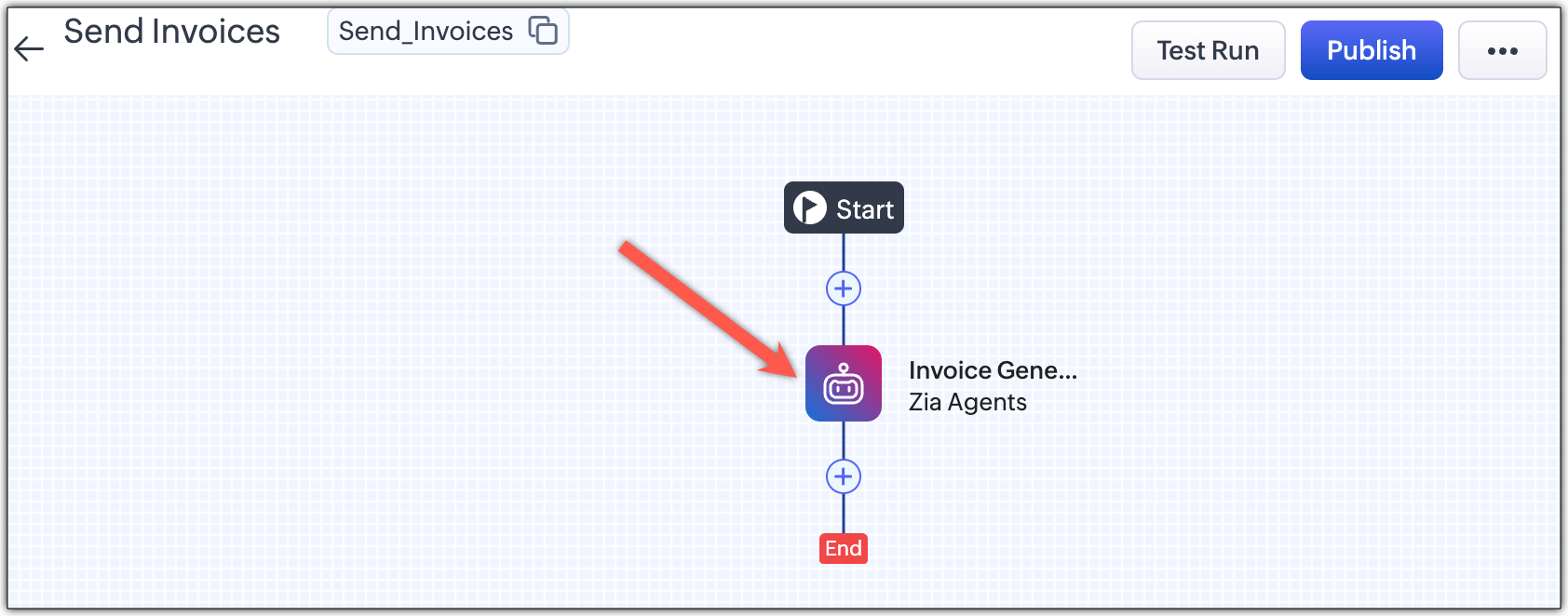
A new Zia Agent component has been added to Kiosk Studio. This component connects directly to the APIs available in the Zia Agent Studio platform. This means any agent you have built and deployed is immediately available to call from your visual Kiosk builder. You can pass it inputs from your active session, let it act, and securely use its outputs in subsequent Kiosk screens.
A Quick Example: Smart Discount Calculator for Deals
Every sales rep hits the same wall mid-deal: "What discount can I offer?" Finding the answer means digging through the customer's history, checking benchmarks, factoring in competitor quotes, and figuring out whether it even needs approval. All this happens while the customer is waiting. It's slow, inconsistent, and the working behind the decision is usually lost by the time anyone asks about it later.
With Zia Agents in the Kiosk flow, the sales rep opens the flow from the Deal record, reviews the deal summary, flags any competitor offer, and hits Provide Discount. A Zia Agent analyses the deal and comes back with a recommended discount which is not just a number, but a breakdown of exactly what drove it. The rep can accept it or adjust it, and either way they have a clear, defensible answer ready for the customer.
The Kiosk then routes the discount through the right approval path automatically where small discounts go straight through, larger ones get sent to the right manager, and blocked deals are flagged for restructuring. No chasing approvals manually, no guessing who needs to sign off.
Once approved, a second Zia Agent generates and sends the quote and the rep is done. One flow, from the deal record to a quote in the customer's inbox, without opening another product or losing track of where things stand.
Kiosks can only call deployed agents. Agents in draft mode won't be available in the Kiosk.
All Agents are managed in Zia Agent Studio platform only. Kiosks can just call them, not build them.
Inputs and outputs of Agents in Kiosks are reusable. Anything you pass into the agent, and anything you get back, can be used as fields in subsequent screens and decision components within the same Kiosk.
 Availability and Release Plan
This feature is available to Kiosk users on the Professional plan and above, provided they also have Zia Agents enabled on the same plan or higher.
Start using Zia Agents in your Kiosks and let us know how this helps you. If you have any questions please comment below and we will get back to you at the earliest.
Thanks & Regards,
Serena Woolridge