【開催報告】東京 ユーザー交流会 Vol.3 2025/10/17 Zoho サービスの活用促進を外部ツールとの連携で実現!

【開催報告】東京 ユーザー交流会 Vol.3 2025/10/17 Zoho サービスの活用促進を外部ツールとの連携で実現!

ユーザーの皆さま、こんにちは。コミュニティチームの藤澤です。

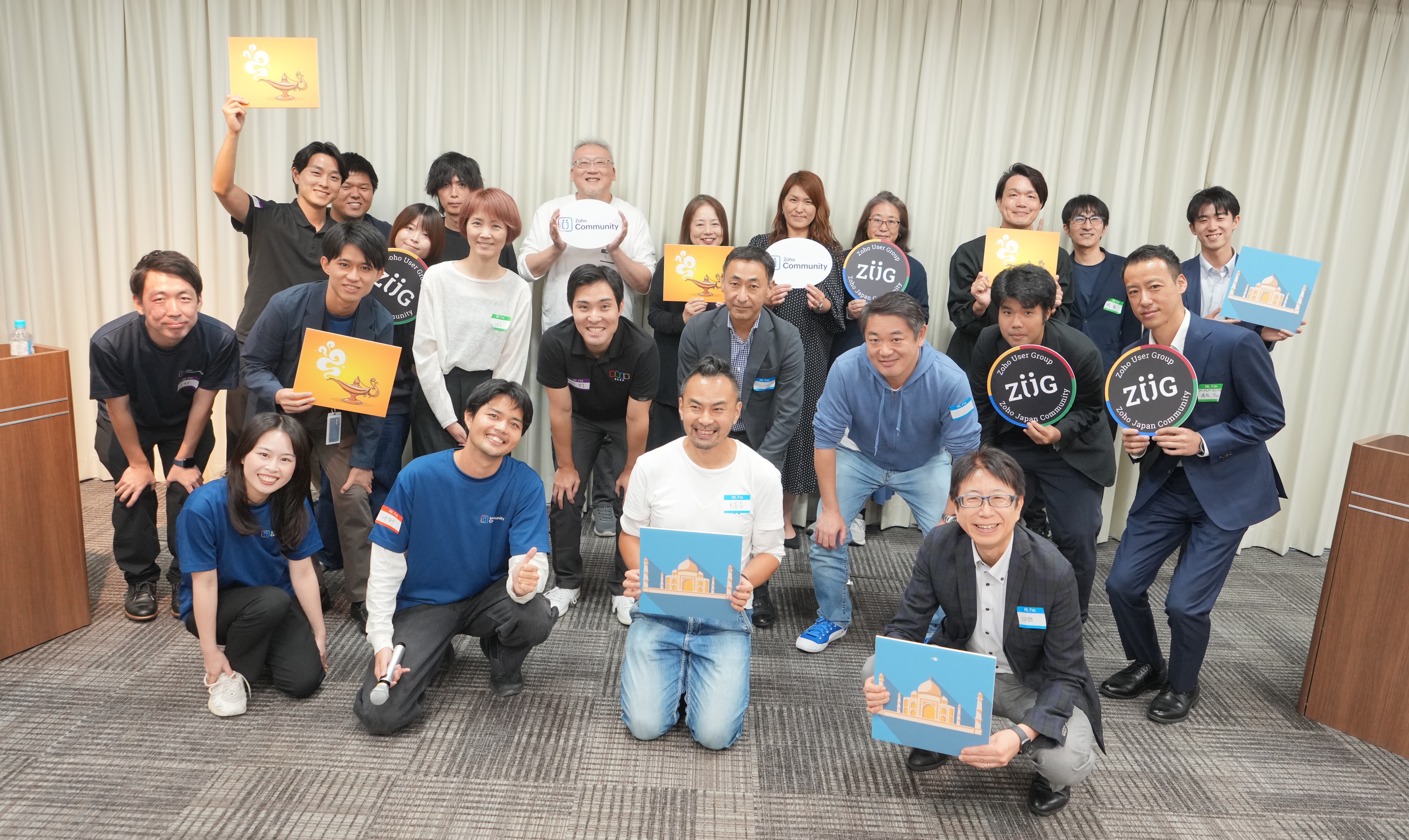
10月17日(金)に新橋で「東京 ユーザー交流会 Vol.3」を開催しました。ご参加くださったユーザーの皆さま、ありがとうございました!
この投稿では、当日のセッションの様子や使用した資料を紹介しています。残念ながら当日お越しいただけなかった方も、ぜひチェックしてみてください😊


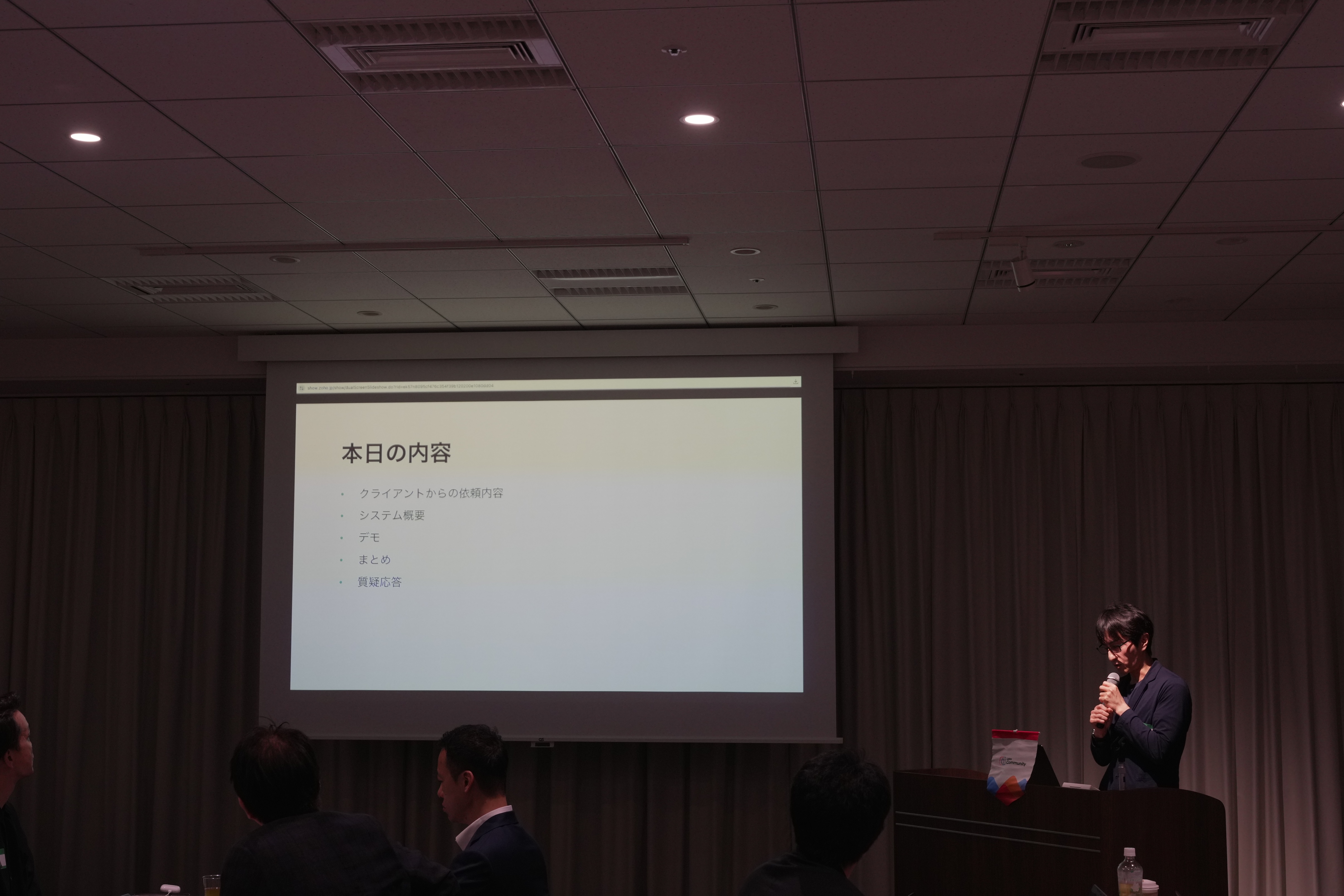
ユーザー活用事例セッション:Zoho Flowと決済システムの連携
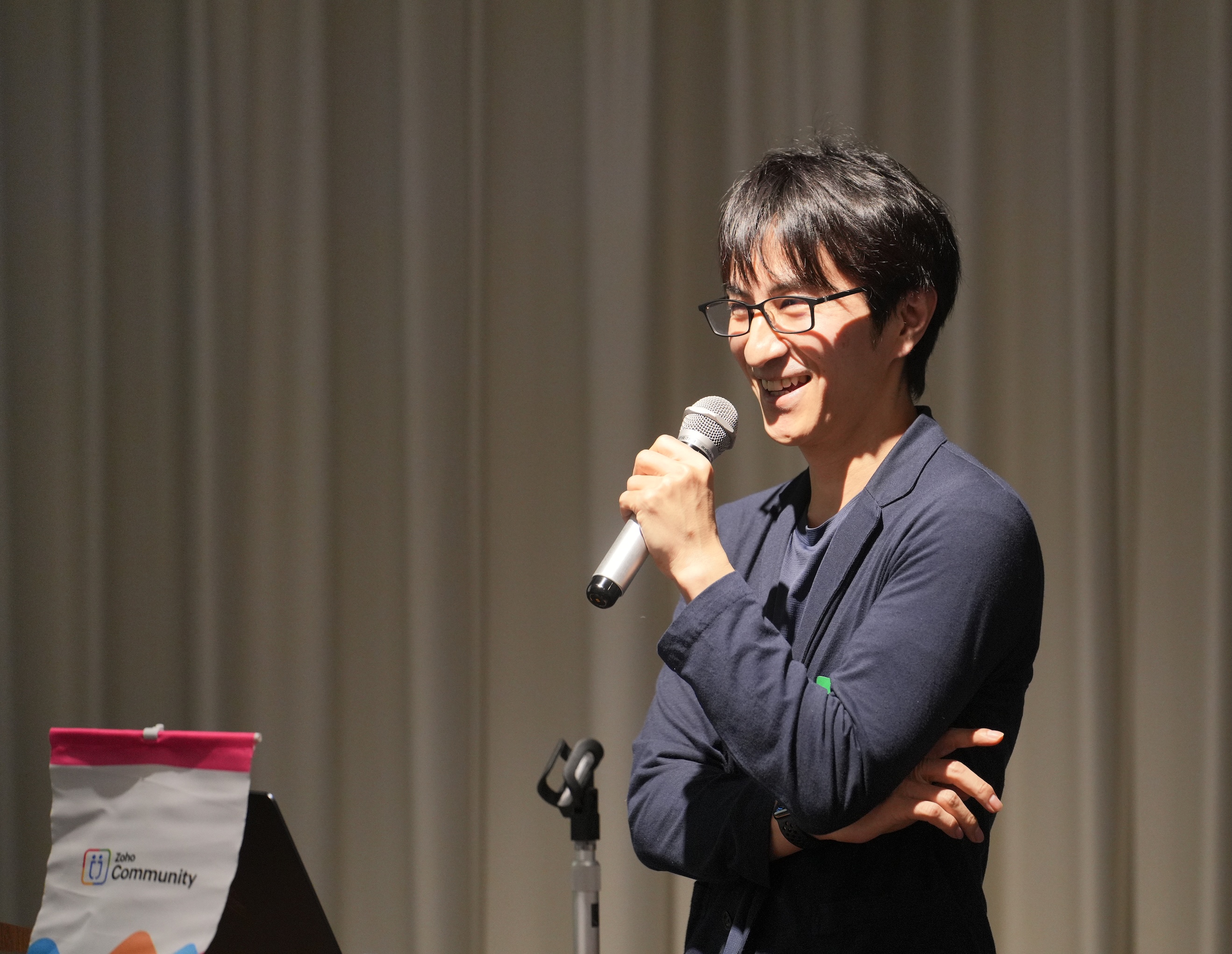


あみろくの岡島さんに、Zoho サービスの活用事例として、Zoho Flow を活用した外部サービスとの連携事例をご共有いただきました。

今回の事例を実現するに至った背景

オンラインサロンを運用しているクライアントから、サイト内のサブスクの決済システムの見直しを依頼されました。
また、決済情報の登録に伴いメルマガの登録なども自動化したいとご要望がありました。


 システム概要

 
システム全体像は、Zoho Forms で作成したWebサイト内に埋め込まれた登録フォームでの入力を起点とし、Stripeのような外部システムを含む複数のサービスへ自動で連携されるように構築されています。


※ここからは、会場で実際の画面と挙動を再現したデモを実施いただきました。クライアントさまの関係で、本記事で公開はできかねますので、ご了承ください

 ​​


お話の中では、Zoho CampaignsやFormsなど複数のZoho サービスを工夫して活用された実例をご紹介いただき、大変貴重な機会となりました!

グループワーク:あなたの 'Zoho の推し'を教えてください!



同じテーブルに座っているユーザーさん同士で、お気に入りのZohoサービスや機能を共有していただきました。
  • Zoho CRM のサンドボックス機能が便利。誤操作などを気にせず思う存分に機能を試せます。
  • Zoho Assist が最近良いなと思いました!パソコン操作が苦手な方をサポートする際にとても役立ちました。
  • Zoho Social は、自動で投稿先(例:Instagram)に合わせて画像サイズを調整してくれるので、効率的にSNS投稿が可能です。

Zoho 社員セッション:Zoho CRM を活用した営業業務 効率化 ~キオスクを活用した実例紹介~

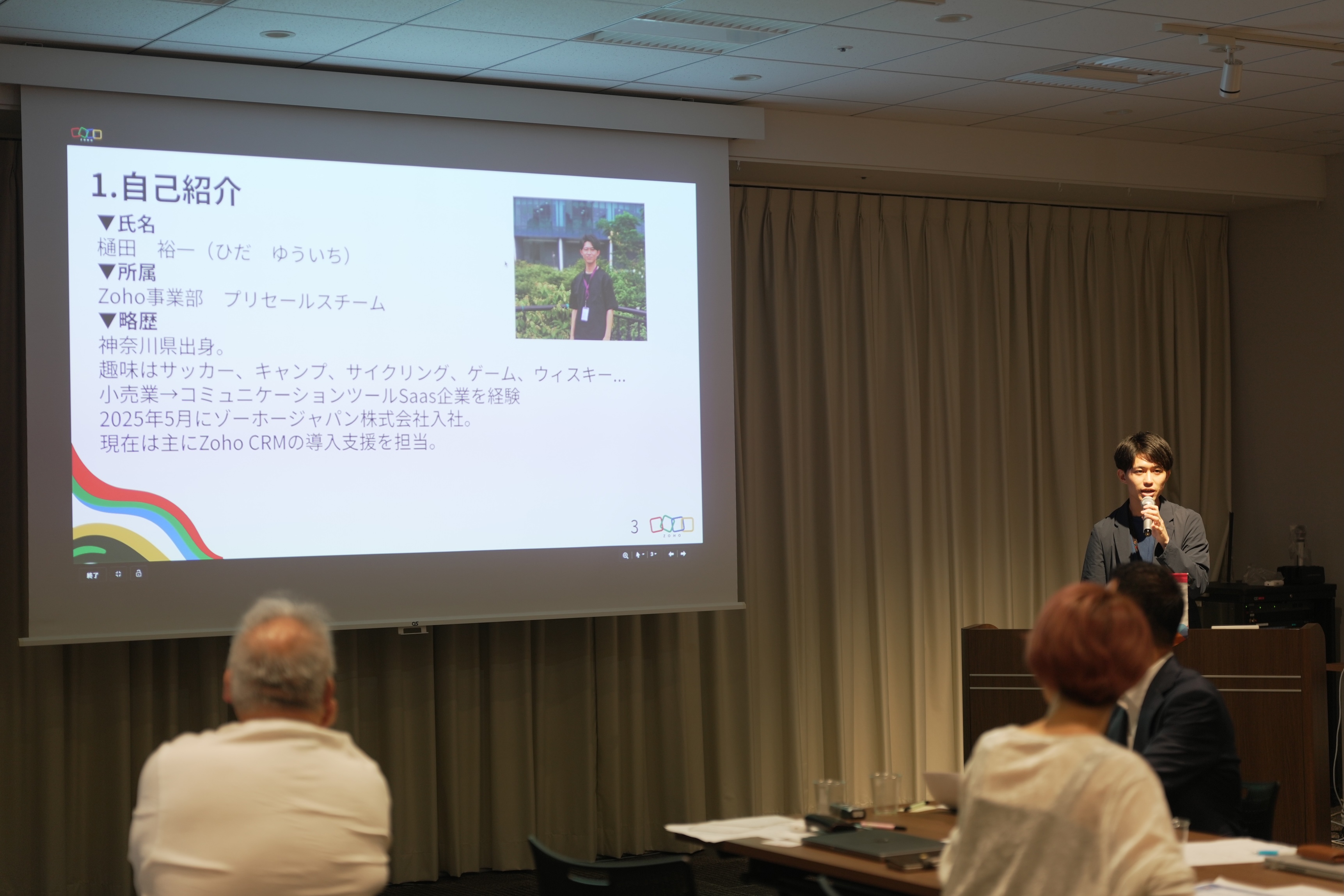
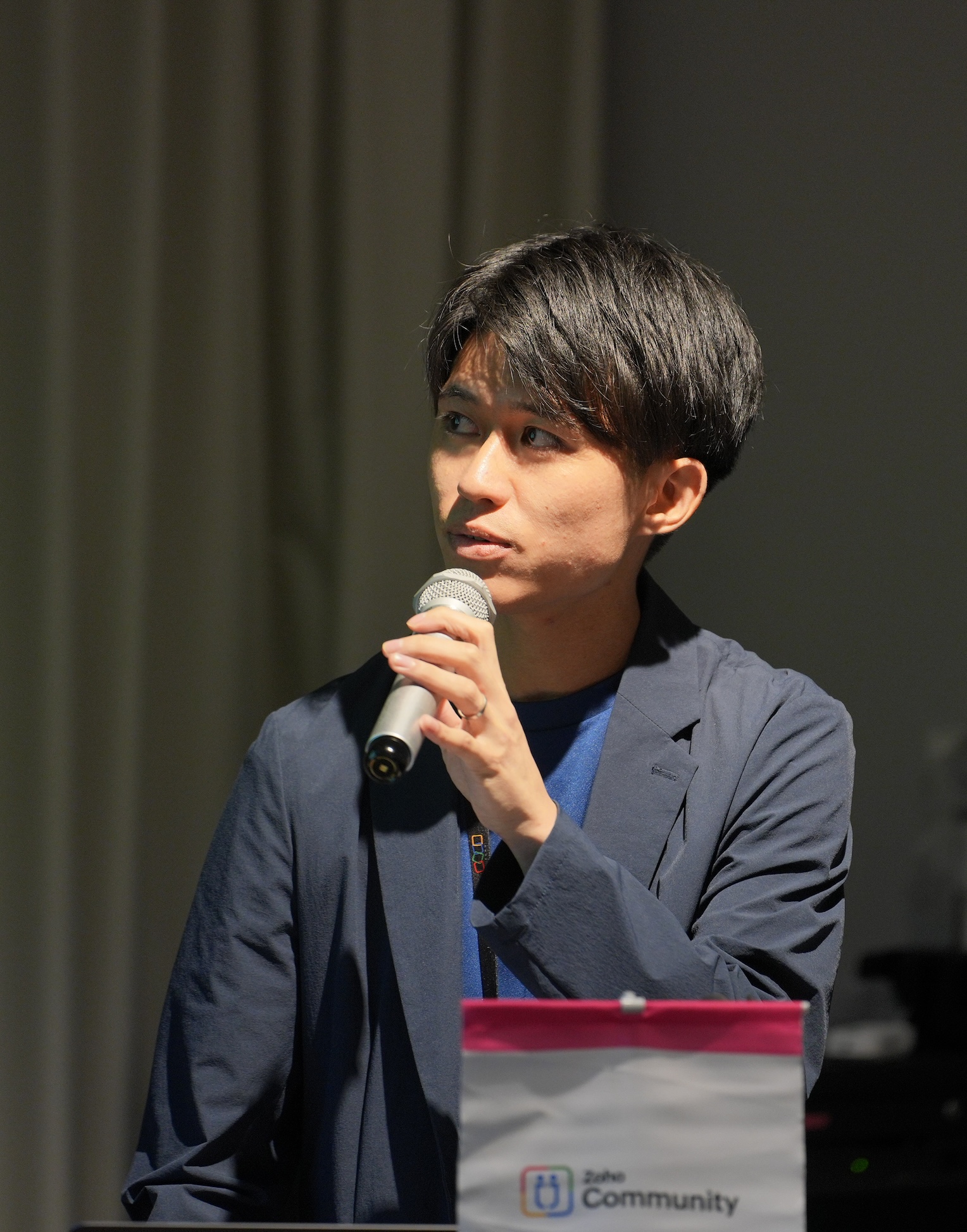
ゾーホージャパン 営業部プリセールス所属の樋田から、Zoho CRM のキオスク機能を活用して実現した営業業務(インサイドセールス)の効率化の実例を、実際の画面デモを用いて紹介しました。


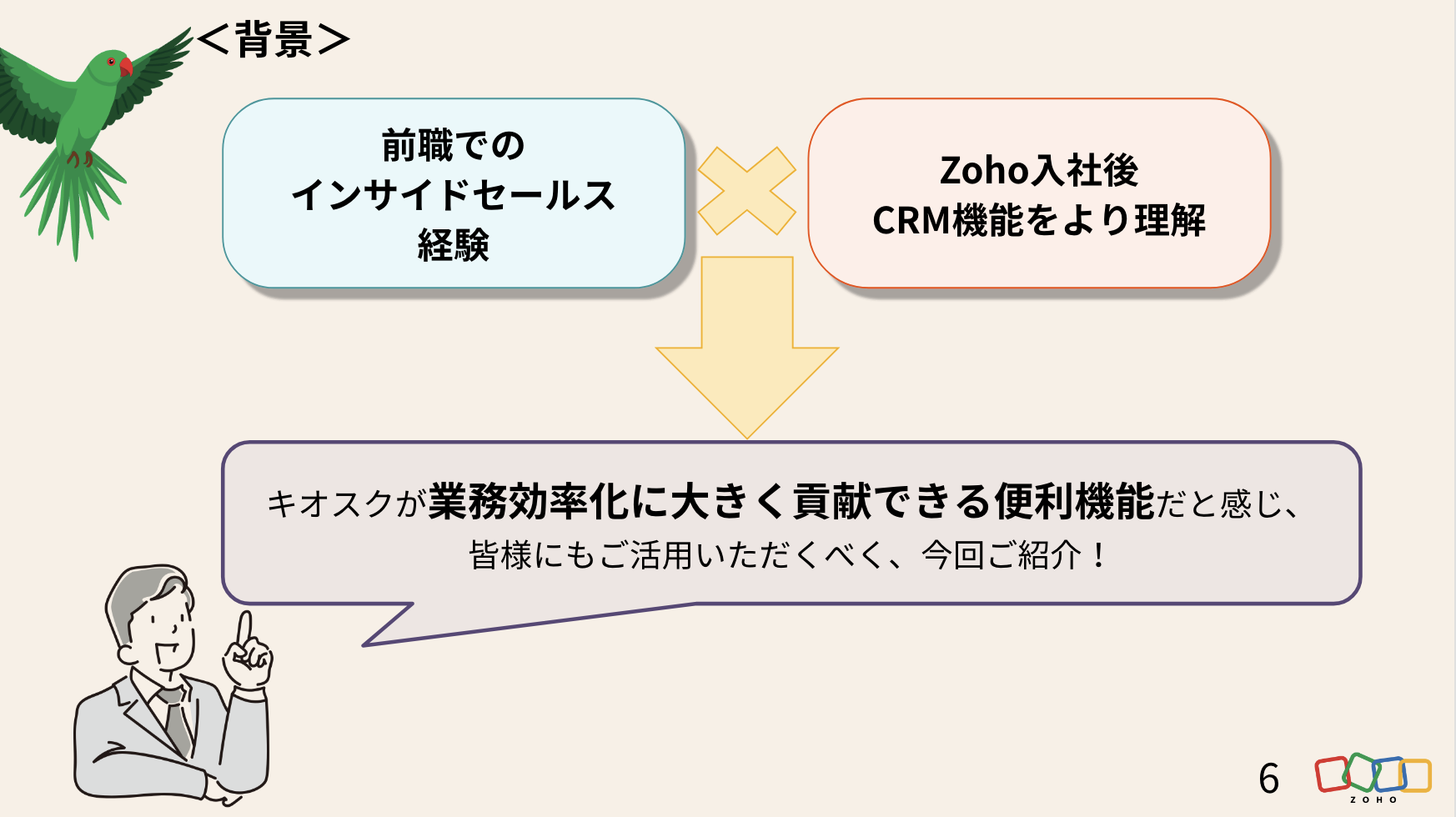
今回の活用事例の背景

前職でユーザーとしてZoho を含むSFAサービスを利用してきた営業経験と、Zoho 入社後に、さらにCRMの活用理解が深まった経験を踏まえて課題を設定しました。


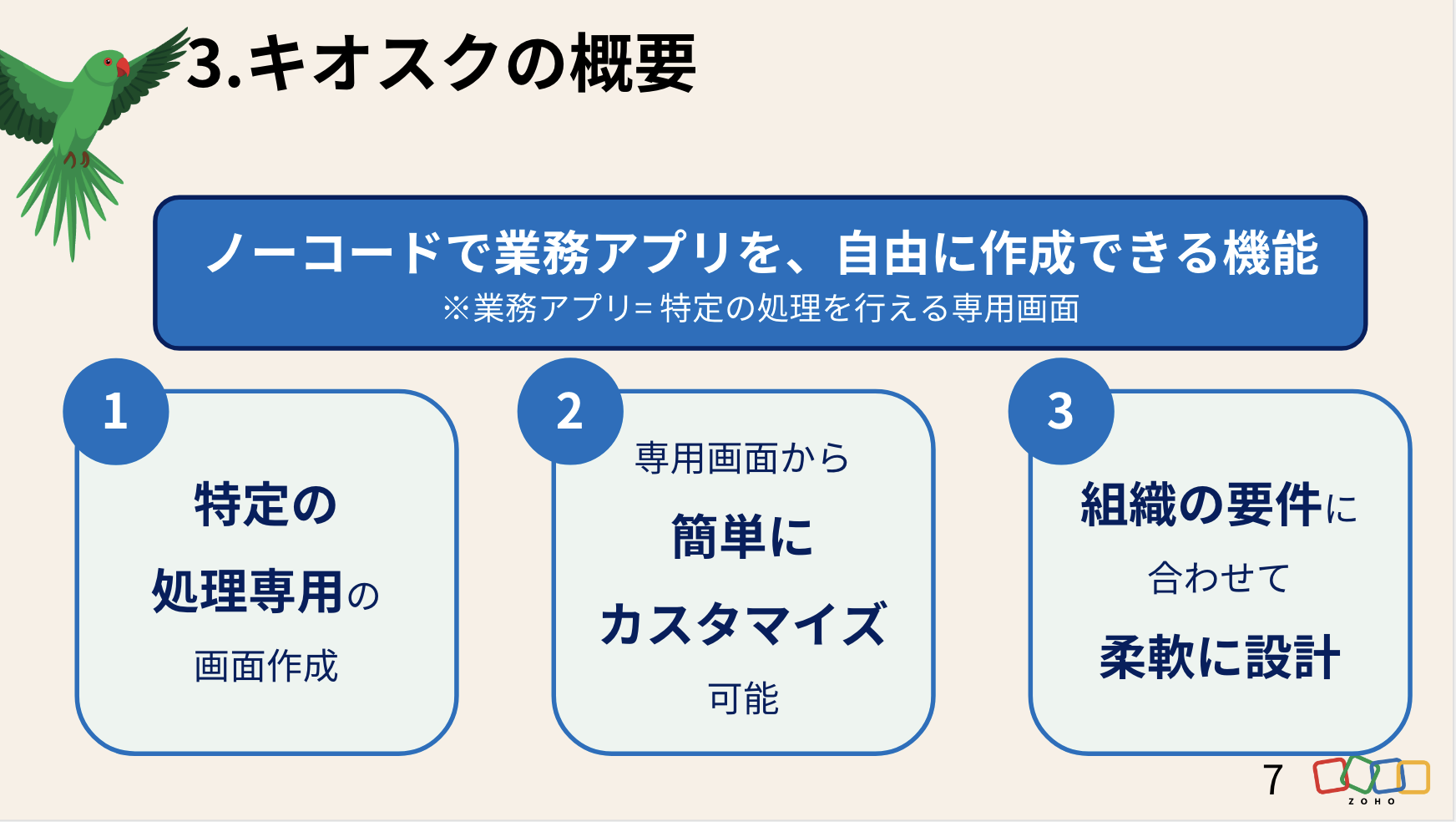
そもそも、Zoho CRM の「キオスク」とは


キオスクで効率化を図る「業務フロー」

まずは、キオスクで再現できるようにインサイドセールスの日常業務をフローチャートに書き起こしました。
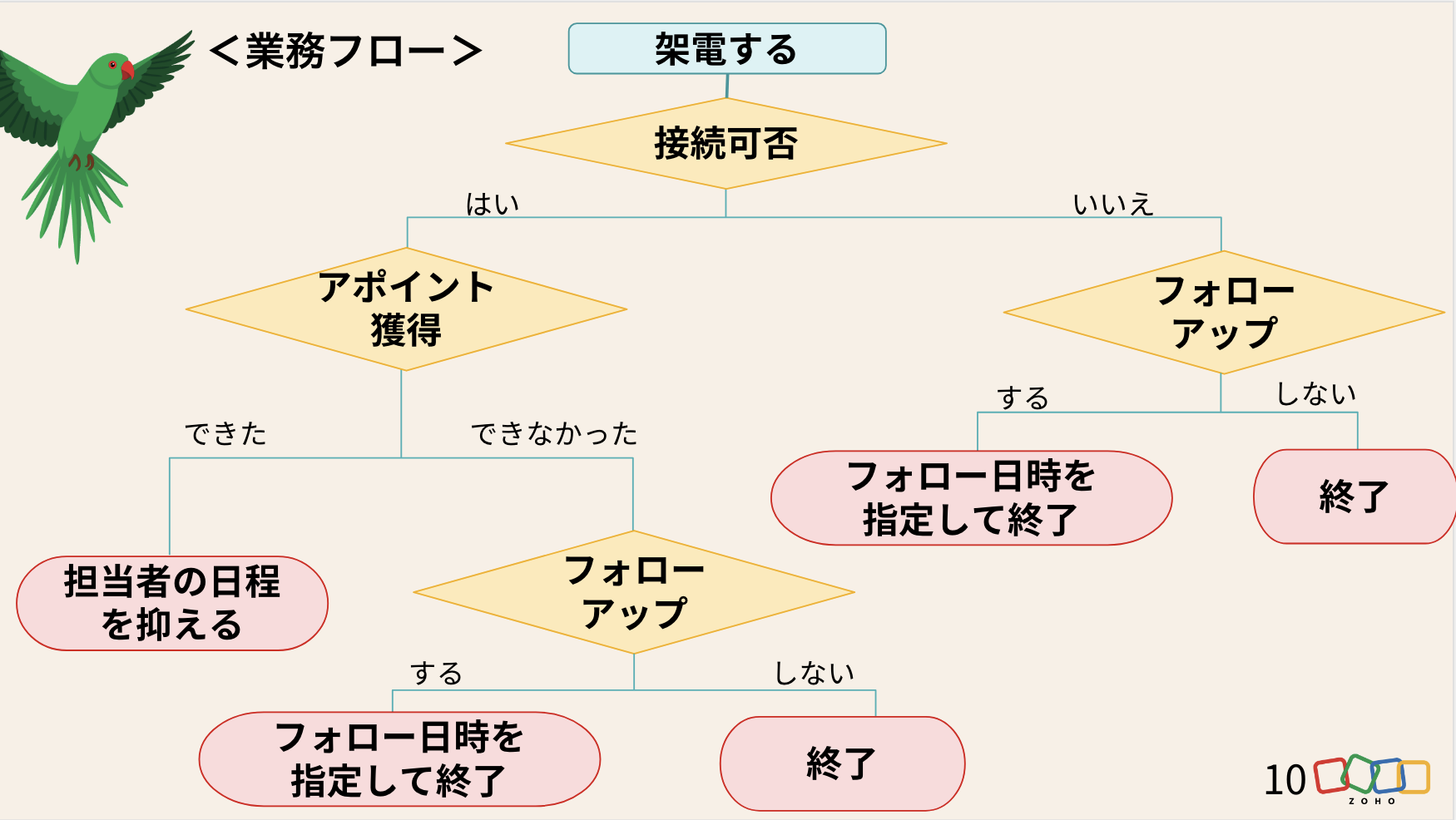


※会場では、実際の画面を投影しながらデモを実施しました。


 キオスクの活用法まとめ

投影スライド


デモ動画(音声なし)


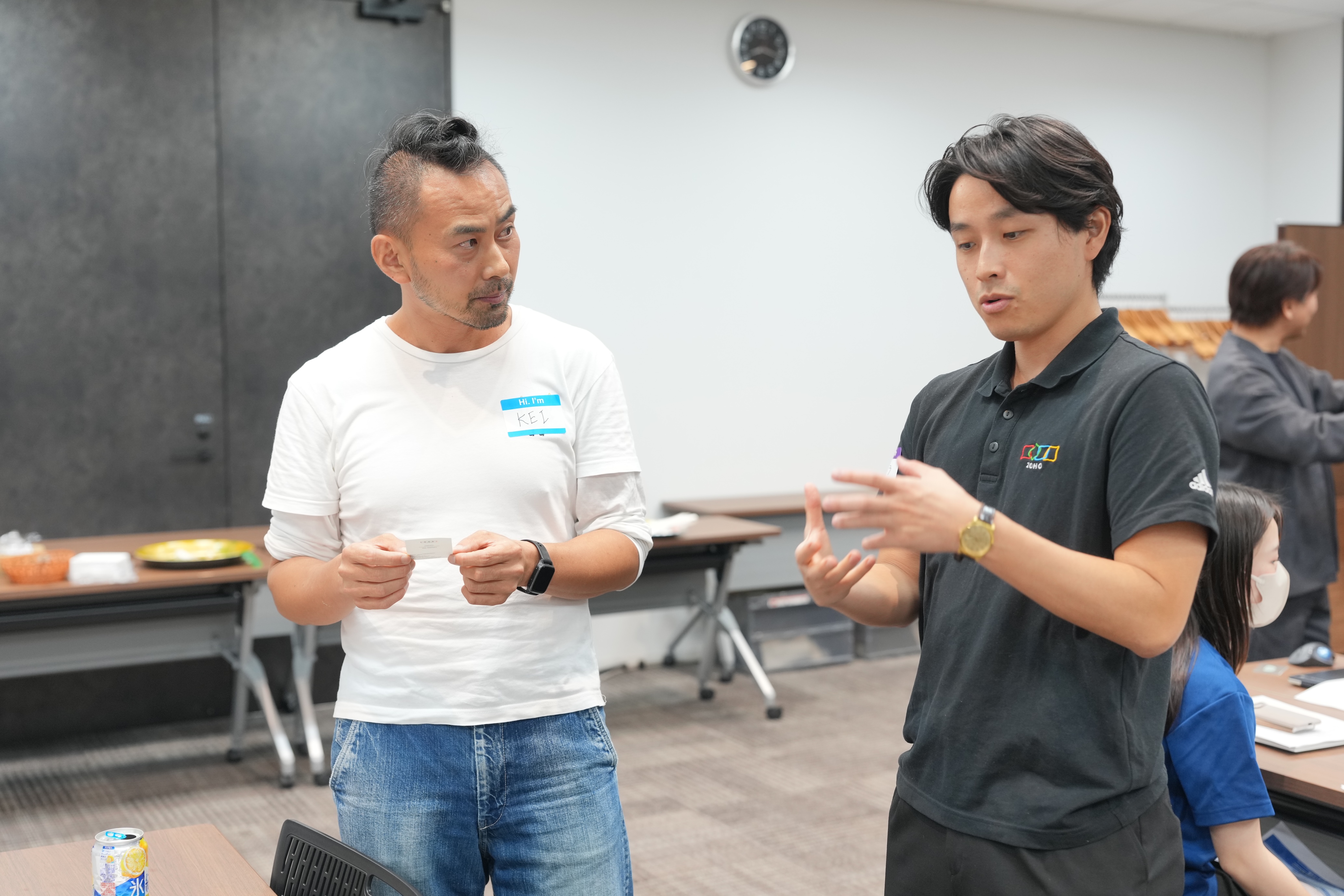
懇親会

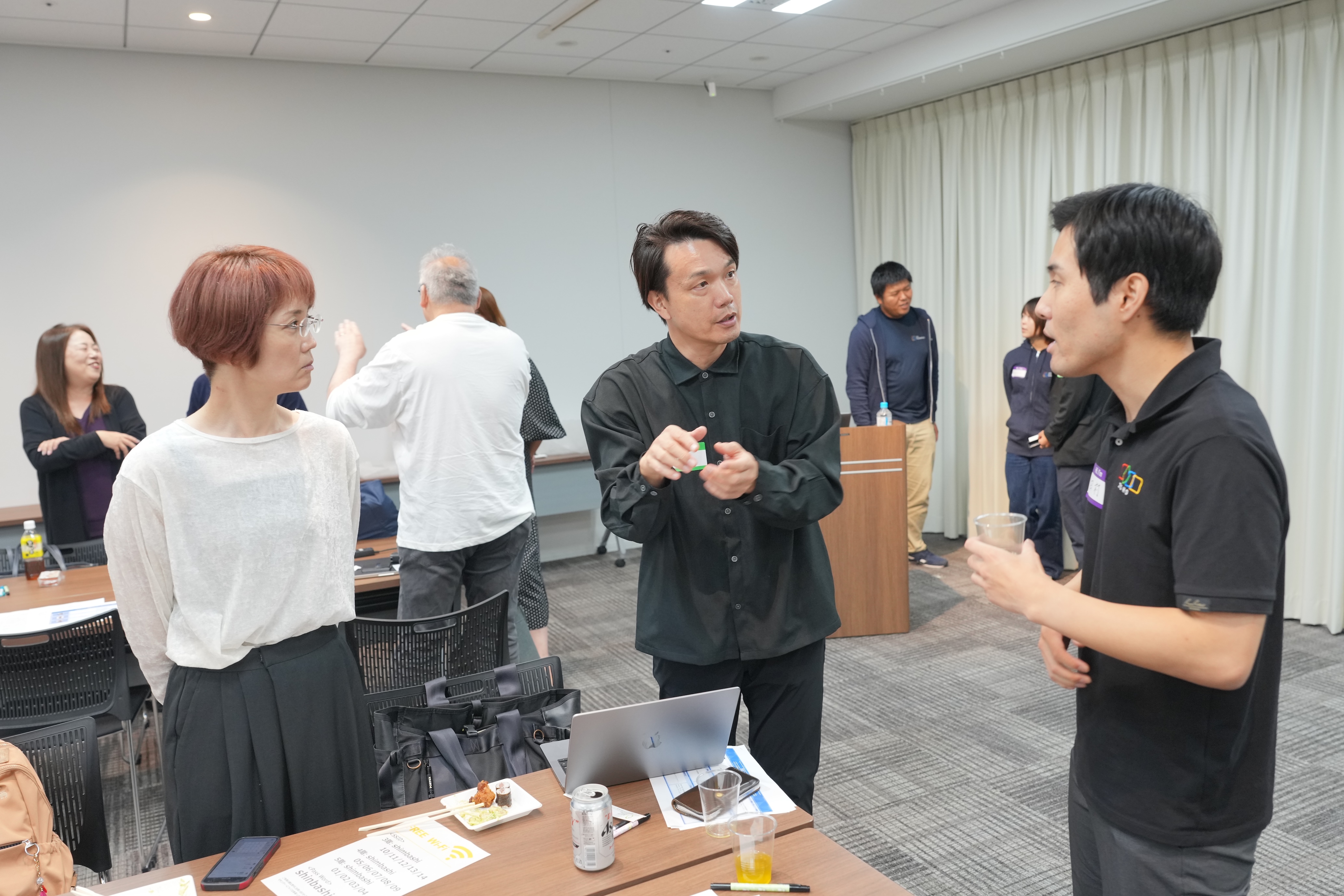
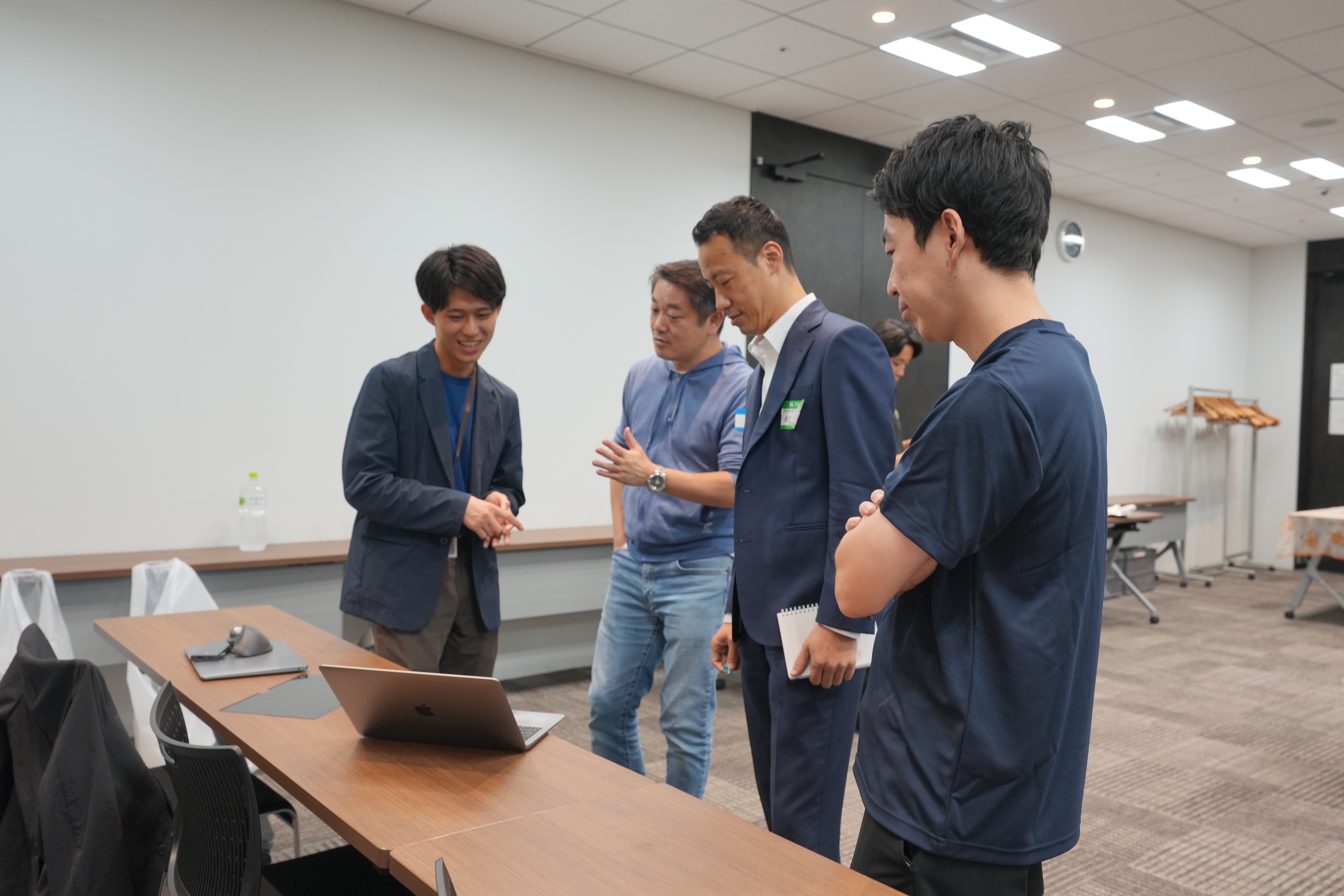
会場では、限られた時間内で話しきれなかった内容について意見を交わしたり、参加者同士が情報交換を行ったりするなど、活発で和やかな交流が広がっていました。


お知らせ

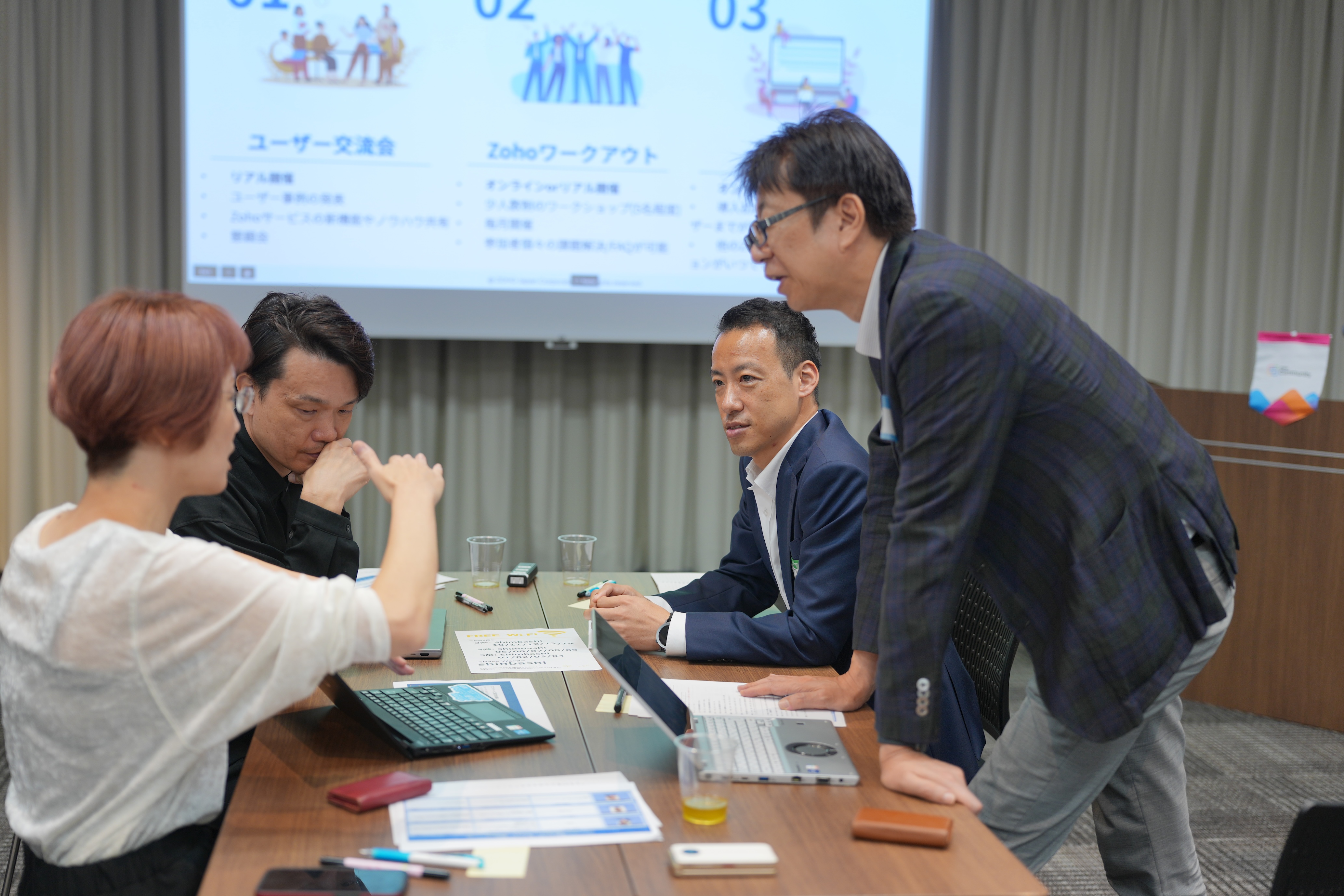
次回以降のユーザー交流会は、以下の通りの開催を予定しています!
2025年のユーザー交流会は、あと3回です!「今年はまだ参加できてない」という方も、ぜひご参加お待ちしております✨
 

すべて参加無料です!

【残り3枠】ユーザー同士で課題解決 Zoho ワークアウト

開催日時:10/31(金)14:00〜16:00 @ オンライン (Zoom)


今後取り扱ってほしいトピックや、今回参加した感想などを本投稿のコメント欄にいただけると励みになりますので、ぜひお願いします!


今後とも、Zoho コミュニティをよろしくお願いいたします!

ゾーホージャパン コミュニティチーム


      • Sticky Posts

      • 【6/22〜6/24開催】Zoho CRM 管理者向けトレーニングのご案内

        「Zoho CRMを導入したばかりで、初期設定や基本操作に不安がある」、「短期間で基礎から理解を深め、運用開始までをスムーズに行いたい」「Zoho CRMを基礎から再度学び直したい」といった課題や要望をお持ちの管理者に向け、Zoho CRM 管理者向けオンライントレーニングを実施します。 2022年6月の開催回よりトレーニング内容を刷新し、有償にて実施いたします。   ─────────────────────────────────── >詳細・お申し込みはこちら:https://www.zoho.com/jp/crm/crmtraining/
      • 【12/17(金)Meetup開催】参加者にはノベルティプレゼント!Zoho サービス相談会/情報交換会もあります

        こんにちは、Zoho Japan コミュニティチームの今成です。 12月17日(金)16:00から、今年最後のMeetup(ユーザー交流会)を開催します! ●詳細はこちら:https://www.zohomeetups.com/ZohoJapanCommunityMeetup2021vol4/ 前半は今年9月にZoho サービスを導入したユーザー様のセッションとして、現状の利用状況とこれからどのようにZoho サービスを利用していくか、これからの構想談をお話いただきます。 後半では、Zoho CRM
      • 【6/29(火) 初心者向け】カスタム関数勉強会のご案内

        先日のMeetupでも告知しましたが、以前より多くのユーザーさまからご要望いただいていたZoho の「カスタム関数」に関する基本の勉強会を6/29(火) 17:00に、開催します! 関数の基本的な書き方や、Zoho CRM で活用できる関数例のデモなどについて、Zoho の技術メンバーがわかりやすく解説します。 関数の基本を掴みたい方はぜひ、ご参加くださいませ。 >>申し込みはこちら:‌attend.zoho.com/luy0 以下詳細です。 ーーーーーーーーーーー 日時:6月29日(火) 17:00~
      • 【3/19(金)】Meetup(ユーザー交流会)開催のご案内。Zoho CRM ユーザー事例やZoho Sign の紹介、Zoho CRM 相談会など

        こんにちは、Zoho Japan コミュニティチームの今成です。 2021年1回目となるMeetupを、3月19日(金)16:00~ 開催いたします! ●詳細はこちら:https://www.zohomeetups.com/ZohoJapanOnlineMeetup2021vol1 毎回好評のZoho ユーザーさまによる活用事例をはじめ、Zoho の電子署名ツール「Zoho Sign」の製品デモや、グループディスカッションをご用意しています。 前半/後半のみのご参加も可能ですので、お気軽にご参加ください!
      • 【12/17(木) 16:00-】ユーザー同士で情報交換を行う、グループディスカッションもあります。オンラインMeetup Vol.4 開催のお知らせ

        Zoho コミュニティチームの今成です。最近寒くなってまいりましたが、みなさまいかがお過ごしですか? Zoho Japan Communityでは、今年最後のオンラインMeetup(ユーザー交流会)を開催いたします!以下、詳細のご案内です。 ーーーーーーーーーーーーーーーーーーーーー <日時>2020年12月17日(木) 16:00-18:00 <参加費>無料 <開催方法>オンライン <概要> 前半(16:00〜17:00)  自社活用事例「Zoho 社員は、1日の中でどのサービスをどれくらい使っているのか」(ゾーホージャパン株式会社 コミュニティチーム)

        • Recent Topics

        • Transfer ownership of files and folders in My Folders

          People work together as a team to achieve organizational goals and objectives. In an organization, there may be situations when someone leaves unexpectedly or is no longer available. This can put their team in a difficult position, especially if there
        • ZOHO Desk - Description of slave ticket disappeared after Merge

          Dear Support, On Zoho Desk the description of a ticket disappeared after merging two ticket. The one which was the slave one completely disappeared. The problem that in this description there was an image which i had only on Desk in that ticket. Could
        • How do I insert a cross-reference link to a different section within one Knowledge Base article using Zoho Desk?

          I would like to insert a link within a Knowledge Base article to a different section of that same article. The section I want to link to is formatted with the Heading 3 style and is displayed within my TOC. However, I do not see any way to add a link
        • Problem Adding Facebook Account

          Hi, I'm new here, I'm having trouble setting up my Facebook account as a social channel. I think the issue is down to how my Facebook is set up, which is pretty confusing. I have a personal Facebook account (let’s called it A) which is my main Facebook
        • Zoho Desk Teams App is not loading

          Hi Zoho Desk support. Need an assistance on the Zoho Desk Teams app. Once I click View Ticket, it isn't showing anything. Kindly refer to attached: ZohoDesk Teams App_View Ticket Error.jpg For our Dashboard, we are still experiencing the same issue. Kindly
        • About Meetings (Events module)

          I was working on an automation to cancel appointments in zoho flow , and in our case, we're using the Meetings module (which is called Events in API terms). But while working with it, I'm wondering what information I can display in the image where the
        • Add Ticket button in Home view

          When I go to the My Tickets or the Knowledge Base view in our Help Centre, the Add Ticket button is available, but not in the Home view. I would really like for it to be displayed in the Home view as well. Is this possible? Thanks.
        • Zoho CRM for Everyone's NextGen UI Gets an Upgrade

          Hello Everyone We've made improvements to Zoho CRM for Everyone's Nextgen UI. These changes are the result of valuable feedback from you where we’ve focused on improving usability, providing wider screen space, and making navigation smoother so everything
        • Cliq iOS can't see shared screen

          Hello, I had this morning a video call with a colleague. She is using Cliq Desktop MacOS and wanted to share her screen with me. I'm on iPad. I noticed, while she shared her screen, I could only see her video, but not the shared screen... Does Cliq iOS is able to display shared screen, or is it somewhere else to be found ? Regards
        • Zoho People - Retrieve the Leave Details - get("LeaveCount")

          Hi, Zoho People I need to collect all of an employee's leave requests for the calendar year and check how many half-days they have taken. If I run the script on the query he just modified, I can retrieve the information related to that query and use the
        • Contact data removes Account data when creating a quote

          Hi, Our customer has address fields in their quote layout which should be the address of the Account. They prefill the information, adding the account name - the address data is populated as per what is in the account - great. However when they then add
        • Mapping a new Ticket in Zoho Desk to an Account or Deal in Zoho CRM manually

          Is there any way for me to map an existing ticket in Zoho desk to an account or Deal within Zoho CRM? Sometimes people use different email to put in a ticket than the one that we have in the CRM, but it's still the same person. We would like to be able
        • I need to know the IP address of ZOHO CRM.

          The link below is the IP address for Analytics, do you have CRM's? IP address for Analytics I would like to know the IP address of ZOHO CRM to allow communication as the API server I am developing is also run from CRM.
        • Which WhatsApp API works seamlessly with Zoho CRM?

          I’m exploring WhatsApp API solutions that integrate seamlessly with Zoho CRM for customer communication, lead nurturing, and automation. I would love to hear insights from those who have successfully implemented WhatsApp within Zoho CRM. My Requirements:
        • Allow people to sign a zoho form by using esign or scanned signature

          Allow people to sign a zoho form by using esign or scanned signature
        • Button to Reapply Filters on Sheet(s)

          I wrote a macro that I attached to a button to reapply the filters on all my sheets and it says it works, but it doesn't actually do anything. What is wrong with it? Is there another way? Or even make it work for one sheet? Sub UniversalFilterRefresh()
        • Outlook - Zoho CRM Calendar Integration

          I'm facing an issue integrating Outlook with Zoho CRM. Has anyone successfully connected their Outlook to Zoho, and are all your meetings and emails being captured correctly in the CRM? Any insights or troubleshooting tips would be appreciated
        • Zoho OAuth Connector Deprecation and Its Impact on Zoho Desk

          Hello everyone, Zoho believes in continuously refining its integrations to uphold the highest standards of security, reliability, and compliance. As part of this ongoing improvement, the Zoho OAuth default connector will be deprecated for all Zoho services
        • How to drag row(s) or column(s)?

          Hi. Selecting a row or column and then dragging it to a new position does not seem to work. Am i missing something or this is just not possible in Zoho Sheet? Cheers, Jay
        • Flexible Partial-Use Coupons (Stored Value Credits)

          Subject: Feature Request: Ability for users to apply partial coupon balances per transaction Problem Statement Currently, our coupons are "one-and-done." If a user has a $50 coupon but only spends $30, they either lose the remaining $20 or are forced
        • Unable to Assign Multiple Categories to a Single Product in Zoho Commerce

          Hello Zoho Commerce Support Team, I am facing an issue while assigning categories to products in Zoho Commerce. I want to assign multiple categories to a single product, but in the Item edit page, the Category field allows selecting only one category
        • How do I add todays date to merge field

          I don't see any selection of todays date when creating a letter. Surely the date option of printing is standard? John
        • local file csv import problem

          The issue occurs when I upload a CSV file via Databridge. In the preview, everything looks correct — the values are in the proper columns. However, after clicking Import, the first column becomes empty, and the values from that column appear in a new
        • Polish signer experience to compete with docusign

          I would like to suggest that someone spend the little bit of time to polish the signer experience, and the email templates to more of a modern professional feel. They are currently very early 2000s and with some simple changes could vastly improve the
        • Add RTL and Hebrew Support for Candidate Portal (and Other Zoho Recruit Portals)

          Dear Zoho Recruit Team, I hope you're doing well. We would like to request the ability to set the Candidate Portal to be Right-to-Left (RTL) and in Hebrew, similar to the existing functionality for the Career Site. Currently, when we set the Career Site
        • Uplifted homepage experience

          Hello everyone, Creating your homepage is now much easier, more visual, and more impactful. Until now, your homepage allowed you to display custom views, widgets, analytic components, and Kiosk. With the following improvements, the homepage is now a smarter,
        • Add an background image to an email template in CRM

          Hi all, We wants to put an background image behind all our email templates. Is there a way to import this thru html. If i put the option background image in <body style="background-image:...</body> and i look to the preview it shows our background, but
        • Tracking Emails sent through Outlook

          All of our sales team have their Outlook 365 accounts setup with IMAP integration. We're trying to track their email activity that occurs outside the CRM. I can see the email exchanges between the sales people and the clients in the contact module. But
        • Whats that

          Price?
        • Crossbeam

          Does anyone use Crossbeam with their Zoho CRM? I'm looking for a way to import Crossbeam partner leads into Zoho CRM. If so: - What's your experience been like? - Are you able to automatically import Crossbeam leads > Zoho CRM? How? - What doesn't work
        • The same Contact associated to multiple Companies - Deals

          Hi, I would like to know if there is an option to associate the same contact with multiple companies (two or more) deals, using the same contact details for all. This is because we have contacts who are linked to different companies or branches of the
        • How to Print the Data Model Zoho CRM

          I have created the data model in Zoho CRM and I want the ability to Print this. How do we do this please? I want the diagram exported to a PDF. There doesnt appear to be an option to do this. Thanks Andrew
        • What is the easiest way to move Hotmail emails to an IMAP server?

          The easiest way to move Hotmail (Outlook.com) emails to an IMAP server is to add your Hotmail account directly to any email client that supports IMAP, then copy the messages across. This avoids paid tools and keeps the process simple. Fastest free method:
        • Convert invoice from zoho to xml with all details

          How to convert an Invoice to XML format with all details
        • Export all of our manuals from Zoho Learn in one go

          Hi, I know there's a way to export manuals in Zoho Learn, but I want to export everything in one go so it won't take so long. I can't see a way to do this, can I get some assistance or is this a feature in the pipeline? Thanks, Hannah
        • Portals-Adjust Column Sizes

          I am trying to adjust the column widths in Portals tabs. Columns that don't need to be wide are wide and longer ones are very short. I thought adding more to the digits box in Edit would widen them, but it doesn't. Anyone know how to adjust these?
        • Add link/button to open approved record from approval list and detail views?

          Hi, How do I allow users to click on an approval record and open that submission? For example, userA submits a quotation then userB approves/rejects. They both can see the quotation on "completed task" list & detail views, but there's no way for them
        • record submitted from creator and invoice is creating in books , but the workflow of books is not tiggering on create of record in books

          record submitted from creator and invoice is creating in books , but the workflow of books is not tiggering on create of record in books headermap = Map(); headermap.put("X-ZOHO-Execute-CustomFunction","true"); response_inv = invokeurl [ url :"https://www.zohoapis.com/books/v3/invoices/fromsalesorder?salesorder_id="
        • Prevent editing of a record after getting approved/rejectedr

          Hi, I'd like to block any user from editing a record after it was approved or rejected, how can I do that?
        • Formula Field/Campo de Fórmula

          Hello everyone, I have a purchase requisition form in which each department submits a request, and the request is automatically routed to the person responsible for that department. In this form, I have several fields with the following link names: Quantidade1,
        • Next Page