Shared values: From classroom lessons to teaching moments in customer service

Shared values: From classroom lessons to teaching moments in customer service

While the world observes Teachers’ Day on October 5, in India, we celebrate a month earlier, on September 5, to mark the birth anniversary of Dr. Sarvepalli Radhakrishnan, a great teacher, renowned scholar, educationist, and advocate for empowerment.
We've all had different kinds of teachers in our school years. Their influence continues to shape us as professionals. Some inspired creativity, others instilled discipline, while many patiently walked us through challenging lessons. If we reflect, each teacher has made an impact on our lives, just as every customer interaction leaves a mark on both sides.

The common ground for teachers and customer service

Patience and endurance

Teaching and customer service require patience. Customers may come to us frustrated or overwhelmed by circumstances. Sometimes, the stress of the moment affects them more than the “issue”. Like teachers guiding students through confusion, customer service professionals' empathy and patience offer clarity and reassurance alongside solutions.

Simple communication

Teachers excel at breaking down complex concepts into simple, digestible lessons. Customer support agents require this skill to help customers find solutions with simple and easy navigation steps. A simplified process helps customers get hooked on our business. 

Empathy and encouragement

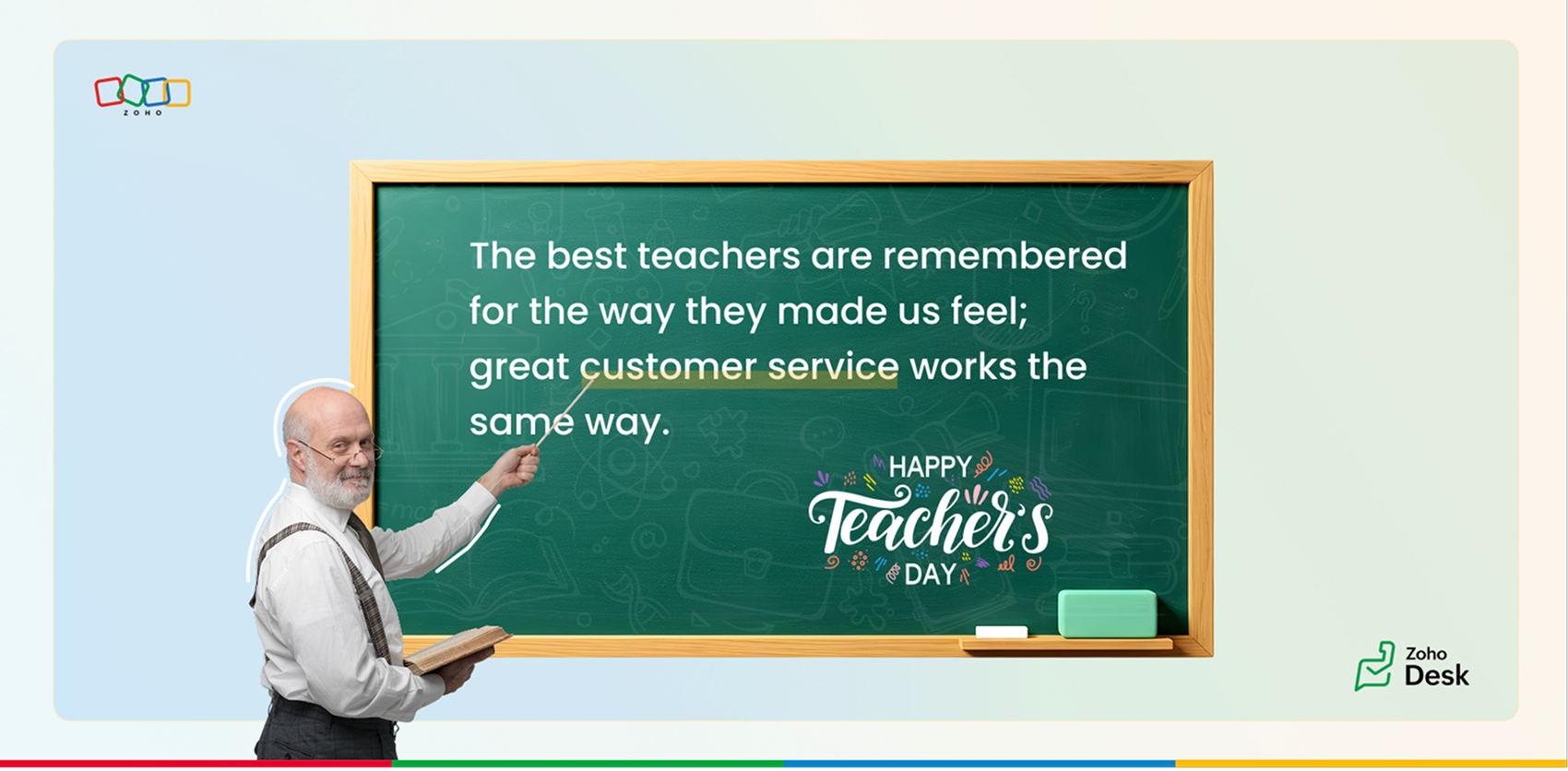
The best teachers are remembered for the way they made us feel: valued, encouraged, and raised our confidence to achieve more. Great customer service works the same way. A thoughtful email, a clear solution, or a proactive follow-up can turn frustration into trust and confidence.

Adaptability and continuous learning

Every student is different, and good teachers adapt their methods accordingly. In customer service, no two tickets nor two customers are alike. Support teams offer guided support through calls, live chats, webinars, and one-on-one sessions that mirror interactive lessons.

Beyond the issue

Teachers don’t just answer questions; they prepare us for future challenges. Likewise, customer service empowers agents to not only solve current tickets but also guide customers through proactive tips, tutorials, and community discussions that help them succeed long-term.

Feedback and growth

Teachers evaluate, correct, and encourage us to grow. Customer service thrives on feedback through CSAT surveys, community discussions, and follow-ups. Each interaction is a chance to improve, both for the organization and the customer relationship.

How does Zoho Desk embody teaching principles?

Knowledge base: Articles, FAQs, and screenshots serve as textbooks for customers.
Help center: A virtual classroom for customers to self-learn, track tickets, and stay informed.
Community: A space for peers and agents to exchange insights, like collaborative learning.
Continuous empowerment: Zoho Desk provides proactive support, product updates, product walkthroughs, and trainings to keep customers engaged and confident.

Time for reflection

Just like how our teachers have left lasting imprints on our lives, the service we provide to customers leaves an impression on them. Each successful issue resolution can help a person grow and thrive at work.

We’d love to hear your experiences:
  1. Which teacher has influenced you the most, and how have their lessons carried over into your professional life?
  2. Share teaching experiences you've had with customers: imparting knowledge, building trust, or guiding them through challenges.
  3. Can you recall a moment where your patience and empathy changed the course of a customer interaction?
At Zoho Desk, we believe in celebrating not just service, but the spirit of teaching that underpins it. Thank you for continuing to share your experiences with us; it helps us connect, learn, and grow together.

Happy Teachers’ Day to all the teachers who shaped us, and to every customer service professional who continues to teach, guide, and empower their customers.

Best wishes, 
Lydia | Zoho Desk


      • Sticky Posts

      • Register for Zoho Desk Beta Community

        With the start of the year, we have decided to take a small step in making the life of our customers a little easier. We now have easy access to all our upcoming features and a faster way to request for beta access. We open betas for some of our features
      • Share your Zoho Desk story with us!

        Tell us how you use Zoho Desk for your business and inspire others with your story. Be it a simple workflow rule that helps you navigate complex processes or a macro that saves your team a lot of time; share it here and help the community learn and grow with shared knowledge. 
      • Tip #1: Learn to pick the right channels

        Mail, live chat, telephony, social media, web forms—there are so many support channels out there. Trying to pick the right channels to offer your customers can get pretty confusing. Emails are most useful when the customer wants to put things on record. However, escalated or complicated issues should not be resolved over email because it's slow and impersonal.  When you need immediate responses, live chat is more suitable. It's also quick and convenient, so it's the go-to channel for small issues. 
      • Welcome to Zoho Desk Community - Say hello here!

        Hello everyone! Though we have been here for a while, it’s time to formally establish the Zoho Desk Community; we’re really happy to have you all here! This can be the place where you take a moment to introduce yourself to the rest of the community. We’d love to hear all about you, what you do, what company or industry you work for, how you use Zoho Desk and anything else that you will like to share! Here’s a little about me. I am Chinmayee. I have been associated with Zoho since 2014. I joined here
      • Webinar 1: Blueprint for Customer Service

        With the launch of a host of new features in Zoho Desk, we thought it’ll be great to have a few webinars to help our customers make the most of them. We’re starting off with our most talked about feature, Blueprint in Zoho Desk. You can register for the Blueprint webinar here: The webinar will be delivered by our in-house product experts. This is a good opportunity to ask questions to our experts and understand how Blueprint can help you automate your service processes. We look forward to seeing

        • Recent Topics

        • Limit maximum entries for subform - depending on fields entry

          Hi Zoho! I have a form with a subform in it. I'd like to have limitation for the row number depending on an entry in a drop-down field in the main form (If the field in the main form is marked "Answer1" - Limit the entries to 1 row, if the field is "Answer2" to have 2 rows limitation, "Answer3" = no limitation at all) Can this be done? Thanks Ravid
        • Save HTML Snippet Page as PDF with Dynamic Data in Zoho Creator (Working Solution)

          Hi Zoho Creator Community 👋, I faced a common challenge while working with HTML Snippet Pages — I needed to generate a PDF with dynamic data and save it back into the record automatically. Here’s the working solution that might help others. Use Case
        • How to loop through Multiple Upload and Display Actual File Name

          I have been reading the help on the File Upload Control and reviewed the Deluge help on files and I can not figure out how to loop through the uploaded files and do anything but get the automatically created file names. The code below will run but each
        • Cliq Networks users can see all other network users contact information

          Is there a way to hide user contact information from each user in networks? I would only like the users to see the admin's contact information, not other users. Network users information shared by default
        • Make Camera Overlay & Recording Controls Visible in All Screen-Sharing Options

          Hi Zoho WorkDrive Team, Hope you are doing well. We would like to request an improvement to the screen-recording experience in Zoho WorkDrive. Current Limitation: At the moment the recording controls are visible only inside the Zoho WorkDrive tab. When
        • Cannot connect to imap.zoho.eu on iOS26

          Hey, I recently migrated to another iPhone and since then use iOS26. Every since then, I was not able to connect to "imap.zoho.eu" from Apple Mail. I tried deleting the account and adding it again, did not work. I tried creating an app password, didn't
        • Notes badge as a quick action in the list view

          Hello all, We are introducing the Notes badge in the list view of all modules as a quick action you can perform for each record, in addition to the existing Activity badge. With this enhancement, users will have quick visibility into the notes associated
        • Rebranding Options for Zoho One

          We need the addition of rebranding and white-labeling settings directly within the Zoho One Admin Panel. This feature should allow organizations to customize the unified portal with their own logo, brand colors, and custom domain mapping (e.g., portal.company.com).
        • Tip #57- Accessibility Controls in Zoho Assist: Mobility- 'Insider Insights'

          Remote support should be easy to navigate for everyone. For users with mobility-related accessibility needs, long sessions and complex navigation can be challenging. Zoho Assist’s Mobility Accessibility Controls simplify interaction through keyboard-based
        • To print Multiple delivery notes in batches

          In Zoho Books, we can print a Delivery Note from an Invoice using the Print Delivery Note option, but it is non-editable and always prints all line items from the invoice. Our requirement is to deliver invoiced items in batches and print delivery notes
        • Open sub form from a button as a popup form

          Is there a way within a form to use similar code as below to show a button in the form when clicked opens the subform for data to be added to the record being viewed in the form OpenUrl("#Form:<Customer_Delivery_Address>?<Delivery_Address>=" + input.ID,"popup
        • UPLOAD A CREATED PDF AUTOMATICALLY

          Using the html header pdf+print button, I have managed to find a way to have a user create a pdf using entered form data. Using the schedule button, I can have a "file uploaded" pdf mailed to someone as an attachment. The missing piece is to be able to add the pdf, created in that html page to a file upload field automatically? Right now one has to save it to computer and then upload it in a FILE UPLOAD FIELD. Any help would appreciated !  
        • Fix the speed

          It takes ages to load on every step even though my dataset is quite small.
        • Consolidated Department-wise Payroll Cost Summary Report

          Hello Zoho Payroll Team and Community, I am writing to discuss a reporting requirement regarding department-level expense tracking within Zoho Payroll. As we scale and manage salary distribution for employees across multiple departments, such as Accounts,
        • Write-Off multiple invoices and tax calculation

          Good evening, I have many invoices which are long overdue and I do not expect them to be paid. I believe I should write them off. I did some tests and I have some questions:  - I cannot find a way to write off several invoices together. How can I do that,
        • What's new in Zoho Sheet: Simplify data entry and collaboration

          Hello, Zoho Sheet community! Last year, our team was focused on research and development so we could deliver updates that enhance your spreadsheet experience. This year, we’re excited to deliver those enhancements—but we'll be rolling them out incrementally
        • CRM gets location smart with the all new Map View: visualize records, locate records within any radius, and more

          Hello all, We've introduced a new way to work with location data in Zoho CRM: the Map View. Instead of scrolling through endless lists, your records now appear as pins on a map. Built on top of the all-new address field and powered by Mappls (MapMyIndia),
        • Easier onboarding for new users with stage descriptions

          Greetings, I hope all of you are doing well. We're happy to announce a recent enhancement we've made to Bigin. You can now add descriptions to the stages in your pipeline. Previously, when creating a pipeline, you could only add stages. With this update,
        • Ability to Edit Ticket Subject when Splitting a Ticket

          Often someone will make an additional or new request within an existing ticket that requires we split the ticket. The annoying part is that the new ticket maintains the subject of the original ticket after the split so when the new ticket email notification
        • How to remove chat icon from knowledge base?

          I have set up a knowledge base to hold FAQs and documentation. It is currently standalone, and not integrated into our website. On every page there is a chat button in the bottom left corner that says "We're offline, please leave a message." How can I
        • [ZohoDesk] Improve Status View with a new editeble kanban view

          A kanban view with more information about the ticket and the contact who created the ticket would be valueble. I would like to edit the fields with the ones i like to see at one glance. Like in CRM where you can edit the canvas view, i would like to edit
        • Automated Dismissal of Specific Notifications and Centralized Control of Toast Notification Settings

          Dear Zoho Team, I hope this message finds you well. We would like to request two enhancements related to notification handling within Zoho Desk: Automatic Dismissal of Specific Notifications: Currently, when certain actions are taken in the ticket list
        • Knowledgebase SEO

          We have a custom-domain mapped help center that is not restricted via login. I have some questions: a) will a robots.txt file still allow us to control indexing? b) do we have the ability to edit the sitemap? c) do category URLs get indexed by search
        • Create case via email

          Good Afternoon, I have just registered and am taking a look around the system. Is it possible to create a case via email.  I.e. an employee/client/supplier emails a certain address and that auto generates the case which then prompts a member of staff
        • Show field in spreadsheet view depending on other field value

          Hello. Not sure if this is possible but let's say i have spreadsheet view in Creator with four different fields Field A, B, C and D Then i have a field named Response which for one record could contain only one of the pre-definde choices below A, B, C
        • Improved Contact Sync flow in Google Integration with Zoho CRM

          Hello Everyone, Your contact sync in Google integration just got revamped! We have redesigned the sync process to give users more control over what data flows into Google and ensure that this data flows effortlessly between Zoho CRM and Google. With this
        • Introducing Assemblies and Kits in Zoho Inventory

          Hello customers, We’re excited to share a major revamp to Zoho Inventory that brings both clarity and flexibility to your inventory management experience! Presenting Assemblies and Kits We’re thrilled to introduce Assemblies and Kits, which replaces the
        • Intergrating multi location Square account with Zoho Books

          Hi, I have one Square account but has multiple locations. I would like to integrate that account and show aggregated sales in zoho books. How can I do that? thanks.
        • Zoho Learn Zapier Integration

          Hello all, Is there any plan to integrate Zoho Learn with Zapier? It seems almost all Zoho products are in Zapier, with the exception of Learn and Marketing Automation.
        • Notice: SalesIQ integration paused on Zoho Sites

          I have this notice on my Zoho Sites in the SalesIQ integration setup. Can someone assist? "This integration has been temporarily paused for users. Reconnecting SalesIQ after disconnection will not be possible until we provide further updates." thank
        • Differences between Zoho Books and Zoho Billing

          Without a long drawn out process to compare these. If you were looking at these Books and Billing, what made you opt for one and not the other. Thanks
        • New Feature : Copying tickets with all the contents such as conversations/history/attachments etc

          Sometimes our customers and distributors do create tickets (or send emails) which contain more than one incident in them and then also some of the further conversations which are either created by incorrect new tickets or replies to old tickets are being created as combined tickets. In such cases we require to "COPY" the contents of the tickets into separate tickets and merge them into their corresponding original tickets. The "CLONE" feature doesn't copy the contents (especially the conversations
        • Como se agregan los empleados

          Necesito saber si para agregar empleados los mismos necesitan tener licencias
        • Deluge Error Code 1002 - "Resource does not exist."

          I am using the following script in a Custom Button on a Sales Return. Basically, the function takes the information in the sales return (plus the arguments that are entered by the user when the button is pushed) and creates a return shipping label via
        • Adding multiple Attendee email addresses when adding a Zoho Calendar event in Zoho Flow

          I am trying to integrate Notion and Zoho Calendar via Zoho Flow. However, the Attendee email address supported by Zoho Calendar - Create event only supports one email address, so I am having difficulty implementing automation to automatically register
        • Deprecation of SMS-based multi-factor authentication (MFA) mode

          Overview of SMS-based OTP MFA mode The SMS-based OTP MFA method involves the delivery of a one-time password to a user's mobile phone via SMS. The user receives the OTP on their mobile phone and enters it to sign into their account. SMS-based OTPs offer
        • Books & Desk. Client mapping

          Hi, I’ve been using Zoho Books for several years and am now looking to improve my customer service. I'm experimenting with Zoho Desk and want to sync and map my client data from Zoho Books. However, it seems that mapping requires both contacts to have
        • Graceful Handling of Exceeded Option Limits

          Hi Zoho SalesIQ team. I would like to submit a feature request to deal with a bug in salesIQ Current Behavior (Bug): When a dynamic list passed to the Single Select Option Card contains more than 20 options, the Zobot stops responding (freezes/hangs)
        • System default SLA descriptions can't be modified

          The system default SLAs have identical descriptions for all SLA levels, but their settings differ. However, I am facing an issue where I cannot modify these descriptions and save the changes. The content of the description box can be edited but the changes
        • Adding non-Indian billing address for my Zoho subscription

          Hey Need help with adding a non-Indian billing address for my Zoho subscription, trying to edit the address to my Singapore registered company. Won't let me change the country. Would appreciate the help. Regards, Rishabh
        • Next Page