Unable to edit my Kiosk
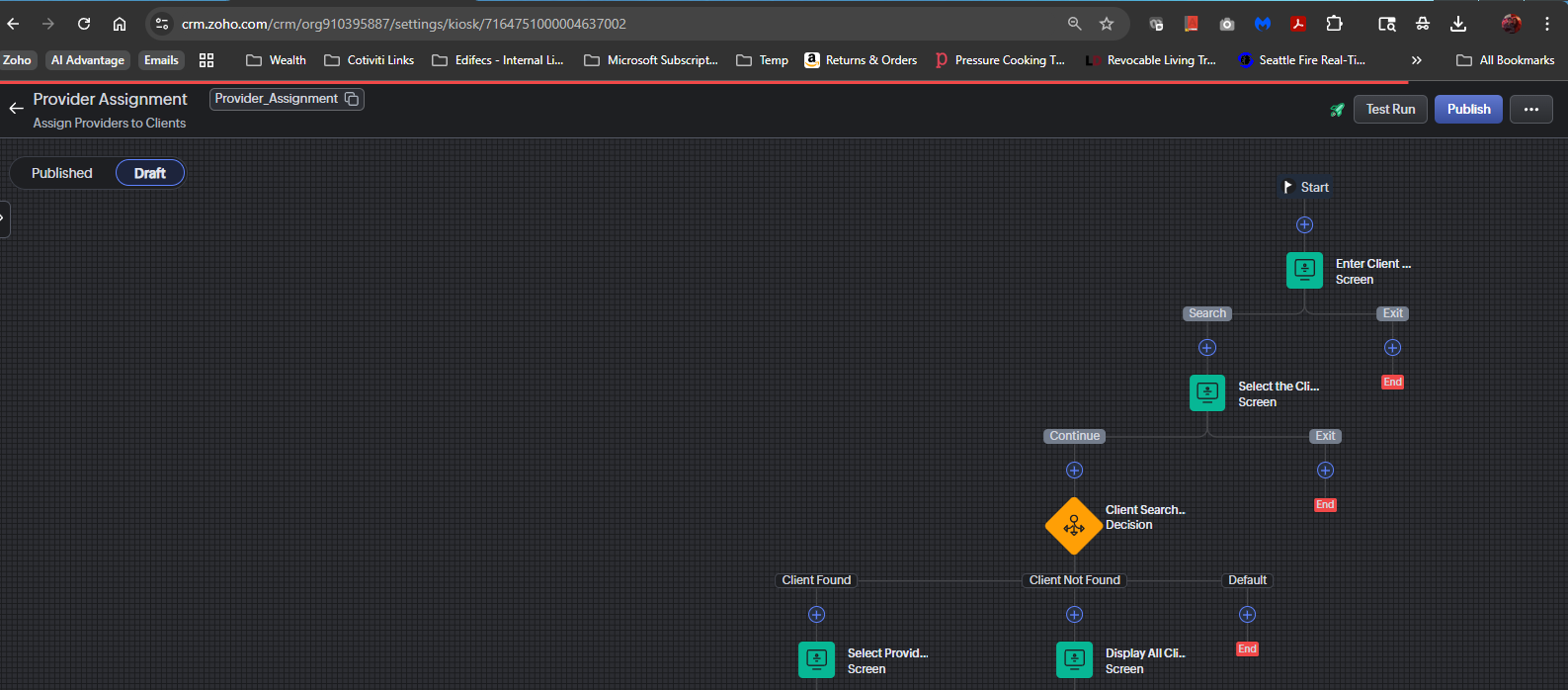
Something happened that now, I'm unable to edit/add any 'Screen' and 'Decision' elements in my kiosk flowchart -- it gives me the option to Preview, Edit, or Delete existing ones, but nothing happens when I select either Preview or Edit. I'm in Draft mode whenever I try it. I am able to edit a 'Function' and 'Email' element though for some reason. I also have cloned the kiosk to a new one and I'm still getting the same result. In Chrome, I'm able to add almost all the elements from the 'Action' option but when trying to add a 'Screen', 'GetRecords', 'Decision', it just flashes this red line and it looks like it's trying, but nothing is happening (see attached image). I was able to publish this kiosk a few times and the published version does run, but it has issues so I need to be able to edit it to troubleshoot. I've cleared my browser cache and have tried it in Incognito mode, tried it from MS Edge, Firefox, and I get the same result. If I try the Test Run, it works as expected. Previewing the same elements is also not working. Is there a way to recover this or am I stuck having to redo the whole thing?
Any ideas or guidance will be greatly appreciated!