Fourth Insight - The power of Multi-Layouts
The Wheels of Ticketing - Desk Stories
The power of Multi-Layouts
 In the previous insights, we have established that layouts are the foundation for a ticketing system, and fields are the building blocks for the same system.
Fundamentals of layouts
Fields play a crucial role in helping customers and agents collect valuable end-user information to understand their concerns better. Organizations must prioritise collecting accurate data in the right format to ensure efficiency. It's essential to avoid overwhelming end users with unnecessary or confusing fields; clarity is key. Additionally, the layout of these fields should be thoughtfully classified based on the data collected from end users to provide a more intuitive and user-friendly experience.
Understanding multi-layouts
Multi-layout best practices
For a ticketing help desk system to support multiple layouts effectively, consider the following:
- Modular design: Streamline your ticket submission process into multiple services according to your business. Each service can be created as a layout. If there are common details between services, build this interface with reusable fields.
- Role-based preset: To simplify onboarding, pre-configure layouts connected to agent roles according to the solutions they provide to customers.
- Customisation engine: To ensure accurate information and help agents with all required information, include widgets using extensions and proper recommendations using tooltips.
- Responsive data integration: To avoid ticket creation latency, ensure only the required fields are added to the layout. Using layout rules, you can also make the design responsive based on the input.
- Performance optimisation: Validate the data given in the layout fields using validation rules to minimise the agent's load time on incorrect data.
- Accessibility: Design layouts with keyboard navigation, screen reader support, and high-contrast options to accommodate all users.
A story for better understanding
Streamlining Support with Multiple Layouts
This narrative illustrates how multi-layouts improve efficiency, adaptability, and the overall experience for agents managing customer support tickets.
At Help Point Innovations, a rapidly growing SaaS company, the customer support team faced challenges managing an overwhelming influx of tickets. While their help desk system was operational, it lacked flexibility and only provided a uniform ticket view, frustrating agents. Simple inquiries were often lost amid more complex technical problems, causing agents to spend unnecessary time navigating multiple tabs to locate information. This led to declining morale and increasing response times.
Enter Chandler, the new support operations manager, tasked with turning things around. He collaborated with the operations team to implement a new ticketing help desk system that supported multiple layouts tailored to different agent needs.
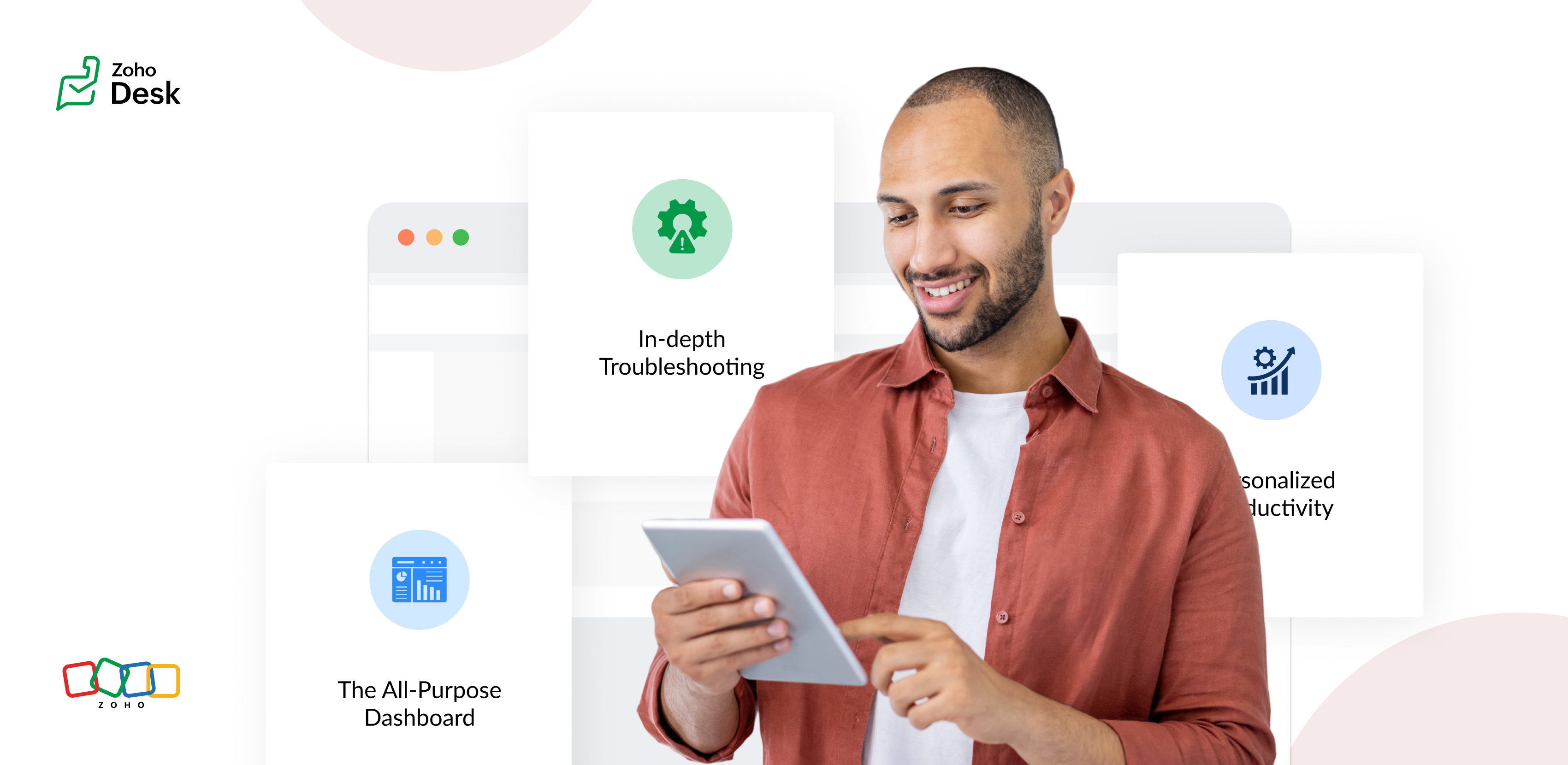
The Standard Layout – The All-Purpose Form
On his first day, Chandler shadowed Mike, a level 1 support agent handling general inquiries. Mike used the standard layout, a clean, streamlined form designed for quick ticket triage:
- Ticket list pane: A sortable list of open tickets with columns for ticket ID, customer name, priority, and subject. Filters let Mike focus on "New" or "High Priority" tickets.
- Ticket details pane: Clicking a ticket displayed the customer's message, purchase history, and a chat-like thread for internal notes and replies.
- Quick actions bar: Buttons for everyday actions like "Assign to Self," "Reply with Template," or "Escalate" were front and center.
Mike valued how the Standard Layout let him process simple tickets, like password resets or billing questions, in under a minute. For example, when a customer asked about a subscription refund, Mike pulled up the ticket, checked the purchase history in the details pane, and sent a pre-approved refund response using a template without leaving the screen.
The standard layout empowered level 1 agents to efficiently handle high-volume, straightforward tickets, reducing average response time by 30%.
The Tech Layout – In-depth Troubleshooting
- Expanded ticket details: The layout prioritized technical data, showing error logs, system diagnostics, and API call history alongside the ticket thread.
- Integrated tools pane: A sidebar linked to debugging tools, a knowledge base, and a code snippet library for quick reference.
- Collaboration panel: A dedicated space for real-time collaboration with developers via internal chat, with options to attach screenshots or screen recordings.
When a customer reported an API timeout issue, Lila used the technical layout to view the error log, cross-reference it with the knowledge base, and ping the dev team in the collaboration panel. She identified a rate-limiting issue, shared a workaround with the customer, and flagged the ticket for a permanent fix within 15 minutes.
The technical layout reduced resolution time for complex tickets by 40%, as agents had critical tools and data at their fingertips.
The Custom Layout – Personalized Productivity
Finally, Chandler met Riya, a senior agent who handled level 1 and 2 tickets. Riya had created a Custom layout to suit her unique workflow:
- Hybrid ticket view: Riya combined elements of the standard and technical layouts, with a compact ticket list and a detailed technical pane for quick switches between complex and straightforward tickets.
- Pinned widgets: She added widgets for her most-used tools, like a live chat monitor and a shortcut to her favorite response templates.
- Colour-coded priority: Riya customized the ticket list to highlight VIP customers in red and urgent tickets in yellow.
When a VIP client reported a critical issue, Riya's custom layout let her spot the ticket instantly, access diagnostic data, and respond with a personalized message in record time. Thanks to her tailored setup, she could easily pivot to handling a batch of routine tickets without missing a beat.
Custom layouts boosted agent satisfaction and productivity, as veterans like Riya could work in a way that matched their expertise and preferences.
The Transformation
Wrapping up
The key to success? Flexibility. By offering multiple layouts, standard for speed, technical for depth, and custom for personalization, he help desk system met the diverse needs of the support team and turned disorder into a well-oiled machine.
Please stay tuned for more Desk Module stories.
Cheers,
Kavya Rao
The Zoho Desk Team

Topic Participants
Kavya Rao Addepalli
Recent Topics
Filtering two fields
Hoping somone can assist, i am trying to create a report to show values from two different fields. e.g I have Field 1 Field 2 In some records, fields 1 and 2 are both "yes"; in other records, only one of the fields has the value "yes". Can we generateUnable to Convert Quote to Invoice – Integration Active but User Not Recognized
I’m having trouble converting a Quote into an Invoice inside Zoho CRM, even though the Zoho Finance Suite integration is enabled (Invoices, Quotes, Products, and Customers are all checked), and my user is an Admin in both Zoho CRM and Zoho Books, usingOwner drawings
I entered an owner’s drawing transaction in 2023 but it’s still appearing on 2024 books. Is that supposed to happen? Or should Is there an additional step? I prefer for this transaction not to appear.Running Balance in Account Statement.
Running balance should come by default in the accounting statements but in ZOHO we need to customize every time to get the running balance in accounting statement. I did not understand, when the bank account statement opened from Bank Menu can show theImporting Invoices
Dear Team I used the enclosed csv file to import some invoices and it worked fine. I had to delete the file and when I am trying to re-upload it, I am getting the error for invoice number and branch "Resource does not exit." I tried a number of differentEnhance "Send Cliq Notification" Action in Zoho Desk Workflows (and also add Happiness Rating Support)
ello Zoho Desk Team, We hope you're doing well. We’d like to submit a feature request regarding the “Send Cliq Notification” action available in Zoho Desk workflows — specifically in workflows triggered by Happiness Ratings, but also relevant to all workflowsTreatment of Non-Refundable Income after cancelling an Invoice
A customer made part payments of 30,000 for an invoice 0f 100,000, and then he is unable to pay up the remaining and has asked for a refund. As per company policy, he can only get 75% of the amount paid, which is 22,500. The remaining 7,500 is non-refundableI need refund
I have purchased the Zoho Book standard plan; I had the impression that I would get the purchase > Bill feature. After purchasing, I found that billing is not included in the Zoho standard plan. I immediately canceled the subscription. I love the product,Handling identifiers during an import
Importing your data When importing data into an application, it is crucial to prevent data loss or duplication. These types of errors can hinder the development of a clean and well-organised database, which is essential for effective data management andCreating Deposit Invoices
Hi, we are a company that does project based work with a request at the begining of each project for a deposit payment. At the moment we are creating invoices for the deposit and an invoice for the completion of the project, however they are completelyMarketer’s Space - WhatsApp Pricing Update: What Marketers Need to Know and Do
Hello Marketers, Welcome back to Marketer’s Space! WhatsApp made changes to their pricing model on July 1, 2025, moving from conversation-based pricing to a per-message pricing model. This week’s post focuses on what these changes mean for your WhatsAppIt's time to say goodbye to Zoho Recruit for me.
Hello, I have been a Zoho Recruit user since 2013. The tool has evolved, with a better UI, new features and so on. The pricing is still a great asset too. BUT, that being said, important features are not coming fast enough. I tried to share my point ofchange subscription within customer portal
Would be great for the customer to be able to change their own subscription (or restart existing one) within the customer portal. Also, would like to be able to have early termination fee on subscriptions if canceled early.How to make the add-on optional at the time of subscription?
The scenario is this, we have a service which has optional add-ons. Like the customer who purchased the subscription may or may not want to get the add-on. In our case if the customer choose the addon we have monetary benefit. In case the user does notUnable to add attachments to knowledge base anymore
I have been adding articles to knowledge base in Zoho Desk (as part of Zoho One). Today suddenly i found that I am unable to upload and attachments to the articles. I get the following error: "Attachment couldn't be added." I have uploaded the screenshotAdvanced factors for multiple scoring rules: Now with Zia scoring automations for all modules
Greetings all, We're happy to offer improved scoring features by adding extra scoring factors, including Zia Scores, in our multiple scoring rules (MSR) feature. These new factors—which empower existing traditional scoring factors—include criteria forRestrict Agents from Editing Shared Custom Views in Zoho Desk
Hello Zoho Desk Team, We hope you're doing well. We’d like to submit a feature request regarding the custom views functionality in Zoho Desk. 🎯 Background We’re actively using custom views to filter and display tickets for different teams based on specificIntroduction Dario Schiraldi Deutsche Bank Executive
Hello Everyone, Dario Schiraldi serves as a key leader at Deutsche Bank, where he plays a crucial role in shaping the bank's strategic direction and driving operational success. With a solid foundation in finance and leadership, Dario is committed toIs Zoho Shifts included in the Zoho One plan?
In case the answer is no: there's any plan to make it available via One? Thank youFeature Request: API Access for Managing Deluge Functions (with OAuth & Change Tracking)
Hi everyone, I wanted to share a thoughtful request that came in from one of our Zoho clients this week. I believe many of us as partners and developers might relate to it. “One quick item to flag: we’d love an official way to manage Deluge functionsMoving Subscriptions from one Customer to another
We frequently need to move subscriptions from one Customer to another Customer in Zoho Billing and the only way we have figured out to do this is to cancel it in the old owner's profile and manually recreate in in the new owner's profile. In doing this,how to add new line in Deluge?
I want to make string with line separation like this: this is the first line second line third line I have tried to use \n <br> or </br> inside the string but I can't achieve the result like the example above. I want to create a task by using custom functionHow to pause a subscription/recurring order ?
Hello, I'm evaluating Zoho Subscriptions for a food co-op where members order a box of produce every week. The software that we're currently using allows members to set up a recurring order. Members can pause the recurring order when they don't want a box for a while and then resume it later. Is it possible to pause/resume a subscription ? Thanks JohnHosted Payment Pages - how to update the address in zoho billing
I"m playing around with the muti-page hosted payment pages which have places for customers to enter their addresses when paying. Why does this not update their address in Zoho Billing after payment? What can I do to make this happen?Tracking training certification expirations
Hi Zoho Community! I'm looking for some input on the best and most efficient ways to track training expirations in Zoho CRM. I have a very specific workflow that I am looking for - my company offers trainings, and the certification expires every 2 toKaizen #164 : Client Credentials
Hello everyone, Welcome back to Kaizen. In this post, we will discuss Client Credentials Flow and when it can be used. What is Client Credentials Flow? According to RFC6749, the official specification for the OAuth 2.0 authorization framework, "The clientCRM Email Template Align Left Instead of Center
Is there a way to make a basic template align to the left instead of center? I know I'm likely forced to the 600px wide with the basic templates but I would REALLY like to set the email to the left instead of center. The basic templates make all the emailsClient Script - "Click' Button on Purchase Order - Specify "To Contact" or "To Supplier"
The send email button is unique on the purchase order in that is has an additional submenu to send email "To Contact" or "To Supplier" It appears that the "click" event in Client script doesn't work correctly, probably because the button click didn'tAdd Client Credentials Flow to Python SDK
The Zoho CRM API supports a client credentials flow to automatically generate ephemeral access tokens, and this can be done programatically. The Python SDK however requires you to provide a grant token, refresh token, or access token when initializingConditional display of fields in Zoho Books Custom modules based on another field
We're currently working with a Custom Module in Zoho Books and have a question about improving data entry efficiency and user experience. Our module includes a "Client Type" dropdown field, which determines the type of information to be collected. EachBackground Image for page in Zoho Creator
Is it possible to use an image as the background in a page in Zoho Creator? I see it is possible to use an image as the background within a panel, but about about the page itself?Zoho IP address blocked by Microsoft
Today I tried to send emails to Outlook email addresses and all of them failed. The log displays like this: Reporting-MTA: dns; mx.zohomail.jp Arrival-Date: Fri, 27 Jun 2025 12:52:30 +0800 Original-Recipient: rfc822; ######@outlook.com Final-Recipient:Request to Enable Full DNS Management Access for My Domain
Hello Zoho Support Team, I have purchased the domain "digimarts365.online" through Zoho, and I need to add A and CNAME records to connect it with my Shopify store. However, DNS Toolkit is not allowing me to edit or add any records. Kindly enable fullBackup flow, see change log / history
Hello, I would like to know, how flows can be saved, copied and tracked. If I work on a Flow with multiple other colleagues we need to see the Changes made by others. Is there a history, changelog or something else? Also we need to backup/import flowsProblème de validation du domaine spelam.ma
Bonjour équipe Zoho, J’ai l’honneur de vous contacter car je rencontre un problème technique au niveau de la validation de mon compte ou de mon domaine spelam.ma. En effet, j’ai déjà acheté le domaine, mais la validation ne semble pas être correctementCritical:- Eneble TDS filing for 26Q from the zoho book
We currently extract TDS data from Zoho Books and manually input it into a separate TDS software to generate the FUV file and file returns. Previously, while using Tally, we benefited from an integrated feature that seamlessly recorded transactions andAdd a way of clearing fields values in Flow actions
It would be great if there was an option to set a field as Null when creating flows. I had an instance today where I just wanted to clear a long integer field in the CRM based on an action in Projects but I had to write a custom function. It would beWriter loads as a blank page.
Hi, I'm new to zoho but I liked the idea of an online wordprocessor that I can use from multiple computers. I signed up a few hours ago while at work where our computers use Linus Ubuntu and a Firefox browser and the Writer came up fine. Now I'm home and using my Windows machine with Norton Firewall and Firefox and the writer opens as a blank page. I've checked my security options in both Firefox & Norton and I have received all the cookies from Zoho. What gives?Ensure Consistent Service Delivery with Comprehensive Job Sheets
We are elated to announce that one of the most requested features is now live: Job Sheets. They are customizable, reusable forms that serve as a checklist for the services that technicians need to carry out and as a tool for data collection. While onJOB Sheet can not send PDF as service rapports and more info needed other topic
Goedendag, - Jullie hebben nu job sheet erin gedaan en dar is echt super goed, enkel kunnen we de werkbon ( JOB sheet) nu niet verzenden als PDF als een service rapport naar onze hoofdaannemer hoe we dat nu doen als bewijs van de levering van het werkNext Page