Fourth Insight - The power of Multi-Layouts
The Wheels of Ticketing - Desk Stories
The power of Multi-Layouts
 In the previous insights, we have established that layouts are the foundation for a ticketing system, and fields are the building blocks for the same system.
Fundamentals of layouts
Fields play a crucial role in helping customers and agents collect valuable end-user information to understand their concerns better. Organizations must prioritise collecting accurate data in the right format to ensure efficiency. It's essential to avoid overwhelming end users with unnecessary or confusing fields; clarity is key. Additionally, the layout of these fields should be thoughtfully classified based on the data collected from end users to provide a more intuitive and user-friendly experience.
Understanding multi-layouts
Multi-layout best practices
For a ticketing help desk system to support multiple layouts effectively, consider the following:
- Modular design: Streamline your ticket submission process into multiple services according to your business. Each service can be created as a layout. If there are common details between services, build this interface with reusable fields.
- Role-based preset: To simplify onboarding, pre-configure layouts connected to agent roles according to the solutions they provide to customers.
- Customisation engine: To ensure accurate information and help agents with all required information, include widgets using extensions and proper recommendations using tooltips.
- Responsive data integration: To avoid ticket creation latency, ensure only the required fields are added to the layout. Using layout rules, you can also make the design responsive based on the input.
- Performance optimisation: Validate the data given in the layout fields using validation rules to minimise the agent's load time on incorrect data.
- Accessibility: Design layouts with keyboard navigation, screen reader support, and high-contrast options to accommodate all users.
A story for better understanding
Streamlining Support with Multiple Layouts
This narrative illustrates how multi-layouts improve efficiency, adaptability, and the overall experience for agents managing customer support tickets.
At Help Point Innovations, a rapidly growing SaaS company, the customer support team faced challenges managing an overwhelming influx of tickets. While their help desk system was operational, it lacked flexibility and only provided a uniform ticket view, frustrating agents. Simple inquiries were often lost amid more complex technical problems, causing agents to spend unnecessary time navigating multiple tabs to locate information. This led to declining morale and increasing response times.
Enter Chandler, the new support operations manager, tasked with turning things around. He collaborated with the operations team to implement a new ticketing help desk system that supported multiple layouts tailored to different agent needs.
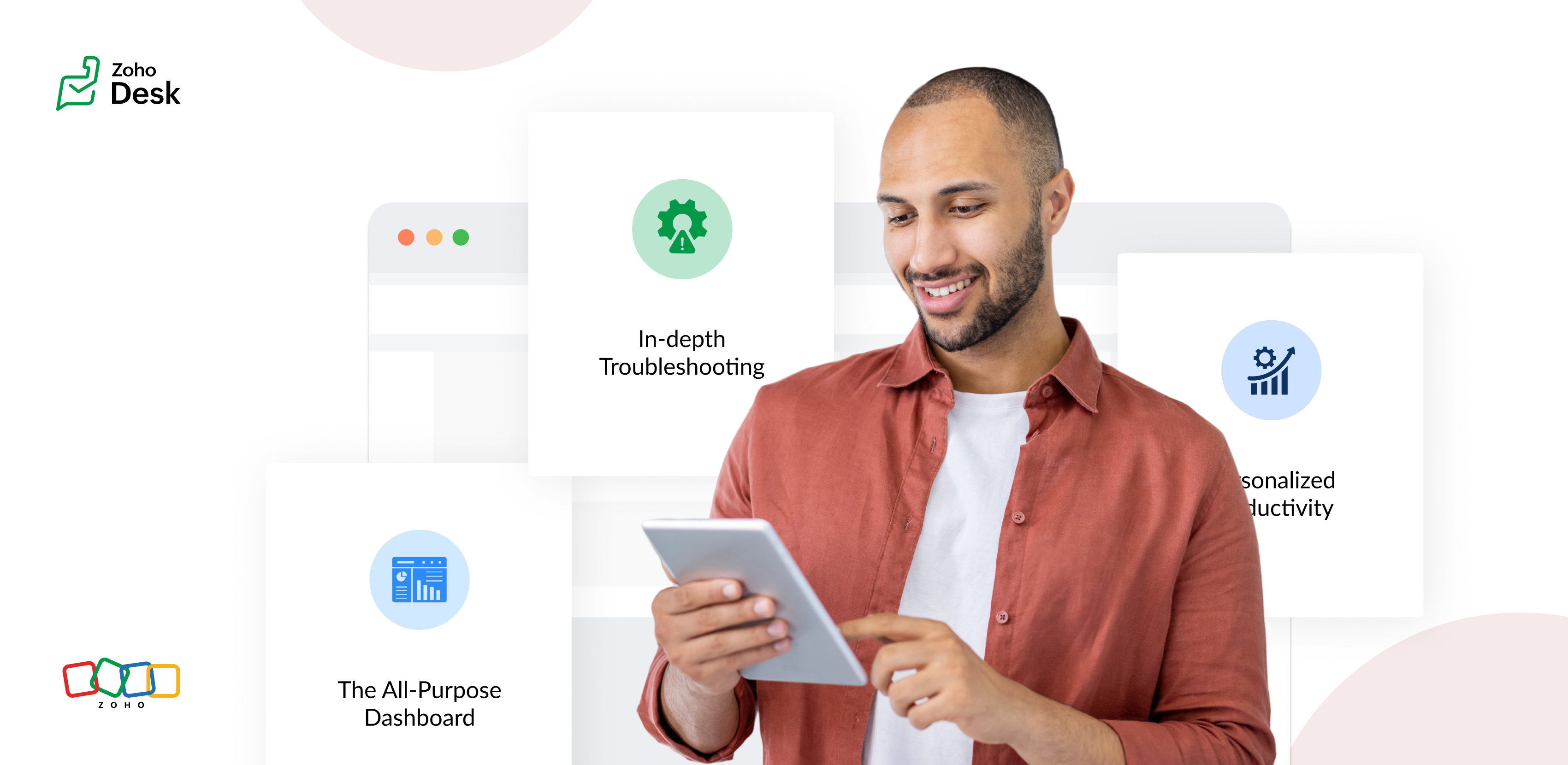
The Standard Layout – The All-Purpose Form
On his first day, Chandler shadowed Mike, a level 1 support agent handling general inquiries. Mike used the standard layout, a clean, streamlined form designed for quick ticket triage:
- Ticket list pane: A sortable list of open tickets with columns for ticket ID, customer name, priority, and subject. Filters let Mike focus on "New" or "High Priority" tickets.
- Ticket details pane: Clicking a ticket displayed the customer's message, purchase history, and a chat-like thread for internal notes and replies.
- Quick actions bar: Buttons for everyday actions like "Assign to Self," "Reply with Template," or "Escalate" were front and center.
Mike valued how the Standard Layout let him process simple tickets, like password resets or billing questions, in under a minute. For example, when a customer asked about a subscription refund, Mike pulled up the ticket, checked the purchase history in the details pane, and sent a pre-approved refund response using a template without leaving the screen.
The standard layout empowered level 1 agents to efficiently handle high-volume, straightforward tickets, reducing average response time by 30%.
The Tech Layout – In-depth Troubleshooting
- Expanded ticket details: The layout prioritized technical data, showing error logs, system diagnostics, and API call history alongside the ticket thread.
- Integrated tools pane: A sidebar linked to debugging tools, a knowledge base, and a code snippet library for quick reference.
- Collaboration panel: A dedicated space for real-time collaboration with developers via internal chat, with options to attach screenshots or screen recordings.
When a customer reported an API timeout issue, Lila used the technical layout to view the error log, cross-reference it with the knowledge base, and ping the dev team in the collaboration panel. She identified a rate-limiting issue, shared a workaround with the customer, and flagged the ticket for a permanent fix within 15 minutes.
The technical layout reduced resolution time for complex tickets by 40%, as agents had critical tools and data at their fingertips.
The Custom Layout – Personalized Productivity
Finally, Chandler met Riya, a senior agent who handled level 1 and 2 tickets. Riya had created a Custom layout to suit her unique workflow:
- Hybrid ticket view: Riya combined elements of the standard and technical layouts, with a compact ticket list and a detailed technical pane for quick switches between complex and straightforward tickets.
- Pinned widgets: She added widgets for her most-used tools, like a live chat monitor and a shortcut to her favorite response templates.
- Colour-coded priority: Riya customized the ticket list to highlight VIP customers in red and urgent tickets in yellow.
When a VIP client reported a critical issue, Riya's custom layout let her spot the ticket instantly, access diagnostic data, and respond with a personalized message in record time. Thanks to her tailored setup, she could easily pivot to handling a batch of routine tickets without missing a beat.
Custom layouts boosted agent satisfaction and productivity, as veterans like Riya could work in a way that matched their expertise and preferences.
The Transformation
Wrapping up
The key to success? Flexibility. By offering multiple layouts, standard for speed, technical for depth, and custom for personalization, he help desk system met the diverse needs of the support team and turned disorder into a well-oiled machine.
Please stay tuned for more Desk Module stories.
Cheers,
Kavya Rao
The Zoho Desk Team

Topic Participants
Kavya Rao Addepalli
Recent Topics
Integrate QuickBooks with Bigin and streamline your sales and accounting!
If your business relies on Bigin for customer management and QuickBooks for accounting and invoicing, this new integration is here to make your operations more efficient. By connecting these two platforms, you can now manage your CRM and financial processesWhen a ticket is merged, the merged ticket's link should redirect to the remaining ticket.
Zoho Desk deletes merged tickets. Which is not ideal. The issue is if you have a link bookmarked, or even in your inbox from a ticket that was merged, when you visit you receive an error because merging tickets actually deletes the ticket that was merged.Pass data from a Zoho Desk ticket to a Zoho Form as pre-fill data?
Hello, I'm trying to pre-fill a Zoho form with client data based on the Zoho Desk ticket data that would be associated. Work flow i'm trying to create: 1. Ticket created for a sales order 2. order requires a site survey 3. link inside ticket links toGoods total weight in Sales Orders
Hello everyone, We want to automatically calculate the total weight in Sales Orders based on the weight data specified in the Items. Could you please suggest the simplest way to achieve this in Zoho Inventory? I would greatly appreciate any advice andProblem with pagination in Zoho Inventory API
Hello, I'm having an issue with the Zoho Inventory API when I try to use the pagination. When I send a request to https://inventory.zoho.com/api/v1/items?authtoken=XXXXXXXXXX&organization_id=YYYYYY&page=1&per_page=50, I get back 200 items. And when I send the same request for the second page, https://inventory.zoho.com/api/v1/items?authtoken=XXXXXXXXXX&organization_id=YYYYYY&page=2&per_page=50 I'm getting back the same 200 items I get with the first request. So I think neither the page parameterCan a user be assigned to an Account based on email domain?
Hi ZohoDesk, If I have a customer Account already configured is there any way I can use a domain matching rule to assign a new user to the correct account when logging a ticket by email? Many thanks RichCan't track conversions using GTM
We had to move the installation of the SalesIQ widget from GTM to directly do it in our wordpress site. The SalesIQ widget was being blocked by Adblockers which caused a lot of our visitors to not be able to see it. This issue was fixed from deletingWhatsApp Message Pricing Changes (Effective July 1, 2025)
Starting July 1, 2025, Meta will introduce a per-message pricing model on the WhatsApp Business Platform, replacing the current conversation-based billing. This update affects all WhatsApp messages sent through Zoho Marketing Automation. We’ve brokenParent-Child Tickets using API or Deluge
Hi Everyone, We are looking at the parent-child ticketing features in Zoho Desk. We want to be able to create a parent ticket at customer level and nest child tickets underneath. The issue we are facing is to be able to automate this. I'm checking theBlueprint transitions on locked records
We use the ability to automatically lock records (quotes, sales orders, etc.) based on criteria, such as stage. For instance, if a quote has been sent to a client, the quote is then locked for further edits. Our ideal quote stage process is: Draft>Sent>Won.CC from mail client to Zoho CRM
Hi, Is it possible to have emails sent outside of CRM use a CC that sends them into the CRM and attaches to the record? ThanksDepartment e-mail signatures
Hello everyone, We're just in the process of evaluating various help desk software alternatives and Zoho is looking pretty good to us at the moment. Our set up is a bit strange and I was wondering if this is possible. We have one tech who looks afterHow can I hide "My Requests" and "Marketplace" icon from the side menu
Hello everybody, We recently started using the new Zoho CRM for Everyone. How can I hide "My Requests" and "Marketplace" from the side menu? We don't use these features at the moment, and I couldn't find a way to disable or remove them. Best regards,Sites Speed and Performance Grades
I noticed that there are no recent inquiries or complaints about load speed or performance issues with Zoho Sites websites. However, I wanted to understand what Zoho has done to ensure that speed remains optimized, images are compressed and lazy loaded,Include Audio in Zoho Assist Session Recordings
Hello Zoho Assist Team, We hope you're doing well. We’d like to formally submit a feature request regarding session recordings in Zoho Assist. 🎯 Current Limitation When conducting a Zoho Assist session that includes voice and/or video chatting, the recordingUnable to update Created Date/Time even via upsert
hi all --- running a demo version and "recreating" some data from hubspot. I had tried the method to automatically move data over but it missed A TON of fields and some stuff wouldn't even map correctly so i am simply creating new Deal records to testBlockchain Feature?
Since I'm not an expert in this technology, is there any reason why you would not want to add this option to your Zoho SIgn documents? Is there a downside?Kaizen #196 - Zoho CRM Queries - Best Practices
Nearing 200th Kaizen Post – We want to hear from you! Do you have any questions, suggestions, or topics you would like us to cover in future posts? Your insights and suggestions help us shape future content and make this series better for everyone. GotBest way to account for shipping charges to customer
I have been allocating all our shipping expenses to the "postage" account, but I realise that is probably incorrect, as for the most part, we pass on shipping charges to our customers. So I should probably add the shipping charges into the "shipping charges"Zoho Flow s’enrichit avec les subflows et les actions Webhook
Nous sommes ravis d’annoncer deux ajouts importantsà Zoho Flow : les subflows et les webhooks sortants. Ces nouvelles fonctionnalités ont été conçues pour vous aider à créer des workflows plus facilement et à automatiser davantage de tâches répétitives.How to assign canvas view for portal user
Hi , as a portal user, I can switch to another canvas view, however, I cannot find any field to configure a default canvas view for portal user. May I ask how to set it up in CRM? And if I can view list by sheet view as a portal user?Restrict Leave Application Based on Attendance Cycle (24th to 23rd)
Hi Zoho Team, Our organization follows a custom attendance cycle from 24th of the current month to 23rd of the next month. I would like to configure the system so that: Employees should not be able to apply backdated leave for any date after the attendanceHow do I assign a parent to an existing campaign?
I created a campaign but now I'd like to make that existing campaign a child of another. How can I do this?Categorize Tickets Through The App
I used to be able to categorize and assign tickets through the app without any issues. However, for the past year, whenever I try to edit a ticket, select a category, and click save, it doesn’t actually save the changes. As a result, I haven’t been ableCan't add picture to email template. Says I'm over the character limit.
I tried creating an email template with a picture and it says I'm over the character limit. The picture is pretty small. What can I do?Allow breakdown of per diem for meals provided
Would it be possible to break the per diem down into what you get for each meal. The reason for this is we want to offer per diem but if a meal is provided by a customer or sales we need to remove this from the per diem bucket for that day. We break downAutomatically moving Leads into their corresponding buckets
Hi, I have developed a lead pipeline and created different cadences for various lead segments. After enrolling leads into their respective cadences, each lead goes through a series of follow-ups (in my case, three emails). If a lead does not respond afterTracking Email Template usage
I'd like to be able to track how many times agents/users send an email from Templates. This is so we can track their activity in relation to Campaigns in CRM. ThanksGet employee id of authenticated user via API
Hi, For adding timetracking records an employee id is required. Is there an API Route available to get the employee ID of the current authenticated user? or something like /users/me Currently using https://people.zoho.com/people/api/forms/employee/getRecordsCollect in-app feedback with richer context and granular insights
Hello, Apptics community! From GenAI chatbots to one-tap checkouts, user experience standards keep rising—yet 96% of unhappy users never explain what went wrong; they simply leave. Introducing in-app feedback 2.0 banner In-app feedback 2.0 is here toTemporary restiction
My account says You have been temporarily restricted from publishing jobs from Zoho Recruit.Click here to request a one-time approval to publish your jobs and when I go to click it shows error. Kindly assist.Help with Quote template for peer review
We are wanting to do peer review of quotes/proposals, however the quote templates dont have product cost, profit margins, etc. It is difficult for a manager to approve a quote without ensuring nothing is going out at improper margins, etc. I have notHow many AR fields We can add in a form?
I want to add at least 10-15 AR fields in a form. I just want to know is there any limit on the AR fields or do I need to pay extra money for using 10-15 AR fields. Thanks in advance.Agent working hours
Hi, I know it is possible to set company business hours but is it possible so that agents can have different ones? I.e. some agents cover later hours on specific weeks - can these be set so those agents that are "working" get notified about tickets etc.Disallow CLOSE if tags field is empty
I want to introduce a mandatory condition that NEW tickets (not prior closed tickets) cannot enter the CLOSED state without first having an entry in the tags field. Is there a way I can do this?Central de Ajuda - Restringir visualização de tickets
Estou tentando configurar o Zoho Desk para que determinados usuários dentro de uma mesma conta consigam visualizar apenas os tickets criados por usuários específicos dessa conta — e não todos os tickets ou apenas os seus próprios. Até onde sei, existeBusiness Hours with lunch break
Our business hours are: mon - fri 08:30 - 13:00, 15:00 - 18:30. How can I handle the lunch break? If I use 8:30 - 18:30 it obviously breaks SLA. ThanksAsk the Experts 21: Power up your support game with Zoho Desk Automation
" In every business, there are tasks to automate, Zoho Desk helps with features that integrate Assignments to manage tickets and teams to align,Macros for quick actions and workflows to streamline Contracts and schedules to hold things tight, Plans runIf leads are assigned to a person before 4:00 PM and the stage is "Fresh Lead", then an email should be triggered at 4:00 PM to all assigned users. If leads are assigned after 4:00 PM and the stage is
If leads are assigned to a person before 4:00 PM and the stage is "Fresh Lead", then an email should be triggered at 4:00 PM to all assigned users. If leads are assigned after 4:00 PM and the stage is "Fresh Lead", then the email should be triggered theMultiselect lookup in subform
It would be SO SO useful if subforms could support a multiselect look up field! Is this in the works??Next Page