It’s Halloween again!
Halloween is celebrated with spooky symbols and meanings based on history and traditions, with each region adding its own special touch. While we were kids, we would dress up in costumes along with friends, attend parties, and enjoy the thrills of the season. Growing older, our perspectives and the way we celebrate might may have changed. Now, we might find ourselves watching children enjoy their spooky fun or simply relaxing.
But for those working in customer support, Halloween can reveal different kinds of “spooky” moments. Some moments at work can feel just as haunting as the Halloween characters that test patience, empathy, and presence of mind. This Halloween, let’s talk about how we can turn moments of horror in customer support into delightful experiences.
The “spooks” of customer support
Overflowing tickets
When you sign in to your Zoho Desk account, you might immediately have more tickets than you can handle. Too many tickets can make you miss your first-response time, drop your metrics, and soon you’re buried under an endless stream of unresolved tickets.
Falling resolution rates
As the workload piles up, your average resolution time can slip. Despite your best efforts, the gap between customer expectations and your responses continues to widen.
Tone gone wrong
With an overwhelming number of tickets, we might rush to reply quickly, which can make the emails sound curt or emotionless. We end up sounding rude or robotic without intending to. The lack of warmth can turn a neutral interaction into a negative experience.
Disappointing feedback
After all this, you work hard to respond to your customers and close all the tickets, aiming to solve their problems, yet the customer leaves a negative rating or an unhappy emoji. These negative rating can affect our CSAT scores leading to a more chilling experience than a Halloween scare.
Endless escalations
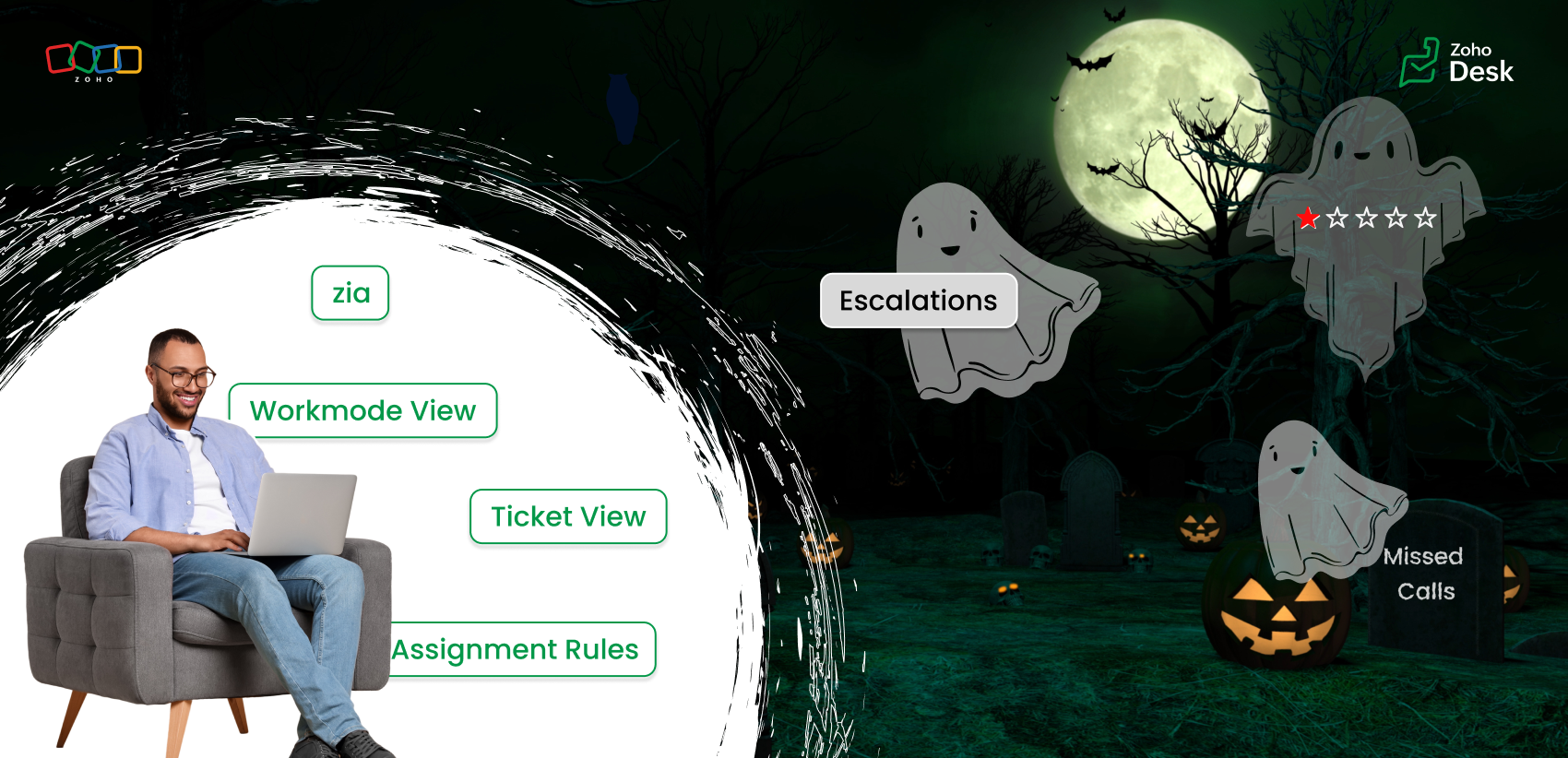
You’ve given your best, but tickets keep escalating one after another. Encountering one frustration after another while juggling deadlines is enough to make any support agent feel haunted by unfinished work.
Self-service pages
Imagine the customer's frustration when they're trying to find an answer, but the outdated knowledge base goes unpublished because it is outdated. What could have been resolved turns into a frustrated ticket.
Let's see how we can turn those spooky moments into spectacular ones.
Every “horror moment” in support can be transformed into an opportunity for excellence with the right tools, automation, and teamwork.
Organize your tickets
The prediction tools in Zoho Desk help you identify the high-priority tickets and learn from ticket history in less time. Zia can also detect anomalies and notify your team of tickets that require attention. The summary tools help you understand tickets and conversations quickly. Use the default views and create custom views to categorize your tickets based on their assigned priority levels and due dates. Use various views under Workmodes to resolve tickets based on status, priority, and SLAs. The ticket notifications also help you view details where your name is tagged (@ mentions), unread, and flagged messages. These will help you resolve tickets quicker, leading to happy customers.
Assignment rules
Assignment rules help you distribute tickets evenly among agents so that one or two agents do not feel overwhelmed. Sharing the workload with fellow agents helps your team respond faster and serve customers more efficiently. The agent collision feature alerts you if two agents are working on the same ticket, thus avoiding duplicate efforts. Workflow rules
Automate notifications for customer tickets or complaints. A simple response and acknowledgment can reassure customers that their issue is abeing ddressed to offer resolution.
Define service level agreements (SLAs)
Establish clear response and resolution times based on your business hours and ticket priorities. SLAs help you address the most urgent cases while maintaining service quality and consistency.
Update your availability status
Under profile, set your status for each support channel in Zoho Desk. When you’re online, you’ll be notified of new chats or emails to ensure nothing goes unnoticed.
Keep knowledge base (KB) articles updated
Set expiration dates for your help articles so you’re notified when it’s time to review or update them. Updating your knowledge base with the current information helps customers find the right answers faster, reducing ticket load.
Use Zia
Zia can help you sense the tone of the customers' emails. If you miss noticing the customer's emotions, Zia Insights and Zia Reply Assistance are at your service with emoticons and quick references to respond effectively. Zia insights give you an analysis of the customer's tone as well as the topics they discussed. You can also view the customer's CSAT ratings under their contact info.
Every one of these small steps can turn potential “frights” into smooth, positive experiences, both for you and your customers. The spooky moment in customer support can fade away with Zoho Desk's automation tools, AI-powered sentiment analysis, and unified knowledge base. This Halloween, while we celebrate with costumes and candy, let’s also celebrate the courage, creativity, and care of every customer support professional who turns the fright of a long queue into customer delights.
Wish you a happy Halloween! 🎃
Wishes from the Zoho Desk team
Recent Topics
Introducing Workqueue: your all-in-one view to manage daily work
Hello all, We’re excited to introduce a major productivity boost to your CRM experience: Workqueue, a dynamic, all-in-one workspace that brings every important sales activity, approval, and follow-up right to your fingertips. What is Workqueue? Sales
Zoho CRM for Everyone's NextGen UI Gets an Upgrade
Hello Everyone We've made improvements to Zoho CRM for Everyone's Nextgen UI. These changes are the result of valuable feedback from you where we’ve focused on improving usability, providing wider screen space, and making navigation smoother so everything
Inclusion is the new engagement
When in a very challenging situation, you may have peers or friends around you saying, “Everything will be okay.” They speak to you in a way that they are connected or in a language or tone that feels close. But your inner voice comes to you in a truly
What's new in Zoho Sheet: Simplify data entry and collaboration
Hello, Zoho Sheet community! Last year, our team was focused on research and development so we could deliver updates that enhance your spreadsheet experience. This year, we’re excited to deliver those enhancements—but we'll be rolling them out incrementally
Windows Desktop App - request to add minimization/startup options
Support Team, Can you submit the following request to your development team? Here is what would be optimal in my opinion from UX perspective: 1) In the "Application Menu", add a menu item to Exit the app, as well as an alt-key shortcut for these menus
Share Record Ownership in Zoho Recruit
We’re introducing User Fields in Zoho Recruit designed to make collaboration easier when multiple team members need to work on the same record. With User Fields, you can extend record ownership beyond a single user and enable smoother teamwork across
Recherche d'un développeur
Bonjour, j'ai un projet de SAAS sur une base de zoho créator et zoho CRM et je recherche un développeur qualifié français pour créer l'application créator (fonctionnel et graphique) et les workflow et blueprint de CRM
Display actual mileage on an invoice
My users are creating expenses in Zoho expense. For example, they expense 10 miles and get paid 7 dollars (10 miles * IRS rate of .70). If I look at the expenses in Zoho Books, it does show them at 10 miles at .70 cent When I add these expense to an invoice
Customer Parent Account or Sub-Customer Account
Some of clients as they have 50 to 300 branches, they required separate account statement with outlet name and number; which means we have to open new account for each branch individually. However, the main issue is that, when they make a payment, they
Zoho Desk domain Mapping not Working Showing CNAME Error
I have created the subdomain and created the Cname as well as its instracted on the Zoho website but when i try add the domain on help desk its showing error msg : Make sure you've mapped the CNAME entry and linked it to desk.cs.zohohost.com.au on your
Cloning a Pick List
I have an existing Pick List in my Contacts that I want to drop into my Leads. Is there a way to copy or clone the field with it's accompanying Pick List? Thanks for your time.
How do I link my invoice to an estimate?
There has been instances where I have created estimates, however, invoices for the same estimate were created independently. The status of these estimates hasn't converted to 'invoiced'.
I wish to upload 40000 Resumes in Zoho Recruit Database. Can I do this in batch of 1000 Resumes ?
I would like to upload thousand or few hundred of resumes in Zoho Recruit in one go. Please let me know how can I do this Or migrate my 40000 resumes from previous ATS to Zoho Recruit.
Zoho Writer for Proposals
Hi, one of the things we've struggled with since moving to Zoho ecosystem is our proposal software Qwilr does not integrate well. It surprises me Zoho doesn't have proposal software but given all the capabilities of Zoho Writer, I'm wonder if anyone is
Custom Fonts in Zoho CRM Template Builder
Hi, I am currently creating a new template for our quotes using the Zoho CRM template builder. However, I noticed that there is no option to add custom fonts to the template builder. It would greatly enhance the flexibility and branding capabilities if
How do I edit the Calendar Invite notifications for Interviews in Recruit?
I'm setting up the Zoho Recruit Interview Calendar system but there's some notifications I don't have any control over. I've turned off all Workflows and Automations related to the Calendar Scheduling and it seems that it's the notification that is sent
Foutmelding bij uitvoering/opslaan functie 'Left expression is of type TEXT and right expression is of type NUMBER'
Hoi! Ik heb een workflow (zie bijlage) die wordt getriggerd zodra de verwachte weekomzet van een bedrijf wordt aangepast naar een bedrag hoger dan 0. Op dat moment moet een functie (zie bijlage) gaan berekenen wat het benodigde kredietlimiet moet zijn.
Enable Free External Collaboration on Notecards in Zoho Notebook
Hi Zoho Notebook Team, I would like to suggest a feature enhancement regarding external collaboration in Zoho Notebook. Currently, we can share notes with external users, and they are able to view the content without any issue. However, when these external
Hoe kun je Nederlandse loonstroken boek in Zoho Books?
Beste Community, Heeft er iemand een idee hoe je standaard loonstroken kunt inboeken in Zoho Books? Ik ben benieuwd hoe jullie dit doen en wat de mogelijkheden zijn.
Unable to Filter Retail Sales Orders & Need Paid/Unpaid Filter – Zoho Books
Hi Zoho Team, Recently you introduced Retail – Standard and Retail – Premium templates for Sales Orders. However, in the Sales Order module we still cannot filter or segregate Retail Sales Orders separately from normal B2B sales orders. Because of this,
Service op locatie organiseren met Zoho FSM: waar lopen organisaties tegenaan?
Bij organisaties met service teams op locatie merken we vaak dat de complexiteit niet zozeer in de planning zelf zit, maar in wat er rond die planning gebeurt. Denk aan opvolging na interventies, consistente servicerapporten, en het bijhouden van installaties
Possible to delete the "Big Deal Alert" in Zoho CRM?
Hi, Is it possible to delete the "Big Deal Alert" in Zoho CRM? My company has no need for it and I want to remove it to clean up my email templates list. Thank you.
Users may not pick the fields to be shown as columns in the Choose Account window when creating a new Deal record
Hi there, by talking with other users I found out that I, as an Admin, am the only one who can pick fields to be shown as columns in the Choose Account window when creating a new Deal record. In fact, if other users click on the "Add Column" symbol on
Allow selection of select inactive users in User data fields
Hello, We sometimes need to select a previous employee that has an inactive account in the User data field. For example, when doing database cleanup and indicating actions are done by a certain employee that weren't filled out when they were part of the
[Webinar] Top 10 Most Used Zoho Analytics Features in 2025
Zoho Analytics has evolved significantly over the past year. Discover the most widely adopted features in Zoho Analytics in 2025, based on real customer usage patterns, best practices, and high-impact use cases. Learn how leading teams are turning data
ZOHO.CRM.UI.Record.open not working properly
I have a Zoho CRM Widget and in it I have a block where it will open the blocks Meeting like below block.addEventListener("click", () => { ZOHO.CRM.UI.Record.open({ Entity: "Events", RecordID: meeting.id }).catch(err => { console.error("Open record failed:",
Zoho Desk Partners with Microsoft's M365 Copilot for seamless customer service experiences
Hello Zoho Desk users, We are happy to announce that Zoho Desk has partnered with Microsoft's M365 to empower customer service teams with enhanced capabilities and seamless experiences for agents. Microsoft announced their partnership during their keynote
How Does Knowledge Base Search and Article Recommendation Work?
Hello, I would like to understand how the Knowledge Base search engine works. Specifically, does it search based on: The article title only? The full article content? Both, the article and the content? Keywords? Tags? Also, how does the system determine
Super Admin Logging in as another User
How can a Super Admin login as another user. For example, I have a sales rep that is having issues with their Accounts and I want to view their Zoho Account with out having to do a GTM and sharing screens. Moderation Update (8th Aug 2025): We are working
Do buttons and vba msgbox work on mobile, specifially the iPhone zoho sheets app?
In Zoho sheets on the web, I inserted a button and assigned a VBA macro to it. It pops up a msgbox with some text. When I go onto the iPhone mobile zoho sheets app, the button is there. When I click on that button, the spinning asterisk appears for a
[Webinar] Solving business challenges- Handling the challenge of transitioning to Zoho Writer from legacy tools
Moving to Zoho Writer is a great way to consolidate your business tools and become more agile. With multiple accessibility modes, no-code automation, and extensive integration with business apps and content platforms, Zoho Writer helps solve your organization's
How exactly does "Reply assistance" work in Zoho Desk? What context is sent to the LLM?
Hi, Im trying to better understand the technical behavior of the feature "Reply assistance" in Zoho Desk, and I couldn’t find detailed information in the current documentation. Specifically, I have questions about what data is actually being sent to the
How can I effectively manage a website with your help?
I’m wondering if it’s possible to develop a custom website with specific features using Zoho as an alternative platform. My goal is to create a website similar to https://tmsim.ph, with the same kind of functionality and user experience. I would truly
Introducing the Yes/No field: Binary decisions made beautiful
Greetings, form architects! What would you do when you need a simple yes/no answer on your form? Normally, you add a Radio field. Type Yes. Type No. Until now. The new Yes/No field is purpose-built for binary decisions. It is preconfigured, visually consistent,
How to Invoice Based on Timesheet Hours Logged on a Zoho FSM Work Order
Hi everyone, We’re working on optimizing our invoicing process in Zoho FSM, and we’ve run into a bit of a roadblock. Here’s our goal: We want to invoice based on the actual number of hours logged by our technicians on a job, specifically using the timesheets
Move email between inboxes?
Is it possible to move emails from one team inbox to another? We would like to be able to have a single "catch-all" inbox for incoming requests, and then move the email to the appropriate department inbox. I was hoping we would be able to accomplish this
The power of workflows in Zoho Marketing Automation - Video Webinar
In this Zoho Marketing Automation video webinar, our experts walk you through: Why you may want to create marketing workflows How to create marketing workflows Use Zoho CRM data and apply workflows to automate your marketing strategy How workflows can
Offer already made- but I withdrew it
I made an offer letter, but made a mistake on it. I withdrew the offer but now I can't recreate the correct offer. Zoho keeps saying that "A same offer has already been made". I look in the "offers" and there are NO offers (this is the first time I've
Zoho CRM's sales trend and sales follow-up trend dashboards are now customizable
Dear Customers, We're here with good news! Sales trend and sales follow-up trend are two system-defined dashboards that help you understand trends and anomalies in your sales outreach and conversion efforts. They use Zia's intelligence to identify patterns
Task list flag Internal/External for all phases
Phases are commonly used in projects to note milestones in the progression of a project, while task lists can be used to group different types of tasks together. It makes sense to be able to define a task list as either internal or external however the
Next Page