A decade ago, we started Zoho Social with a simple vision: to make social media management easier, smarter, and more impactful for your business. What began as a small idea has grown to a powerful platform that helps businesses across the globe reach their audiences through the most popular social media networks.
Over the years, we've managed to adapt to changing trends and the ever-evolving social media spectrum according to various industries. From our very first customer to our now-thriving community filled with people, this journey wouldn't have been as easy and fun without you, our beloved users.
From then to now
- Launched in 2015 with a core focus on publishing and scheduling; broadened further into monitoring and social listening, measuring performance, AI-powered writing for social media, and collaborating with peers and customers
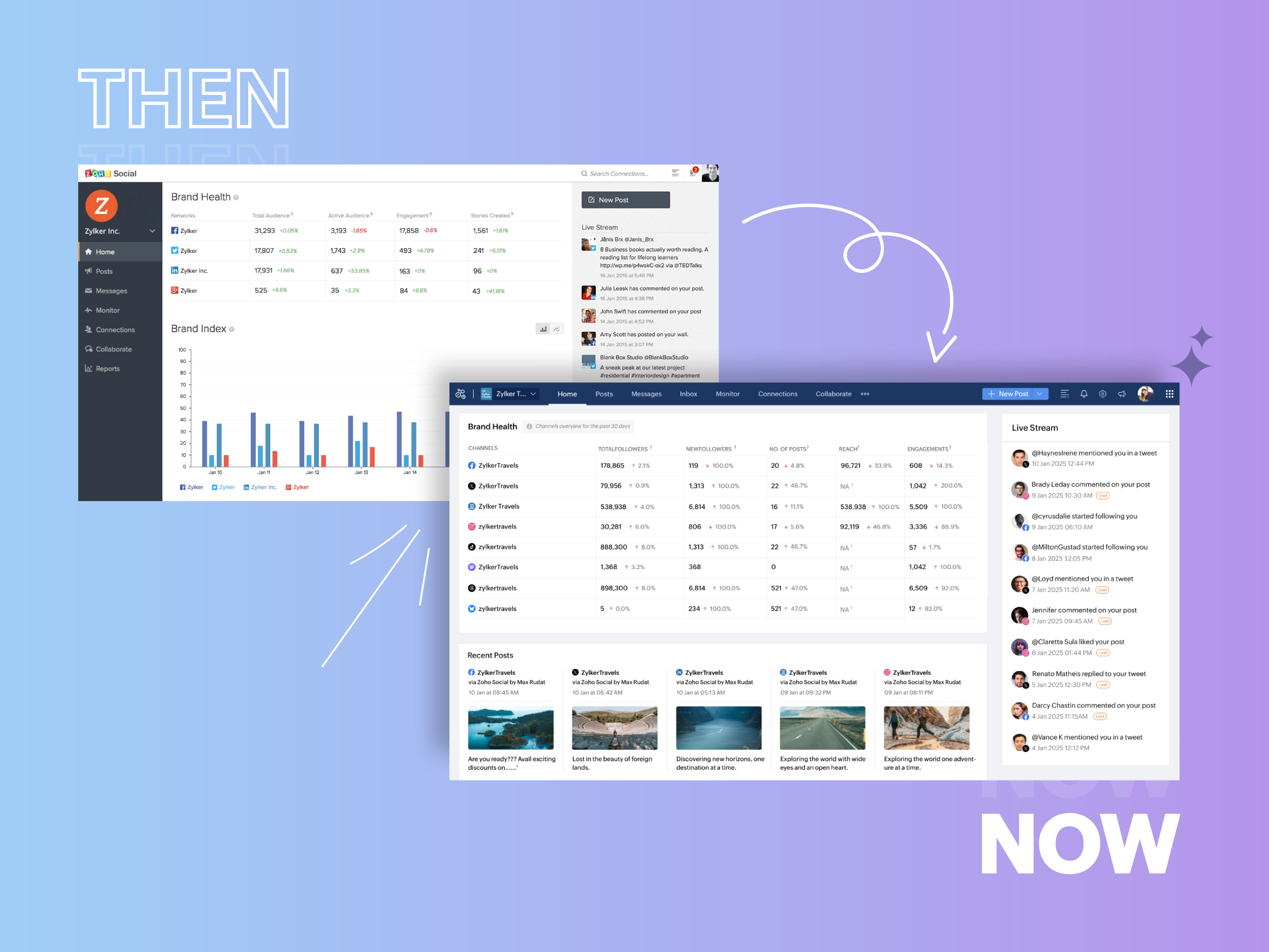
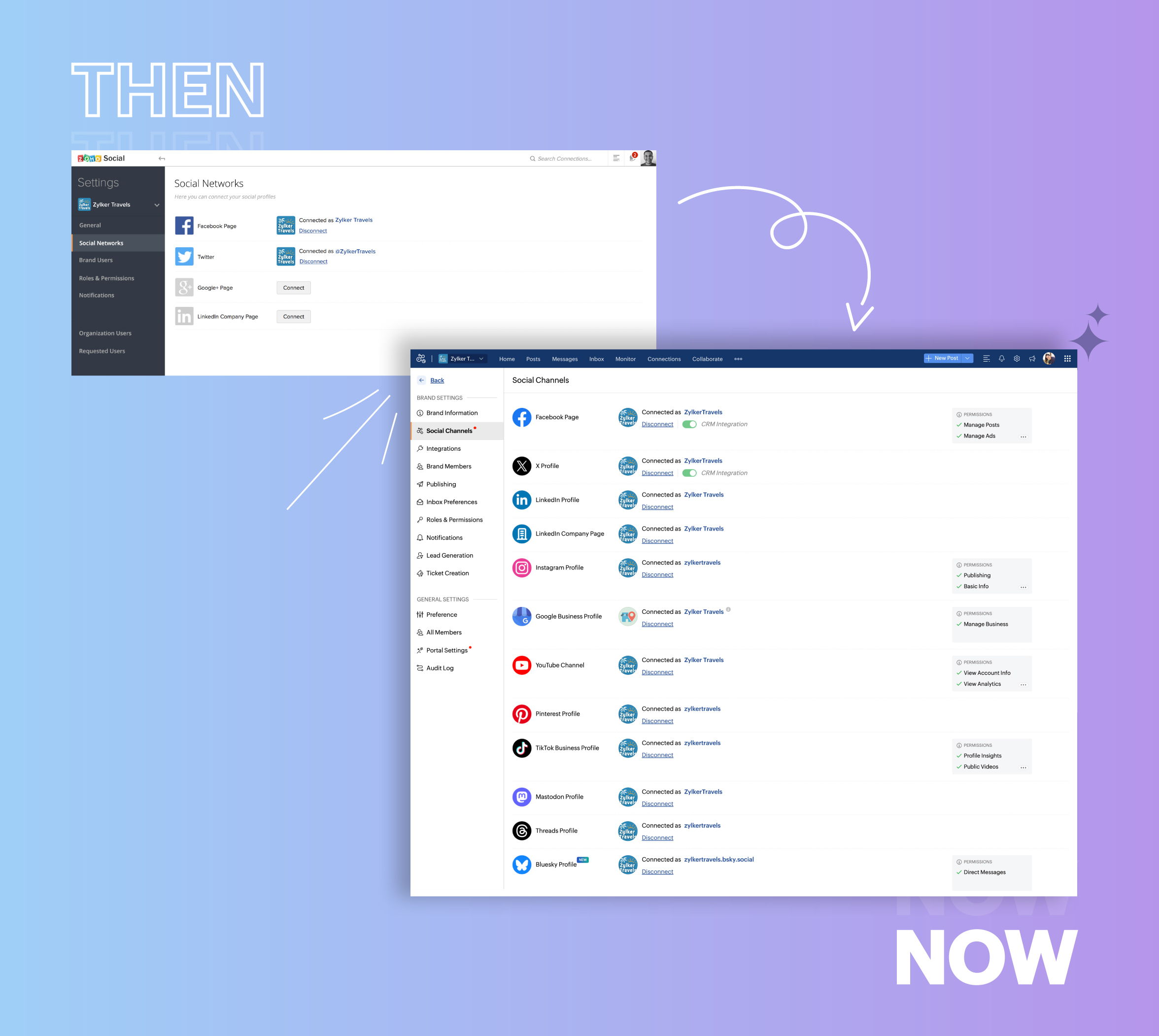
- Expanded from four to 14 social media channels
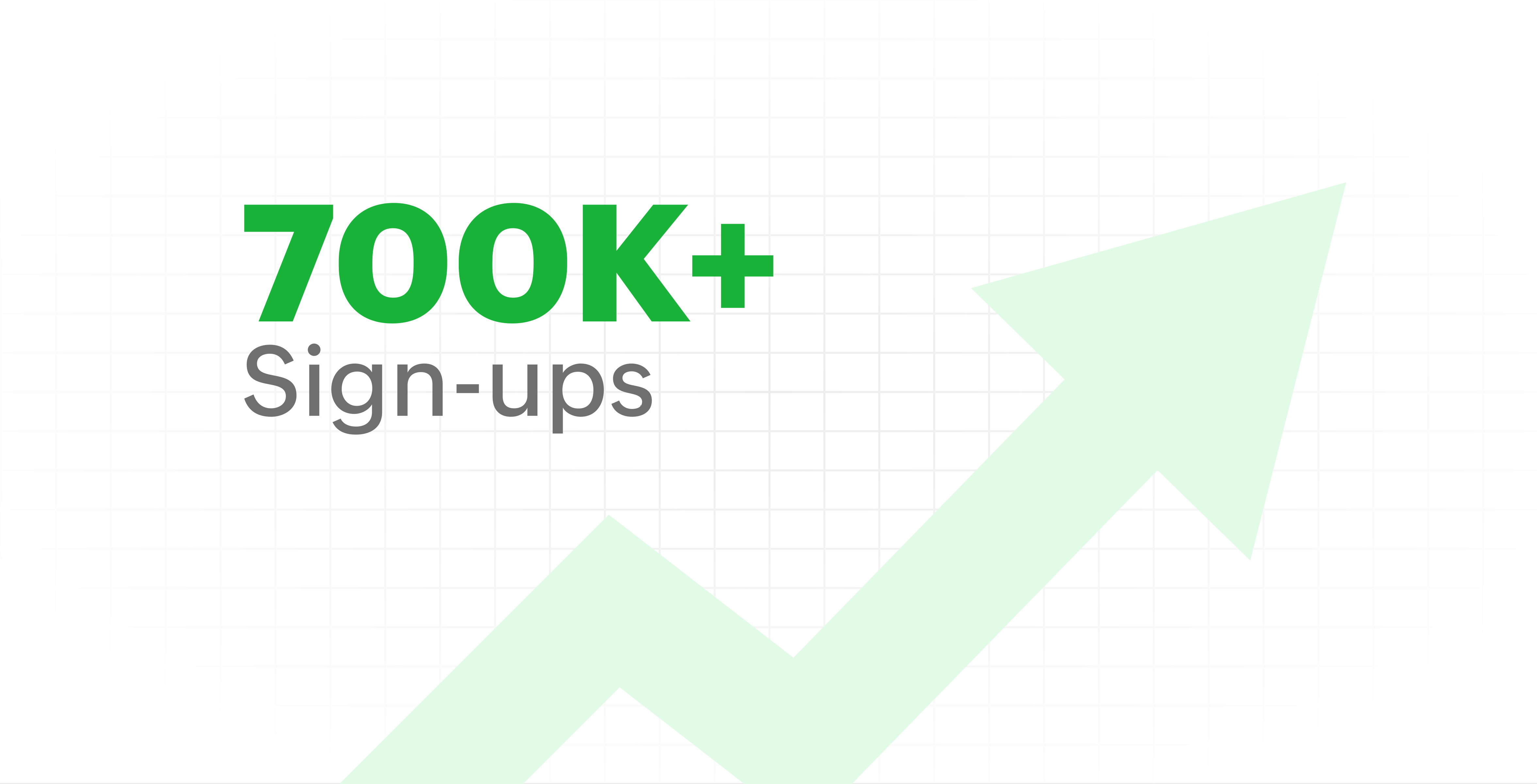
- Grew from our first sign-up to 700k+ sign-ups
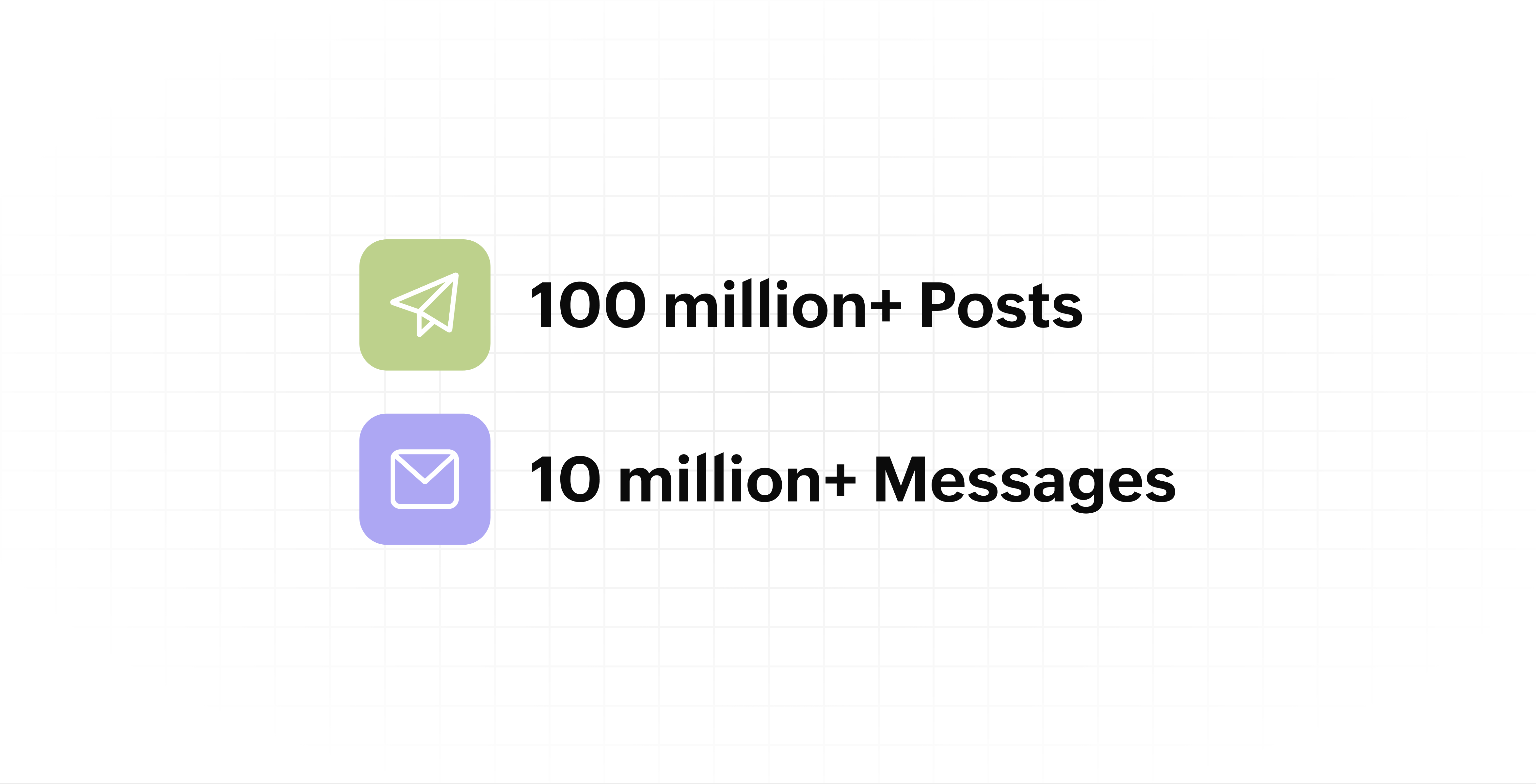
- Processed and published 100 million+ posts with more than 24k posts published or scheduled in a day and 10 million+ messages
- Evolved from a passionate team of eight who planted the seed to a dynamic family of 55, carrying our vision forward.

Our top 10 features from the past 10 years
2015: Launch of Zoho Social
Zoho Social was launched with publishing, scheduling, collaborating, and performance analysis features. Further, in the same year, more features like bulk scheduling were introduced to make it easier for businesses to handle their social media channels and engagement while they're away.
2016: Addition of Instagram and integration with Zoho CRM
Instagram, one of the most popular social media channels being used by businesses, was added to Zoho Social. Brands started leveraging this space to be a part of a visual storytelling experience and connect with their customers and prospects.
The first ever method to track the ROI from social media marketing efforts was introduced on Zoho Social through the Zoho CRM integration. The process of lead generation and measuring output became easier via automation and defining rules for lead forms and social media interactions.
2017: Zoho Social for agencies
Zoho Social for agencies – a new edition of the product – was introduced, catering to agencies handling the social media accounts of multiple clients. With Social, agencies could use bulk-scheduling, lead generation automation, and advanced analytics to handle their clients' data efficiently and deliver better results without the chaos.
2018: Zoho Social's integration with Zoho Desk and the introduction of Google Business Profile
Zoho Social's integration with Zoho Desk took customer service to a whole new level. Being able to convert social media mentions and queries from customers directly into tickets helped businesses bring their support and marketing teams together on one platform, while ensuring that not a single query was missed.
Google Business Profile was added to Zoho Social, helping businesses onboard their listings and stay competitive in their local market. Reviews and questions could be monitored and answered easily, providing more credibility and assurance to customers and prospects.
2019: Improved analytics dashboard
The entire Reports dashboard was re-imagined with advanced individual cards for specific networks. Customized dashboards could be built with a dynamic date range, and they could be shared and scheduled to be sent out regularly to members of the team or clients. These analytics gave businesses and agencies a holistic view of how their social media channels are performing, and gave them chances to improve wherever required.
2020: UI enhancements to make the tool look more engaging and user-friendly
As the world was battling to survive through some of the worst times we'd all faced, Zoho Social was being fine-tuned to help businesses easily go remote without any hassle. With the motive to brighten things up and make it easier to navigate, Social was made more colorful while drop-downs and re-arrange options were introduced to allow quick shuffling between brands and channels.
2021: Introduction of Canva and YouTube
Designing social media posts became a lot more interesting with the introduction of Canva. With its numerous templates, graphics and add-on elements, Canva on Zoho Social made it easier for businesses to design their images and share them instantly to their social channels.
With video content being consumed excessively by consumers, YouTube was added to Zoho Social for businesses to leverage the trend and make their channels more engaging. The analytics helped businesses understand how their videos were being received and improve their strategy to hold their customers' attention for a bit longer.
2022: Addition of Pinterest, TikTok, and Image editor
As social media consumers kept growing, so did the channels. Zoho Social kept up with the pace and introduced Pinterest and TikTok for businesses to widen their horizon and reach a vast audience with diverse content tailor-made for each social platform.
Image Editor was introduced to edit and make images enhanced and suitable for all the supported social channels.
2023: Zia's integration with OpenAI and introduction of Mastodon and Inbox
With AI-driven enhancements and technology taking the lead, Zoho Social introduced the OpenAI integration. With this, users could make use of Zia, the AI-powered writing assistant, to help generate content for their channels.
Mastodon started gaining popularity as the decentralized platform that would help businesses create and nurture a community, so Zoho Social swiftly added this to the list of channels to make the job easier.
Inbox, a single dashboard to manage and respond to all interactions across all social media channels, was introduced. Brands would never miss any single mention because of the assignment rules and priority levels that could be added to each interaction.
2024: Introduction of Threads, WhatsApp, and Telegram
Threads, WhatsApp, and Telegram business accounts were introduced on Zoho Social, taking the list of channels supported to the current number of 14. This made Zoho Social bigger, better, and a one-stop solution for businesses to take care of all their social media needs.
What's next?
The next decade is all about automation, better audience insights, and integrations that simplify your social media management. We’re working on exciting new features that will help you scale, engage, and grow your brand like never before.
We'd like to thank you immensely for being a part of our incredible journey and this community! Your support, feedback, and trust have helped shape Zoho Social into what it is today. We hope to have you with us in the journey ahead.
Thank you
Zoho Social
Recent Topics
Zoho Forms integration Google Sheets
Hi, quick one. I wonder if you can help. I have a Zoho Form integrated to a Google Sheet. The fields are showing across the top, but no records are there. I have checked in Zoho Forms to see if there have been any failed integrations, but there are none.
What's New in Zoho POS - August 2026
Hello everyone, Welcome to Zoho POS’s monthly update, where we share our latest feature updates, enhancements, events, and more. Let’s take a look at how August went. Boost your customer loyalty with loyalty points In a retail business, keeping a customer
Zoho ERP | Product updates | June 2026
Hello users, We launched Zoho ERP on January 23, and since then, our goal has been to help businesses streamline and manage their operations with greater efficiency, flexibility, and control. Since the launch, we've continued to enhance the platform every
3 numbers after comma in discount field
Hi, i need to make discount like: ex. 34,345% it's possible? Thank you.
ZOHO Campaigns in ZOHO Analytics - Campaigns vs Contacts Table
There seems to be information in the Zoho Campaigns table such as Unique Opens and Unique Clicks that can't be found in the Campaigns vs Contacts table where only Opens and Clicks are shown on a per contact level. Is there a way to bring Unique Opens
Canva Integration
Hello! As many marketing departments are streamlining their teams, many have begun utilizing Canva for all design mockups and approvals prior to its integration into Marketing automation software. While Zoho Social has this integration already accomplished,
Time Zone is incorrect
Time zone is not working properly...I've checked it twice. I'm eastern U.S. time it's currently 12:22 pm EST. CRM shows 3:22 pm EST.
Default Country list suggestions on CRM is different then on Book; how do/did others address this?
So I already have a support ticket in for this and waiting for a response but figured I'd ask the community also to see if others experienced the same problems and/or how they went about addressing it because sometimes I feel like I'm going crazy with
Zoho CRM Layout Rules: Nine New Actions, Profile-Based Execution, and Interactive Preview
Hello everyone, Availability: This feature is now available for all users. We’re excited to announce powerful new enhancements to Layout Rules in Zoho CRM - a feature built to guide our teams through form-filling by showing the right information to the
Vehicle Tracking
we have GPS devices that installed on our vehicles, and we would like to know if it's possible to get vehicle live location data from the GPS device To Zoho Creator App. Thank You
Check out the new Checkbox in Zoho Sheet
Checkbox, the simple GUI widget that lets you choose between two mutually exclusive options i.e Yes or No, is now in Zoho Sheet. Having made it across the web, Checkbox is familiar but is still elusive to most spreadsheet software. Special developer ribbons, macros and all other complexities to add a checkbox to a spreadsheet? Not in Zoho Sheet. How to add Checkbox to Zoho Sheet? Adding a Checkbox in Zoho Sheet is simple. Select a cell/range and choose "Checkbox" in "Input Controls" under the Format
I want to delete payment detail of my cards from the system.
Custom Calendar View for a Custom Module in Zoho CRM
Hello everyone, I’m looking to create a calendar view (monthly grid, similar to Google Calendar) for a custom module in Zoho CRM, based on a date field within that module. The goal is to have a highly customized visual layout — colors depending on the
Enhancements related to emails
Dear All, We hope you're well! We talked about the new email configuration in our previous announcement. In line with that, we're here with a few enhancements related to emails in Zoho CRM to improve how users view their emails and attachments from within
Project Change Orders and Additions
We are in the process of migrating from QuickBooks Online to Zoho Books. We have Zoho One and like the ability to sync all of our data across everything. And I like that projects work in a way that's less dumb than QuickBooks. I'm trying to figure out
How Can I Recover My Website After the August Spam Update?
Hi everyone, My website was hit quite badly during the August spam update 2026, and I'm trying to understand what I should do to recover it. My traffic and search visibility have dropped, but I'm not sure what exactly caused the problem. I have already
Assembly Reporting in Composite Item View - Add 'Per-Unit Cost' Column
When a user in the UI goes to a Composite Item, looks under Transactions, and selects Assemblies, the screen below is shown. This is all good information, but one piece of very important data is missing... the per-unit cost. I realize that for those on
Zoho Deluge Outage
Hello Enterprise Support Community, We wanted to make you aware that we are currently experiencing an outage affecting Zoho Deluge. Our developers are actively investigating the issue and working to restore service as quickly as possible. We apologize
Impact/Best Practices when "US Zoho Services Availability - Incident, Zoho Deluge is down"
I've been seeing this more recently and I've been wondering exactly what that means/affects and how to best address it when it does. I can check for function failures, but are all function calls when this happens logged a failure, or are errors silently
Day 2: Wait, where did everything go?
You log in the next morning, and the setup you finished yesterday is nowhere to be found. You are having a hard time finding your data. Here is where to look. In this post I logged in, and my data is gone. Where is it? I set things up, but I am looking
Estimates or quotes in Inventory
Our pottery wholesale business is heavily inventory based. We are planning to switch from Quickbooks to Zoho Inventory which will be a great improvement on the "sales" side for in-house sales and salesreps. The only thing we are missing in Zoho Inventory
CLIENT PORTAL (If clients can place orders directly on the portal)
Zoho client portal is excellent. Everything is there except one thing. Client should be able to place orders directly on the portal. This would enhance the portal and end users will be extremely happy. This suggestion infact came from one of our client.
Deal win rate
Hi, I would like to know something very simple, yet very important. Wath is the winning rate of the deals I've created. For exemple, what percentage of the deal i've close the last month where wins. Would seems easy to find... but can see a report for that... Help please.
Create Flexible Layouts with Layout Rules
In a project, when a work moves from planning to execution, the information teams need can change at every stage. A project can need one set of details, a phase can need another, and a custom process may require an entirely different set of information.
Zoho Team Inbox - roadmap
Hi, would be good to understand the Teaminbox roadmap, in particular: 1. API / Zoho Deluge connections. We have a process where the each email needs to be either tagged or assigned daily. It would be great if we could automate a 5pm alert for any exemptions
Conditional branching in Zoho Desk with Automation Studio
Hello everyone, We are introducing conditional branching that will allow businesses to manage complex, multi-condition workflows for customer service processes using Automation Studio. The primary goal is to create multi-branched logic in a single rule.
Custom Function to increment a value by one
Hi, I'm trying to find a solution to set up a counter on CRM records that tracks how many times certain actions have taken place. As a specific example: We have a field on Deals called "Times Close Updated". This starts at 0 on record creation. I'd like
Guide customers to the right booking page with routing forms
Greetings from the Zoho Bookings team! We're excited to introduce Routing Forms in Zoho Bookings. Routing forms let you collect information from customers before they schedule an appointment and automatically direct them to the most appropriate booking
One flow for fulfillment exceptions across CRM, Inventory, and Desk | Kiosk Studio Session #11
Hello folks, Some orders get flagged in the fulfillment stage. One is short by six units, with nothing from the warehouse explaining why. Another shipped in full three days ago and still reads as pending, because the carrier never posted a scan. A third
Zoho CRM Community Digest - August 2026 | Part 2
Hello everyone! August's second half brought a strong set of updates to Zoho CRM. The Functions experience gets a complete redesign, Incentives brings commission management natively inside the platform, and Dashboards pick up four focused improvements.
Spam Control in Zoho Mail: Manage and Filter Incoming Emails for Your Organization
Unwanted emails are a common challenge for organizations of all sizes. Without a structured spam control system, spam emails can flood user inboxes, expose sensitive data, and disrupt communication. Zoho Mail's Spam Control feature gives administrators
[Webinar] Automating document review and approval workflows
Live webinar on September 10, 2026 | Time: 2 PM IST | 2 PM EDT Hi, Still juggling multiple tools, chasing approvers manually, and losing visibility into where your documents stand? Join our live webinar to learn how Zoho Writer's built-in workflow engine
Version Control and Git Integration for Zoho Creator Applications
As Zoho Creator applications grow in complexity, managing code changes, tracking history, and collaborating across developers becomes increasingly difficult. Currently there is no native way to: Track what changed, when, and by whom across Deluge functions,
Zoho Inventory - Imporoved Order Fulfillment Reporting
Hi Inventory Team, i've tried to contact you through support@eu.zohoinventory.com but haven't received a response. I am contacting you on behalf of a client. Our client is a car parts wholesale business and we set them up on Zoho Inventory earlier this
Zoho Webinar - Sharing System Audio (NOT AVAILABLE)
Hi, We are having a serious problem with Zoho Webinar. In the webinars we run, we very often share the audio from a video we are streaming directly from YouTube or other applications. Until recently we were using Zoom, but as we use other Zoho applications
Phone field Zoho CRM E.164 format
Hi, We have a webhook triggered flow in Zoho Flow which creates a lead in Zoho CRM. However, the phone format is not always in E.164 format. How can I solve this problem? Do I need a custom function within Zoho Flow or in Zoho CRM? So the following formats
Workshops Zoho – 5 & 6 novembre 2026 | Paris
Les Workshops Zoho reviennent en France avec une édition pensée pour tous les niveaux ! Les 5 et 6 novembre, nous vous donnons rendez-vous au Mercure Hôtel Paris Porte de Versailles Expo pour deux jours de formation pratique, de démonstrations en direct
Stock Based Sort-by option in Category Pages
In a category page product with In-Stock should come in the top of the categories product list rather than out-of-stock products. No having this option is extremely disappointing, I made the initial request about 7 months ago but still not even an update
Zoho Books - France
L’équipe de Zoho France reçoit régulièrement des questions sur la conformité de ses applications de finances (Zoho Books/ Zoho Invoice) pour le marché français. Voici quelques points pour clarifier la question : Zoho Books est un logiciel de comptabilité
Editting PDF in Zoho online editor doesnt work
I just tried editting a simple 3 page PDF but it opens up blank. I dont see any errors or feedback if something went wrong
Next Page