Tip 38 - User Guide and Permission Helper
While navigating through Zoho Sprints, if you get stuck somewhere, you can immediately help yourself by clicking our in-app User Guides and Permission Helper.
What do they do?
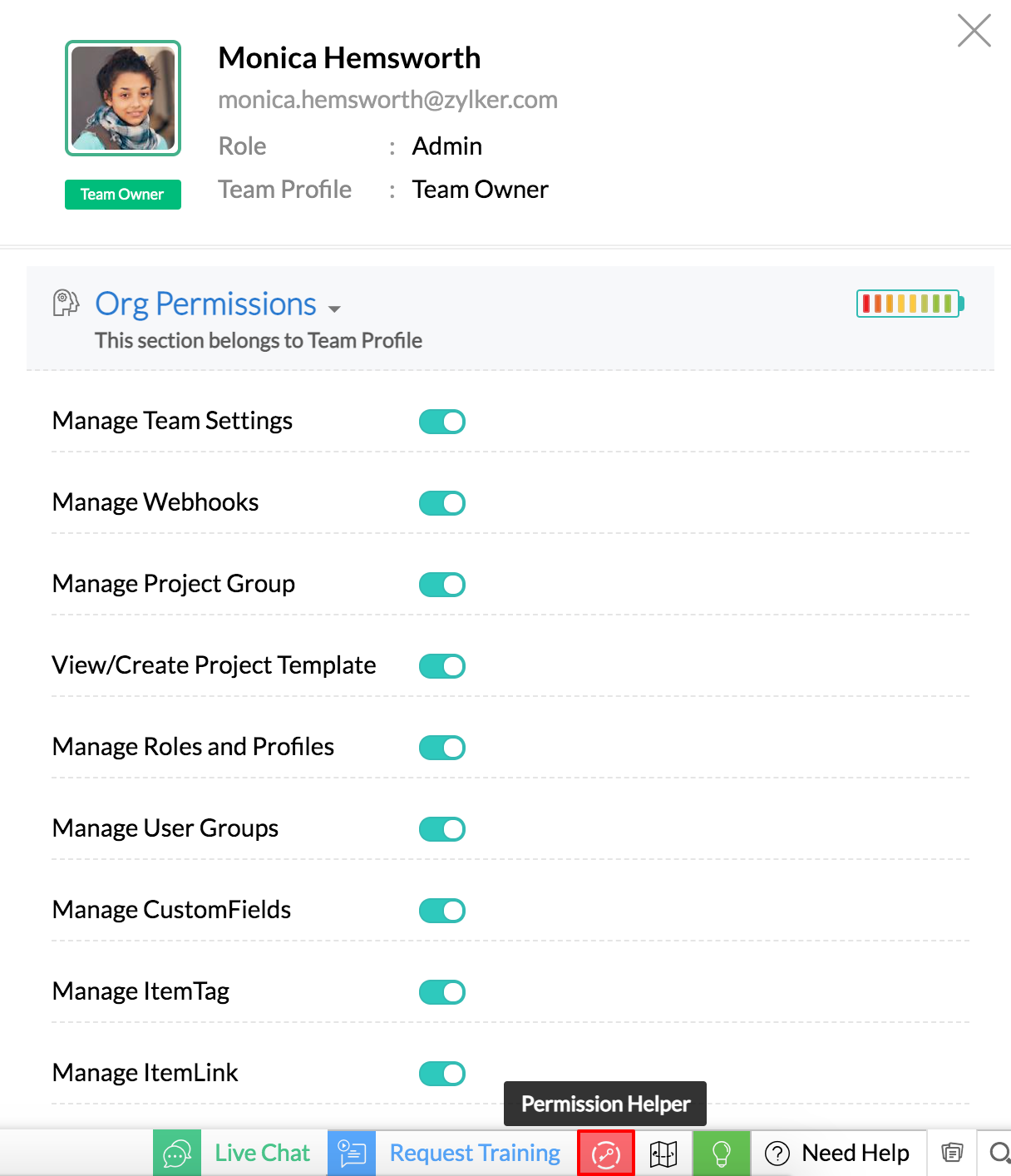
Permission helper lets you know your profile permissions. Your admin may have restricted your access to certain modules and actions. You can check that out by clicking your permission helper. This will help you to understand your profile permissions.
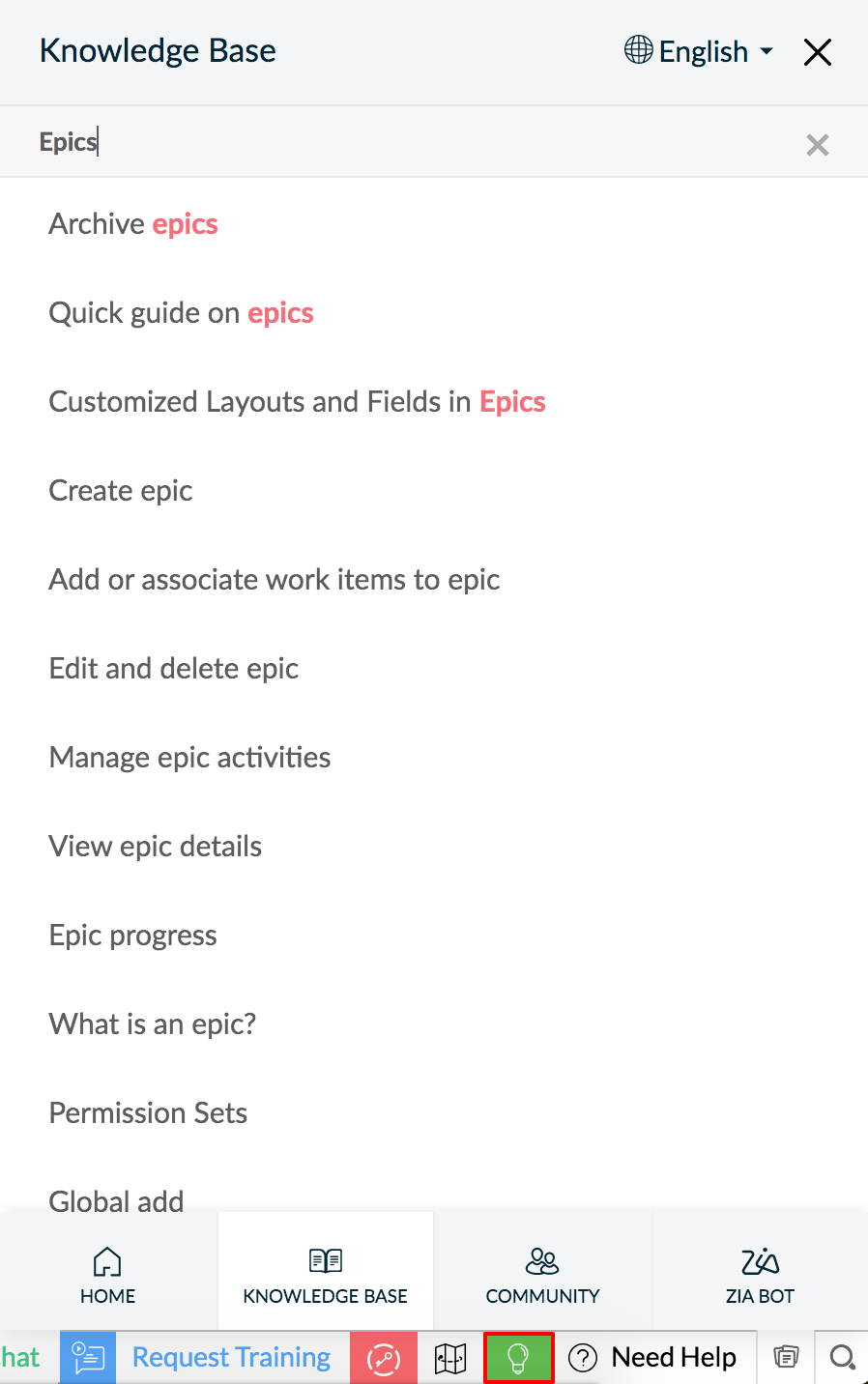
User Guides help you by pulling out the right help document if you're stuck in a feature. Instead of going to the support, you can simply refer to the help doc and navigate the feature yourself.
We hope this tip helps you. Do write to
support@zohosprints.com
if you need further assistance.