What's New? (March & April 2023)
Hello everyone!
We are excited to share with you some of the newest features and updates that we have rolled out for our platform. At Zoho Cliq, our primary goal is to make communication effortless and seamless for teams across the globe. With these latest updates, we are confident that we are one step closer to achieving this goal.
From the introduction of dual reply mode and screen share support to the addition of a QR code generator for form view handler and WorkDrive upload restrictions, there is something for everyone. So, let's dive into these updates and explore how they can improve your communication and collaboration experience with Zoho Cliq.
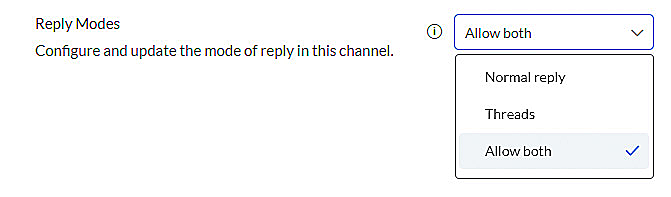
- Dual reply mode: With the new reply mode, you can now choose between thread replies and normal replies, and switch between modes as needed. This feature provides flexibility in how you communicate with your team members and allows you to adjust to the context of the conversation.
- Host handover in meetings: This feature allows you to assign another participant as a host of the meeting when you need to leave without disrupting it. This helps to ensure your meeting continues without interruption, even if you're not able to attend further.
- Optimization of chat switching during meetings: We've optimized the response time for switching between different chats during a meeting to be 50% faster. This enhancement ensures a smoother experience when switching between different conversations, allowing you to stay focused and productive during meetings.
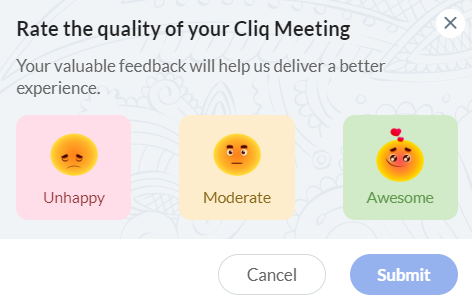
- Feedback after calls: We've made it easier for you to provide feedback after a call. You can now send your feedback directly from a meeting through the more options (kebab button) or via a small feedback pop-up that appears after some calls. This allows you to provide feedback to our developers quickly and easily and help us improve the quality of our service.
- Screen share support: Our new update to the Zoho Cliq iOS app allows you to share your mobile screen in a meeting, providing more mobility and flexibility for remote work. This feature is particularly useful for those who need to present their work or collaborate on a project during a meeting on their phones.
- Microsoft Teams migration: We've made it easy for those who are looking to migrate from MS Teams after Microsoft's sudden decision to discontinue their free Classic version. With just a click of a button in the admin panel, you can start a simplified process to migrate all your data from MS Teams to Cliq. This brand-new import feature allows you to continue conversations in Cliq instantly and manage your communication more efficiently.
- Org policy to limit/allow all users of the organization to install extensions: With the latest update to the organization policy, administrators now have the ability to restrict users from installing extensions that are not verified and available only in the Cliq marketplace. By allowing admins to control the installation of extensions, users are prevented from downloading and installing any extension that may pose a risk to the organization's security. This policy ensures that all extensions are reviewed and approved by Cliq, thereby increasing the credibility of the extensions and minimizing the potential for security threats.
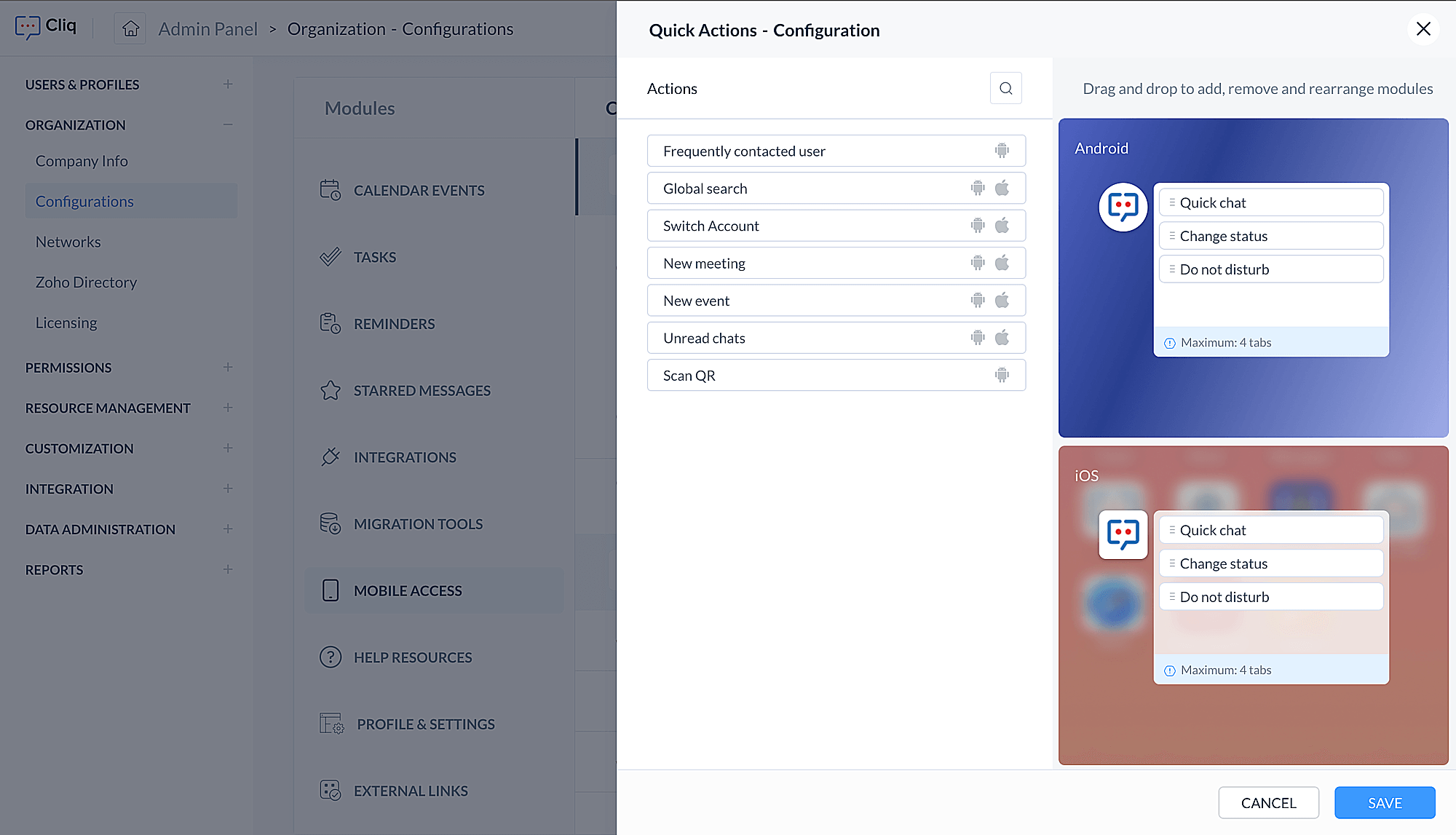
- Admin configuration to customize shortcuts for Cliq iOS and Android apps: Admins can now personalize the Cliq app's shortcut menu on iOS and Android devices. This allows them to choose which shortcuts should appear when their organization's users press and hold the app icon, including frequently contacted users, unread chats, switching accounts, and more. By tailoring the app's functionality to their organization's needs, admins can improve user experience, navigation, and productivity.
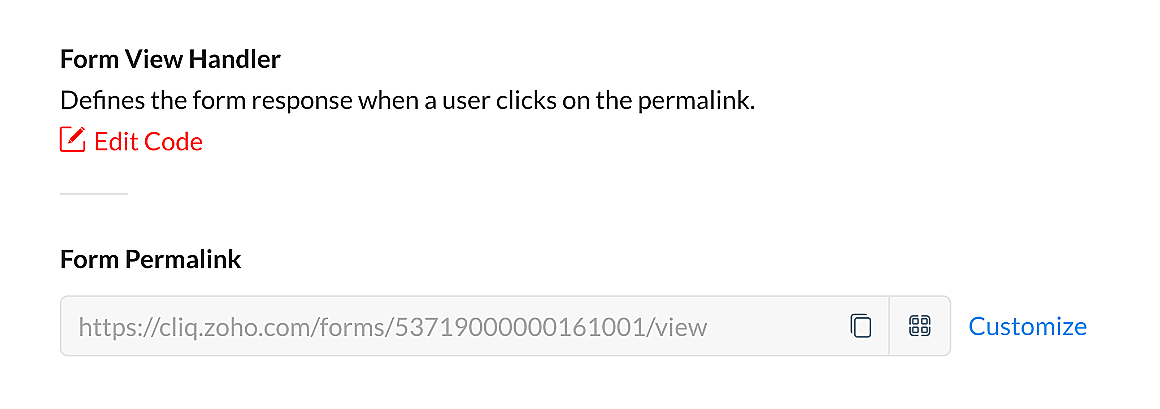
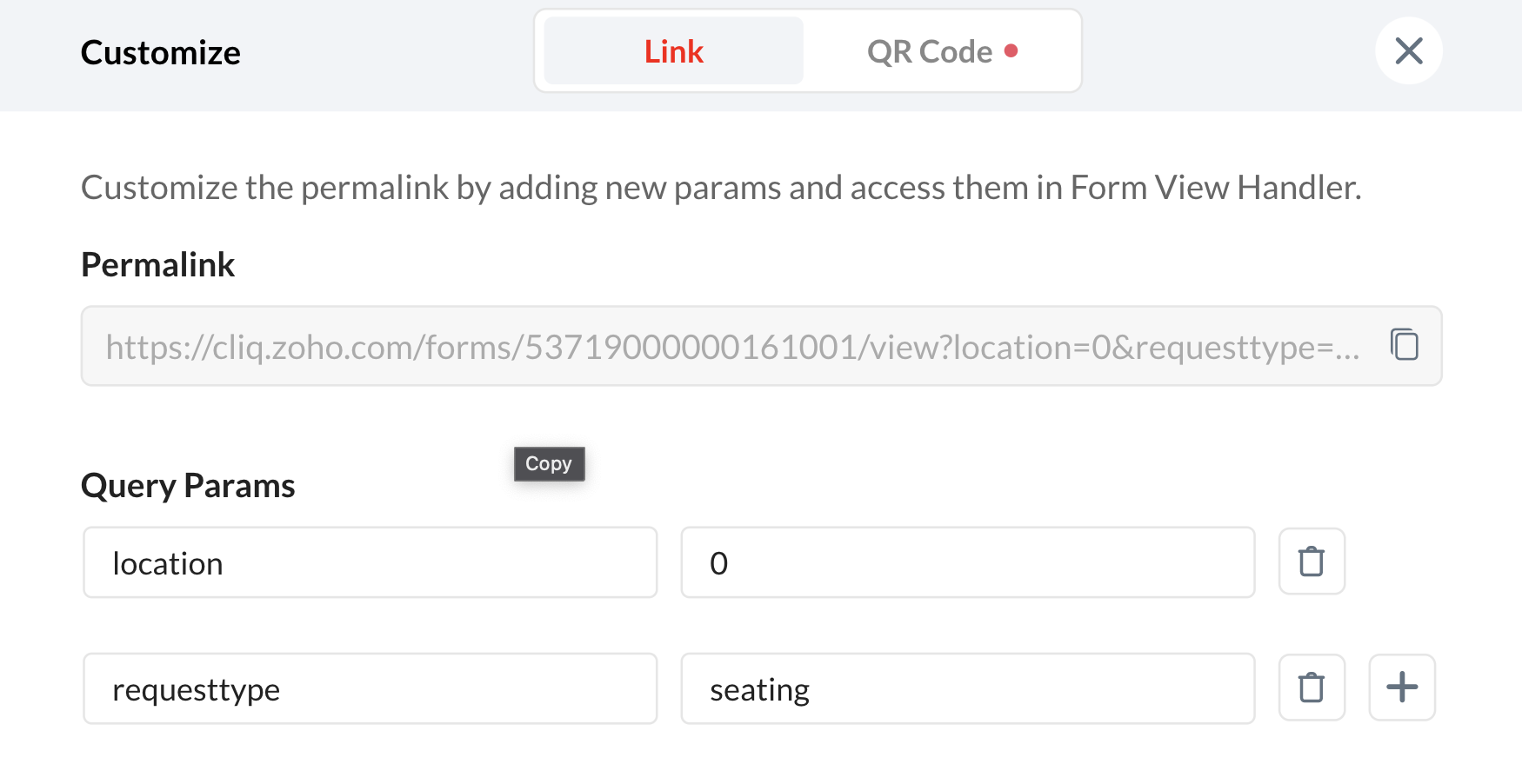
- QR code generator for form view handler: You can now generate a personalized QR code for your forms through the Form View Handler, with custom parameters if required. This makes it easier for users to access the form by scanning the QR code and simplifies the process of collecting and organizing data.
- WorkDrive upload restriction: Admins now have the option to prevent users from uploading files from Zoho WorkDrive in a chat. This provides more control over the type of files that can be shared and helps maintain data privacy and security.
We hope that all these updates will make your communication experience with our platform even better. We are continuously working on adding new features and enhancements to our platform to ensure our users have access to the best communication tools. We want to thank you for your continued support and feedback, and we look forward to hearing from you as you begin to explore these new features.