Zoho Campaigns: Nu nog toegankelijker
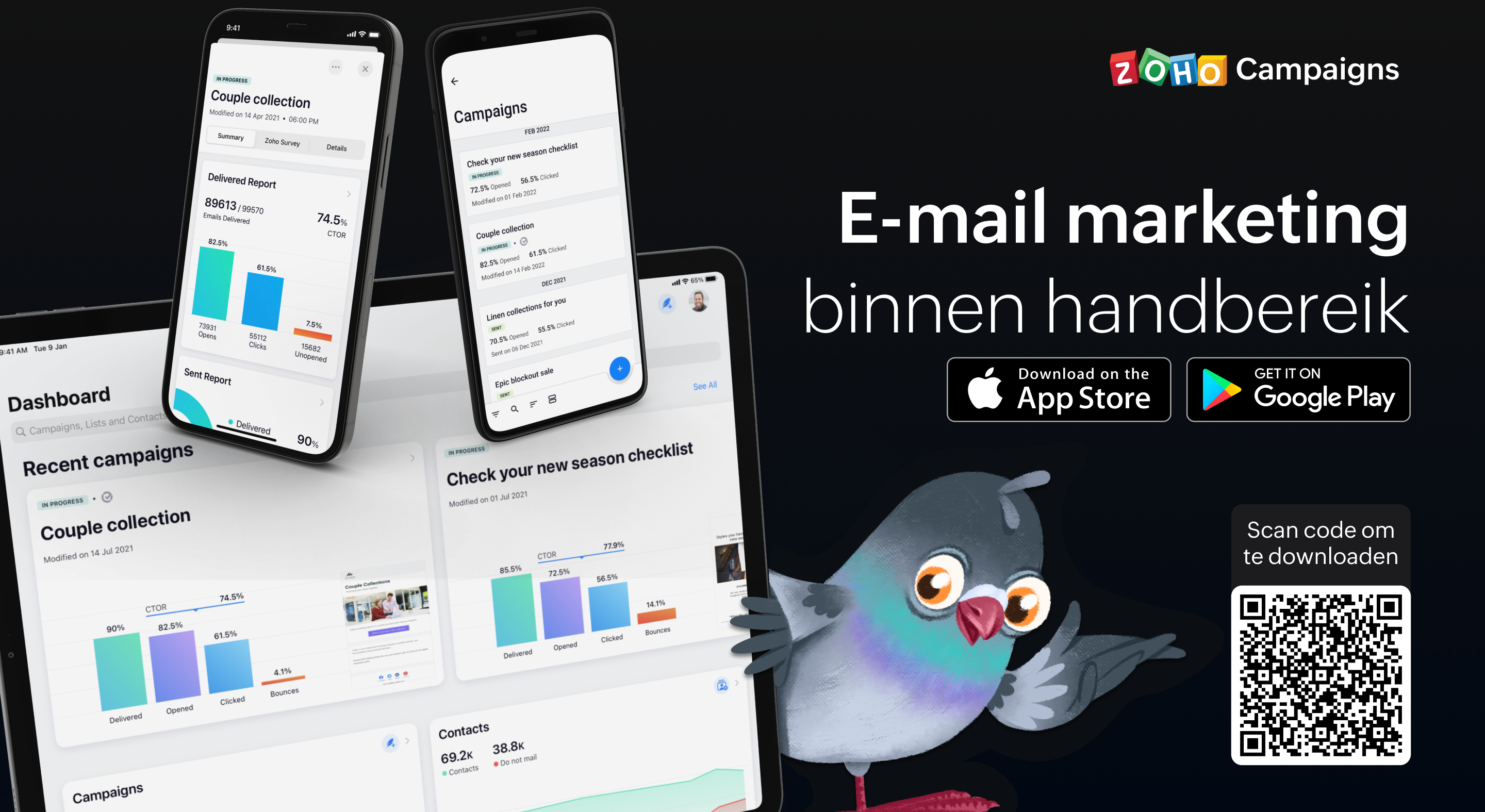
Als je de e-mailmarketingactiviteiten van je team beheert, weet je hoe vaak er dingen kunnen gebeuren terwijl je niet op kantoor bent. Dit betekent dat het essentieel is om volledig operationeel te zijn vanaf je mobiele apparaat, of je nu een lijst met contactpersonen importeert, gewoon een campagne verzendt of de prestaties van een campagne volgt. Het begrijpen van deze behoefte heeft ertoe geleid dat we bij Campaigns een heleboel geweldige verbeteringen hebben aangebracht aan onze eigen mobiele app. In deze post gaan wij in op een aantal van de nieuwe features.
Gebruik Sjablonen:
In deze laatste versie van onze mobiele app, beiden wij verschillende sjablonen aan voor verschillende doeleinden. Zo ontwerp je de juiste e-mail campagne voor de juiste doelgroep. Enige wat je nodig heb is een plan en de content en wij regelen de rest.
Ontvang meldingen wanneer je acties moet uitvoeren
Als je druk bezig bent terwijl je e-mailcampagne wordt beoordeeld, getest, enzovoort, hoef je niet in de app te komen om de vereiste actie uit te voeren of iets te beslissen. Zodra je meldingen voor je e-mailcampagnes inschakelt, krijg je direct updates toegestuurd zodat je kunt beslissen over de volgende stap en kunt handelen zonder veel tijd te verspillen en van tabblad te hoeven wisselen.
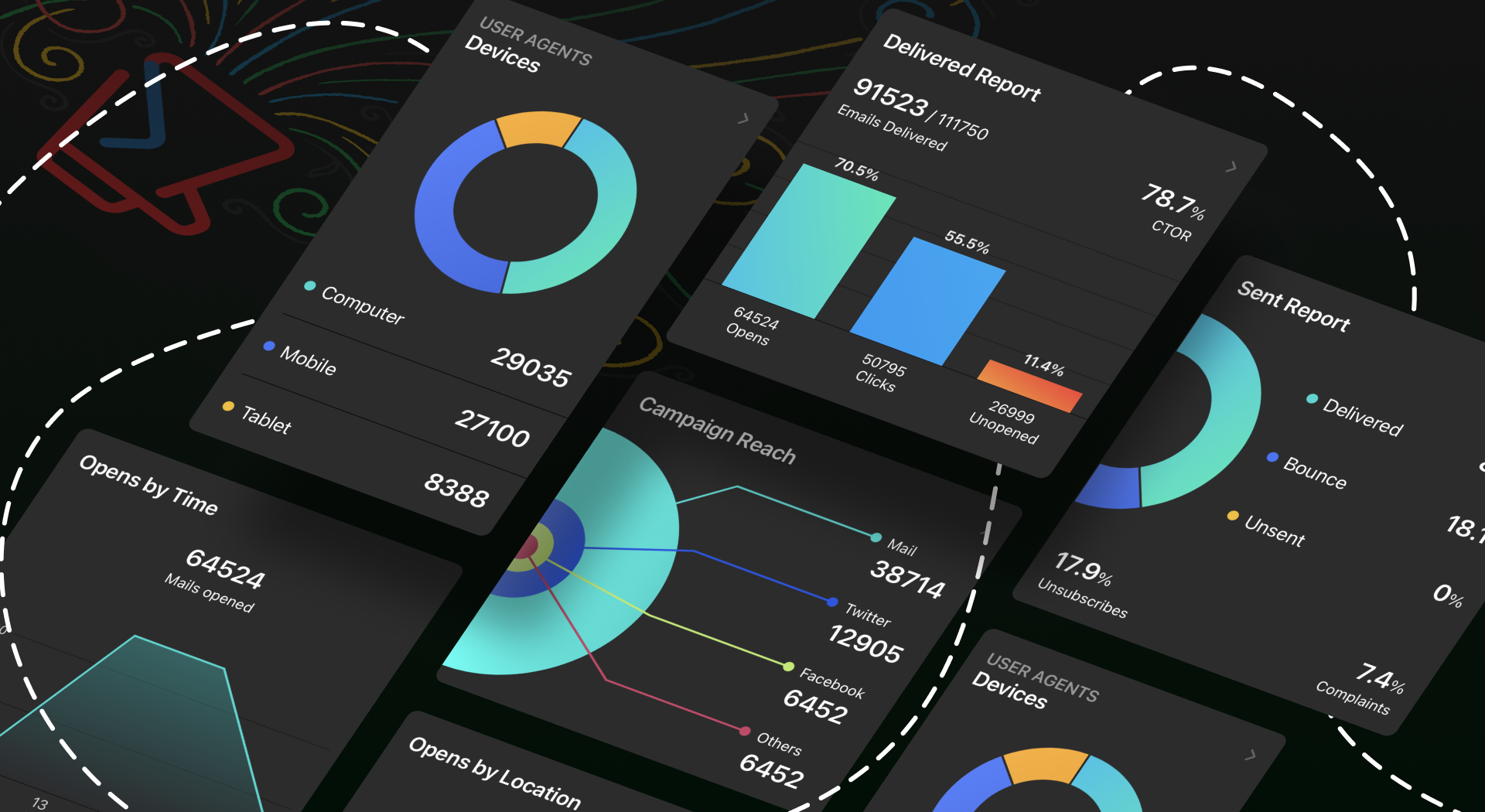
Bescherm jouw privacy door controle te hebben over wie toegang krijgt
Iedereen moet een app kunnen vertrouwen met zijn persoonlijke en gevoelige informatie, toch? Wij hebben het tot topprioriteit gemaakt om jou controle te geven over jouw gegevens. Je kunt een wachtwoord instellen, zodat jouw gegevens alleen toegankelijk zijn voor jou en de mensen die jij bepaalt. Ga bovendien naar jouw App-instellingen en neem de volledige controle over jouw gegevens door in en uit te schakelen welke gegevens jij met anderen wilt delen.
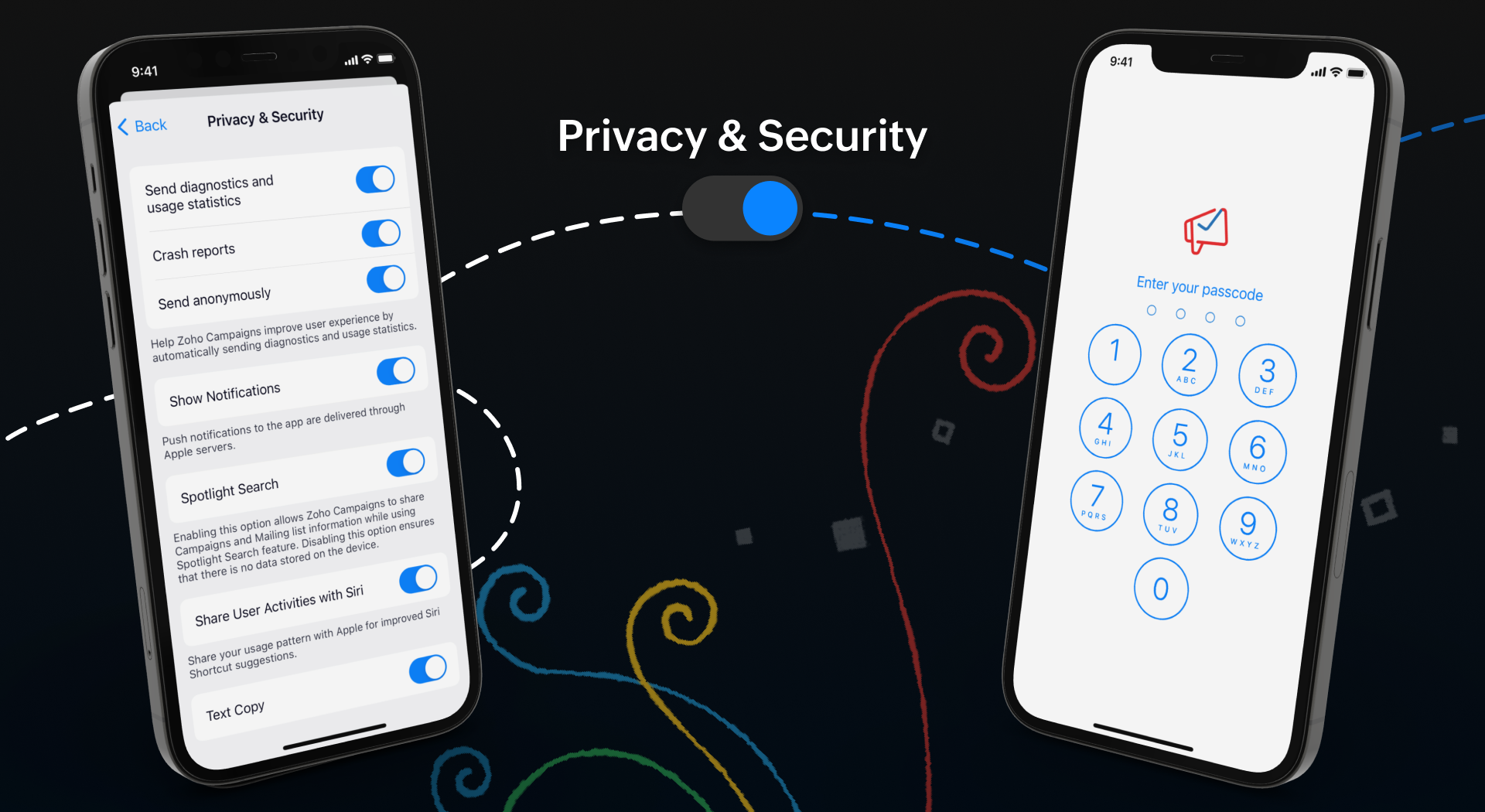
Meten is weten
Wij weten allemaal hoe belangrijk het is om inzicht te krijgen in de prestaties van jouw campagne. Om jullie hierbij te helpen hebben wij een aantal nieuwe features toegevoegd om de gebruikerservaring van de app te verbeteren.
Onze widgets werken in wezen als een prikbord op uw startscherm, waar u alle informatie kunt plaatsen die u moet weten over huidige en komende campagnes. Als je onderweg bent, hoef je de app niet te openen om deze informatie te krijgen - alles is in één oogopslag beschikbaar.
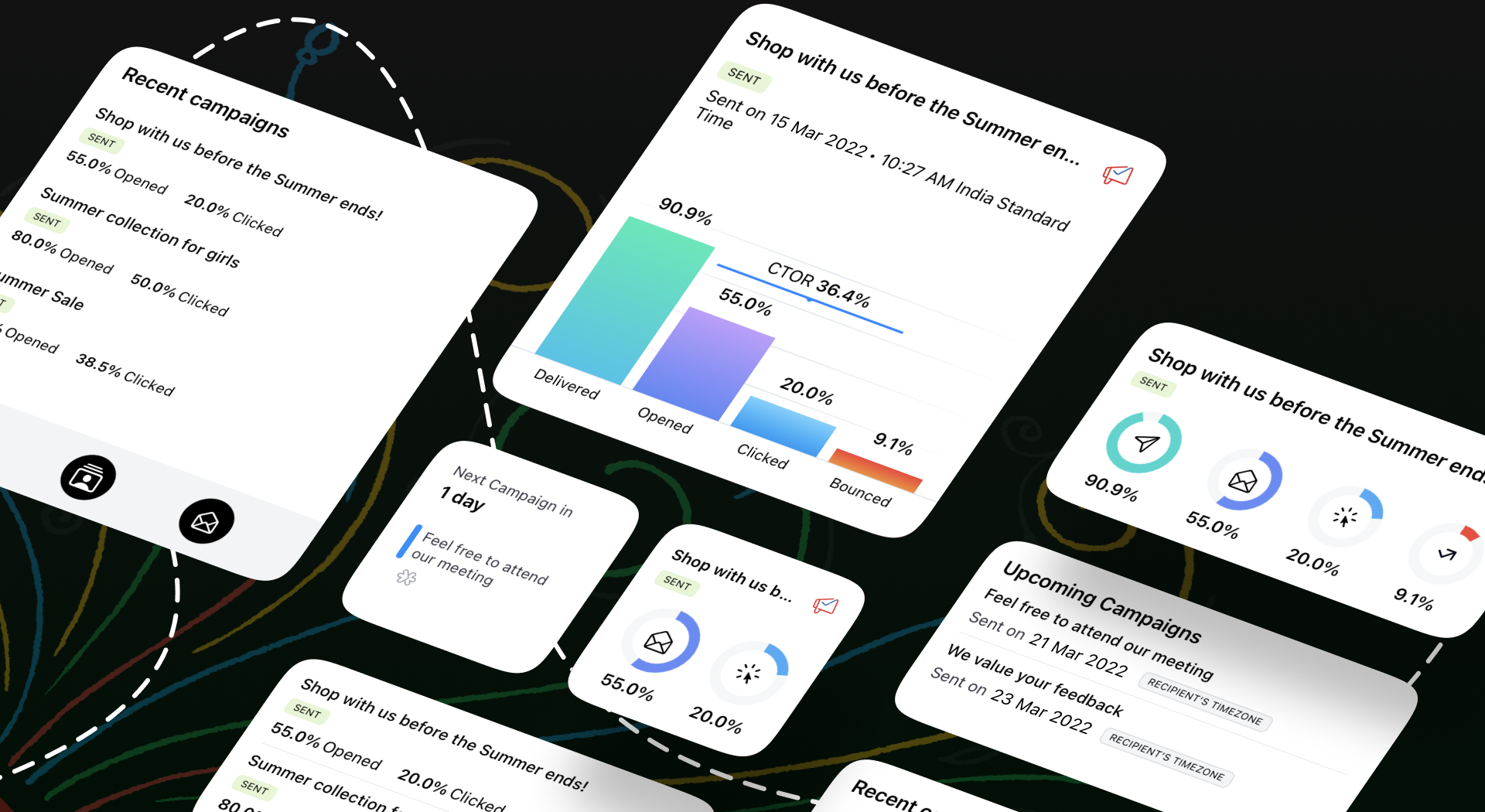
We begrijpen hoe belangrijk het is om e-mailmarketing toegankelijk te maken voor iedereen. We hebben functies toegevoegd zoals voice-over, dynamische lettergrootte en kleurenfilters om te zorgen voor een gebruiksvriendelijke ervaring voor al onze gebruikers.
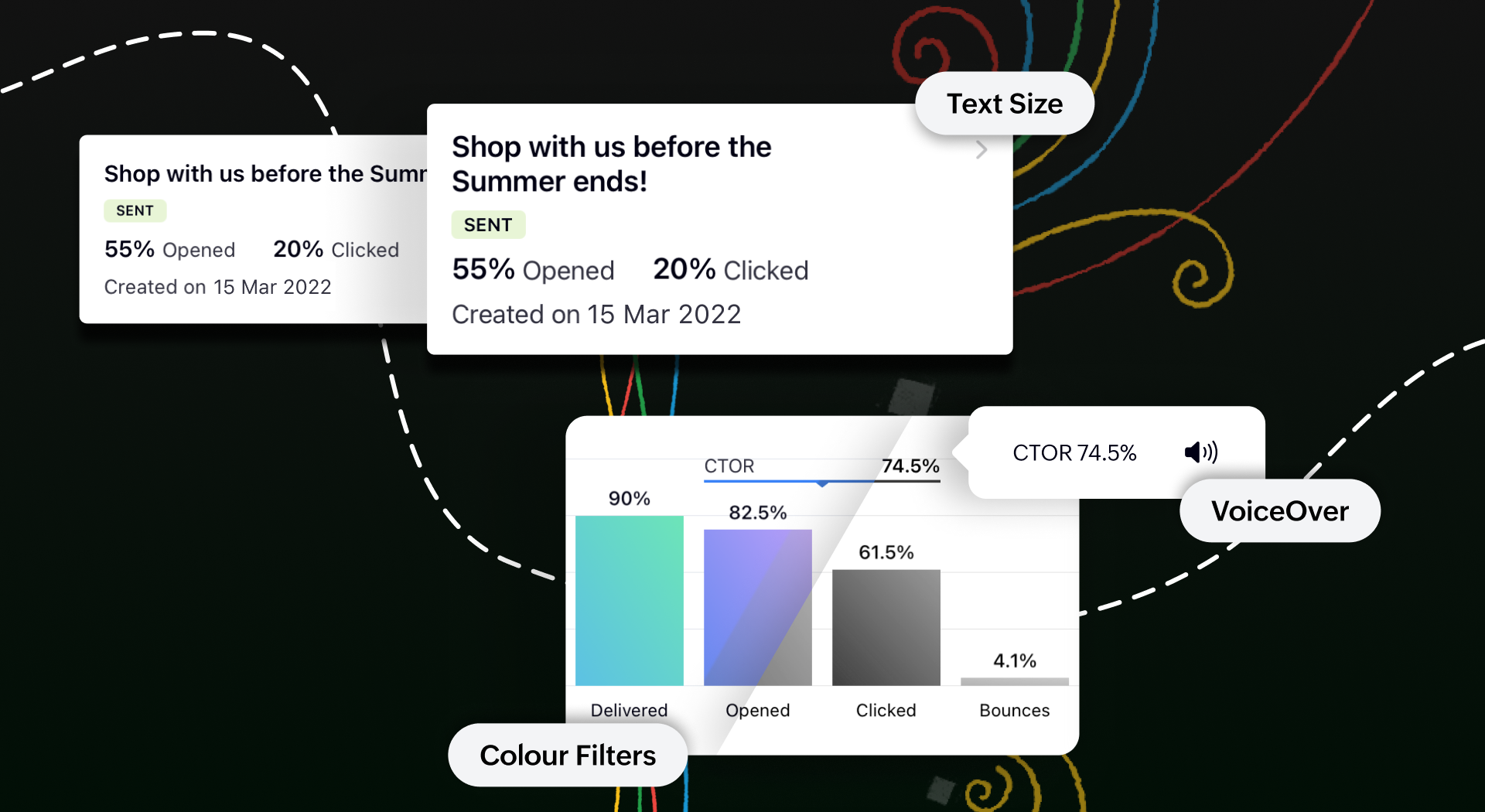
Toegankelijk op meerdere platformen
We tillen onze cross-platform aantrekkingskracht naar een hoger niveau door van Campaigns ook een plezier te maken om te gebruiken op iPads en tablets. Je krijgt een echt gevoel van waar we het over hebben wanneer je twee campagnerapporten naast elkaar open hebt staan om te vergelijken op het gesplitste scherm van je iPad. Je kunt zelfs taken gelijktijdig uitvoeren tussen Campagnes en andere apps zonder de bruikbaarheid van een van beide in gevaar te brengen.
Bovendien kan je met de slide over-functie de Campaigns app in de coulissen laten wachten terwijl je in een andere app werkt, en kan je items slepen en neerzetten om ze heen en weer te verplaatsen. Om het nog makkelijker te maken, hebben we tekstinvoer mogelijk gemaakt met de Apple Pencil. Krabbel een paar regels en zie hoe goed deze functie wordt ondersteund.
Download de Zoho Campaigns-app op je apparaat en ontdek de mogelijkheden!
Topic Participants
Theo Su
Sticky Posts
Doe mee aan de Zoho Creator Meetup op 9 mei in Utrecht
Beste Community leden, Wij nodigen jullie graag uit voor de Community Meetup van Zoho Creator! Op 9 mei komen we bij elkaar in Utrecht, samen met onze gebruikers en de Zoho Experts van Prosolic. Onze experts zullen een live demo presenteren en jouw vragenWebinar - Zoho Creator: Slim digitaliseren in de logistiek
Beste Community leden, Wij nodigen jullie graag uit voor onze Webinar over Zoho Creator! Efficiëntie, optimalisatie, snelheid en timing zijn altijd cruciaal geweest in logistiek en transport. Juist daarom kan de logistiek en transportsector veel baat
Recent Topics
Items Below Reorder Point Report?
Is there a way to run a report of Items that are below the Reorder Point? I don't see this as a specific report, nor can I figure out how to customize any of the other stock reports to give me this information. Please tell me I'm missing something sAllocating inventory to specific SO's
Is there a way that allocate inventory to a specific sales order? For example, let's say we have 90 items in stock. Customer 1 orders 100 items. This allocates all 90 items to their order, and they have a back order for the remaining 10 items which couldCancelled Transfer order problem
Hello, We've canceled a transfer order, and we can't add the related items to a new Transfer Order. The system tells us that the bin doesn't have the required quantity, but when we check the item, it indicates that there are 2 units in the bin. It alsoCreating a Chart from a Report
In Zoho Analytics, is it possible to create a chart from a Pivot View report? We are looking to use Zoho Analytics to replace Excel for Sales reports and would like to be able to show both the table and the chart together.Client Portal ZOHO ONE
Dear Zoho one is fantastic option for companies but it seems to me that it is still an aggregation of aps let me explain I have zoho books with client portal so client access their invoice then I have zoho project with client portal so they can access their project but not their invoice without another URL another LOGIN Are you planning in creating a beautiful UI portal for client so we can control access to client in one location to multiple aps at least unify project and invoice aps that wouldEmail Insights included in Bigin emals are marked as SPAM everywhere
Today I noticed that email recipients who use Office 365 never receive emails sent from Bigin. Further examination showed that all Email Insights links in email headers are marked as spam/phishing by Office 365. Example screen included. The problem isData Import | Zoho Analytics Custom Query Window Size
Please increase the window size for the Custom Query Data Import. It's impossible to work with such a small query window.Name changed in settings for mailbox but still not changed when typed in To field
In the email account secretary@ i have updaetd the new staff members details but the old members name still appears when I type secretary@ in the To field. I cant work out where Zoho is finding the old name from. I have deleted the browser cache. If ICannot add my name to my domain name
I want to have My name@mydomain.com and it says my name is linked to another account already. Please fix it since I do not have another account.Invoice status on write-off is "Paid" - how do I change this to "Written off"
HI guys, I want to write off a couple of outstanding invoices, but when I do this, the status of the invoices shows as "Paid". Clearly this is not the case and I need to be able to see that they are written off in the customer's history. Is there a wayEstablishing new Zoho email account on laptop
Good Morning: I am very long time Outlook business user and decided to try your email service last night and had established an account. I am trying to verify my account; how do I establish my Zoho email account on my laptop? I opened the account withunable to send message reason 550 5.4.6 unusual sending activity
My email account can't send message. It shows unable to send message reason 550 5.4.6 unusual sending activity detectedhow to add email to existing organization i w
I am already registered my organization and i have an email id. I need one more email id but i can't find anywhere .i want the cheapest email id . how to add ?e-mail bloqueado
Estou com meu e-mail lucas@peplus.me bloqueado, preciso desbloquear para retorno de usos em minhas atividades.zoho labels api not working
We're using n8n to automte email reply using zoho api. I'm facing issue with label api. I added the required scopes but its not working. i followed zoho api documentation but didn't work. also, where do i find/how do i create zoho oauth token mentioneeedDesk DMARC forwarding failure for some senders
I am not receiving important emails into Desk, because of DMARC errors. Here's what's happening: 1. email is sent from customer e.g. john@doe.com, to my email address, e.g info@acme.com 2. email is delivered successfully to info@acme.com (a shared inboxStreams/Shared email doesn't show up in windows trident app. It works fine on MAC. Is there any difference between 2 install ?
I can see streams/share email boxs on my MAC version of trident app but i can't see them in windows version of trident app. Is there any difference between 2 install? I try to find setting but not able to see any setting to add stream/share email boxes.add zoho account
How to add a zoho mail to previous zoho account? I have twoZoho Desk Mobile App Year-End Roundup - 2025
Dear Zoho Desk users, Greetings! As you gear up for the festive season, we are excited to share a quick journey into all that is released in 2025! Zia's generative AI capabilities Zia insights can be highly beneficial in helping agents manage daily supportNarrative 17: The role of Zia AI in customer support
Behind the scenes of a successful ticketing system: BTS Series Narrative 17: The role of Zia AI in customer support Overview Zia in Zoho Desk is a layered AI assistant that combines generative AI, prediction, and automation to support agents, automateDomain Transaction
I have purchased a domain name called trainedworkforce.co.in I made the payment got the receipt but the domain is still not purchased after successful transaction .Ability to Set a Unified Tab Order/View for All Users in Zoho Projects
Hello Zoho Projects Team, We hope you are doing well. We would like to submit a feature request regarding tab/menu organization in Zoho Projects. Current Behavior: The tab (module) order in Zoho Projects is user-specific. Each user (internal or external)Zohomail - The "All Messages" vs "In Box"
Why do some new email message appear under the all messages view but not in my inbox? That's really annoying but to be fair I've experienced the same with gmail.error while listing mails
I can't access email in any of my folders: Oops, an error occurred - retry produces the second error response: error while listing mails (cannot parse null string). I've signed in and out of Zoho, restarted my iMac.Introducing the Zoho Projects Learning Space
Every product has its learning curve, and sometimes having a guided path makes the learning experience smoother. With that goal, we introduce a dedicated learning space for Zoho Projects, a platform where you can explore lessons, learn at your own pace,Where to show Customization Field ?
Dear Sir, I have made some New Field in Item Field Customisation. Now I don't require that field in Estimate, Sales Orders etc. I just wants that field in Sales Invoice to Show/Hide... Is that possible ?Zoho Desk 2025 round-up: Key highlights on feature releases
Hello everyone, As we gear up for 2026, here is a detailed round-up of all feature releases in Zoho Desk web throughout the year. For consolidated information on releases check out the What’s New page You can also watch these webinars. Zia in web ZiaPrint Sales Orders, Purchase Orders or Invoices from API
Hello, Is it possible to use the print option that is available in Sales Orders Purchase Orders and Invoices with the API?. I don't see any information in the docs about this. ThanksHow to show a hided report??
in CRM Report , I clicked Hide incidently , how to show the floder again? Nowhere I can find the hided report floder...Converting Customer Invoice to Purchase Bill
Hi, In my service-based business, I sometimes create the customer invoice first, and later I receive the purchase bill from the vendor for the same job. Is there any option in Zoho Books to: Convert a customer invoice into a purchase bill, or Link/associateEmail tracking inquiry
I am trying to track when my emails are opened and clicked like I previously did in HubSpot. HubSpot pretty much did the entire process automatically. After digging through, I finally found in settings --> emails --> BCC Dropbox there is an email I canMass Update of Lookup Fields not possible
Hello List I've created a custom field for Leads and Contacts 'Current Campaign'. This is very Handy as I can filter leads and then related them to a campaign. Everything ready, but then I realized that mass update doesn't work for lookup fields... aCollapsible Sections & Section Navigation Needed
The flexibility of Zoho CRM has expanded greatly in the last few years, to the point that a leads module is now permissible to contain up to 350 fields. We don't use that many, but we are using 168 fields which are broken apart into 18 different sections.Quick Create needs Client Script support
As per the title. We need client scripts to apply at a Quick Create level. We enforce logic on the form to ensure data quality, automate field values, etc. However, all this is lost when a user attempts a "Quick Create". It is disappointing because, fromDownload Attached Files
Hi everyone, Brand new to Zoho Creator. I have a form with a subform. The subform has a field for "File Upload" I have this in a subform to allow multiple files to be uploaded to the parent form. Once the files are uploaded, how can i download or view them? Is this a setting I am just not seeing? If there isn't a way to download them, could i create another form field that dynamically creates the file's URL? That way a user can click the URL to get to the file? Any help with this would be greatlyTicket layout based on field or contact
Hi! I want to support the following use-case: we are delivering custom IT solutions to different accounts we have, thus our ticket layouts, fields and languages (priority, status field values should be Hungarian) will be different. How should I setupNo funcionan correctamente el calculo de las horas laborales para informe de tickets
Hola, estoy intentando sacar estadísticas de tiempo de primera respuesta y resolución en horario laboral de mis tickets, pero el calculo de horas en horario laboral no funciona correctamente cree los horarios con los feriados : Ajusté los acuerdos deZoho Mail Android app update: Set out of office response exclusively for organization members and external users, response interval
Hello everyone! We have now introduced an option to configure out of office messages exclusively for organization members and external users within the Zoho Mail app. Additionally, now you can also customize response intervals for the Out of office messages.Feature Request: Detailed View - Related Block Links!
Desperately need a view record link option on records displaying in the related blocks on a Detail View. For the love of god, please add this feature. Thank you!Sub-Form Padding in CSV Export
Hi, When you use the Sub-Form, and for example you have a Date Field on the Main Page, then Option 1 and Option 2 fields on the Subform, when you export this to CSV the Date column will only have the Date in 1 row, the first row, it would be nice to padNext Page