Spotlight series #32: Turn CRM data into personalized presentations
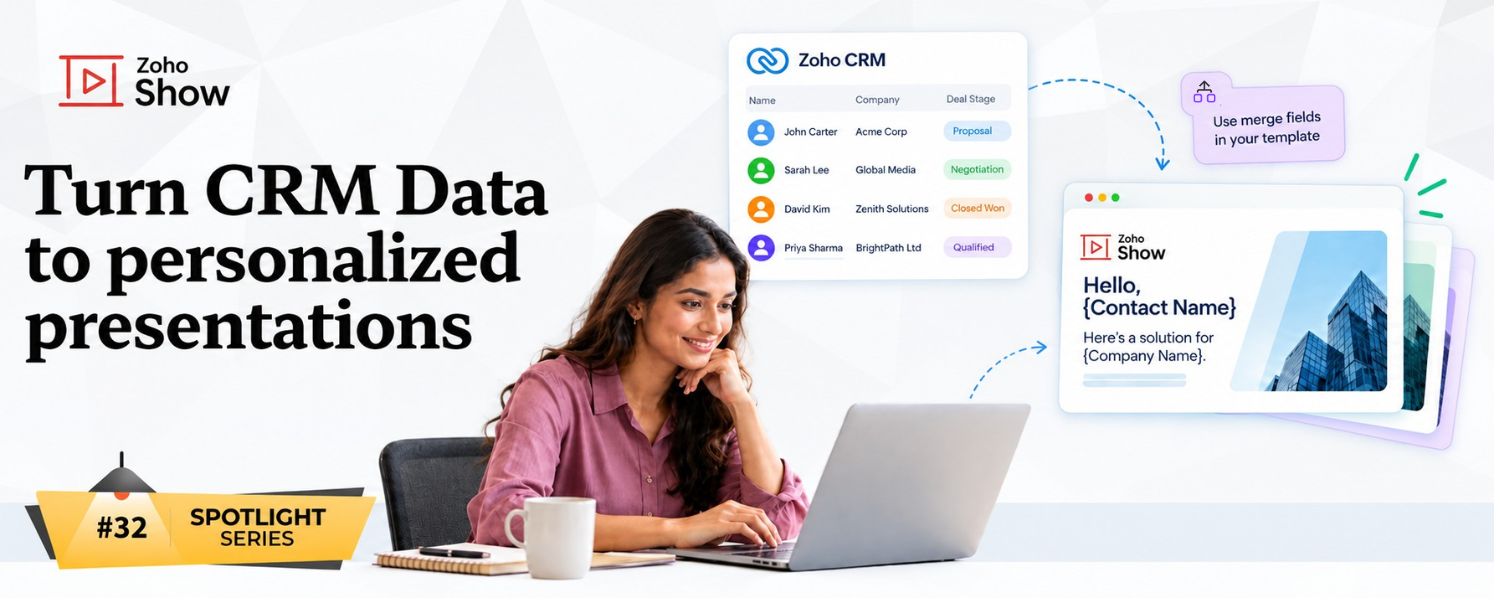
Turn one presentation into multiple presentations
This is where a simple presentation template can become much more useful.
Let's say you're preparing account review presentations for a group of customers. The structure is identical, but every customer has different information.
Instead of duplicating the presentation and updating each copy, you can use the same template with different CRM records.
Select the records you need and merge the data to bring the customer-specific details directly into the appropriate presentation.
What stays the same? Your presentation.
What changes? The data.
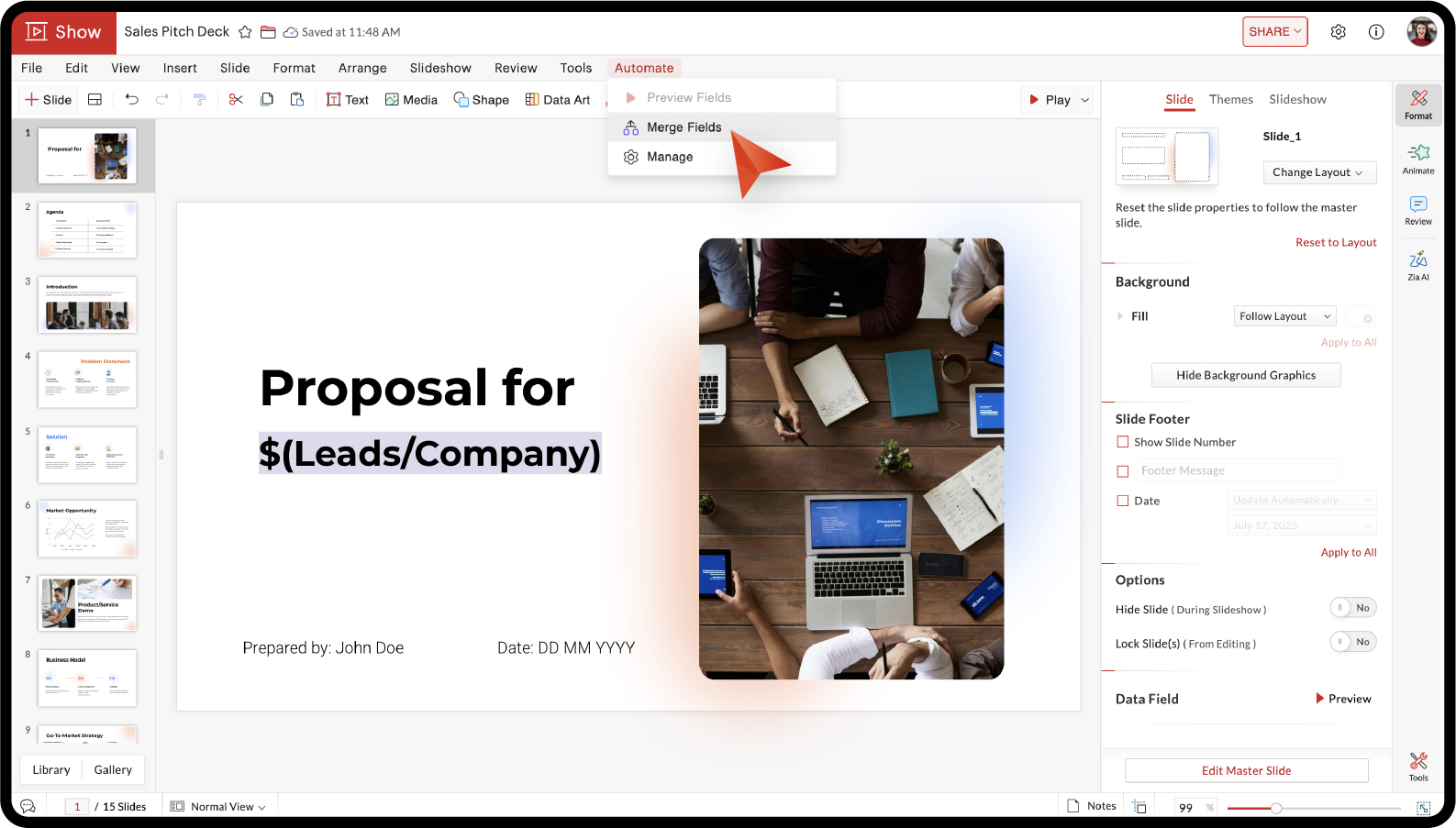
Start with your presentation template and add Data Fields wherever you want CRM information to appear. Once your fields are in place, connect your CRM data and choose the records you want to use.
 Note: Data Fields store numerical or alphanumeric values that you can access and use throughout a presentation. Each data field is specific to the presentation in which it is created
When you merge the fields, the information from those records flows into the corresponding fields in your presentation.
Keep your presentations consistent
One of the biggest advantages is that you don't have to maintain customer information in two places.
The information already exists in your CRM. Merge Fields lets you use that information where you need it, in your presentations.
That can come in handy when creating:
Customer presentations
Account reviews
Sales proposals
Deal summaries
Customer-specific reports
Other presentations based on CRM records
And because the presentation itself comes from a single template, your branding and design stay consistent across every version.
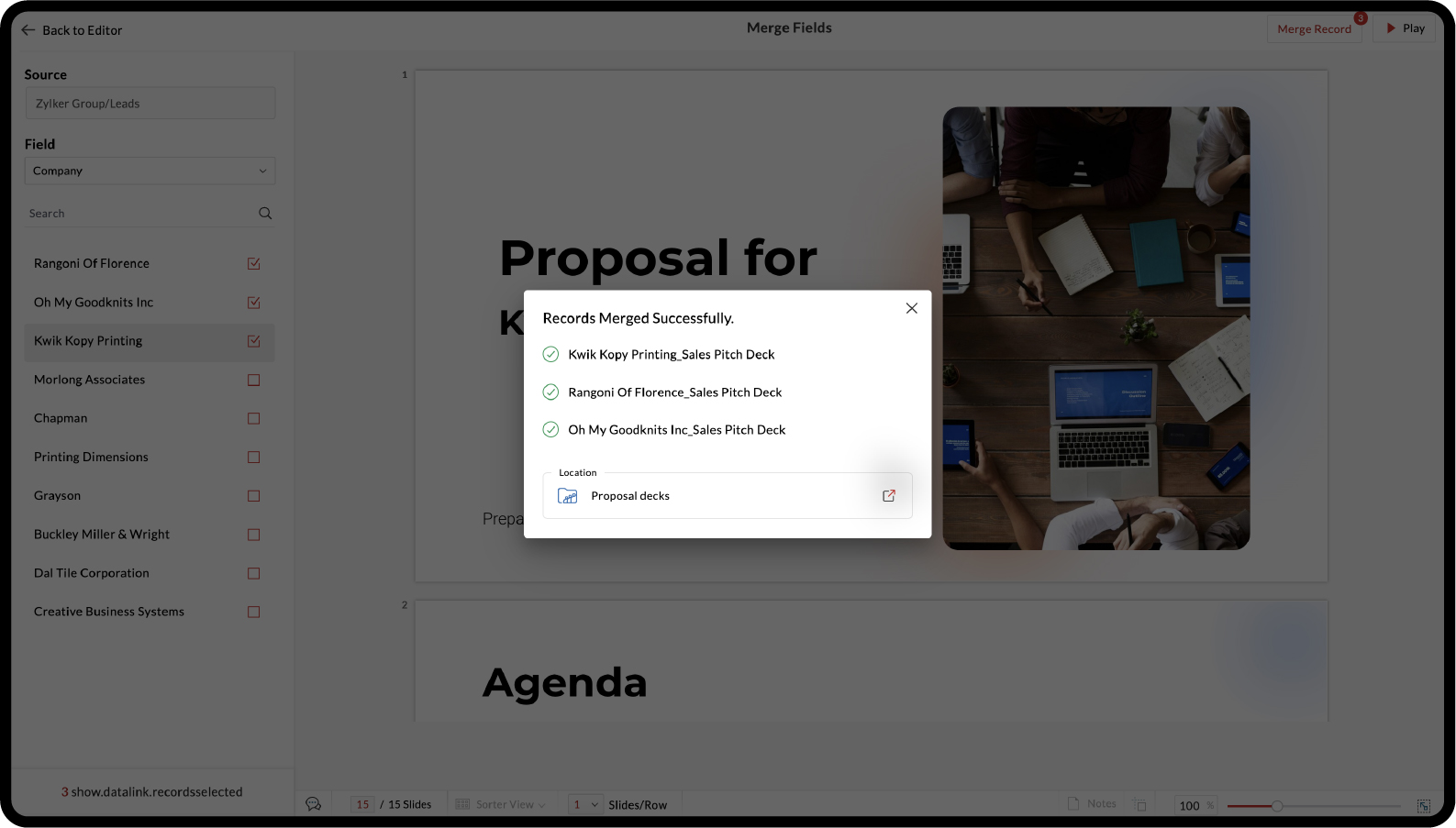
One template can go a long way
The next time you're about to duplicate a presentation just to change a few customer details, remember there's another way.
Less copying. Less updating. More value from every presentation you create.
Hope you found this article helpful. Try out Merge Fields and let us know what you think in the comments section below.