Invite Customer
This section explains the multiple options provided by Zoho Assist to invite your customer to a remote support session. Once you start the session, you'll see the Technician Console as shown below.
Invite Customer - Active X
Invite Customer - HTML 5
Invite Customer - iOS
Invite Customer - Android Device
Zoho Assist provides the following three options/ways to invite your customer:
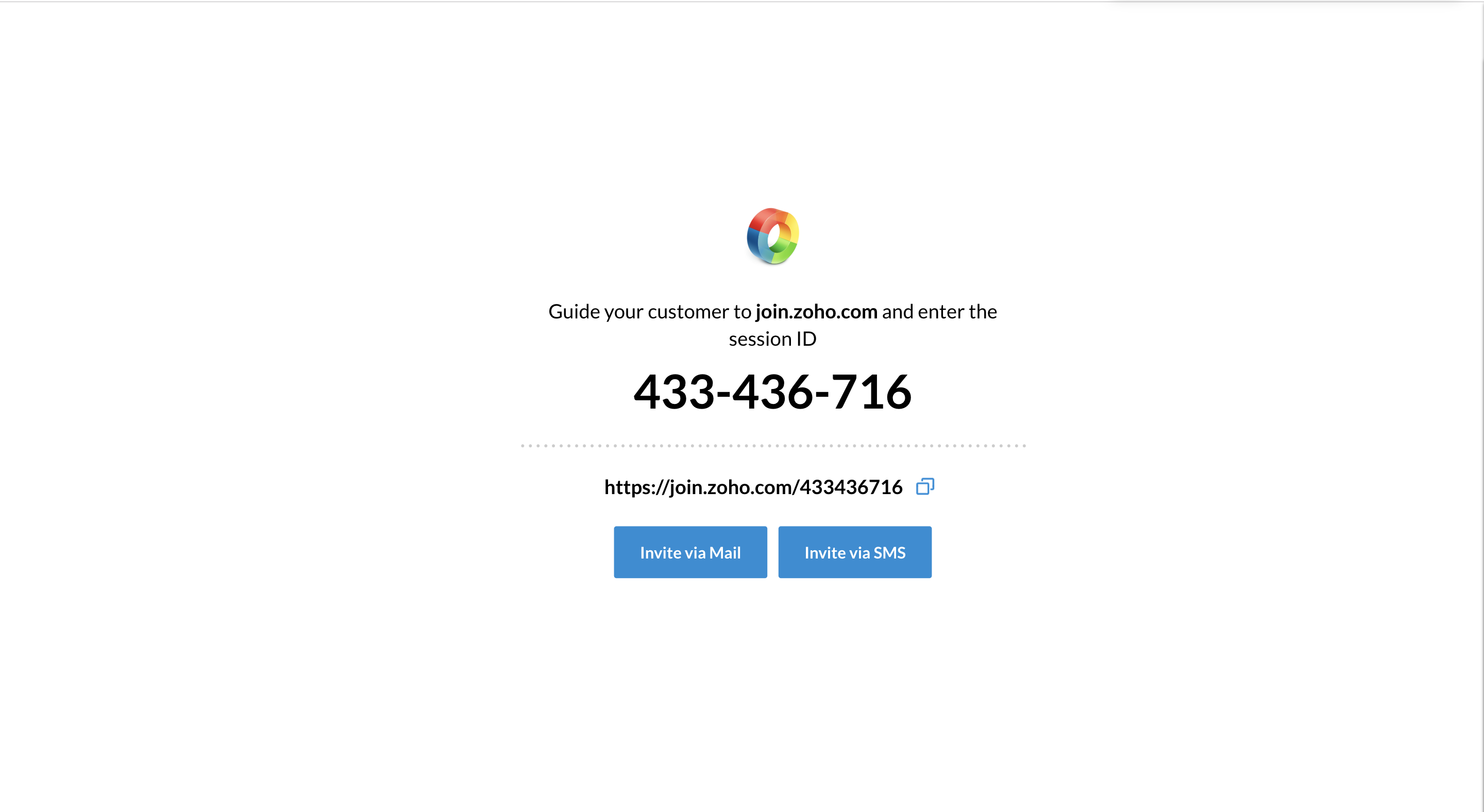
- Guide to web page - Guide your customer to join.zoho.com and ask him/her to enter the Session ID.
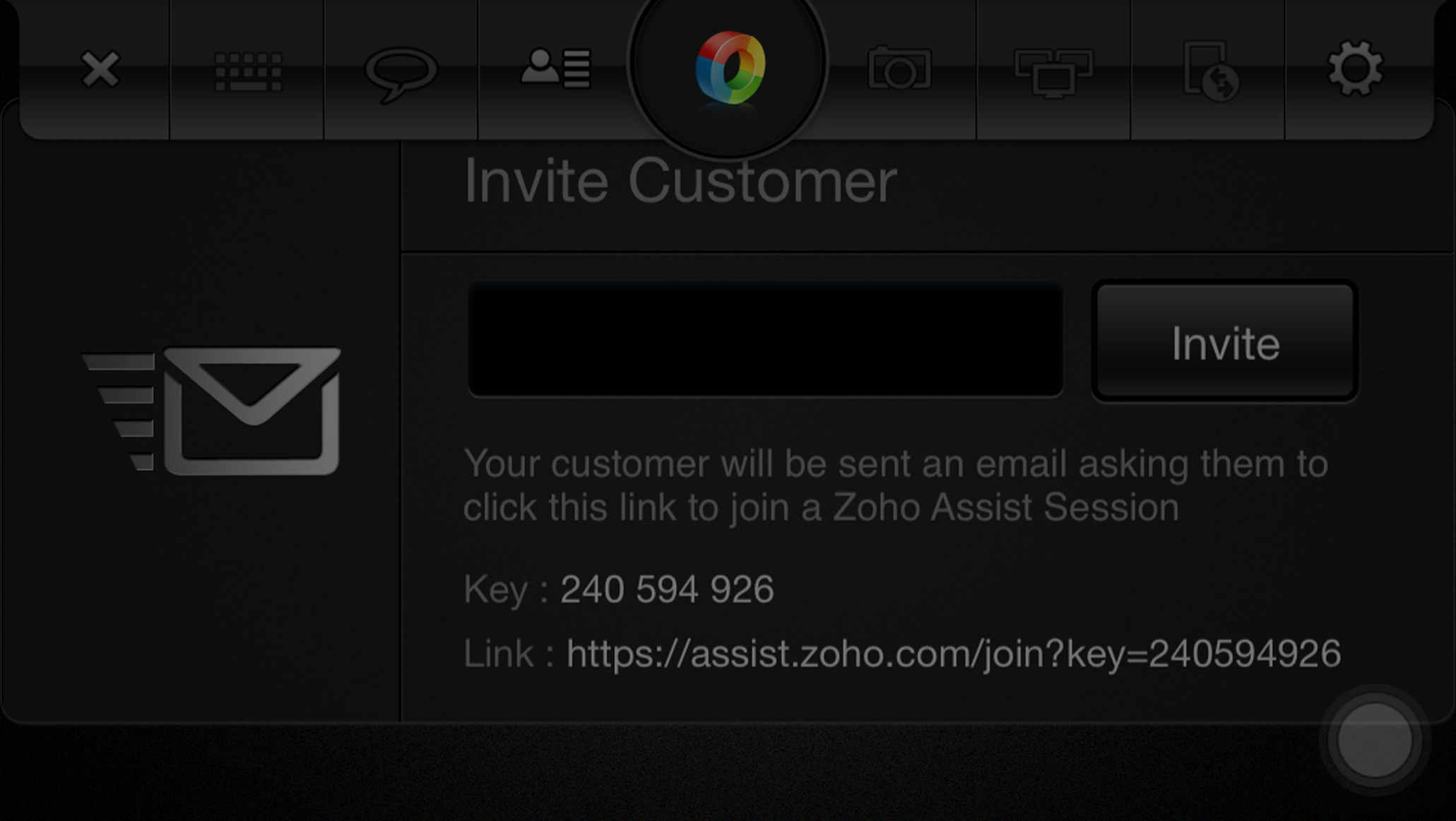
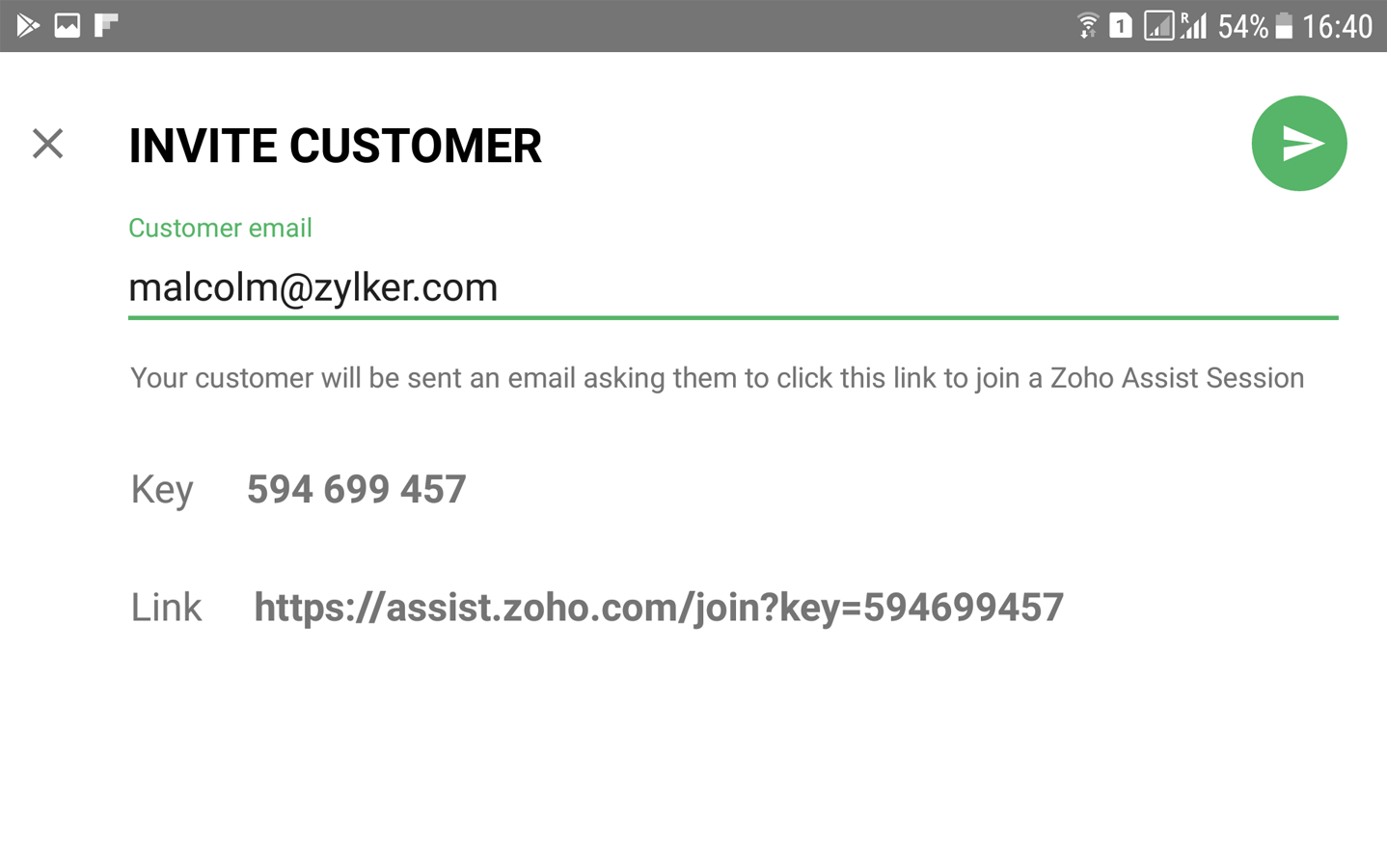
- Email invitation - Enter your customer's email address in the box provided and click 'Invite' button.
- Send link - Copy the invitation link given in the Technician Console and send the link to your customer through IM/Chat/SMS.
- SMS Invite - You can also invite your customer by sending the invite link via an SMS.
As you can see in the above the screenshot, you can choose any one of the option depending on your preference or need. To know how your customer joins a session with any of the above mentioned invite options and the steps he need to follow, move on to the next section.