How to start a session
This section explains how to start a remote assistance session in Zoho Lens.
-
Go to lens.zoho.com.
-
Log in to your account using your Zoho credentials.
-
Click Start Now to begin a session.
Once the session starts, share the session ID or invitation link with your customer using any of the following methods:
Guide to the Zoho Lens Customer App
Ask your customer to download the Zoho Lens Customer App from the Play Store or App Store and enter the session ID to join the session.
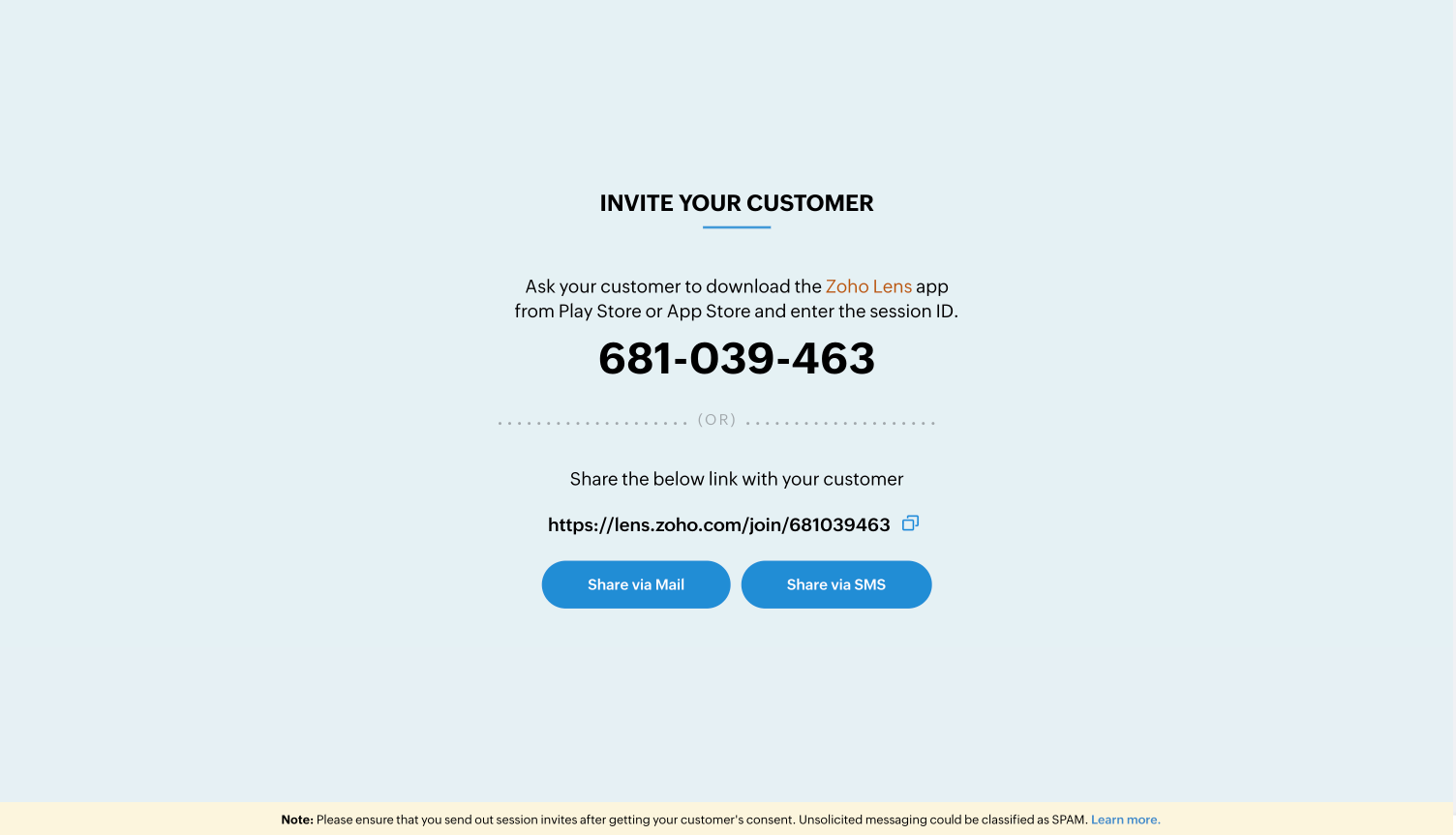
Ask your customer to download the Zoho Lens Customer App from the Play Store or App Store and enter the session ID to join the session.
Email Invitation
Enter your customer’s email address in the provided field and click Invite.
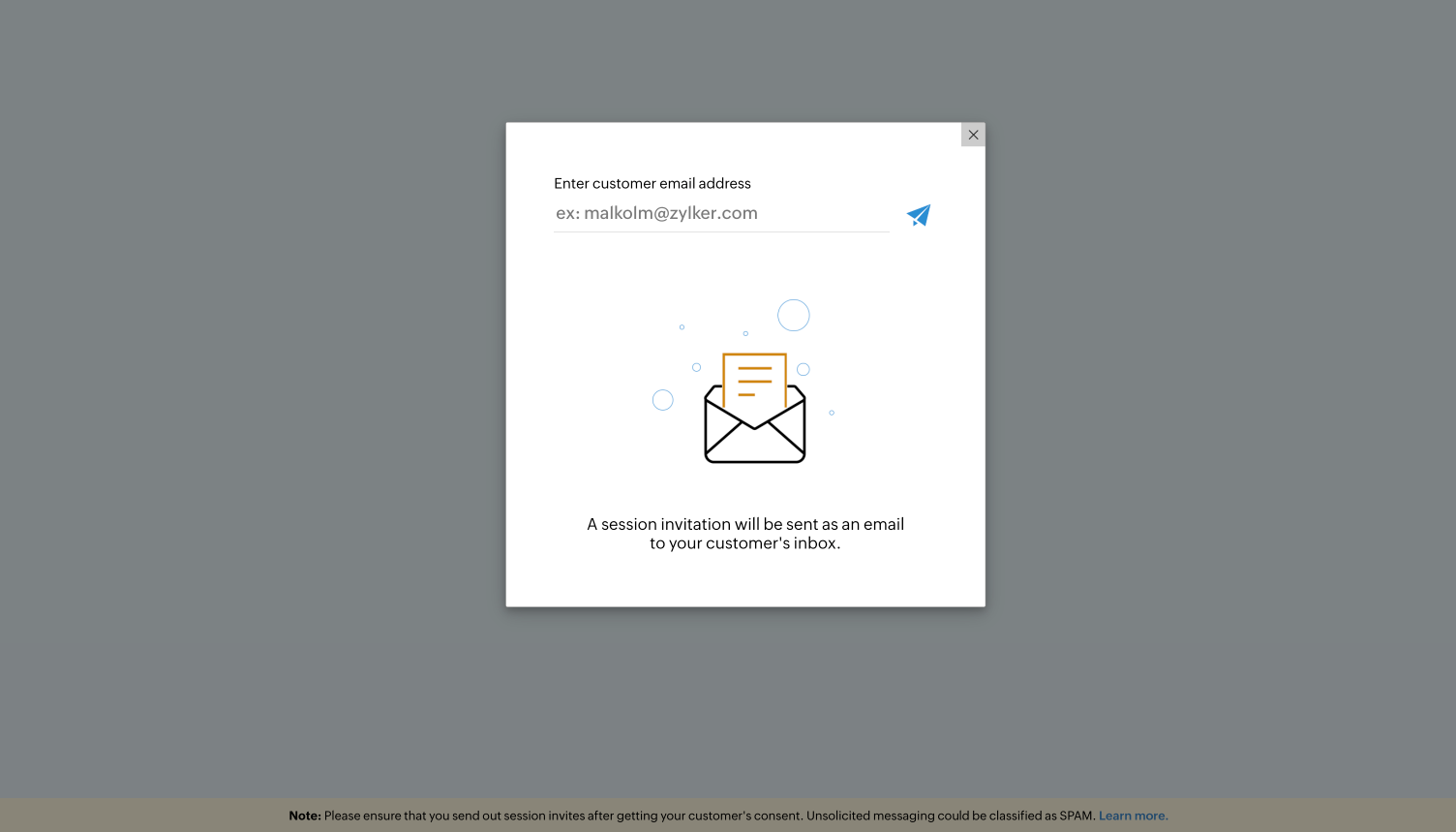
Enter your customer’s email address in the provided field and click Invite.
SMS Invitation
Enter your customer’s mobile number and click Invite to send the session details via SMS.
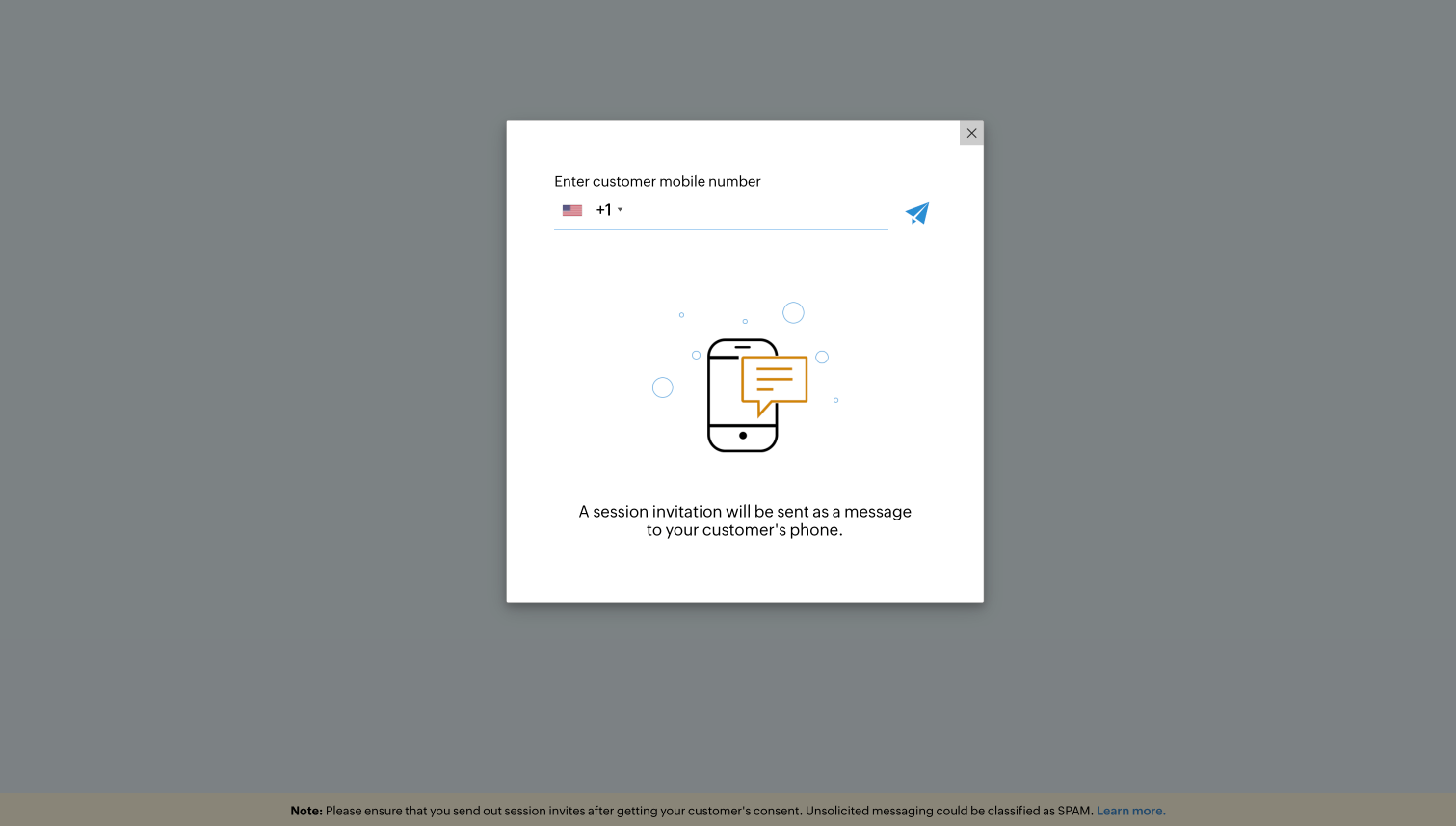
Enter your customer’s mobile number and click Invite to send the session details via SMS.
Send Link
Copy the invitation link and share it with your customer through IM or chat.
Copy the invitation link and share it with your customer through IM or chat.
Click here to learn the steps your customer needs to follow to join a session.