Fourth Insight - The power of Multi-Layouts
The Wheels of Ticketing - Desk Stories
The power of Multi-Layouts
 In the previous insights, we have established that layouts are the foundation for a ticketing system, and fields are the building blocks for the same system.
Fundamentals of layouts
Fields play a crucial role in helping customers and agents collect valuable end-user information to understand their concerns better. Organizations must prioritise collecting accurate data in the right format to ensure efficiency. It's essential to avoid overwhelming end users with unnecessary or confusing fields; clarity is key. Additionally, the layout of these fields should be thoughtfully classified based on the data collected from end users to provide a more intuitive and user-friendly experience.
Understanding multi-layouts
Multi-layout best practices
For a ticketing help desk system to support multiple layouts effectively, consider the following:
- Modular design: Streamline your ticket submission process into multiple services according to your business. Each service can be created as a layout. If there are common details between services, build this interface with reusable fields.
- Role-based preset: To simplify onboarding, pre-configure layouts connected to agent roles according to the solutions they provide to customers.
- Customisation engine: To ensure accurate information and help agents with all required information, include widgets using extensions and proper recommendations using tooltips.
- Responsive data integration: To avoid ticket creation latency, ensure only the required fields are added to the layout. Using layout rules, you can also make the design responsive based on the input.
- Performance optimisation: Validate the data given in the layout fields using validation rules to minimise the agent's load time on incorrect data.
- Accessibility: Design layouts with keyboard navigation, screen reader support, and high-contrast options to accommodate all users.
A story for better understanding
Streamlining Support with Multiple Layouts
This narrative illustrates how multi-layouts improve efficiency, adaptability, and the overall experience for agents managing customer support tickets.
At Help Point Innovations, a rapidly growing SaaS company, the customer support team faced challenges managing an overwhelming influx of tickets. While their help desk system was operational, it lacked flexibility and only provided a uniform ticket view, frustrating agents. Simple inquiries were often lost amid more complex technical problems, causing agents to spend unnecessary time navigating multiple tabs to locate information. This led to declining morale and increasing response times.
Enter Chandler, the new support operations manager, tasked with turning things around. He collaborated with the operations team to implement a new ticketing help desk system that supported multiple layouts tailored to different agent needs.
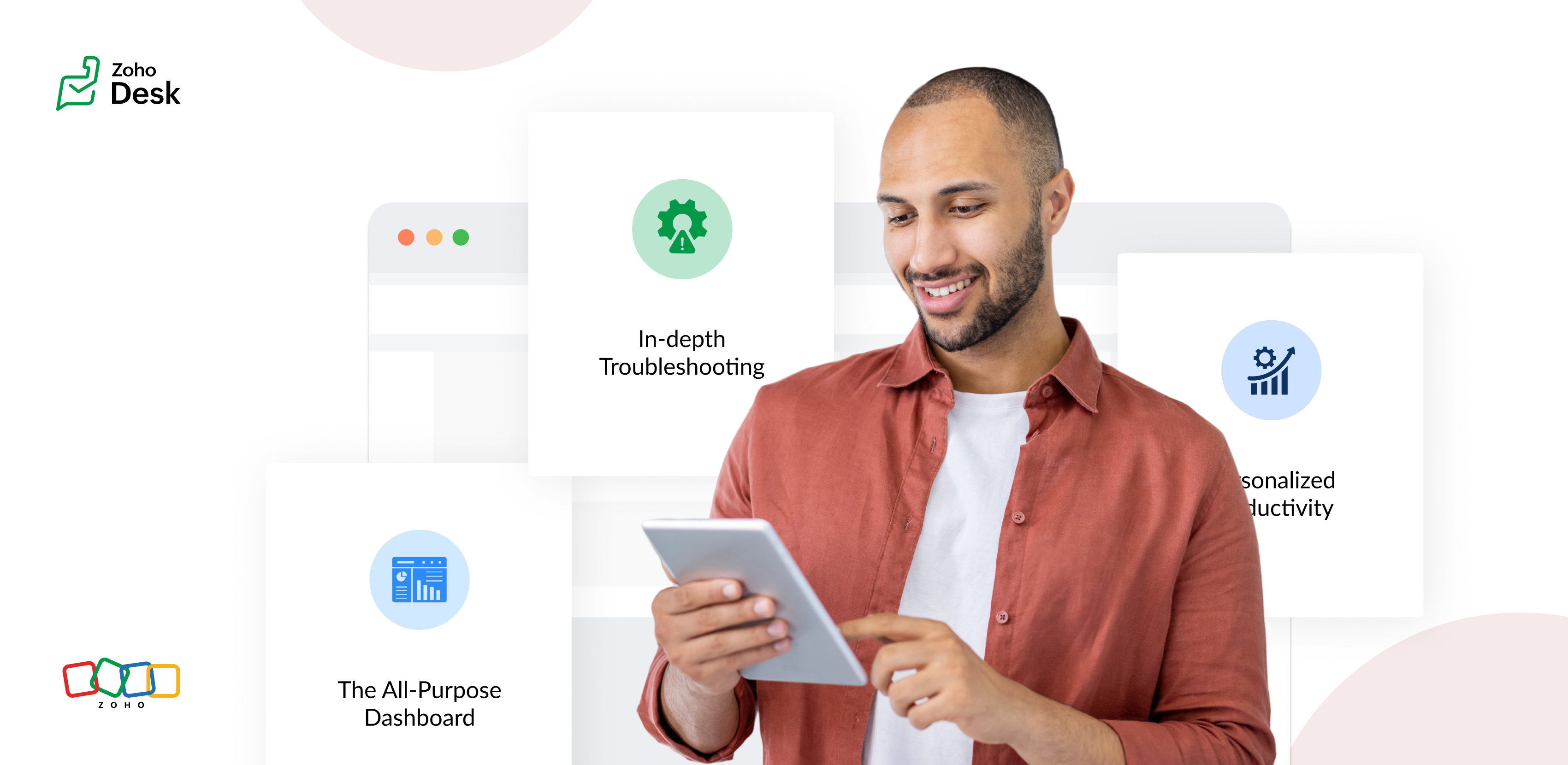
The Standard Layout – The All-Purpose Form
On his first day, Chandler shadowed Mike, a level 1 support agent handling general inquiries. Mike used the standard layout, a clean, streamlined form designed for quick ticket triage:
- Ticket list pane: A sortable list of open tickets with columns for ticket ID, customer name, priority, and subject. Filters let Mike focus on "New" or "High Priority" tickets.
- Ticket details pane: Clicking a ticket displayed the customer's message, purchase history, and a chat-like thread for internal notes and replies.
- Quick actions bar: Buttons for everyday actions like "Assign to Self," "Reply with Template," or "Escalate" were front and center.
Mike valued how the Standard Layout let him process simple tickets, like password resets or billing questions, in under a minute. For example, when a customer asked about a subscription refund, Mike pulled up the ticket, checked the purchase history in the details pane, and sent a pre-approved refund response using a template without leaving the screen.
The standard layout empowered level 1 agents to efficiently handle high-volume, straightforward tickets, reducing average response time by 30%.
The Tech Layout – In-depth Troubleshooting
- Expanded ticket details: The layout prioritized technical data, showing error logs, system diagnostics, and API call history alongside the ticket thread.
- Integrated tools pane: A sidebar linked to debugging tools, a knowledge base, and a code snippet library for quick reference.
- Collaboration panel: A dedicated space for real-time collaboration with developers via internal chat, with options to attach screenshots or screen recordings.
When a customer reported an API timeout issue, Lila used the technical layout to view the error log, cross-reference it with the knowledge base, and ping the dev team in the collaboration panel. She identified a rate-limiting issue, shared a workaround with the customer, and flagged the ticket for a permanent fix within 15 minutes.
The technical layout reduced resolution time for complex tickets by 40%, as agents had critical tools and data at their fingertips.
The Custom Layout – Personalized Productivity
Finally, Chandler met Riya, a senior agent who handled level 1 and 2 tickets. Riya had created a Custom layout to suit her unique workflow:
- Hybrid ticket view: Riya combined elements of the standard and technical layouts, with a compact ticket list and a detailed technical pane for quick switches between complex and straightforward tickets.
- Pinned widgets: She added widgets for her most-used tools, like a live chat monitor and a shortcut to her favorite response templates.
- Colour-coded priority: Riya customized the ticket list to highlight VIP customers in red and urgent tickets in yellow.
When a VIP client reported a critical issue, Riya's custom layout let her spot the ticket instantly, access diagnostic data, and respond with a personalized message in record time. Thanks to her tailored setup, she could easily pivot to handling a batch of routine tickets without missing a beat.
Custom layouts boosted agent satisfaction and productivity, as veterans like Riya could work in a way that matched their expertise and preferences.
The Transformation
Wrapping up
The key to success? Flexibility. By offering multiple layouts, standard for speed, technical for depth, and custom for personalization, he help desk system met the diverse needs of the support team and turned disorder into a well-oiled machine.
Please stay tuned for more Desk Module stories.
Cheers,
Kavya Rao
The Zoho Desk Team

Topic Participants
Kavya Rao Addepalli
Nederlandse Hulpbronnen

Recent Topics
Composite items inside of composite items; bill of materials needed
Hi Zoho and Everyone, I am evaluating whether Zoho Inventory will work for my small business. I grow and harvest herbs and spices but also get from wholesalers. I use all these items to make herbal teas, but also sell them as individual items on my Shopify store and Etsy. I discovered the composite item bundling and am wondering if I could get some assistance since there is no bill of materials: Our herbal company's best selling tea is a sleepytime tea. Sleepytime Tea can be purchased in three weightsAutomation Series: Sync Task Status with Zoho Desk Tickets
In Zoho Projects, you can automatically close and reopen an associated Zoho Desk ticket when the status of a task is changed. This syncs the current state of the task with the support ticket without manual updates. For instance, a support team handlingAuto-Generate Line Numbers in Item Table Using HTML & CSS Counters (Zoho Books & Zoho Inventory Custom Templates)
<div> <style> /* Start counter from 0 inside tbody */ tbody#lineitem { counter-reset: rowNumber; } /* Increment counter for each row */ tbody#lineitem tr { counter-increment: rowNumber; } /* Show counter value in first column */ tbody#lineitem tr td:first-child::beforeDoes zoho inventory need Enterprise or Premium subsrciption to make Widgets.
We have Zoho One Enterprise and yet we can't create widgets on inventory.Zoho CAMPAIGNS working hours
Hi I use Campaigns Automation workflows to automate follow-ups to my Leads. I discovered this weekend that emails are being sent out on Sundays. How do I limit my Campaigns outgoing emails to business working hours? This is very important! Thanks, DDepositing funds to account
Hello, I have been using Quickbooks for many years but am considering moving to Zoho Books so I am currently running through various workflows and am working on the Invoicing aspect. In QB, the process is to create an invoice, receive payment and thenCreate Receipt of a Donation (not a sale)
We are a non-profit organization that receives general donations. How do I create a receipt of payment for the donor and categorize the payment as a Gift? I tried the method of creating an invoice; however that automatically created a "Sales" transactionFunction #2: Create a Deal in Zoho CRM when an Estimate is created in Zoho Books
For those who use Zoho CRM integrated with Zoho Books, here's a nifty function that helps you optimize your sales process by adding a Deal in Zoho CRM whenever an estimate is created in Zoho Books. Custom Function: To create the custom function, go toNew Custom View -Sorting the Custom fields
While creating a New Custom View in invoice , Customers, Bills ,expense etc , the sorting of custom fields are not available , a query function "order by / sort by " may also be included in Define new criteria module which will be more beneficial toGrouping Undeposited Funds to Move to other accounts
In the bank option it would be nice to check what transactions in undeposited funds I want to move to other accounts. Then while checking this it can accumulate totals and created whats essentially a deposit slip. Once the transaction is moved it shouldSync your CRM Tasks with Zoho Projects
Zoho Projects integration with Zoho CRM helps you manage your tasks more efficiently. You can create all project related activities right inside your CRM using this integration. Create new portal or associate an existing portal, add projects to the portal,Zoho CRM strips whitespace in text fields
When editing field text with multiple spaces: CRM - both UI and API trim / compress the whitespace to a single space when saving: Is this known / expected / documented behaviour?Custom Button makes scroll bar go down in report
I have a report with a Custom button called Completed. A colleague mentionned to me that when he pressed this custom button it scrolled down the page which is annoying since he want to stay at the same space on the repoort. There is no reload linked toQuickbooks Integrations Stopped Working
All of our Quickbooks integrations have stopped working. I am checking in to see if: a) this is a known issue b) if anyone else is having this issue. As usual, Zoho support is unavailable.Uplifted homepage experience
Editions: All editions. Availability update: 17th February 2026: All editions in the CA and SA DC | JP DC (Free, Standard and Professional editions) 23 February 2026: JP (All Editions) | AU, CN (Free, Standard, Professional editions) 27 February 2026:WeTravel + Zoho CRM Integration - Has Anyone Built a Connector or Extension?
Hi all, I'm exploring options for integrating Zoho CRM with WeTravel (booking & payment platform for tour operators). Zapier seems to be the common method but seems limited. I'm wondering if anyone in the community has developed a more comprehensive solution,Option in pipeline deal to select which hotel or branch or store if client has more than one local store
Hi, I would like to know if there is an option in the deal pipeline to select which hotel, branch, or store a deal is related to—if the company has more than one location. For example, I have a client that owns several hotels under the same company, andUndo article like/dislike
It seems to be not possible to undo your like/dislike for an article. Would be great if you can. Kind regards, HelenNested notebooks
Dear Sir/Madam, I would like to know if it is possible to nest notebooks. It would be very helpful when there are too many, as it would improve organization. Thank you for your response. Best regards.Tax in Quote
Each row item in a quote has a tax value. At the total numbers at the bottom, there is also a Tax entry. If you select tax in both of the (line item, and the total), the tax doubles. My assumption is that the Tax total should be totalling the tax fromDynamically Fetching Lookup Field Display Value
I have an audit trail form, Audit_Changes, that tracks old vs new values across different forms. For lookup fields, the old/new value is the ID, but I also need the display value. What's a best practice for dynamically fetching the display value of theStop Scrolling, Start Asking: Meet Zia for Your Files
Hey everyone 👋 The era of 'scrolling and searching' is officially over. Whether it's a dense legal contract or a long meeting recording, searching for specific details is a massive time-sink. We think you should be able to interact with your files, notHow do I open MSG files in Microsoft Word?
If you want to open MSG files in Microsoft Word is not natively supported, as MSG is an email file format created by Microsoft Outlook. However, there are professional approaches to access MSG content in Word. First, open the MSG file in Outlook and copyUnable to charge GST on shipping/packing & Forwarding charges in INDIA
Currently, tax rates only apply to items. It does not apply tax to any shipping or packing & forwarding charges that may be on the order as well. However, these charges are taxable under GST in India. Please add the ability to apply tax to these charges.How to add packing & forwarding charge in purchase order & quotation???
Hello Zoho Team I have just started using Zoho for my company and I wanted to make purchase order. My supplier charges fix 2% as packing & forwarding on Total amount of material and then they charge me tax. For example, Material 1 = 100 Rs Material 2How to create a boxplot chart in Zoho Analytics?
Hi, I'm looking forward to making a boxplot in Zoho Analytics, either with all my data or with a time segmentation. No documentation or YouTube video explaining that was found. I guess this is a feature gap. How feasible would it be to add this to Analytics?What are the create bill API line item requiered fields
While the following documentation says that the line items array is requiered it doesn't say what if any files are requiered in the array. Does anyone know? API documentation: https://www.zoho.com/inventory/api/v1/bills/#create-a-bill I'm trying to addBudget function?
Has there been any progress on the development of a budget function in Zoho Books / Invoice? It's impossible to grow/run a business without some kind of budgeting. If I've missed something, apologies, but there seems little point in using Zoho Books without a budgeting function. Otherwise, I'm very impressed with the Zoho apps and the support. Keep up the great work.Where is the settings option in zoho writer?
hi, my zoho writer on windows has menu fonts too large. where do i find the settings to change this option? my screen resolution is correct and other apps/softwares in windows have no issues. regardsUsing IMAP configuration for shared email inboxes
Our customer service team utilizes shared email boxes to allow multiple people to view and handle incoming customer requests. For example, the customer sends an email to info@xxxx.com and multiple people can view it and handle the request. How can I configureWhen Does WorkDrive integrate with Books?
When Does WorkDrive integrate with Books?POP mailbox limits
If I am accessing a remote POP mail server using Zoho Mail is there a mailbox quota for the account or is it all related to my mail account storage limits?Warranty Service and Repair in Zoho FSM
Hi There, We are a retail store that sells products and also performs installations and repairs. Our field technicians handle this work. Some repairs are covered by manufacturers, who reimburse us for both parts and labour. In these cases, we performSPF: HELO does not publish an SPF Record
I am using Zoho mail. Completed all of the required prerequisites from the dashboard to avoid any issues with mail delivery. But when checking on mail-tester.com getting the following error. Can anyone help me solve this?Regarding the integration of Apollo.io with Zoho crm.
I have been seeing for the last 3 months that your Apollo.io beta version is available in Zoho Flow, and this application has not gone live yet. We requested this 2 months ago, but you guys said that 'we are working on it,' and when we search on GoogleActual vs Minimum
Hi all, I am sure I am not the only one having this need. We are implementing billing on a 30-minute increment, with a minimum of 30 minutes per ticket. My question is, is there a way to create a formula or function to track both the minimum bill vs theGenerate leads from instagram
hello i have question. If connect instagram using zoho social, it is possible to get lead from instagram? example if someone send me direct message or comment on my post and then they generate to leadKaizen #234 - Automating Deal Handoff with Zia Assistant API, Workflow, Deluge, and Widget in Zoho CRM
Hello all! Welcome back to a fresh Kaizen week. In this post, we will explore how to automate the deal handoff process in Zoho CRM using Zia Assistant API + Workflow + Deluge + Widgets. Here’s how the final output looks when a deal is reassigned 1. DealHow do you print a refund check to customer?
Maybe this is a dumb question, but how does anyone print a refund check to a customer? We cant find anywhere to either just print a check and pick a customer, or where to do so from a credit note.Ability to assign Invoice Ownership through Deluge in FSM
Hi, As part of our process, when a service appointment is completed, we automated the creation of the invoice based on a specific business logic using Deluge. When we do that, the "Owner" of the invoice in Zoho FSM is defaulted to the SuperAdmin. ThisNext Page