Custom Function - Searching Keywords in Latest Email Reply from Customer
Hi All,
I got provided from ZoHo Support the below sample custom function to use for ZoHo Desk.
This function is supposed to search for specific keywords within a customer's most recent email reply to a ZoHo Desk ticket and then send out an email alert (if it finds those keywords).
code shown below:
orgId = XXXXXX; // replace orgId
//add the required keywords
keywordsList = {"Complaint","Issue","Problem"
//============================
logs = Collection();
doesThreadContainRequiredKeywo
latestThreadData = invokeurl
[
url :deskURL + "/api/v1/tickets/" + ticketId + "/latestThread"
type :GET
connection:"zohosupport"
];
logs.insert("latestThreadData"
threadContent = latestThreadData.get("content"
for each currKeyword in keywordsList
{
if(threadContent.
{
doesThreadContainRequiredKeywo
break;
}
}
logs.insert("
if(
{
templateId = "3337XXXXXXXX"; // replace templateId
Template = invokeurl
[
type :POST
connection:"zohosupport"
];
sendmail
[
from :zoho.adminuserid
subject :Template.getJSON("subject")
message :Template.getJSON("body")
]
}
info "Logs:" + logs;
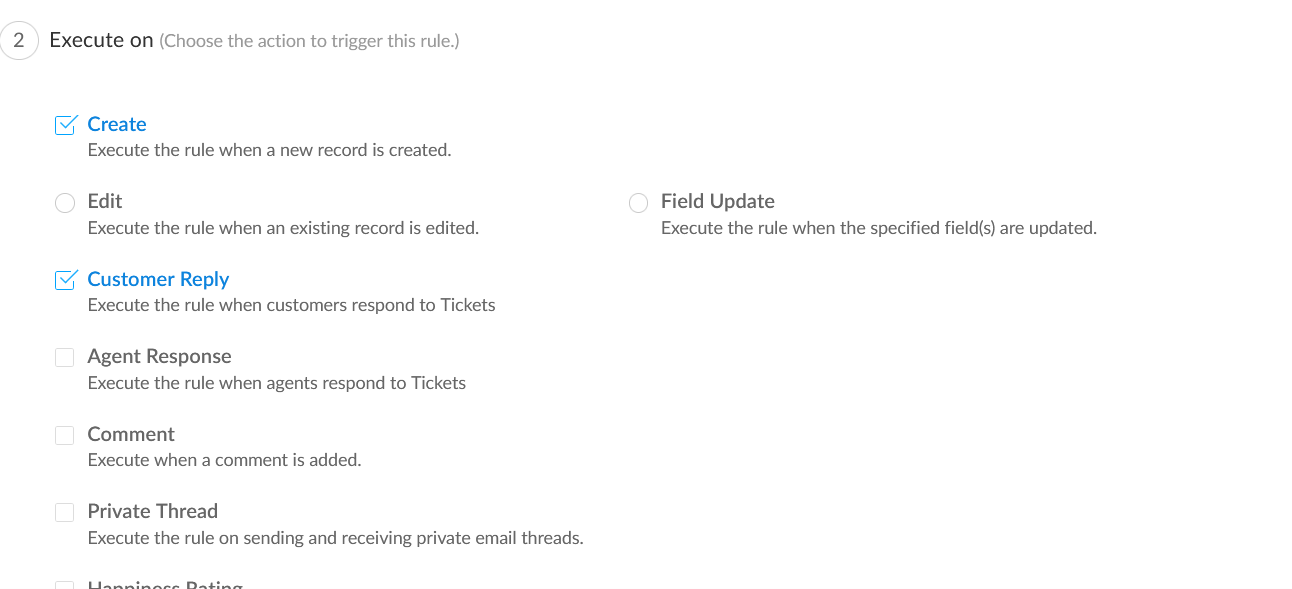
I setup the above custom function and enabled it for a workflow
I set it to execute on:
create & customer reply
However, I started getting email alerts if a keyword was used in an earlier email reply to the ticket.
e.g.
ticket #12345
A customer's most recent reply (2/21/2024) to ticket #12345 would not have any of the keywords listed in keywordsList. But I still got an email alert.
But when I looked at previous customer emails to that same ticket, I did see that keyword in a previous email the customer sent (2/10/2024).
Looking at the code it seems like the logic is to search the entire thread, rather than the most recent one. Wondering if it can be modified to search for the most recent thread (aka customer reply).
Best,
Chris