Scheduled Reports missing charts
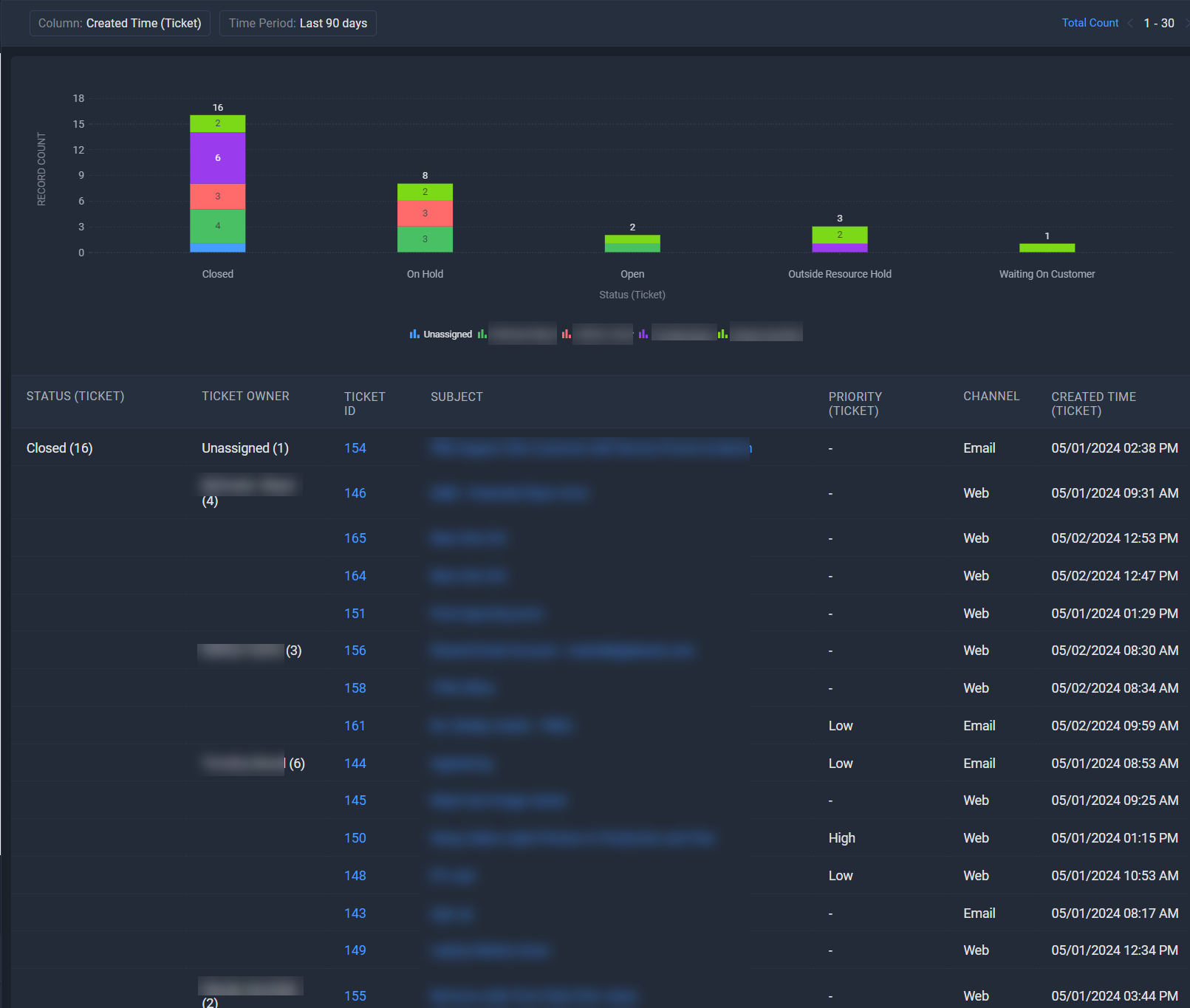
I've scheduled a report in my Zoho Desk application. While looking at the report from a browser, it has the chart at the top and the supporting data underneath it.
When I schedule the report and email it as a PDF, the report is missing the chart at the top. See the 2 pics below for an example.
From Zoho Desk (Chrome Browser):
PDF Generated from scheduled report:
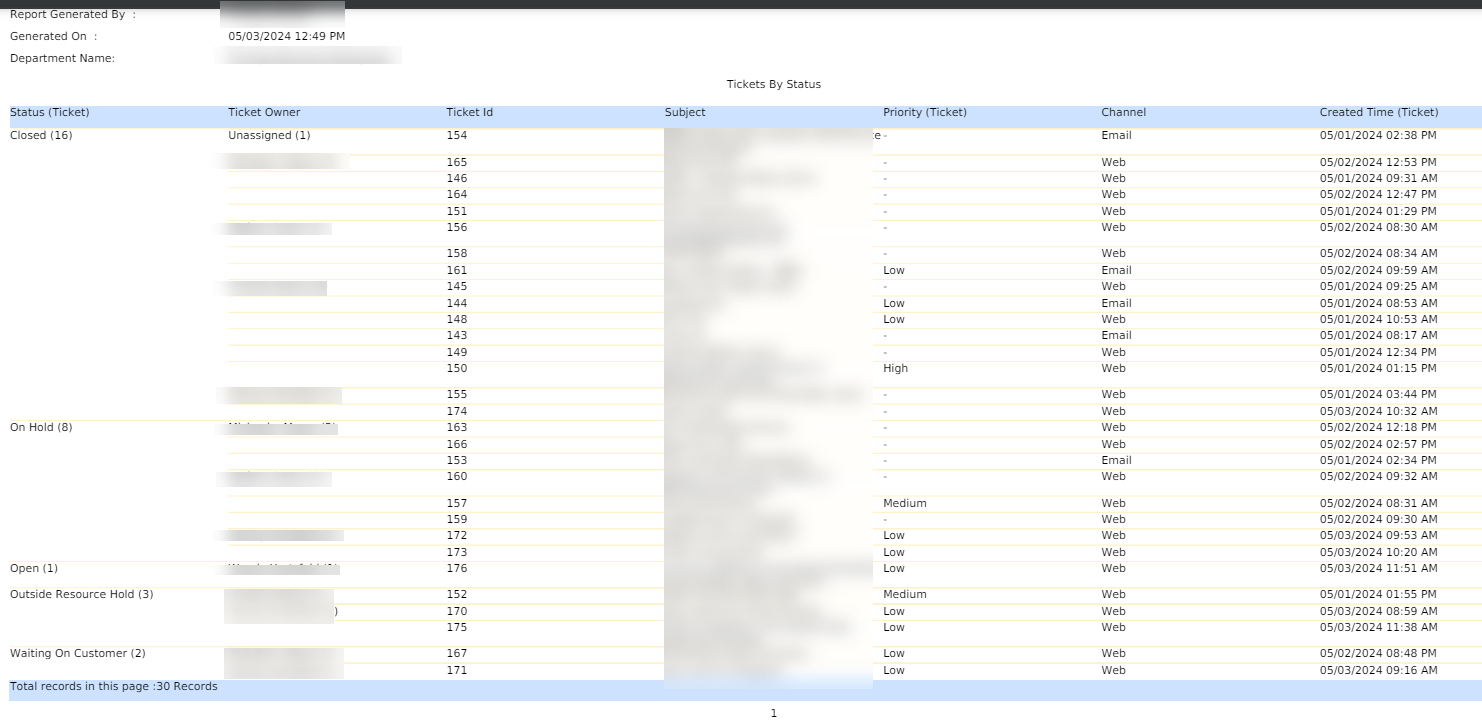
Any thoughts on how to get the bar charts to be included in the PDF?