Send notification to Zoho Cliq when submitting a form in Zoho Creator
Did you know that you could send a notification to your Cliq after submitting a form in Creator? After creating your application and designing your form, follow these steps :
a. Creating a workflow:
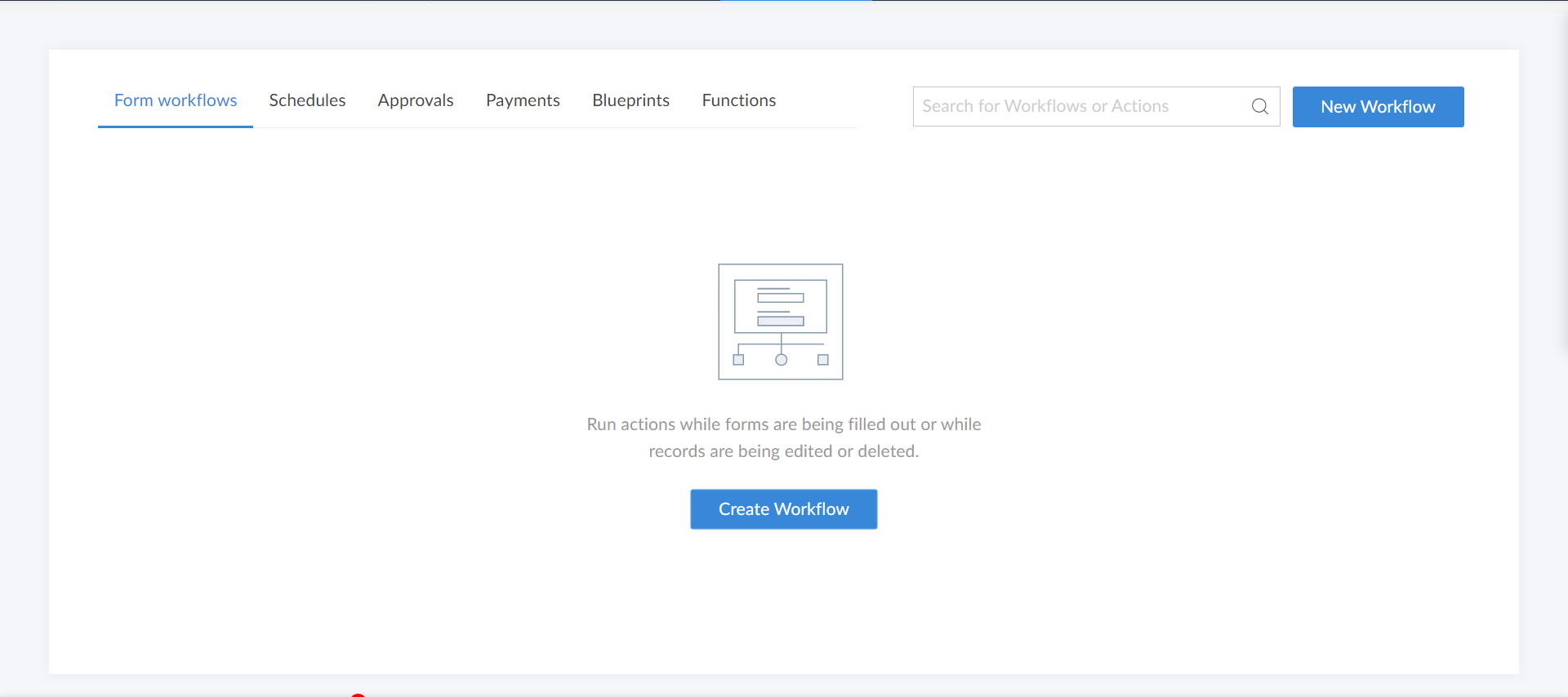
1. Go to your application.2. Go to the Workflow tab and create a new workflow.3. Choose your form.4. Choose to run the workflow when a record is created.5. Select the workflow to trigger on successful form submission.6. Enter a name for your workflow and click on "Create Workflow".7. Now in the workflow, create a new action.
b. Adding an action to the workflow:
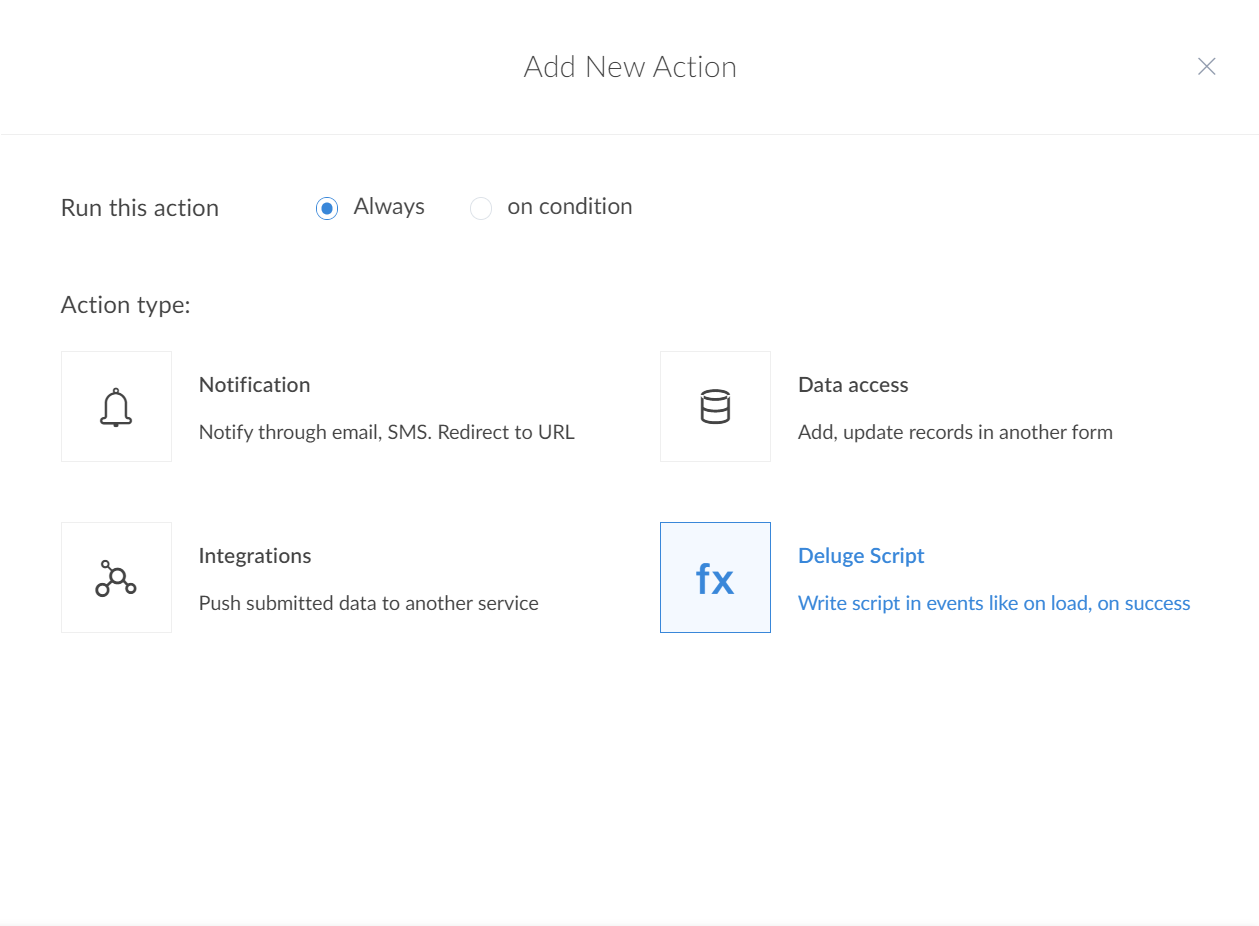
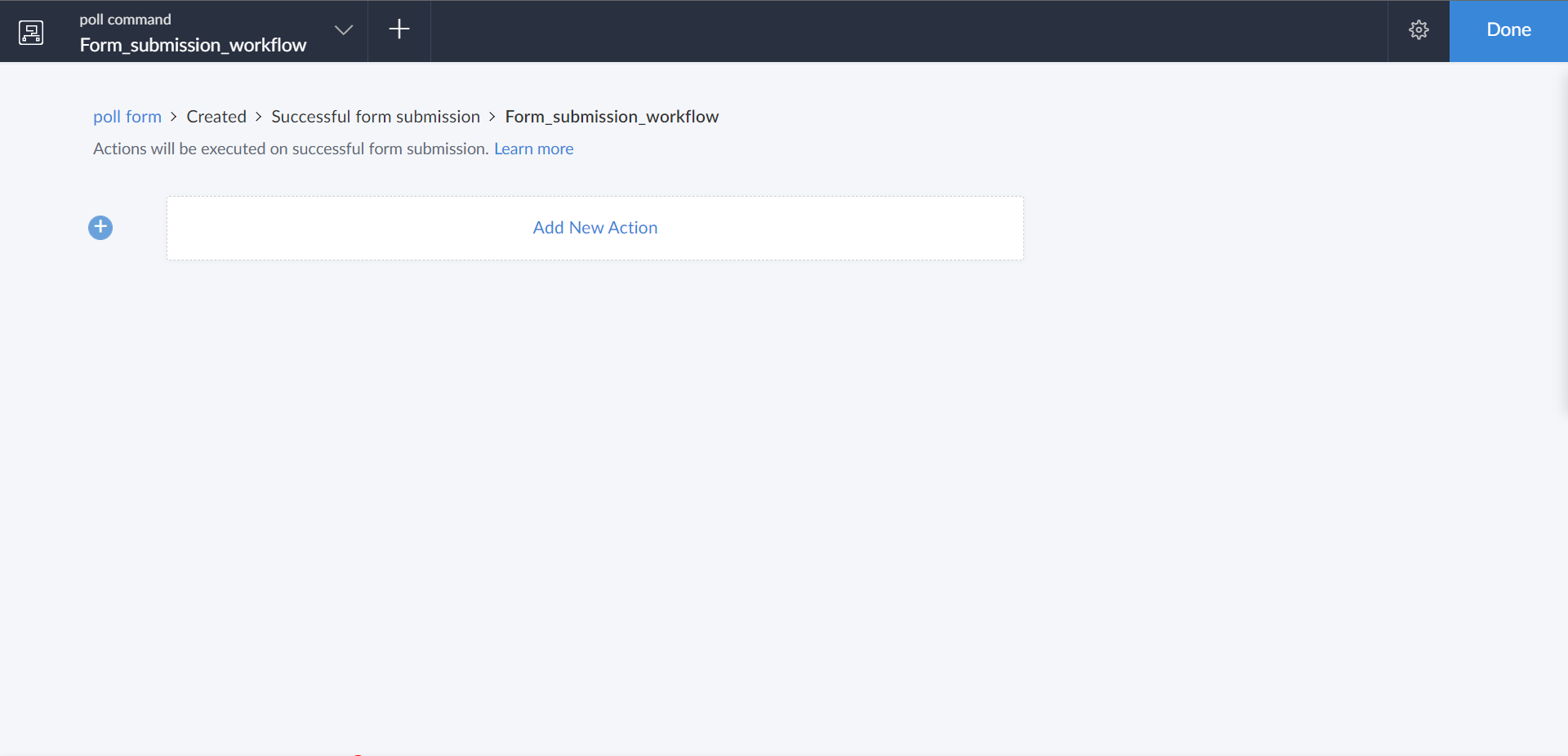
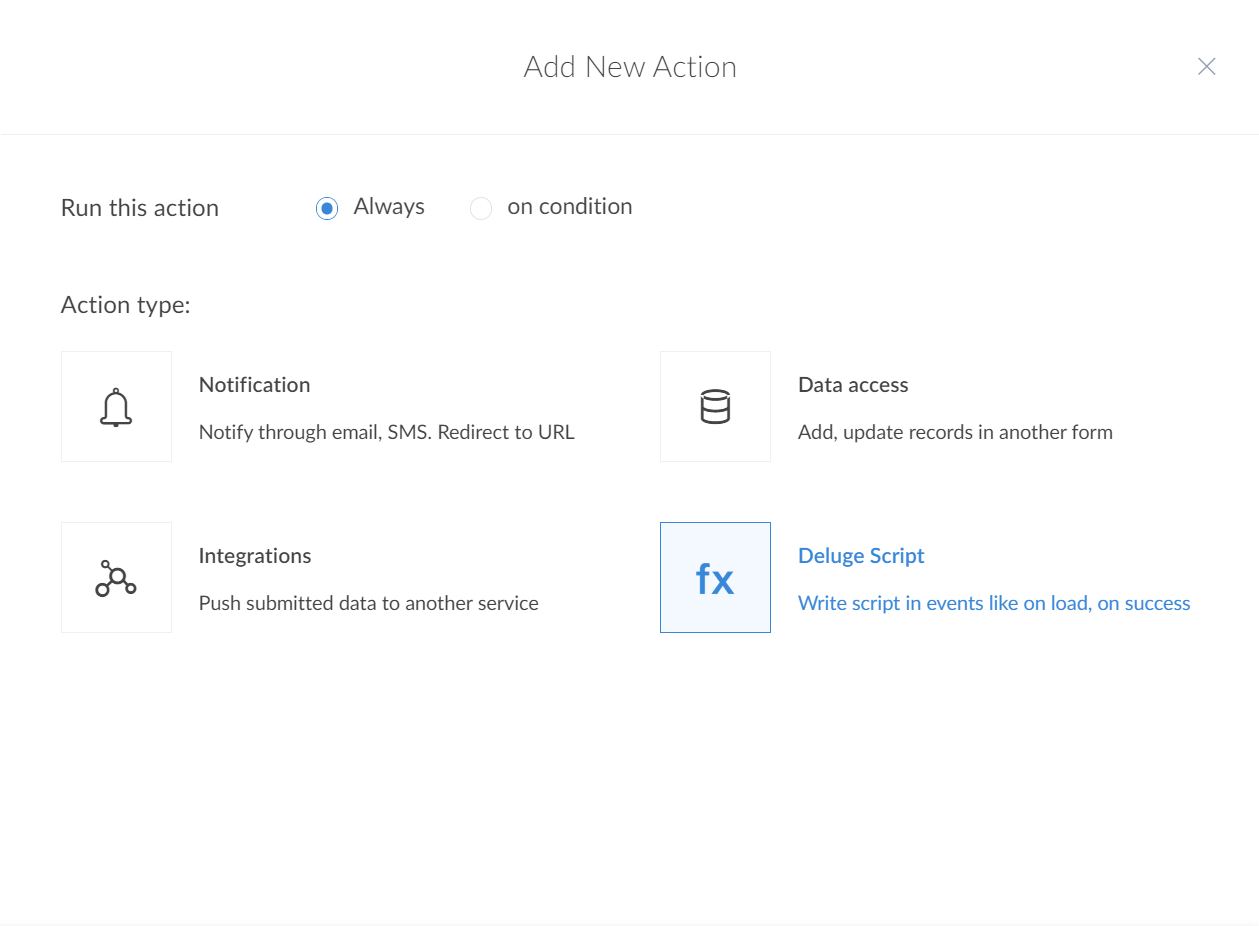
1.Under the workflow, create an action by clicking on the "Add new action" button.2.Make sure the action always runs and choose the action type as Deluge Script.3.Now copy the code below and paste it there.
- name = input.Name;
- email = input.Email;
- choice = input.Gift_choice;
- //you will have to change these above inputs based on your form
- postMessage = {"text" : name +" has successfully submitted the form. They have opted for "+ choice};
- postMessage = {"text":name + " has successfully submitted the form. They have opted for " + choice+". \n[Poll your choice]($1)","references":{"1":{"type":"button","object":{"label":"Poll your choice","action":{"type":"open.url","data":{"web":"<FORM_URL>"}},"type":"+"}}}};
- zoho.cliq.postToChannel("<CHANNEL_UNIQUE_NAME>",postMessage);
4. Replace the <CHANNEL_UNIQUE_NAME> with the unique name of the channel in which you want the notification to be posted.5. Replace the <FORM_URL> with the URL of your form.6. Now click on save. That's it. You have successfully created a workflow to automatically push notifications in Cliq whenever the form is submitted in Creator.
Note: You can use the post to channel task if you want to post the notification with the details, whenever a user has filled the form, so it's easy to track information. Or you can use the post to bot task, if you want to the answers of a user's poll to be anonymous. This will post the notification to only the user through the bot, so only they can see that notification.